Topcom HB 10M00 Manuel utilisateur

HB 10M00
USER GUIDE
HANDLEIDING
MANUEL D’UTILISATEUR
V 1.0, 11/08

UK The CE symbol indicates that the unit complies with the essential
requirements of the directive 89/336/EEC.
NL Het toestel voldoet aan de basiseisen van de richtlijn 89/336/EEC. Dit wordt
bevestigd door de CE-markering.
FLa conformité de l’appareil avec les exigences fondamentales de la directive
européenne 89/336/EEC relative aux terminaux, est confirmée par
le label CE.
UK The features described in this manual are published with reservation to
modifications.
NL De in deze handleiding beschreven mogelijkheden worden gepubliceerd
onder voorbehoud van wijzigingen.
FLes possibilités décrites dans ce manuel sont publiées sous réserve de
modifications.
This product is in compliance with the essential requirements and other relevant provisions of the R&TTE directive 89/336/EEC.
The Declaration of conformity can be found on :
http://www.topcom.be/cedeclarations.asp

TOPCOM HB 10M00
ENGLISH
3
1 INTRODUCTION
Congratulations on your purchase of the HB 10M00. This system is
designed for fitness and Sport training. We hope that you will enjoy using
the Heart Meter/ GPS pod and the benefits of the wireless transmission to
send/receive data to/from the controller or to PC. In exercise or sports, your
heart naturally speeds up in pumping blood to the body in accordance with
the increased energy level. The Heart Meter can calculate this increase
expressed as the number of beats per minute (bpm) to determine a target
heart rate safe for each individual.
With the GPS tracking ability this system can be used for outdoor activities
like hiking, biking, etc. On the other hand, functions for indoor exercise like
chronograph, timer, heart rate monitor in combination with the pedometer
are also suitable with this system.
With the data stored on your PC, you can transfer it to programs like Google
Earth, SportTracks, Perfect Session, ...to analyze it or to track it back later.
2 SAFETY NOTES
Using a Heart Monitor is NOT a substitute for professional medical
attention. If you suffer from heart disorder, illness or have recently taken up
fitness training, it is advisable that you seek a doctor or talk to your trainer
and work out a fitness plan that suits you.
The watch should only be used as a guide in maintaining a safe heart beat
rate for exercises. It should NOT be relied upon as a medical heart rate
monitor. If you are uncertain about how your exercise program will impact
on your heart, please consult a physician.
3 CARE AND MAINTENANCE
DO NOT expose the watch to extreme weather conditions or cleaning
agents and solvents. Avoid dropping or rough handling of the watch. Avoid
fastening the strap too tightly. Clean the watch with a dry soft cloth or a soft
cloth moistened with water and mild detergent. Store the watch in a dry
place when not in use.
More information about the target heart rate zone, maximum
heart rate etc... can be found on:
www.topcom.net/sports/heartbeat.asp

TOPCOM HB 10M00
4
4 CHANGING THE BATTERY
If you are not confident with electronics, let the battery be changed by a
professional. Do not open the watch yourself.
4.1 WATCH & CHEST BELT
1.Turn the battery cover with
a coin counterclockwise
until the arrow is pointing to
the arrow.
2.Turn the cover gently further
to pop it out.
3.Put the battery cover aside.
4.Remove the empty battery.
5.Insert a new CR2032 bat-
tery, the (+) side of the bat-
tery must touch the ‘L’-
shaped metal contact.
6.Make sure the sealing rubber O-ring is placed correctly in its slot before
the battery cover is closed.
7.Put the battery cover back with the arrow on the cover pointing to the
arrow, and then press the cover down gently until it is on the same level
as the surface.
8.Turn the cover with a coin clockwise until the arrow is pointing to the dot.
4.2 GPS POD
The GPS pod has a build-in battery which can’t be removed/replaced
unless you send it out for repair. Please follow the repair instructions if the
battery of your GPS pod doesn’t work anymore.
5 POWER SAVE MODE
This watch is sold with a power save function so that the battery can last
longer. To turn this watch (display) on, press any key.
To activate the power save mode press the LAP/RESET key [ ] for
5 seconds in time mode.
THE WATCH AND CHEST BELT HAVE ALREADY A
BATTERY INSIDE, so no need to place this battery when you
just bought it. To turn the watch on see “5 Power save mode”.

TOPCOM HB 10M00
ENGLISH
5
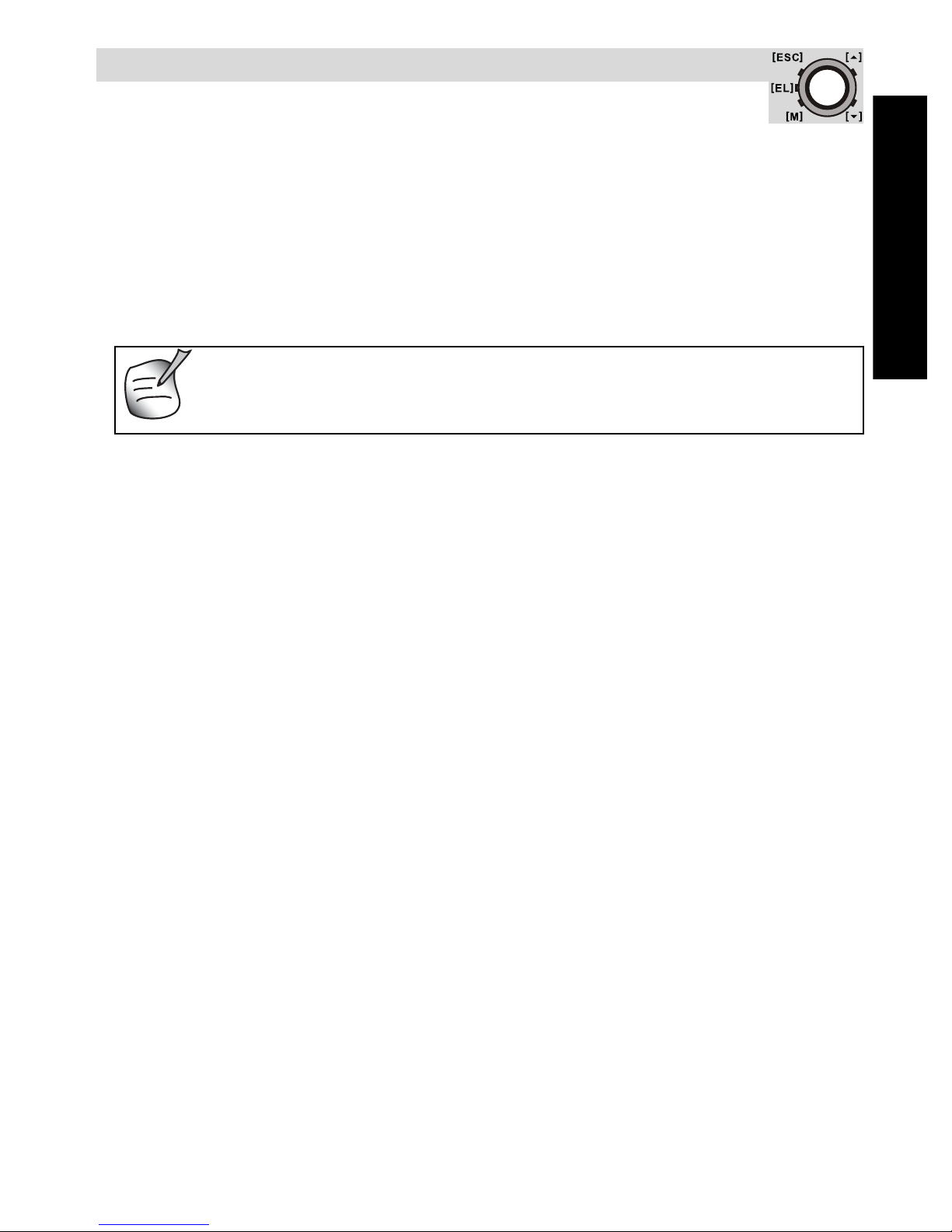
6 BUTTONS
6.1 MASTER RESET
Press and hold [M],[]and []simultaneously to reset the watch.
All set information will be lost, also the time!
6.2 BACK LIGHT
Press the [EL] key to active the back light of the display for 3 seconds.
Mode Button [M] (MODE/SET)
• To select the current function or menu.
• Hold down to select setting mode. In
setting mode: To select among the setting
items.
Escape Button [ESC] (LIGHT/ESC)
• To select between timekeeping and sensor
mode.
• To exit from setting mode.
• To go back to previous screen or function
level.
Up Button [ ] (ST./STP.)
• To scroll the menu upward.
• To activate the 'start' or 'stop' function
under chronograph, timer, pacer mode.
• To increase the setting value during
setting.
Down Button [ ] (LAP/RESET)
• To scroll the menu downward.
• To activate the lap function during
chronograph mode and reset function
during chronograph (hold down), timer
and pacer (hold down) mode.
• To decrease the setting value during
setting.
Light button [EL]
• To turn on the backlight for a few seconds.
[ESC]
[M]
[]
[]
[EL]

TOPCOM HB 10M00
6
7 TO SET THE GENERAL ITEMS
- Time: setting the Second,Minute,Hour and Hour Format.
- Date: setting the Year,Month and Day.
- System: setting the LCD (contrast), Sound (key tone and chime),
Light (normal and night), Pair (pair the chest strap and GPS pod with
the watch, see “7.1 To pair the watch with the chest belt and GPS
pod”).
- User: setting the Gender,Birthday,Height,Weight and Stride (walk
and run).
- Unit: setting the Speed (Km/h, mi/h and knot) and others (Metric and
Imperial) units.
• When Light is set to night mode, every key press will turn
on the backlight.
• The Stride can easily be measured by walking or running
100 m (= 10000 cm) and counting the steps. Divide 10000
by the amount of steps and you get the stride in cm.
Current time mode
Setting menu
Change the setting
value
Change the setting
value faster (for some
settings)
hold [M]
[ESC]
[]or
[]
hold [ ]
or [ ]
* Press []to move selection in the reverse direction.
Setting display
[M]
[ESC] []*
[]*
[]*
[]*
[]*

TOPCOM HB 10M00
ENGLISH
7
7.1 TO PAIR THE WATCH WITH THE CHEST BELT
AND GPS POD
The chest belt and GPS pod is normally paired with the watch when bought.
If battery is replaced or after a reset the chest belt/GPS pod has to be paired
again.
During the pairing:
• The heart rate chest strap must be worn on the chest or press the two
contacts (i.e. heart rate signal is sampling).
• The GPS pod must be turned on (see “10.4.1 Turning it on/off”).
Note:
• The product has been paired before the shipment.
• For some instance, the chest strap and GPS pod can be paired with the
watch again by the steps mentioned above.
8 TIMEKEEPING - SENSOR MODE MAIN MENU
There are 2 menu’s you can enter by briefly pressing the [ESC] key:
timekeeping menu and sensor menu. To scroll between both menu’s press
the [ESC] key.
Once you are in the selected menu you can scroll with the up/down []/[]
keys between the other modes.
Current time mode [M]
[M]
hold [M]
Pairing completed
chest strap
[]
[]
GPS pod

TOPCOM HB 10M00
8
Note:
• The corresponding operation mode will show after 3 seconds or press
[M] to show the operation mode immediately.
• Press []to move the selection in the reverse direction.
Current time
mode
front page
Daily alarm mode
front page Chronograph
mode
front page
Timer mode
front page
Pacer mode
front page
Dual time mode
page
Timekeeping
function
mode
Sensor
function
mode
[ESC]
[]
[]
[] []
[]
Distance mode
front page Heart rate mode
front page User mode
front page
Scale mode
front page
Logbook mode
front page
[]
[]
[]
[]
[]
[]

TOPCOM HB 10M00
ENGLISH
9
8.1 TIMEKEEPING MENU ITEMS
8.1.1 Daily or weekly alarm mode on/off
This watch includes 2 alarms for home time.
When the daily alarm is on, the watch will beep for 30s at the alarm time
every day. When the weekly alarm is on, the watch will beep for 30s at the
alarm time on the set day. When the alarm beeps, press any button to stop
the alarm.
Current time mode
front page Daily alarm mode
front page Chronograph mode
front page
Dual time mode
front page Pacer mode
front page Timer mode
front page
Timekeeping function mode
[][]
[]
[]
[]
[]
Alarm 1 Alarm 2
Daily alarm
Weekly alarm
Alarm on
Alarm off
Daily alarm mode
Alarm time
[]
[]

TOPCOM HB 10M00
10
Note:
Set the alarm 2 with the above similar process.
8.1.2 Use the chronograph
• The chronograph counts up to 99 hours, 59 minutes and 59
seconds and has a memory of 50 laps.
• Chronograph logs, e.g. lap time, maximum/average/minimum
lap time, etc can be uploaded to PC for review.
See “11.3.1 Download /analyse from watch” for more details.
Daily alarm
mode
daily/weekly
alarm
hour
minute
Daily alarm
* Press the []button to move the selection by reverse
order.
hold [M]
[ESC]
Weekly alarm
hold [ ] or [ ]
[]or[]
[M]
[M]
Change the setting
value
Change the setting
value faster (for some
settings)
Table des matières
Langues :
Autres manuels Topcom Montre

Topcom
Topcom HBM Sensor Watch 2002 Manuel utilisateur

Topcom
Topcom HB 4F00 Manuel utilisateur

Topcom
Topcom HB 4M00 Manuel utilisateur

Topcom
Topcom HB 6M00 Manuel utilisateur

Topcom
Topcom HB 4F00 Manuel utilisateur

Topcom
Topcom HBM DUO WATCH 2500 Manuel utilisateur

Topcom
Topcom HB 2F00 Manuel utilisateur

Topcom
Topcom OUTDOOR SPORTSWATCH 2000 Manuel utilisateur

Topcom
Topcom Butler 1000 Manuel utilisateur

Topcom
Topcom Speedopulse 1000W Manuel utilisateur