Hand Control Programming-TDH27P
9.Adjusting built-in T-touch or TCS1 sensitivity
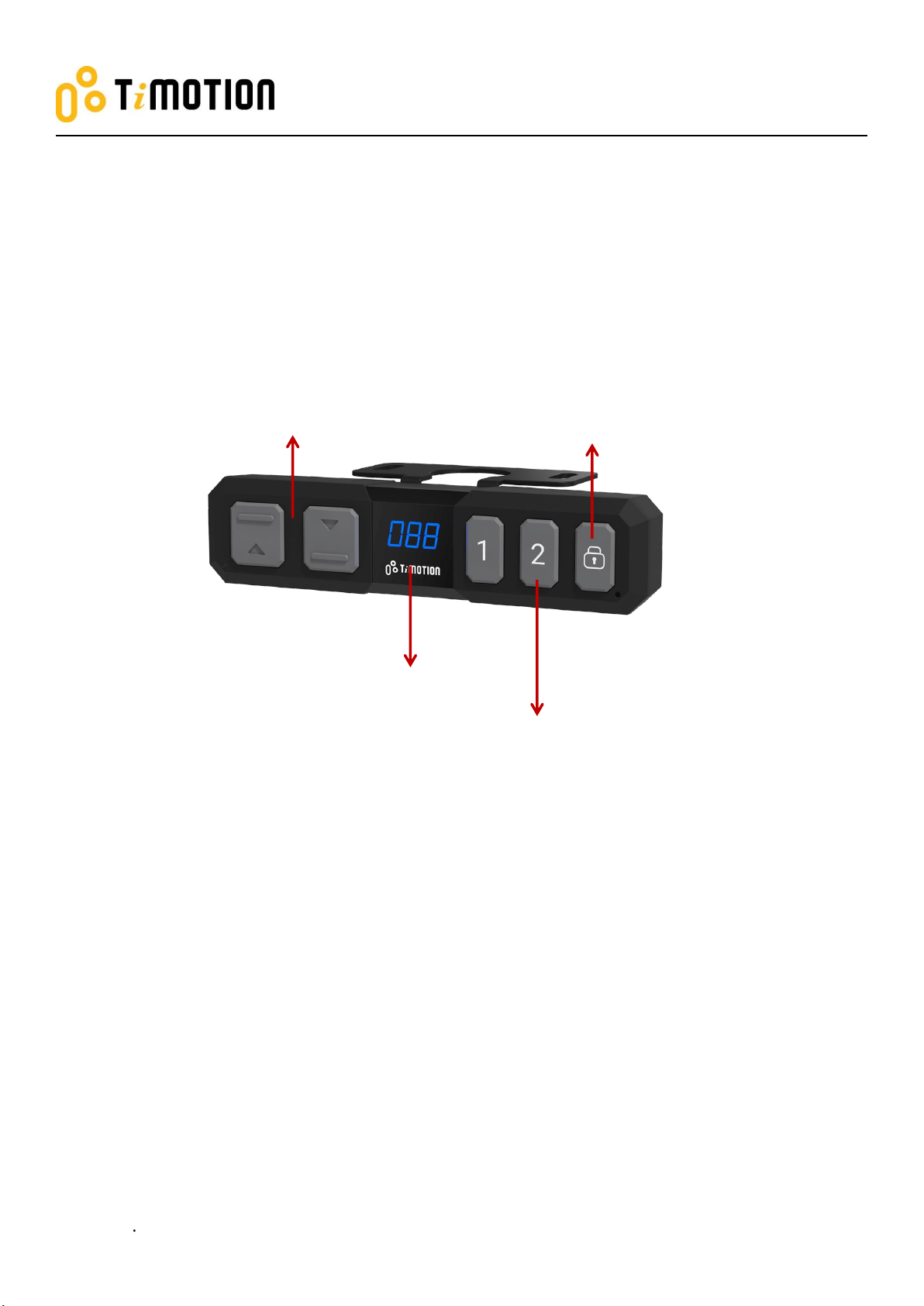
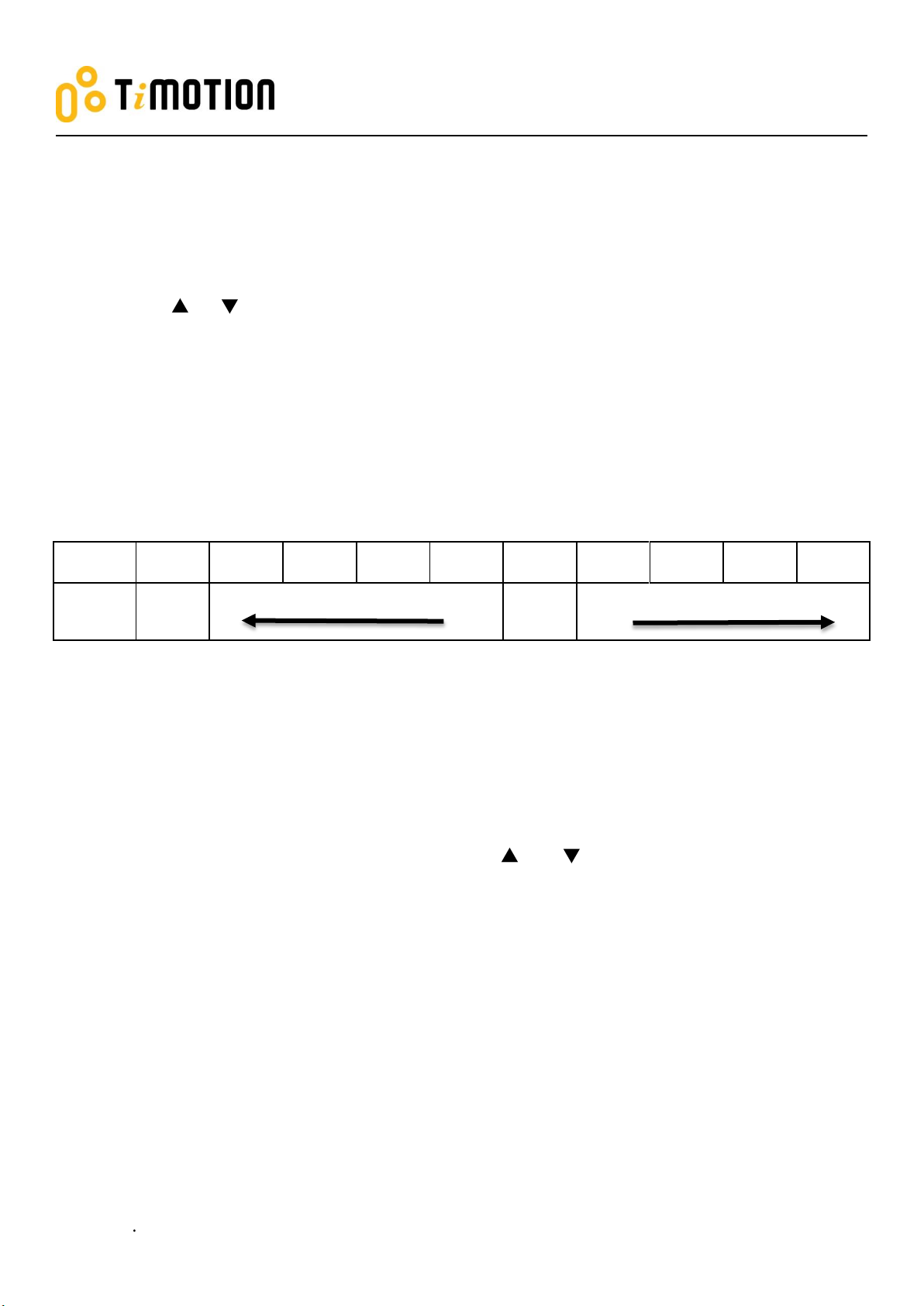
1. Press memory buttons 1 & 2 for 5 seconds; the display will show the current sensitivity level (0~9) by
flashing. (Note 4)
2. Press the or button to adjust the sensitivity level. If no button is pressed within 5 seconds, the
system will resume normal operation mode.
3. After adjusting, press memory buttons 1 & 2 again (or wait for 5 seconds), and the handset will go back
to normal operation mode.
While adjusting the sensitivity, if the TCS1 is connected with the control box, which has built-in T-touch,
both sensitivities will be changed simultaneously.
Note 4: Some control boxes may not support this functionality. If the control box does not support built-in T-touch or
no TCS1 is connected, the display will show 0-0.
10. Restore Factory Setting
(1) Refer to Chapter 2-Reset: after the “beep” sound, press and buttons together for 15 seconds, the
control box will twice make a “beep” sound, and the digital display will show “---. “
(2) The settings below will restore to the original factory settings:
●Memorized position
●Desk starting height
●Upper and lower height limit
●T-touch or TCS1 sensitivity