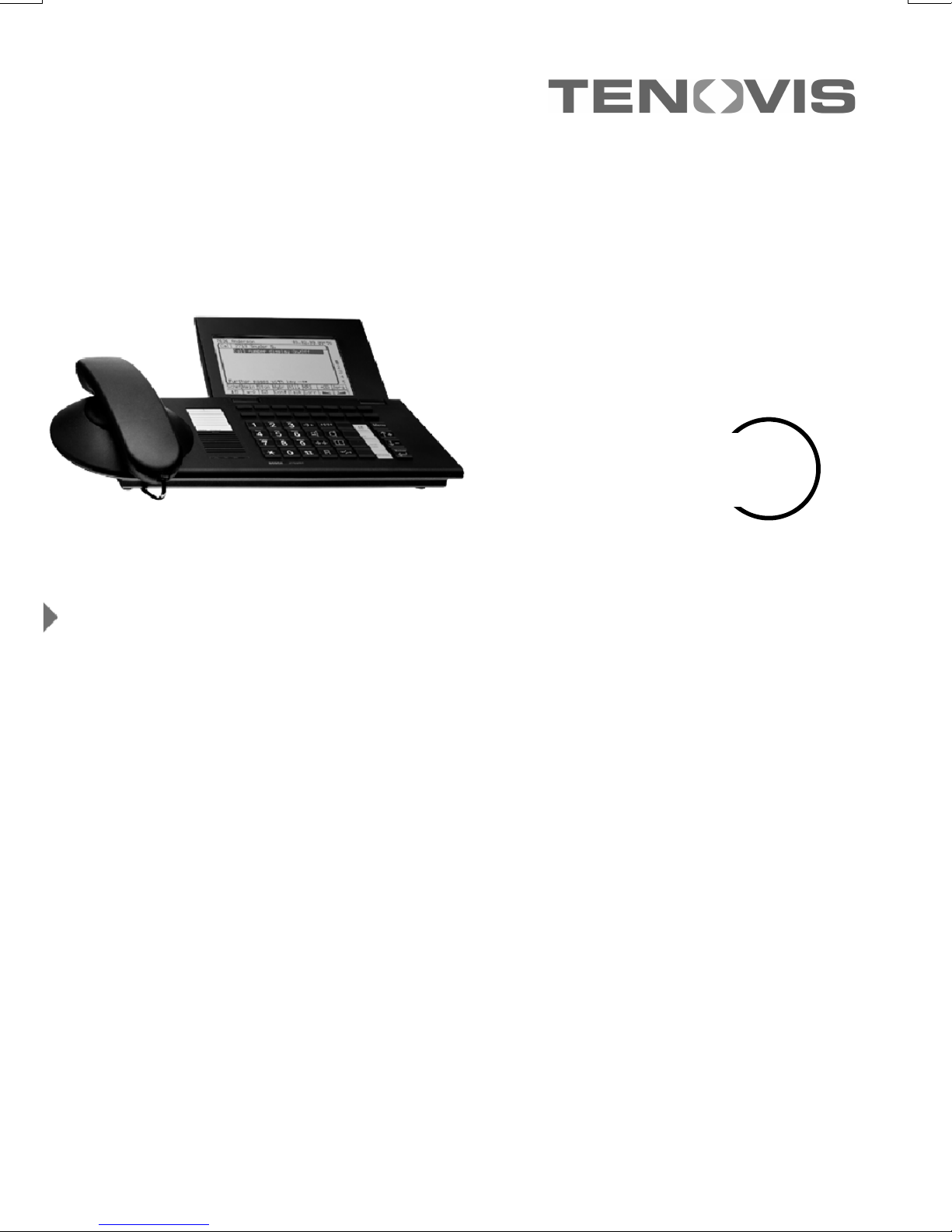
Tenovis Integral TH 13 Manuel utilisateur

connected to ISDN Telecommunications Systems Integral
Operating Instructions
We give you the edge.
Telephone
High Comfort
Integral TH 13

Familiarise yourself with your telephone
2
Important notes
What you should definitely read
-- Your TH 13 and all keys at a glance (see Pages 6/7)
-- Basic operating principles (starting on Page 9)
Please note
This telephone was designed exclusively for connection to Tenovis telecommunica-
tions systems. It may not be directly connected to a public telephone network.
This telephone meets European requirements for safety and electromagnetic com-
patibility only when connected to a Tenovis telecommunications system.
The equipment may only be opened or repaired by a qualified technician. Do not
open the telephone yourself. This could damage the unit and cause it to malfunc-
tion.
Positioning the telephone
Place the telephone on a non--slip surface, especially if the furniture is new or has
recently been cleaned with cleaning agents. Enamels or cleaning agents may con-
tain substances which soften the base parts of your telephone, and the softened
bases can leave undesirable marks on the furniture. Tenovis cannot assume liability
for damages of this kind.
Additional functions
Functions labelled with -are not installed as standard on your phone.
Further functions can be barred from use. If you want to use one of these functions,
please ask your TENOVIS-service.

3
Table of Contents
Familiarise yourself with your telephone
Important Notes 2......................................................
Your TH 13 at a glance 6...............................................
All keys at a glance 7...................................................
Get to know your telephone
Special features of your telephone 8......................................
Basic operating principles 9.............................................
Make it easy on yourself 13...............................................
Initial operation of your telephone 14......................................
Telephoning as usual
Making a call 15........................................................
Accepting calls 21.......................................................
Handsfree mode 23.....................................................
Making several connections simultaneously 25.............................
Call diversion 31........................................................
Telephoning with convenience
Who called? (Call list) 34.................................................
Using the telephone book 37..............................................
Storing all incoming calls (Talk list) 44......................................
Querying messages (Voice mail) -47.....................................
Viewing call charges 49..................................................
Reminding yourself (Appointments) 52.....................................
Sending and receiving texts 55...........................................
Locking the telephone 61................................................

4
TH 13 an Integral 33
Using the telephone with partners
Using the telephone with partners -64....................................
Using the telephone with Multiline
Using the telephone with Multiline -76....................................
Customise your telephone
Switching the mode of operation 91........................................
Silencing the telephone 92...............................................
Take a call elsewhere (Following) -93....................................
Double Call 96..........................................................
Setting function keys 97..................................................
Setting macro functions 98...............................................
Telephone settings 102...................................................
Automatic tone dial (DTMF) 103...........................................
Activating the key beep 105...............................................
Time zones 106.........................................................
Private User Mobility -107...............................................
Saving personal data 108.................................................
Setting VIP functions -113...............................................
Setting audio, contrast and language 127....................................
Activating the CSTA Answer Call -130.....................................
Activating call monitoring when AEI--dialing 131..............................
Extras for your telephone
Konf-Tel external handsfree equipment -132...............................
DSS module -134......................................................
Handsfree with auxiliary loudspeaker -136.................................

5
Table of Contents
When in doubt, look it up
Overview of the telephone functions 138....................................
Display 145.............................................................
Further displays 149......................................................
Display during emergency operation 154....................................
Menu items on the display 155.............................................
Ringing and handset tones 176............................................
If something’s not working 177.............................................
Testing the telephone 179.................................................
Signing up for automatic call distribution -180..............................
Index 181...............................................................

Familiarise yourself with your telephone
6
Your TH 13 at a glance
Display
The displays assist you in
operating the phone
Display keys
for various purposes
-- the current function is
shown in the display
LED display
flashes to indicate incoming
call or to show that the
Handsfree Answer Back
function is active
Programmable
function keys F1 -- F4
Default assignments
see Page 7
Pre--assigned function keys
for fast access to certain
functions.
AEI-interface
For connecting
accessories
(on the bottom of the phone)
Alpha--numeric keys
For dialing call numbers
and entering codes
Handsfree
Microphone
(On previous models-
on the left underside
of the unit)

Familiarise yourself with your telephone
7
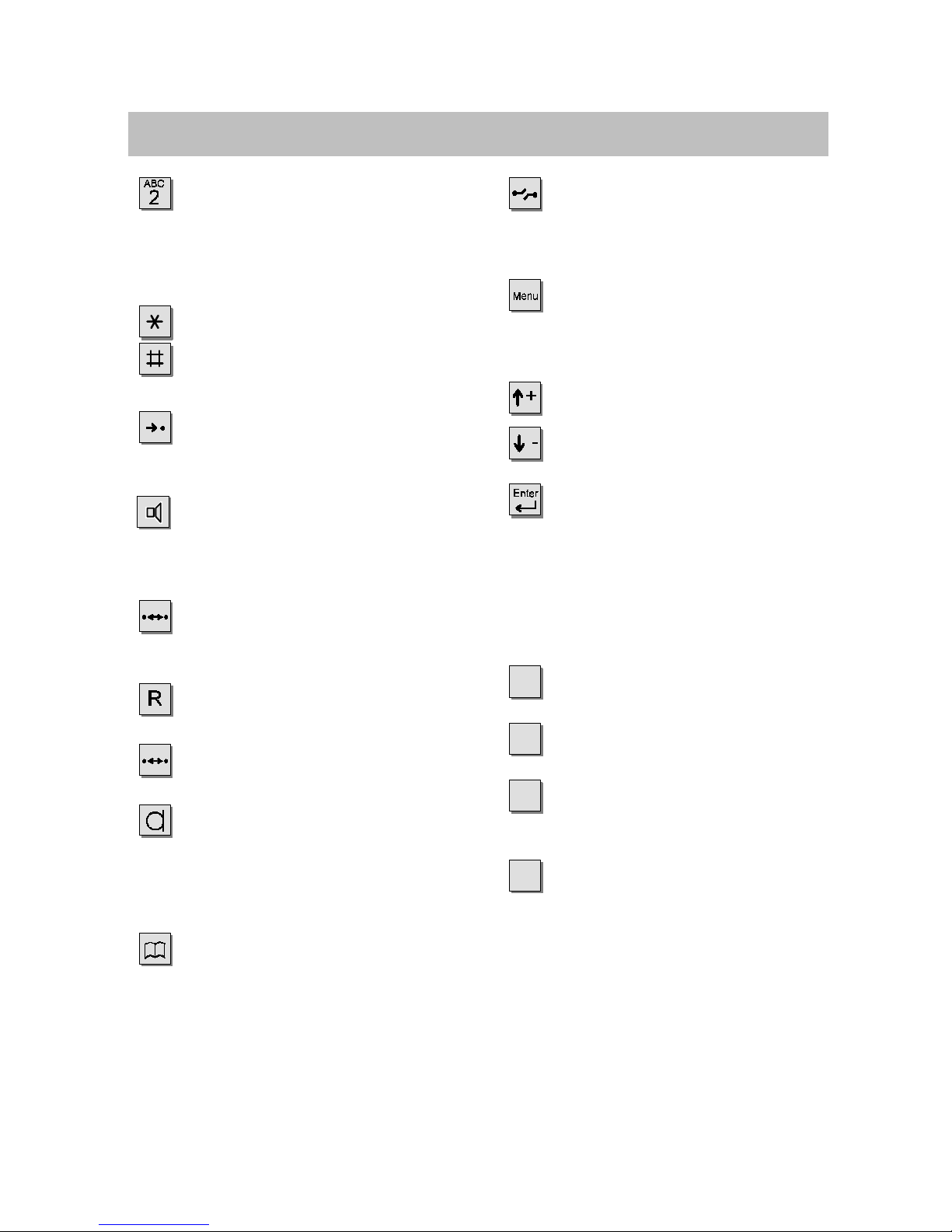
All keys at a glance
Digit keys with letters:
for dialing call numbers and
entering codes. The alphabetic
labelling allows you to dial letter
codes (vanity numbers).
Star and Hash:
for special functions.
Destinations:
shows additional levels of the
display keys.
Call monitoring:
switches the loudspeaker on
and off and enables dialing with
the handset on--hook.
Redial:
redials the 5 most recently
dialed call numbers.
Refer--back:
initiates refer--back.
Call back if busy:
initiates an automatic call--back.
Hands--free mode:
activates loudspeaker and mi-
crophone so that you can com-
fortably use the phone with the
handset on--hook.
Telephone book:
for storing and dialing call
numbers.
Release:
releases the current connection
and, in entry mode, exits the
current menu.
Menu:
displays the menu from which
you can execute many of your
phone’s functions.
Up / Down arrows:
moves the highlight in the dis-
play up or down.
Enter:
calls up a highlighted menu
item, or confirms an entry.
Freely assignable function
keys (default assignments):
F1: Interchange
between two callers
F2: Call diversion
to another unit
F3: Call list
of calls that have not been ans-
wered
F4: Transfer call
for refer--back
The function keys can be
programmed differently, ac-
cording to the performance
capacity of the system.

Get to know your telephone
8
Special features of your telephone
The display helps you
The displays also lead you through the operation of the phone step--by--step.
The display contains various information, such as your current connection.
The display keys have varying functions, depending on the operating steps you are
currently executing. The current function of each key is shown in the display (see
Page 11).
The call number of every external ISDN caller is shown in the display as long as
they did not activate the ”suppress call--number” function. This allows you to see
who’s calling If the name and call number of the caller are stored in your telephone
book, then you will also see the caller’s name.
You can select the way the display shows you through operation. You have three
options to choose from: a detailed display , a shortened display for advanced users
and an abbreviated display for practised users.
Menu and function keys
Most functions can be selected and executed via the menu (see Page 10). To make
operation easier, you can assign frequently used functions to function keys. Some
of these keys have already been assigned functions by the factory (see Page 7).
Protection against unauthorised use
You can use the built--in lock to protect your phone against unauthorised use (see
Page 62).

Get to know your telephone
9
Basic operating principles
The following pages provide a short description of the basic operating principles
of your telephone:
-- How to select and call up functions in the menu
-- What your phone’s idle display shows you
-- How to use the display keys of your phone
-- How to enter letters, such as a text entry in the ”Appointments” menu
Table of Contents
Selecting functions in the menu 10........................................
Cancelling or ending a procedure 10.......................................
What does the idle display show? 11.......................................
Display keys 11.........................................................
Enteringatext 12.......................................................

Get to know your telephone
10
Basic operating principles
Selecting functions in the menu
key. The menu appears.

or Press the up or down arrow key until the desired menu item is high-
lighted.
Press the Enter key to call up the highlighted function.
Cancelling or ending a procedure
If you have made a mistake or want to end a procedure:
Press the release key to cancel or end the procedure.
i
•On delivery, the telephone is set so that all functions are listed in the display,
including those which are assigned to a set function key (simple mode of
operation).
•When using the phone you can use the additional menu functions, which can be
called up in the same manner.
Ce manuel convient aux modèles suivants
1
Table des matières
Autres manuels Tenovis Téléphone

Tenovis
Tenovis Integral T3 Manuel utilisateur

Tenovis
Tenovis Integral T3 Compact Manuel utilisateur

Tenovis
Tenovis TS 13 Manuel utilisateur

Tenovis
Tenovis Integral TB 13 Manuel utilisateur

Tenovis
Tenovis Economy Integral TE 13 Manuel utilisateur

Tenovis
Tenovis Integral T3 Compact Manuel utilisateur

Tenovis
Tenovis Integral T3 Compact Manuel utilisateur

Tenovis
Tenovis Integral T3 Classic Manuel utilisateur

Tenovis
Tenovis OS33 Manuel utilisateur

Tenovis
Tenovis Integral TB 13 Manuel utilisateur