TECH
8
NOTE
In case of no communication (e.g. due to discharged battery), the receiver automatically disables the heating
device after 15 minutes.
How to change the communication channel:
Channel 35 is the default communication channel in the room regulator. The channel may be easily changed (if the current
channel is used by other devices). To change the channel, press and hold the channel change button on the receiver for
about 10 seconds until the red control light 1 goes on. Next, change the communication channel in the room regulator
following the procedure described in the section: Controller functions. The red control light 1 on the receiver should go
off.
V. EXTERNAL TEMPERATURE SENSOR
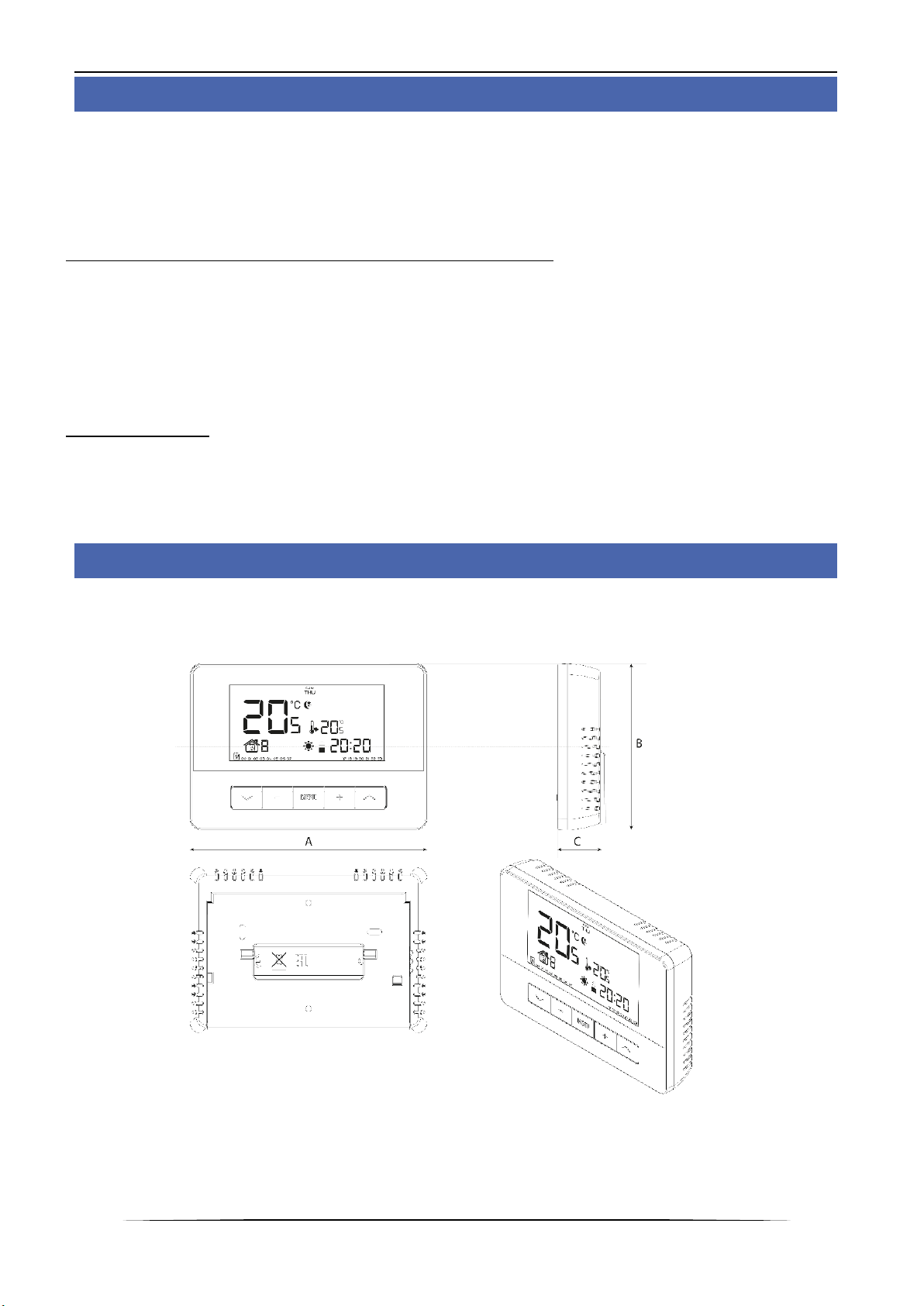
The EU-T-4.2 room regulator may optionally be equipped with an external temperature sensor. The sensor should be
mounted in a shaded place so that it is not affected by the weather conditions. The current temperature reading will be
sent to the room regulator every few minutes and it will be displayed on the main screen.
The external sensor communicates with the room regulator via radio signal. Both the room regulator and the external
sensor are pre-configured to operate on channel 35, but the user may easily change the channel (if the current channel
is used by other devices).
How to change the communication channel:
In order to change the channel, press and hold the channel change button. When the control light on the sensor flashes,
the process of channel change has been initiated. Keep holding the button and wait until the light starts flashing again.
The number of flashes corresponds to the first digit of the desired channel number.
Release the button after the desired number of flashes and press it again to set the second digit of the channel number –
the control light flashes quickly twice. Hold the button and wait until the light flashes the desired number of times. When
the button is released, the control light flashes twice –the new communication channel has been set.
NOTE: In case of a one-digit channel number (channels 0÷9) set 0 as the first digit.
Example 1:
28 is the desired communication channel. In order to select this channel, set the first digit - 2, and the second digit –8.
Press and hold the channel change button - the control light flashes quickly once - the process of channel change has been
initiated. Keep holding the button and wait until the light flashes two more times (the first digit of the channel number –
28).
Release the button and press it again –the control light flashes quickly twice –the process of setting the second digit has
been initiated. Keep holding the button and wait until the light flashes 8 times.
When the button is released, the control light flashes quickly twice –the new communication channel has been
successfully set.
Example 2:
7 is the desired communication channel. In order to select this channel, set the first digit - 0, and the second digit –7.
Press and hold the channel change button - the control light flashes quickly once - the process of channel change has been
initiated. As the first digit is 0, release the button before the control light flashes again.
Press the button again –the control light flashes quickly twice –the process of setting the second digit has been initiated.
Keep holding the button and wait until the light flashes 7 times (the second digit of the desired number).