7
VersasafeTM InsTallaTIon
Cabinet installation
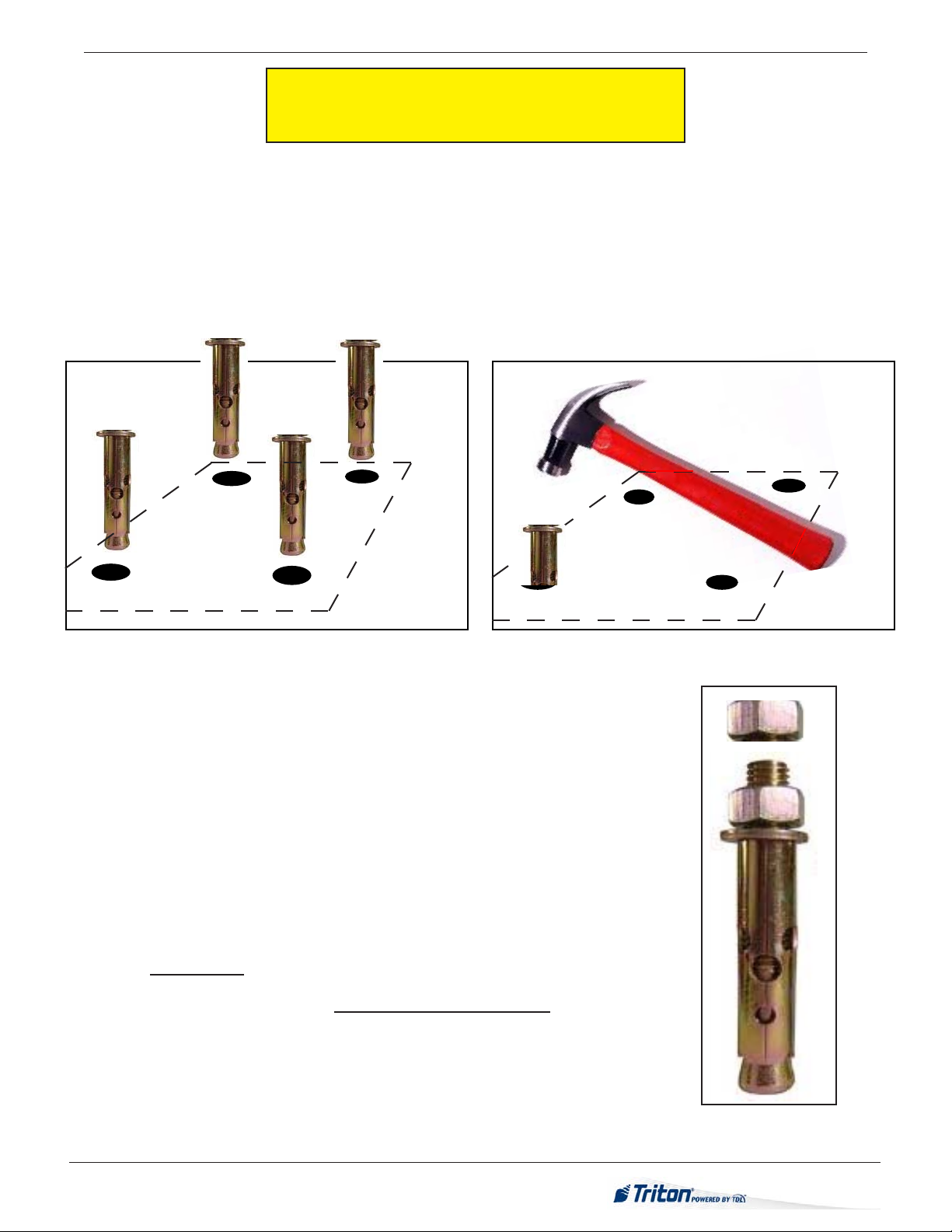
The following procedure applies to installing the cabinet assembly using either standard (P/N 06200-00066) or chemical (06200-00060)
anchor kits. The anchor kits are not supplied with the unit, but are available from Triton.
1. Carefully inspect the shipping container for any damage and report any damage
immediately to the shipping company. Refer to the warranty information at the
end of this manual for information about reporting shipping damage.
2. Remove the VersaSafe™ cabinet from the carton by cutting the straps and
removing the top of the box.
3. Remove the packing material from inside of the box.
4. Remove silver key from white plastic bag attached to the VersaSafe™ wrapping.
* imPortant *
Model VersaSafe™ is designed for INDOOR use only!
unPaCk Versasafe™
5. Remove the remainder of the box from the unit if necessary.
6. Remove the wrapping from the unit.
7. Turn the handle under the electronic lock to open the front enclosure door. If the
door is locked, see sidebar on this page for help in unlocking electronic lock.
8. Remove the packing material from inside the vault enclosure.
9. The accessory box is shipped inside the cabinet enclosure. Open and inspect the
contents. Check the contents against the enclosed packing list and report any
missing parts to Triton. Ensure you locate the whip antenna, if wireless TDL
Gateway modem is installed.
10. Remove the 4 (four) bolts and or nuts retaining the unit to the pallet.
UNLOCKING
COMBINATION LOCKS
Electronic Lock. The combination of the
lock is preset to 1-2-3-4-5-6. To unlock, enter
the preset combination and check for proper
operation. After each keypress, the lock will
‘beep’. After the nal digit has been entered,
the lock will beep twice, and the open period
begins. When a valid combination has been
entered, the operator will have approximately
3 seconds to open the lock. To open the lock,
turn the outer ring of the dial clockwise.
After the lock is opened, the vault door may
be opened.
Optional Kaba Lock. The combination of
the lock is preset to 5-0-2-5-5-0. To unlock,
spin the dial to the left until the letters “EC”
appear on the screen. Enter the preset com-
bination. Successful entry will display “OPr”
on the screen. Turn the dial to the right until
the bolt retracts. After the lock is opened, the
vault door may be opened.
TOOLS REQUIRED
Torque wrench, adjustable to at least 60 foot pounds, adjustable crescent, or
ratchet wrench.
Center punch (or equivalent) for marking drill holes
Hammer 3/4” (19mm) socket Large at screwdriver
Bubble level 7/16” socket/box wrench Safety goggles
Hearing pro-
tection
1/4” (6mm), 1/2” (12mm), and 8/16”
(15mm) carbide-tipped 6” masonry bits
3/4” heavy=duty electric drill
(rotary hammer)
Back sup-
port belt
Portable vaccuum cleaner or air blower Wire brush
Standard Anchor Kit (part no: 06200-00066)
1/2” at washers, 1/2” x 4 1/2” sleeve-type anchor bolts, 1/2” nuts
Chemical Anchor Kit (part no: 06200-00060)
Call for ATMGurus for availability (1-888-728-6487)