
TCL Alto 8+ Manuel utilisateur
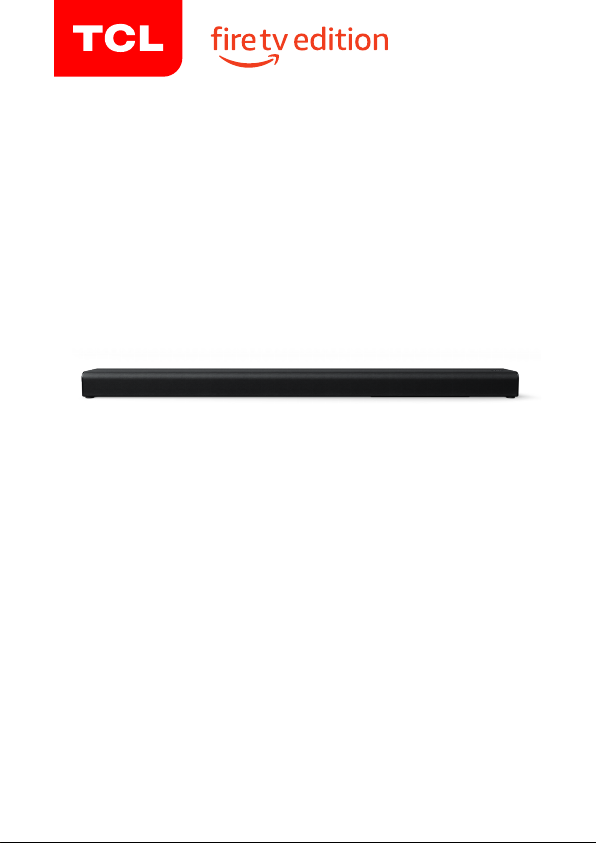
2.1 Channel Sound Bar with
Built-in Subwoofer
Alto 8+
User manual
1
Contents
Contents
1 Important safety instructions 3
Important information 3
Important safety instructions 5
2 Welcome 10
What’s in the box 10
Overview of the Sound Bar main unit 12
Overview of Voice Remote with Alexa 14
Set up your Sound Bar system 15
3 Connect, install and pair 19
Connect to your TV with the supplied HDMI ARC
cable 19
Connect your Sound Bar to power supply 21
Install/replace batteries in the Voice Remote with
Alexa 22
Pair Sound Bar and Voice Remote with Alexa 23
4 Other connections 25
Connect with the supplied optical cable 25
Pair the Sound Bar with your Bluetooth device 28
2
5 Use your Sound Bar system 30
Operate your Sound Bar with the control panel 30
General settings 30
Sound Bar LED display 31
Listen to music from your Bluetooth device 32
Use the USB device for music playback 33
6 Specications 34
7 Notice 35
Compliance notice 35
Disposal of your old product and battery 38
Trademarks 39
8 FAQ 41
3
1 Important safety
instructions
Important information
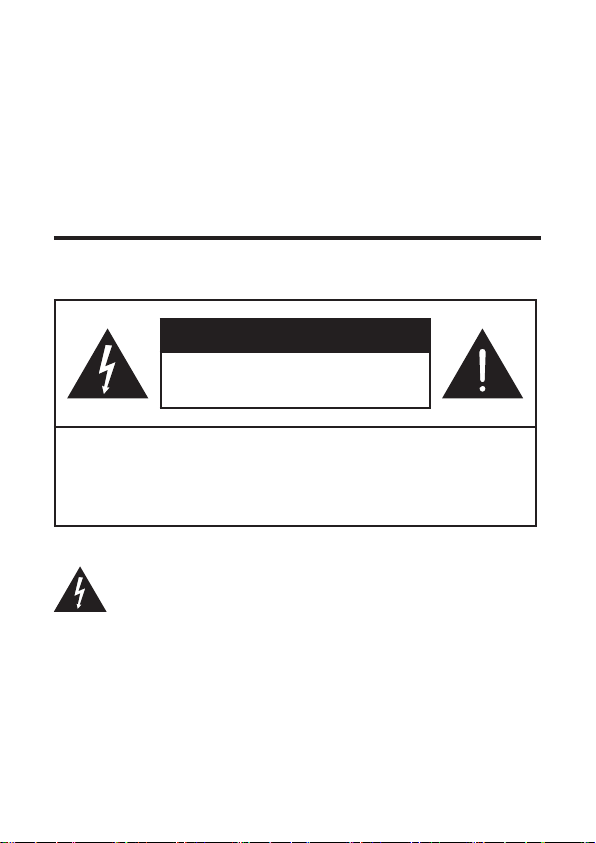
CAUTION
RISK OF ELECTRIC SHOCK
DO NOT OPEN
CAUTION: TO REDUCE THE RISK OF ELECTRIC
SHOCK, DO NOT REMOVE COVER (OR BACK).
NO USER-SERVICEABLE PARTS INSIDE. REFER
SERVICING TO QUALIFIED SERVICE PERSONNEL.
The lightning ash with arrowhead symbol, within an
equilateral triangle is intended to alert the user to the
presence of uninsulated dangerous voltage within the
product’s enclosure that may be of sucient magnitude to
constitute a risk of electric shock.
4
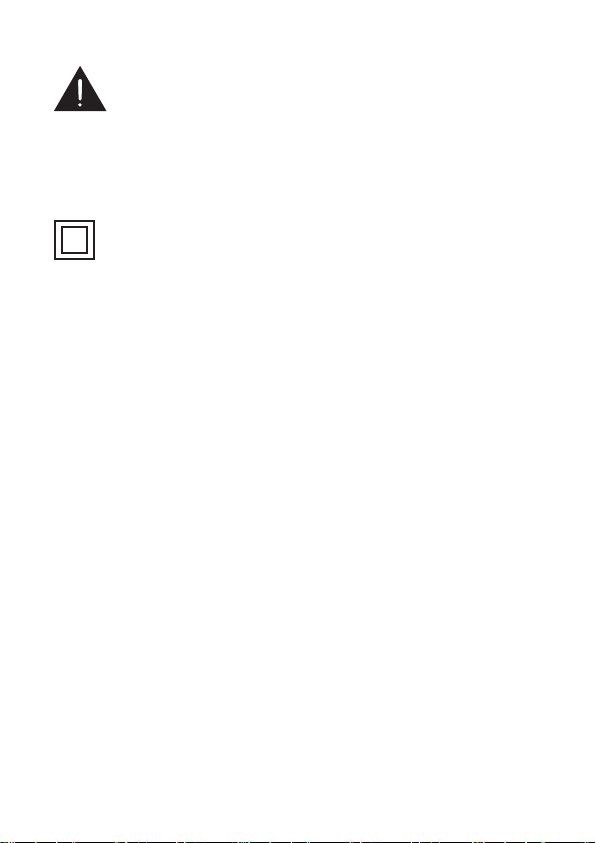
The exclamation point within an equilateral triangle is
intended to alert the user to the presence of important
operating and maintenance (servicing) instructions in the
literature accompanying the product.
This symbol indicates that this product incorporates
double insulation between hazardous main voltage and
user accessible parts. When servicing, use only identical
replacement parts.
Warnings
•To reduce the risk of re or electric shock, do not
expose this product to rain or moisture. This product
should not be exposed to dripping or splashing. No
objects lled with liquids, such as vases, should be
placed on or near the product.
•The product is unstable if it is not properly placed
or mounted to the wall. Be sure to follow the wall
mounting instructions provided in this user manual to
ensure your safety.
•Do not expose batteries to excessive heat such as
sunshine, re, and so forth.

5
Important safety instructions
•Read these instructions - Read all the safety and
operating instructions before operating the product.
•Retain these instructions - Retain the safety and operating
instructions for future reference.
•Heed all warnings - Adhere to all warnings on the product
and in the operating instructions.
•Follow all instructions - Follow all operating and use
instructions.
•Do not use this apparatus near water – The appliance
should not be used near water or moisture – for example,
in a wet basement or near a swimming pool and the like
•Clean only with a dry cloth.
•Do not block any ventilation openings. Install in
accordance with the manufacturer’s instructions.
•Do not install near any heat sources such as radiators,
heat registers, stoves, or other apparatus (including
ampliers) that produce heat.
•Do not defeat the safety purpose of the polarized or
grounding-type plug. A polarized plug has two blades with
one wider than the other. A grounding type plug has two
blades and a third grounding prong. The wide blade or the
third prong are provided for your safety. If the provided
plug does not t into your outlet, consult an electrician for
replacement of the obsolete outlet.
•Protect the power cord from being walked on or pinched
particularly at plugs, convenience receptacles, and the
point where it exits from the product.
6
•Use only attachments/accessories specied by the
manufacturer.
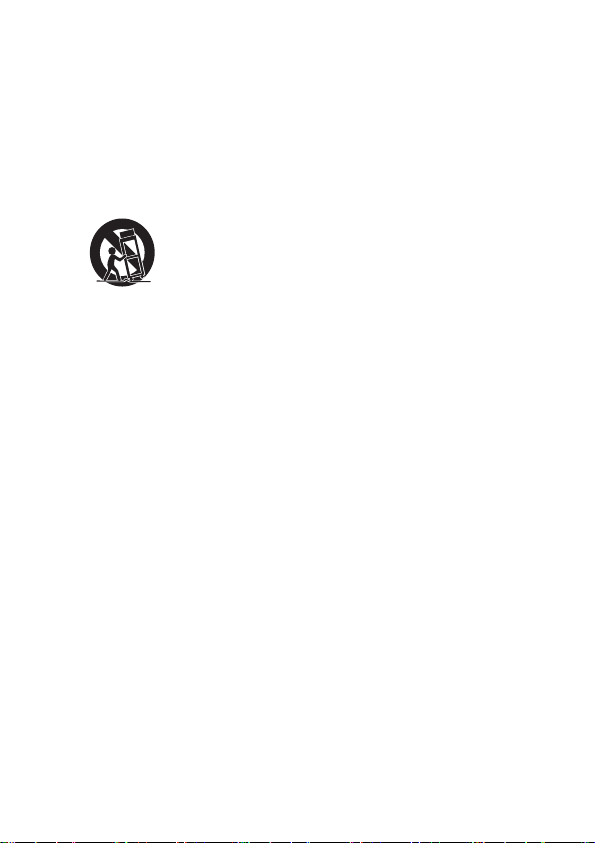
•Use only with the cart, stand, tripod, bracket, or table
specied by the manufacturer, or sold with the apparatus.
When a cart is used, use caution when moving the
cart/apparatus combination to avoid injury from tip-over.
•Unplug this apparatus during lightning storms or when
unused for long periods of time.
•Refer all servicing to qualied service personnel. Servicing
is required when the apparatus has been damaged in any
way, such as power-supply cord or plug damaged, liquid
has been spilled or objects have fallen into the apparatus,
the apparatus has been exposed to rain or moisture, does
not operate normally, or has been dropped.

7
Cautions
•To prevent electric shock, match wide blade of plug to
wide slot, fully insert
•The product shall not be exposed to dripping or
splashing.
•Do not place any sources of danger on the product (for
example. liquid lled objects, lighted candles).
•Disconnect the power cord to shut o when nd trouble
or not in use. The power cord shall be readily operable.
•Use of controls or adjustments or performance of
procedures other than those described herein, may
result in hazardous radiation exposure or other unsafe
operation.
•To reduce the risk of re or electric shock, do not
expose this apparatus to rain or moisture. The
apparatus must not be exposed to dripping or splashing
and objects lled with liquids, such as vases, must not
be placed on apparatus.
•The power cord/appliance coupler is used as the
disconnect device, the disconnect device must remain
readily operable.
Battery caution and disposal information
•Install only new batteries of the same type in your product.
•Failure to insert batteries in the correct polarity, as
indicated in the battery compartment, may shorten the life
of the batteries or cause batteries to leak.
•Do not mix old and new batteries.

8
•Do not use rechargeable (Nickel Cadmium) or (Nickel
Metal Hydride) batteries.
•Do not mix alkaline, standard (Carbon-Zinc) or
rechargeable (Nickel Cadmium) or (Nickel Metal Hydride)
batteries.
•Do not dispose of batteries in re or water.
•Recycle or dispose of batteries as per state and local
guidelines.
•Danger of explosion if battery is incorrectly replaced.
Replace only with the same or equivalent type.
•When the remote control is not to be used for a long time
(more than a month), remove the battery from the remote
control to prevent it from leaking.
•If the batteries leak, wipe away the leakage inside the
battery compartment and replace the batteries with new
ones.
•Keep away the batteries from heat or moisture.
•Do not carry or store batteries with other metallic objects.
Doing so could cause batteries to short circuit, leak or
explode.
•Do not carry or store batteries with other metallic objects.
Doing so could cause batteries to short circuit, leak or
explode.
•Never recharge a battery unless it is conrmed to be a
rechargeable type.

9
Installation location
•This product is designed to sit on a rm, at surface. Do
not place the product on built-in installation such as a
bookcase or rack because the ventilation slots around
the product will be blocked, resulting in reduced lifetime
from overheating. To assure adequate ventilation for this
product, maintain a spacing of 7.8 inches (20cm) or more
around the product.
•Make sure the product on the furniture is of adequate size
and strength to prevent it from being accidentally tipped
over, pushed o, or pulled o. This could cause personal
injury and/or damage to the product.
•Installation of wall mount must be carried out by
qualied personnel only. Incorrect assembly can result
in severe personal injury and property damage (if you
intend to install this product yourself, you must check
for installations such as electrical wiring and plumbing
that may be buried inside the wall). It is the installer’s
responsibility to verify that the wall will safely support the
total load of the product and wall mount brackets.
Autres manuels pour Alto 8+
1
Table des matières
Autres manuels TCL Intervenants


Manuels Intervenants populaires d'autres marques


Bowers & Wilkins
Bowers & Wilkins 4 Manuel utilisateur

Sonance
Sonance SONOS OUTDOOR Series Manuel utilisateur

Electro-Voice
Electro-Voice EVID FM4.2 Manuel utilisateur

Pioneer
Pioneer XW-HTD630 Manuel utilisateur

Onn
Onn BWA16AA002 Manuel utilisateur

HP
HP GL313AA - USB Speakers PC Multimedia Manuel utilisateur