Systec & Solutions WAVE 221 PC Guide de dépannage

WAVE 221 PC
INDUSTRIAL PC
INSTRUCTIONS FOR USE
WAVE
Read the instructions prior to performing any task!

©2013
Systec & Solutions GmbH
Emmy-Noether-Straße 17
D–76131 Karlsruhe
Telephone: 0721 6644 400
Fax: 0721 6644 444
email: [email protected]
Internet: www.systec-solutions.com
WAVE, 1, en_US, 16.12.2014
WAVE 221 PC - Industrial PC
2

Table of contents
1 General information................................................................................... 5
1.1 Information on the user guide........................................................ 5
1.2 Copyright notice................................................................................... 5
2 Safety................................................................................................................. 7
2.1 Designated use..................................................................................... 7
2.2 Safety notices........................................................................................ 7
2.3 Important safety notes....................................................................... 8
3 Product description................................................................................. 11
3.1 Overview............................................................................................... 11
3.2 Type plate............................................................................................. 12
3.3 Technical data for the device........................................................ 13
3.4 Dimensions.......................................................................................... 15
3.5 External connectors.......................................................................... 16
3.5.1 Overview of external connections........................................... 16
3.5.2 Description of the external connections............................... 17
3.6 Conformity........................................................................................... 19
4 Starting up................................................................................................... 21
4.1 Unpacking the device...................................................................... 21
4.2 Setting up the device....................................................................... 21
4.3 Mounting the device........................................................................ 22
5 Operation...................................................................................................... 25
5.1 Switching the device on.................................................................. 25
5.2 Switching the device off................................................................. 25
5.3 Operating the touchscreen............................................................ 25
5.4 Cleaning the device.......................................................................... 26
5.5 Using the optional USB connection............................................ 29
5.6 Setting up the WLAN (optional) .................................................. 29
5.7 Hard disk LED (optional)................................................................. 30
6 Repairs........................................................................................................... 31
7 Storage........................................................................................................... 33
7.1 Unmounting the device.................................................................. 33
7.2 Storing the device............................................................................. 35
8 Packaging and transport...................................................................... 37
8.1 Packaging the device....................................................................... 37
8.2 Transporting the device.................................................................. 37
9 Disposal......................................................................................................... 39
10 Site information......................................................................................... 41
Table of contents
WAVE 221 PC - Industrial PC 3

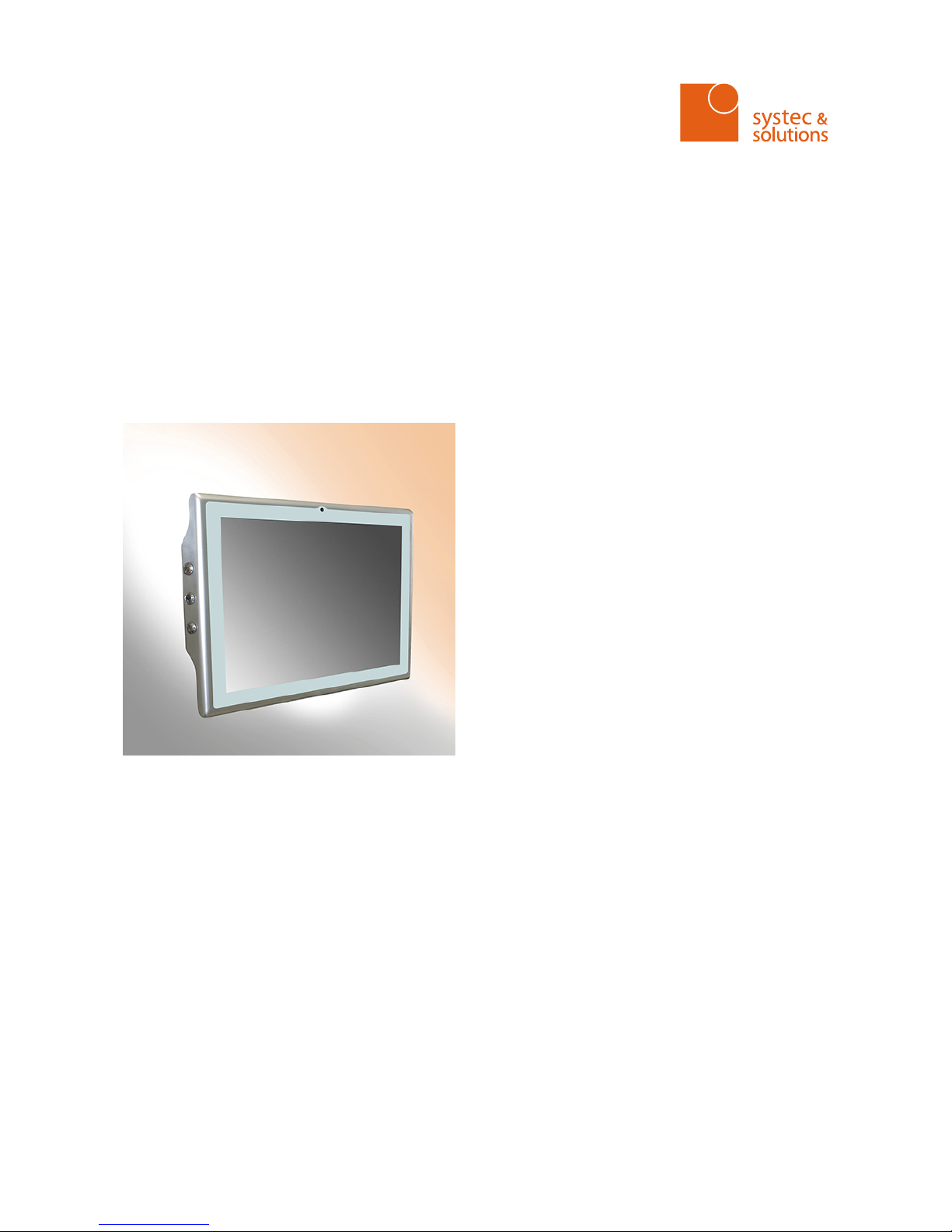
Table of contents
WAVE 221 PC - Industrial PC
4

1 General information
1.1 Information on the user guide
This translation of the original user guide is an integral part of the
WAVE 221 PC and provides you with information on the set-up, use,
storage and disposal of the device.
Before beginning any work, read the user guide and always keep it in
an accessible place.
This user guide is aimed solely at authorized specialists. None of the
content of this user guide may be put to practice by anyone other than
trained specialists.
Our user guides are updated regularly. Please send us your suggested
improvements and other hints by e‑mail, phone or fax. This will help us
to ensure that our documentation is as intelligible and user-friendly as
possible.
You will find our contact information on the inside of the front cover or
under “Site information”.
Ä
Chapter 10 “Site information” on page 41
1.2 Copyright notice
This user guide is protected by copyright.
Other than for internal purposes, making this user guide available to
third parties, duplicating it in any form, in whole or in part, and utiliza-
tion or distribution of its contents are permitted only with the written
permission of the manufacturer.
Any violation of this requirement will render you liable for damages.
The right to make further claims is reserved.
General information
Copyright notice
WAVE 221 PC - Industrial PC 5

General information
Copyright notice
WAVE 221 PC - Industrial PC
6

2 Safety
2.1 Designated use
WAVE 221 PC is an HMI PC system. WAVE 221 PC is used to implement
control and operating concepts and to display and manipulate infor-
mation in industrial and commercial environments.
It is nonetheless possible for improper use to introduce hazards. For
correct operation and safe use it is therefore important to comply with
the information and instructions in this document.
Have the following work carried out only by professionals:
nInstallation
nDeinstallation
nWiring
nImplementing
Have the following work carried out only by Systec & Solutions
GmbH :
nRepairs
nServicing
nMaintenance
nModifications
The device may not be used in the following areas:
nareas subject to explosion hazards
nareas subjected to harmful radiation
nareas and applications that are subject to vibration and impacts
nfor carrying out safety functions such as
– air traffic control / flight control systems
– monitoring / controlling nuclear reactions
– monitoring / controlling mass transportation facilities
– monitoring / controlling medical systems
– monitoring / controlling weapons systems
Contravening these instructions voids all warranties and manufac-
turer’s responsibilities.
2.2 Safety notices
Please read these instructions attentively right through. It constitutes a
part of the device it describes and must be held available at all times.
Use the device only in accordance with its designated use (see
Ä
Chapter 2.1 “Designated use” on page 7).
For your own safety, always comply with the following safety instruc-
tions.
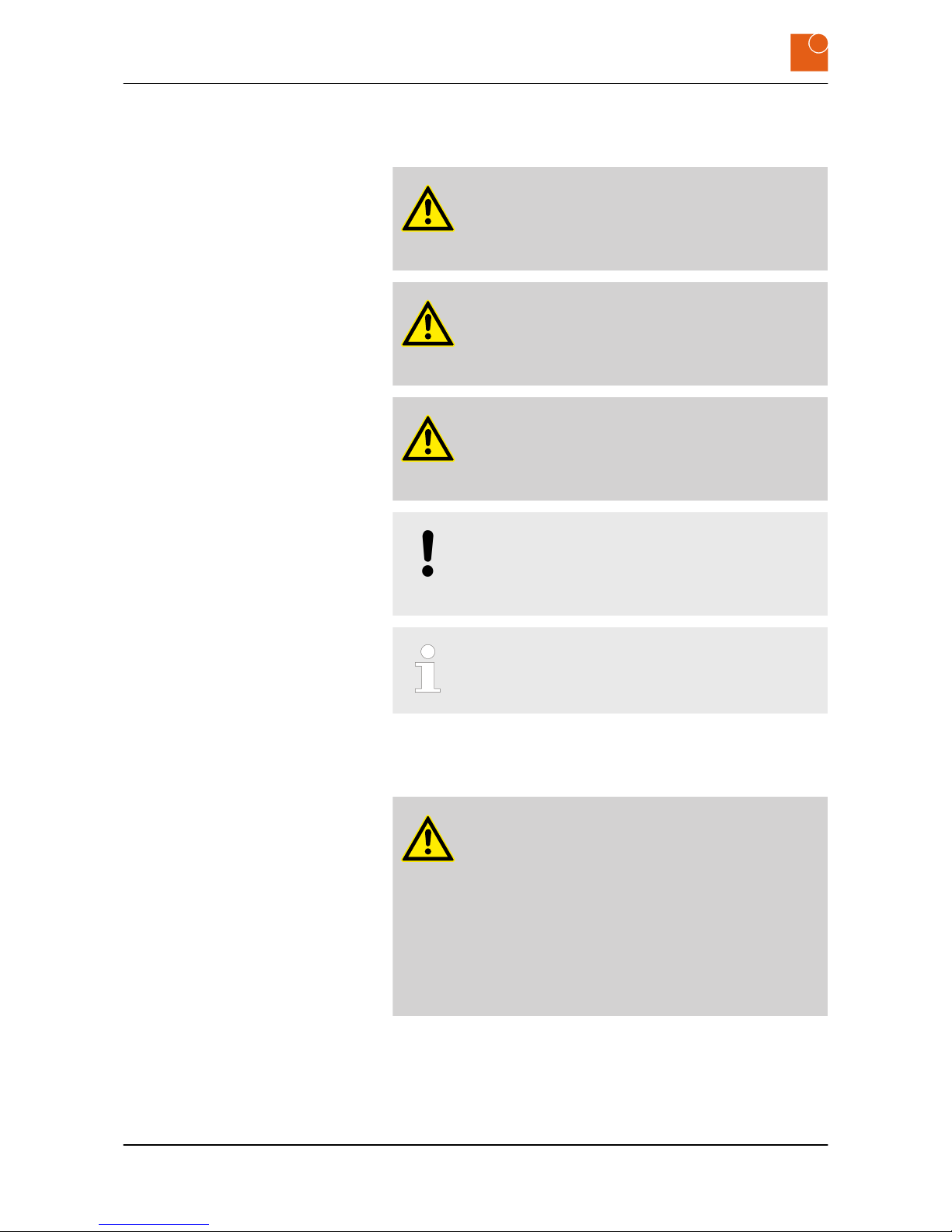
Warnings signal safety-related information.
You will find warnings within sequences of procedures prior to a step
that involves a hazard to people or material property.
Safety
Safety notices
WAVE 221 PC - Industrial PC 7

Three levels of warnings appear depending on the seriousness of the
hazard:
DANGER!
This signals an unusually hazardous situation. Failure to
comply with these instructions will result in serious irre-
versible injuries or death.
WARNING!
This signals an unusually hazardous situation. Failure to
comply with these instructions may result in serious irre-
versible or fatal injuries.
CAUTION!
This signals a hazardous situation. Failure to comply with
these instructions may result in minor or moderate inju-
ries.
NOTICE!
This signals a hazard for material property. Failure to
comply with these instructions may cause material
damage.
This signals useful hints within a series of work processes.
2.3 Important safety notes
WARNING!
Risk of injury from electric shock!
Assembling and connecting plug connectors while
voltage is connected may lead to life-threatening injuries.
– All work on the device must be carried out when the
supply line is free of voltage.
– Never plug in or unplug the power supply plug when
live with voltage.
– The supply cable must not be supplied with voltage
until assembly has completely finished.
Safety
Important safety notes
WAVE 221 PC - Industrial PC
8

WARNING!
Danger of injury from hot surfaces.
Power transmission and regulatory components become
hot in operation and may lead to injuries.
– Allow these components to cool down before you
begin dismounting the device.
WARNING!
Danger of injury due to excessive load.
Working on heavy equipment may lead to serious injuries.
– Always have two people when working with heavy
equipment.
DANGER!
Electric shock hazard if the device is connected to the
mains supply incorrectly.
Connecting the device incorrectly to the mains supply
may expose people to injuries from electric shocks.
– Before connecting up the device always disconnect
the line from the power supply.
– Before connecting up always check that the lines are
at zero voltage.
NOTICE!
This total discharge protection may result in data
being lost.
Total discharge protection is activated when the charge
capacity reaches a critical level (ca. 3%). The total dis-
charge protection facility powers the device down, which
may cause data to be lost.
– Save your data regularly.
– Check the charge capacity regularly.
– Don’t allow it to drop below 5%.
Safety
Important safety notes
WAVE 221 PC - Industrial PC 9

Safety
Important safety notes
WAVE 221 PC - Industrial PC
10
Table des matières