6
Contents
European WEEE & RoHS Directives .............1
Important Safeguards ....................................2
Precaution .......................................................5
1. Before use ...................................................7
1.1 Open the Package .................................7
1.2 Installation .............................................7
2. Product Features ........................................8
3. Accessories ...............................................8
4. Names and Functions of Parts .................9
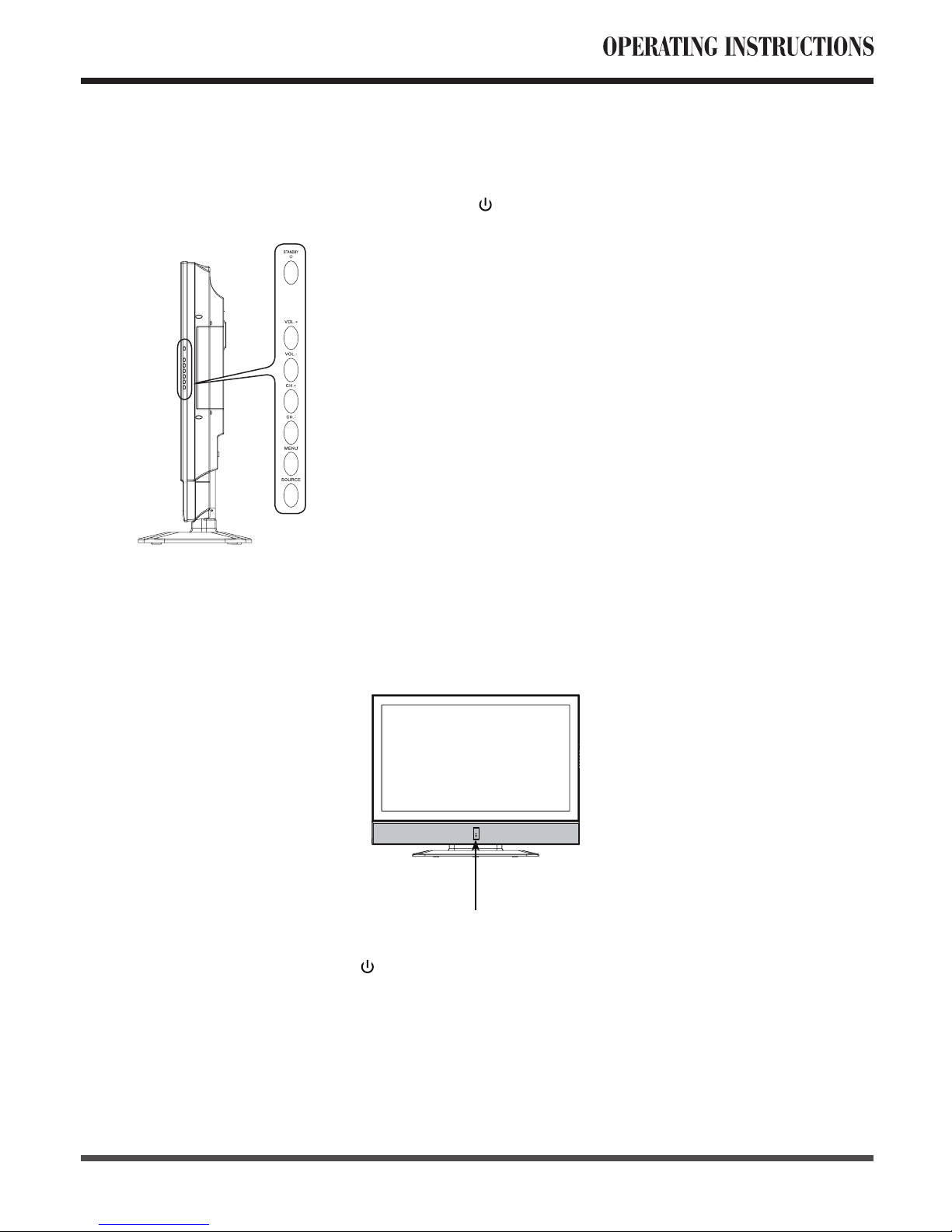
4.1 Side View ..............................................9
4.2 Front View .............................................9
4.3 Rear View ............................................10
4.4 Remote Control ................................... 11
5. Connection Accessory Devices ..............14
6. Basic Operation ........................................18
6.1 Power ON/OFF ...................................18
6.2 Selection of Input Mode .......................18
6.3 OSD Option Adjustment ......................19
6.4 Using the Teletext Function .................20
6.5 OSD Functions ....................................21
6.5.1 Video Page Menu ........................21
Adjustment of “Contrast”,
“Brightness” and “Saturation” ..........21
Adjustment of “Hue” ........................21
Adjustment of “Sharpness” ..............21
Selection of “Phase” setting ............21
Selection of “Colour
Temperature” ...................................22
Selection of “Advance
Picture Adjust” .................................22
6.5.2 Audio Page Menu ........................23
Adjustment of “Bass”,
“Treble” and “Balance” ....................23
Selection of “Surround” ...................23
6.5.3 Misc Page Menu ..........................23
Selection of “Language” ..................23
Selection of “
Blue Back
” ..................23
Using “Default” ................................24
6.5.4 TV Page Menu .............................24
Selection the “Region Selection” .....24
Using the “Auto Search” ..................24
Using the “Manual Scan” .................25
Using the “Fine Tune” ......................25
Selection of the “Sound System” .....25
Using the “Channel Name” ..............25
Using the “Channel Skip” ................26
Using the “Program Edit” .................26
Channel Selection ...........................27
Channel Preview .............................27
6.5.5 Geometric Page Menu ................27
Adjustment of “Contrast”
and “Brightness” ..............................27
Using “Colour Temperature” ............27
Using “Auto Setting” ........................28
Using “Phase” and
“Manual Clock” ................................28
Using “Display Adjustment” .............28
7. Technical Specification ............................29
8. Supported Signal Modes .........................30
9. Cleaning and Simple
Troubleshooting ......................................31