Page 6 of 41
1 MENU KEYS (INFO, TIMERS, COUNTERS ETC.)
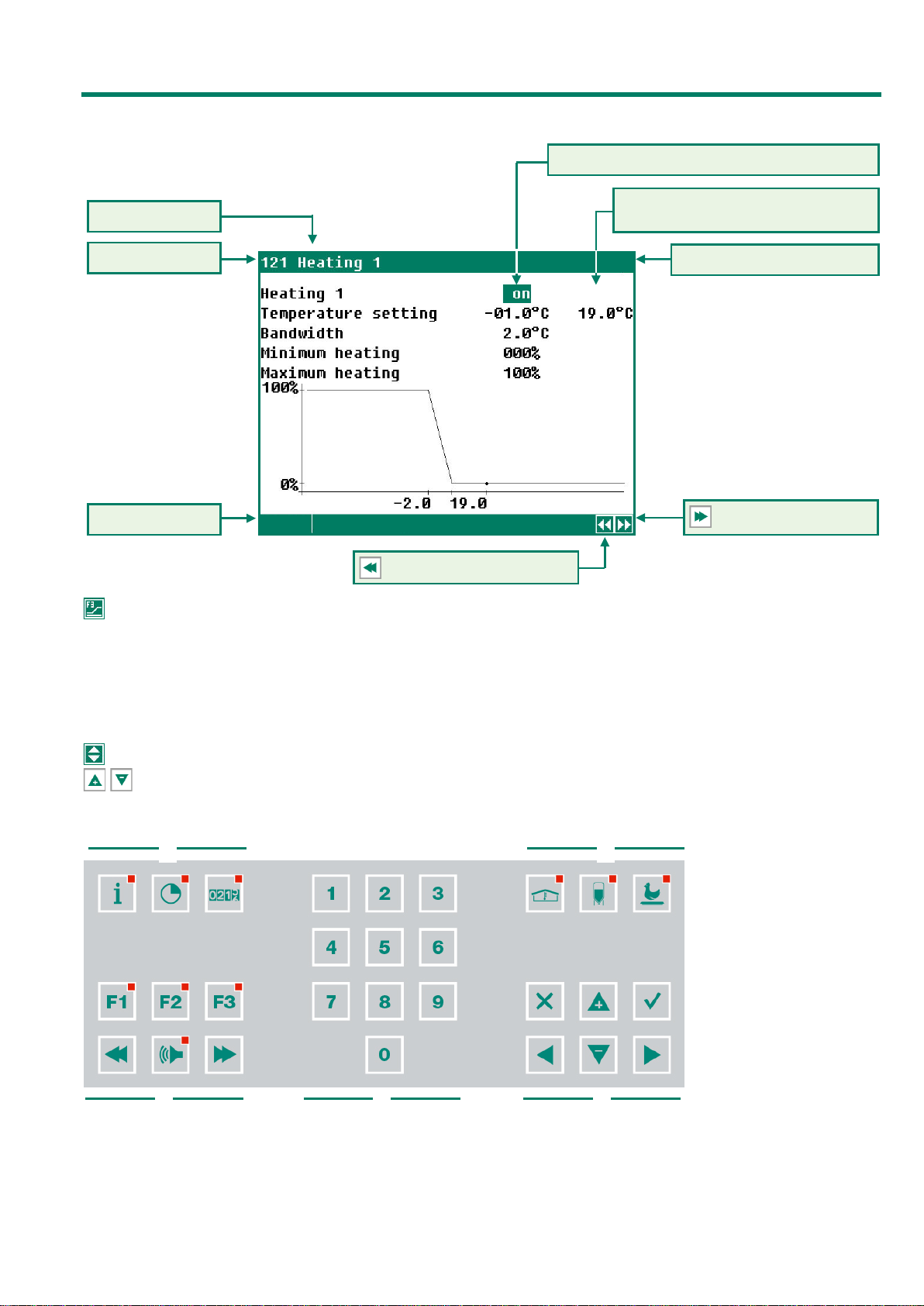
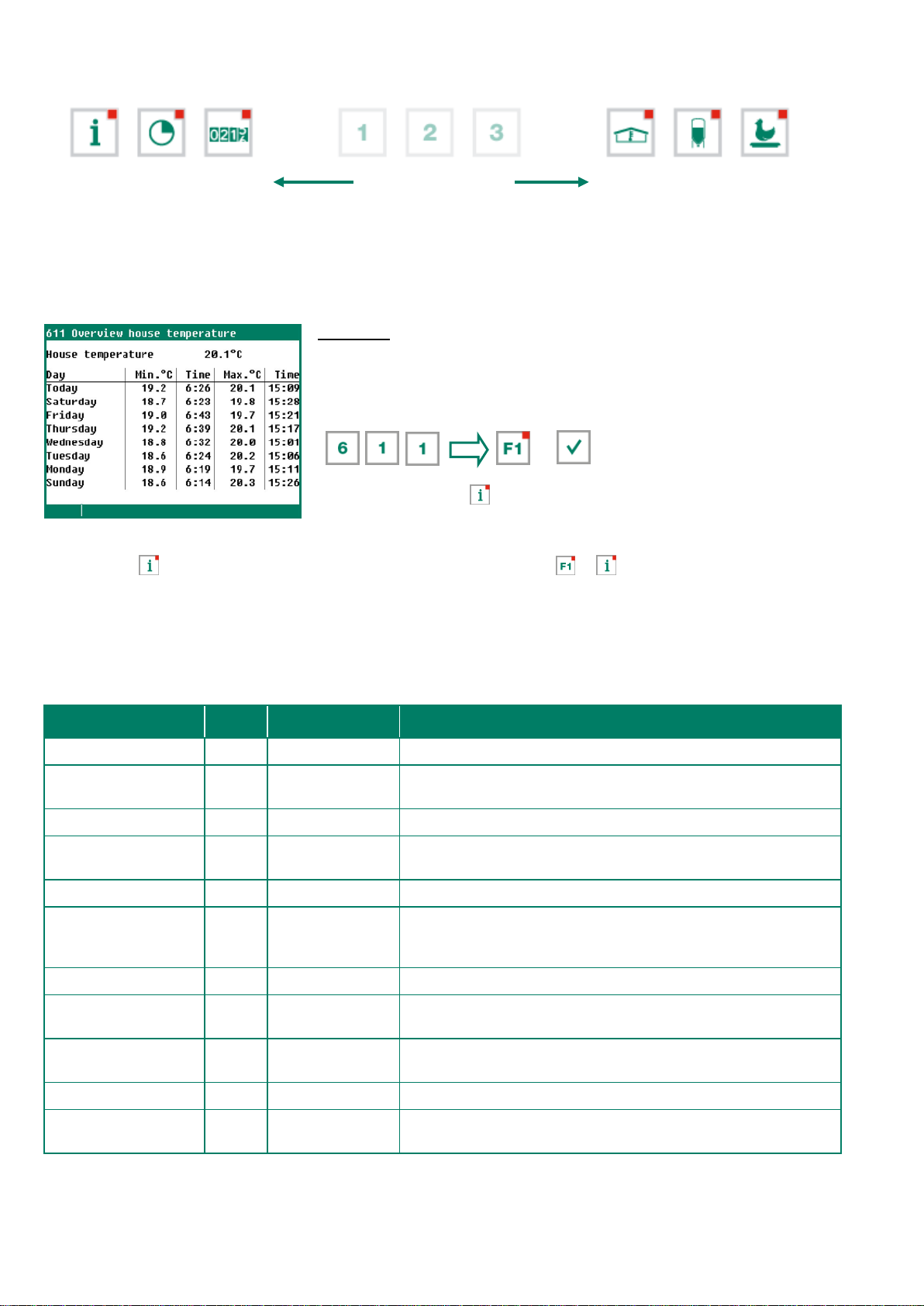
The poultry computer has 6 fast menu keys. These fast menu keys can be used to quickly select a data
category.
information on animal welfare, the number of
animals, the mortality, the feed intake etc.
,
imate poultry house, see page 10
Timers (standard timers, light controls etc.),
see page
31
Feed weighing system, see page
28 (see also
PL94IFS-N-ENxxxxx”).
Counters (water, feed water/feed ratio etc.),
see page
30
, see also “Application
-N-ENxxxxx”.
2 FUNCTION KEYS (GRAPHIC, ALARM, PREVIOUS / NEXT CONTROL ETC.)
Function key F1 (language)
status)
Function key F3 (graphic)
Hold down F1 and press on the left
or right cursor key.
The “graph” function is active when
the LED
in the function key lights.
You can switch off the “graph”
function by pressing the function key
again (the LED in the key is off then).
The values in a graph are linked to the window on the basis of which the graph was drawn up. The graph is
updated automatically when you change the details in the window. f the details in the window are displayed in
graph form, the symbol will be displayed in the top right corner of the menu line.
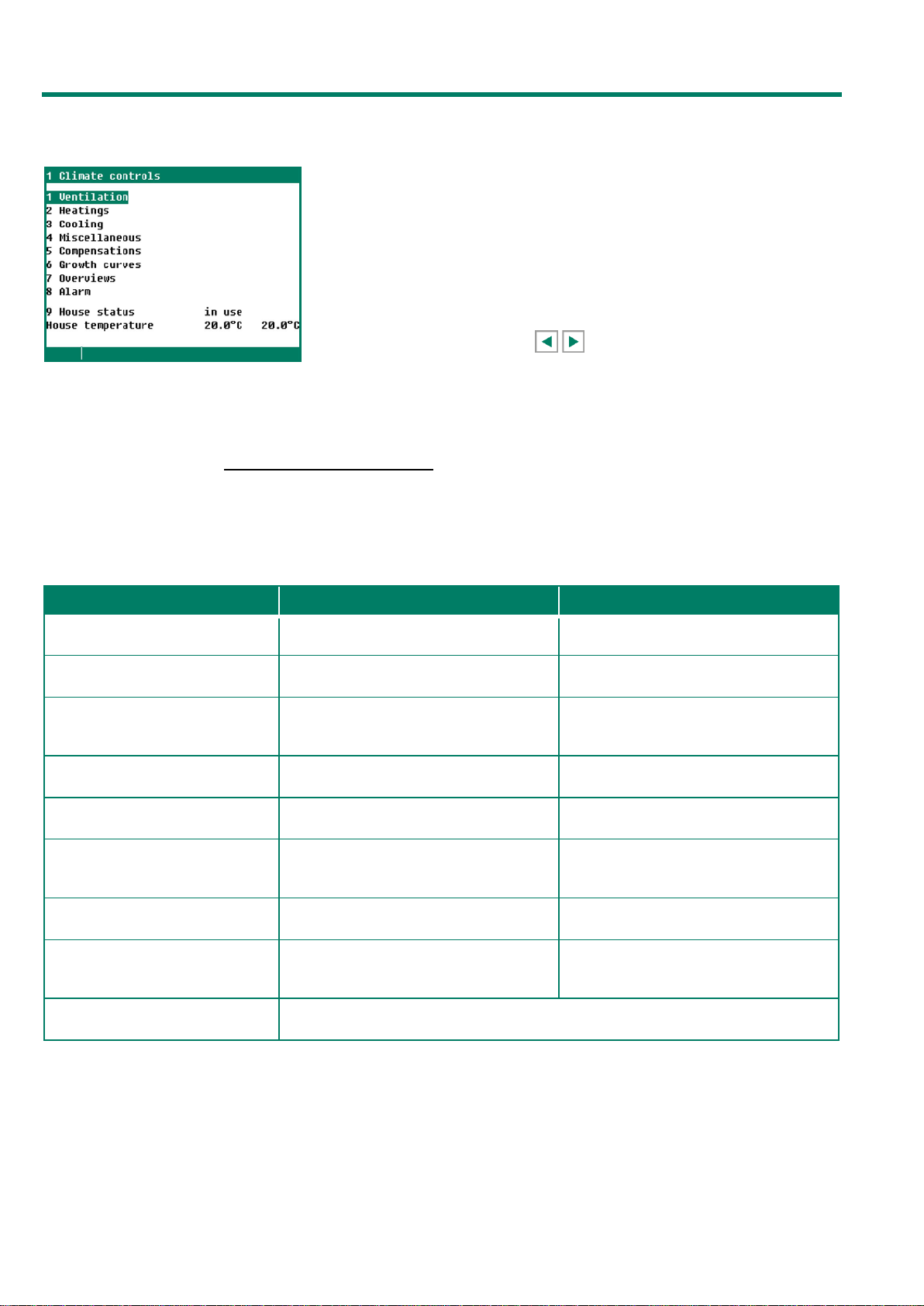
Select previous / next control
Use these buttons to select the previous or the next control, if there are any controls of the
same type, such as ventilation groups (left, right, recirculation, etc.).
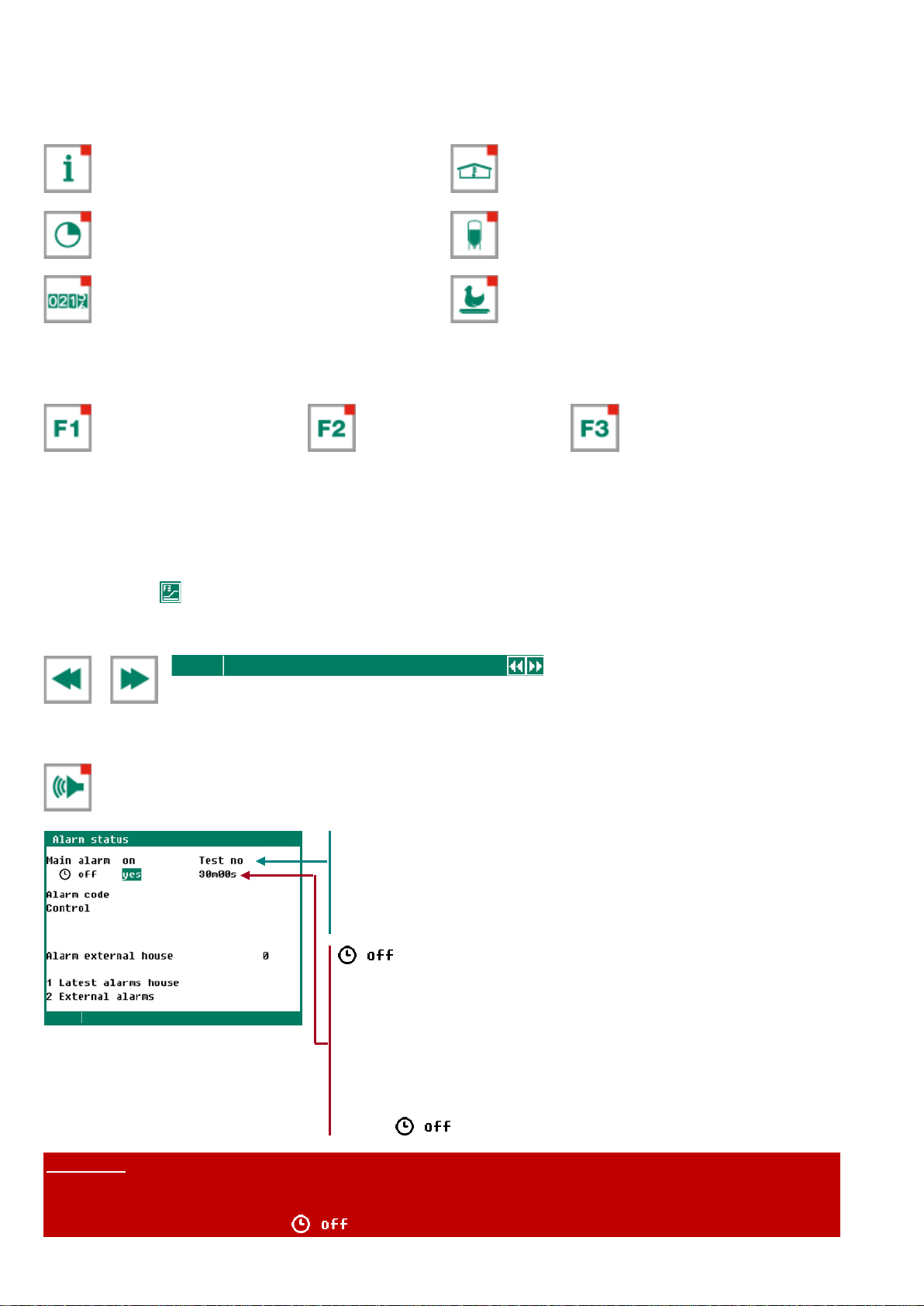
Alarm key (switching the main alarm on and off)
Hot key for alarm screen. The LED in the alarm key lights if there is an alarm on one of the controls.
When the main alarm is switch off, the LED in the alarm key will flash. No alarm is generated anymore.
If no access code has been installed or
if you have already entered the correct
access code, you can switch
off the
Test “yes”: This enables you to test the operation of the alarm relay
(siren). If you enter "yes" in the line Test, the alarm relay (siren) will
be switched on for 10 seconds.
You can clear the alarm test time by setting "no" in the line Test.
Off “yes”:This enables you to temporarily switch off the alarm
(siren). This does not apply to the hardware alarms which cannot be
switched off temporarily. The main alarm is switched off for 30
minutes (the lamp will blink irregularly). The main alarm is switched
on automatically again after 30 minutes. The alarm relay will then de-
energize again, causing an alarm, if the cause of the alarm has not
been removed.
You can clear the temporary alarm
deactivation time by setting "no" in
the line .
NEVER FORGET TO SWITCH THE ALARM BACK "ON" when you have switched this feature off
'temporarily', e.g. to solve a problem. Failing to switch it back on may have adverse effects for
humans, animals, equipment or property.
Preferably use the (alarm retard) function to solve a problem.