First-Time Use
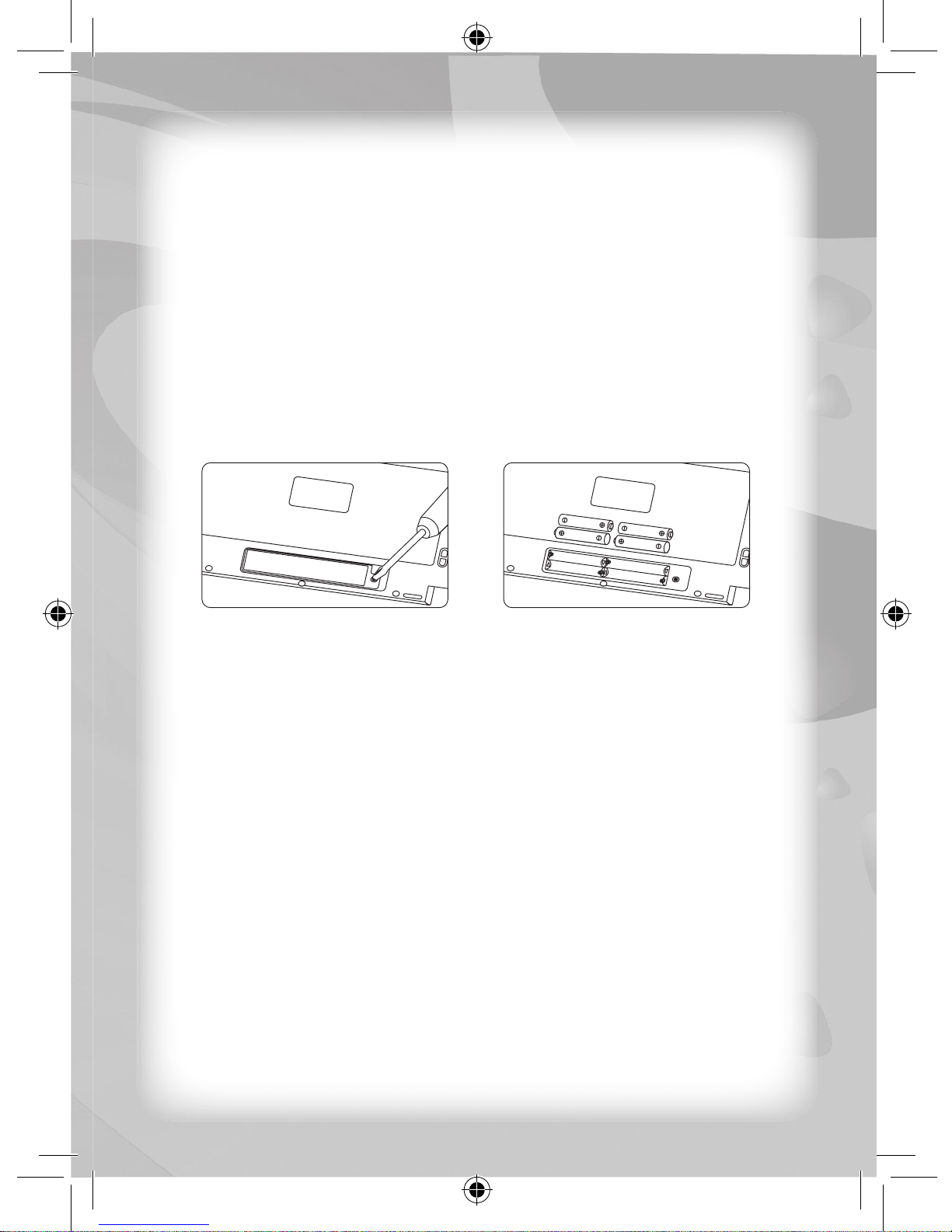
After reading through the Notice to Parents and installing the
batteries correctly, please press the POWER key once to turn ON
the unit. A login screen will be displayed, and you will be required to
complete the following steps:
1. New name – You can input up to six (6) characters as your user
name (case sensitive). The user name “123456” cannot be used.
You can edit it using the ERASE key or the CLEAR key .
Press the ENTER key to confi rm it.
2. New password – You must input three (3) numbers as your
password. You can edit it using the ERASE key or the CLEAR
key . Press the ENTER key to confi rm it. You will be
required to input your new password again so the unit can verify it.
Log In
There are three (3) different modes when you log in on the unit.
Normal Mode
Each time you turn the unit ON, you have to log in by inputting your
user name and password. If both are correct, the unit will log in
Normal Mode and access the main menu. You can access all
activities and save all data in Normal Mode. To edit your current
password, select the Setting Mode and then enter your original
password in the Password Mode followed by your new password.
Default Mode
If you forget your user name or password, you can use the default
name (“123456”) and password (“123”). The unit will log in Default Mode.
You can access all activities but cannot save data in Default Mode.
To check and display your current user name and password, select
the Setting Mode and then enter the My Profi le Mode to display the
user name or the Password Mode to display the password.
Unknown Mode
If your user name, password or both are incorrect, the unit will log in
Unknown Mode. You cannot access some activities and cannot save
data in Unknown Mode. For details, please refer to the activities in
Description of Activities.