Optical Signal Test Set
User’s Manual 2023-02-17
100529A. 100560A
Page 6 of 6 www.spectronixinc.com
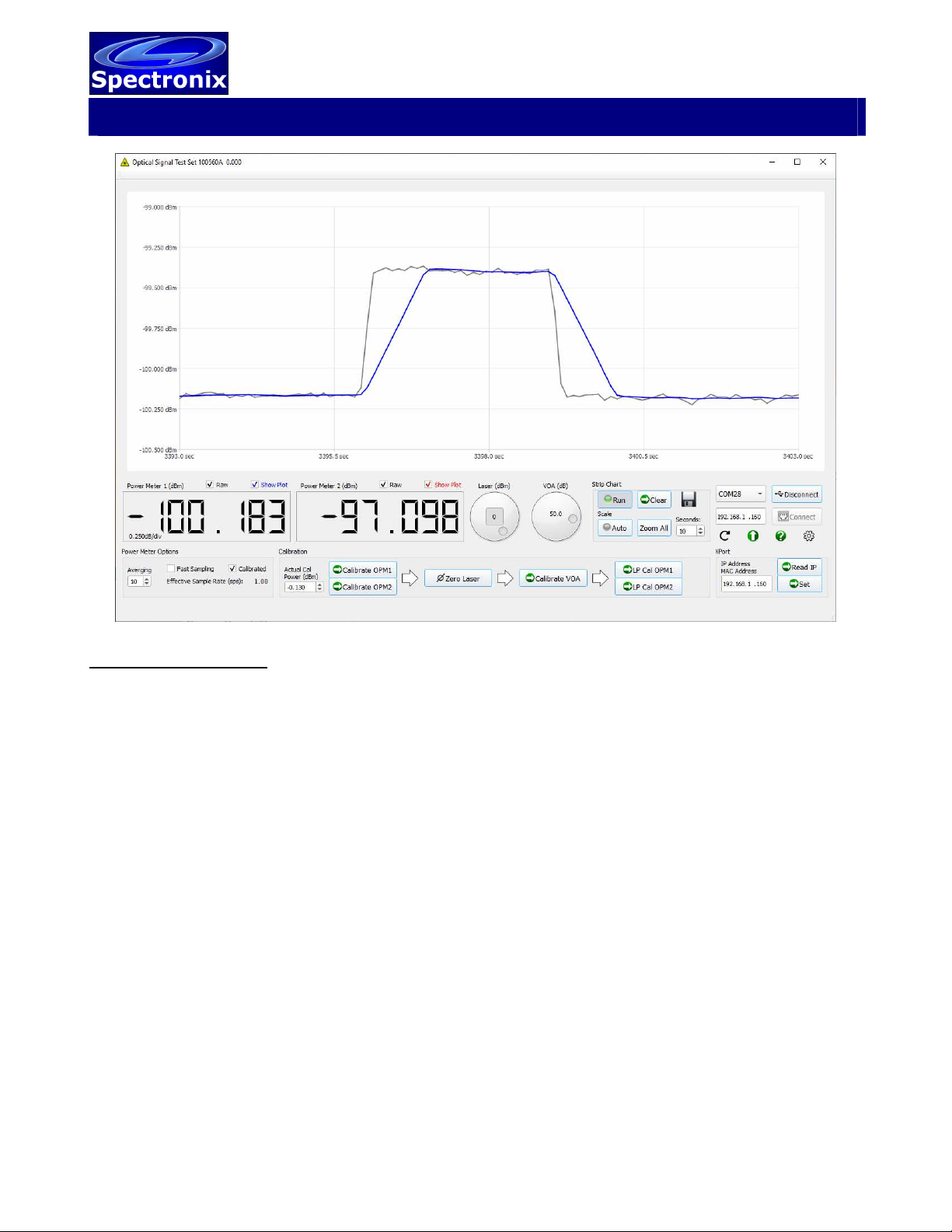
Should the configuration options become corrupt the factory default configuration can be recovered by
executing the “Factory Reset XPort” button. The button can be found by first exposing the advanced
options screen (down button), then pressing the gear button. The factory default IP address is
192.168.1.160 port 2101. Alternatively the Lantronix provisioning manager can be used to discover
connected devices. Vendor documentation can be found at https://docs.lantronix.com/products/xport-
edge/ug/5.1/
USB Driver:
In order for some versions of Windows to recognize the device the USB driver must first be installed,
after which the unit appears as an additional COM port on the computer. Currently Windows XP,
Vista, and 7, 8, and 10 are supported.
1. Copy the file “cdc_NTXPV764.inf” from the supplied CD to the hard drive.
2. Plug the device into a free USB port. When the hardware installation wizard asks for the driver
location, browse to the “cdc_NTXPVista.inf” file on the hard drive.
3. After the driver has been installed right click “my computer” and select “properties”. In the
properties window select the “hardware” tab. Click on “device manager” and expand the
“Ports (COM & LPT)” item. Locate the “Spectronix, Inc.” entry and note the assigned COM
number, (ie “COM4”). This is the COM port that the software will use to communicate with the
device.
Note, on some operating systems such as Window 7, manual USB driver installation may be
necessary. If the hardware installation wizard fails, go to “My Computer” > “Properties” > “Hardware”
> “Device Manager”, and find the “Spectronix” or “SERIAL DEMO” entry under “Other Devices” and
select “Update Driver”. At this point you will be able to browse to the location of the driver.
Notes and Precautions
•The maximum input power on any port is +10dBm. Levels above this value may damage
the device.
•Due to the very low leakage of the photodetector, when powering up the device with little
or no power on the power meter port, the device may initially take several seconds to
register an accurate reading while the circuitry stabilizes. Applying a signal above -70dBm
will immediately stabilize the readings.
•Small amounts of light can leak through fiber jackets and into connectors and components
affecting power readings at very low power levels. Care should be taken to minimize
leakage by utilizing light shielding when possible.
•For the dual OEM CCA version, see data sheet for notes on shielding.
LOV and Clearing Procedure
The OSTS contains both volatile and nonvolatile memory. The application processor only stores
calibration data generated internally, therefore there is no clearing procedure for this.
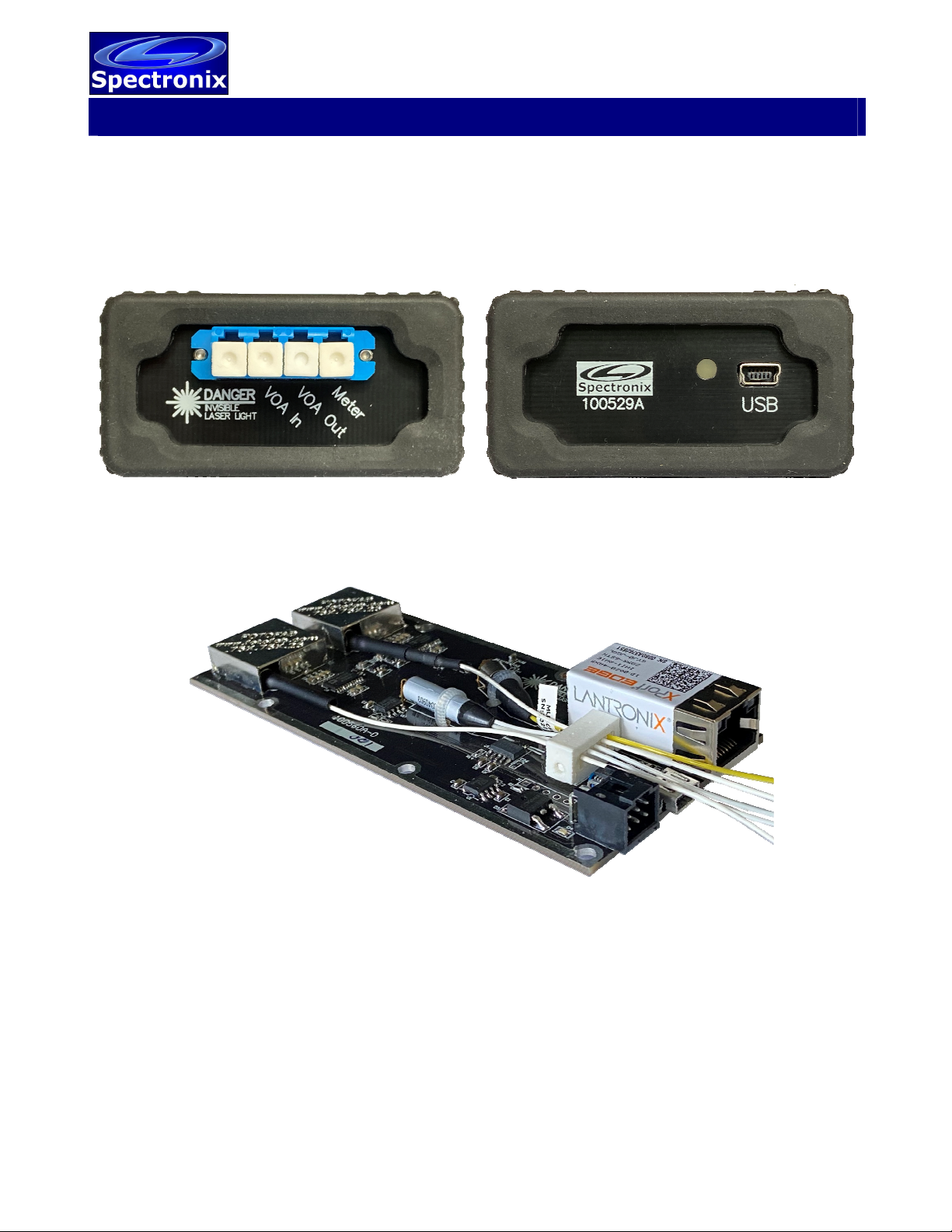
The Lantronix XPort Edge used in the OEM version is capable of storing user files and network
configuration data. Executing the “Factory Reset XPort” command will reset the configuration back to
the factory default and will also format the XPort flash file system. Additional Information regarding
memory and formatting can be found on the Lantronix website.