Aim
for
the
Sky
or
Face
the
Music
foxL
DASH
was acoustically engineered
with
patented
fifth
generation Twoofers (tweeters
that
also
woof)
for
extremely
wide
sound dispersion characteristics
allowing
it
to
lie
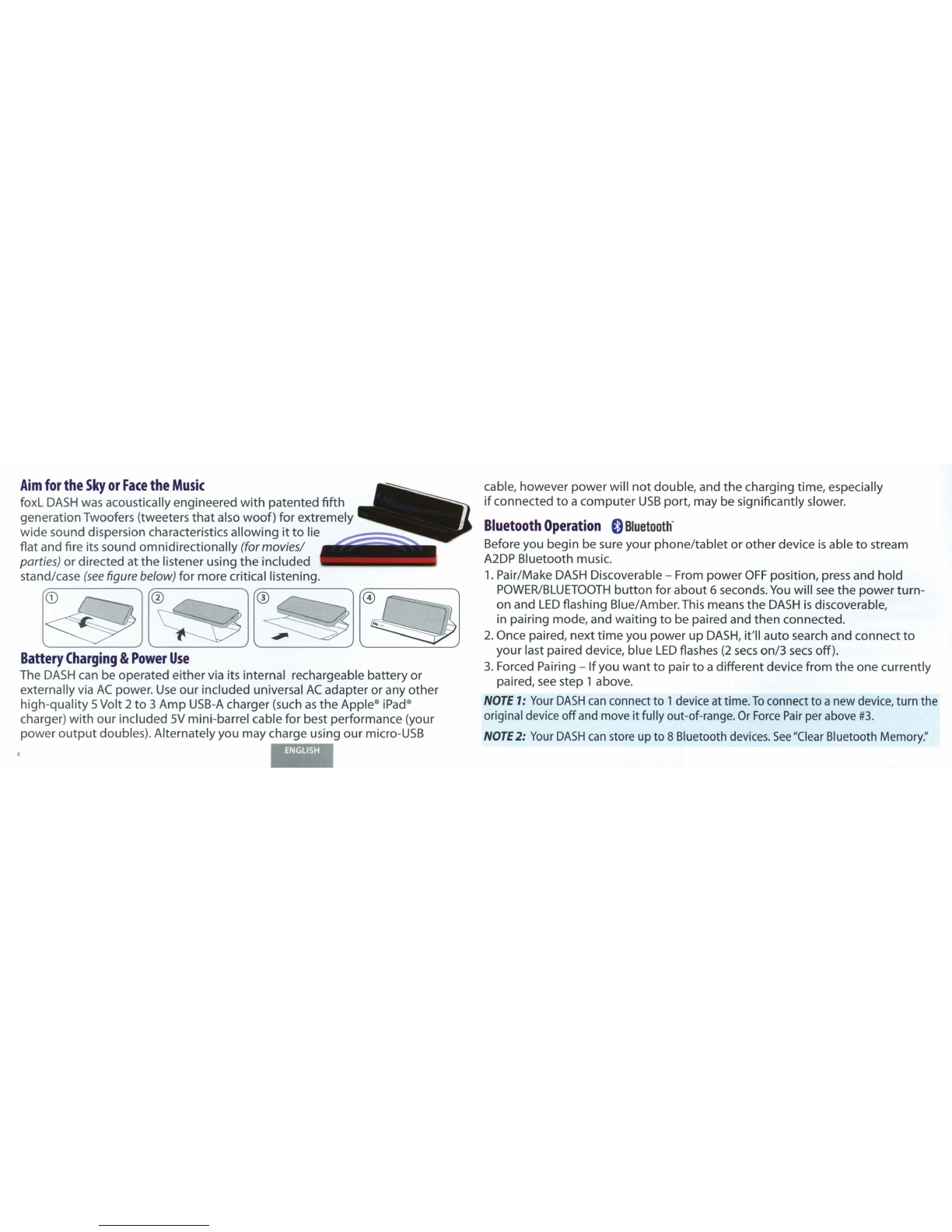
flat and fire its sound
omnidirectionally
(for
movies!
parties)
or
directed at
the
listener using
the
included
stand/case
(see
figure below)
for
more critical listening.
0 ®
Battery
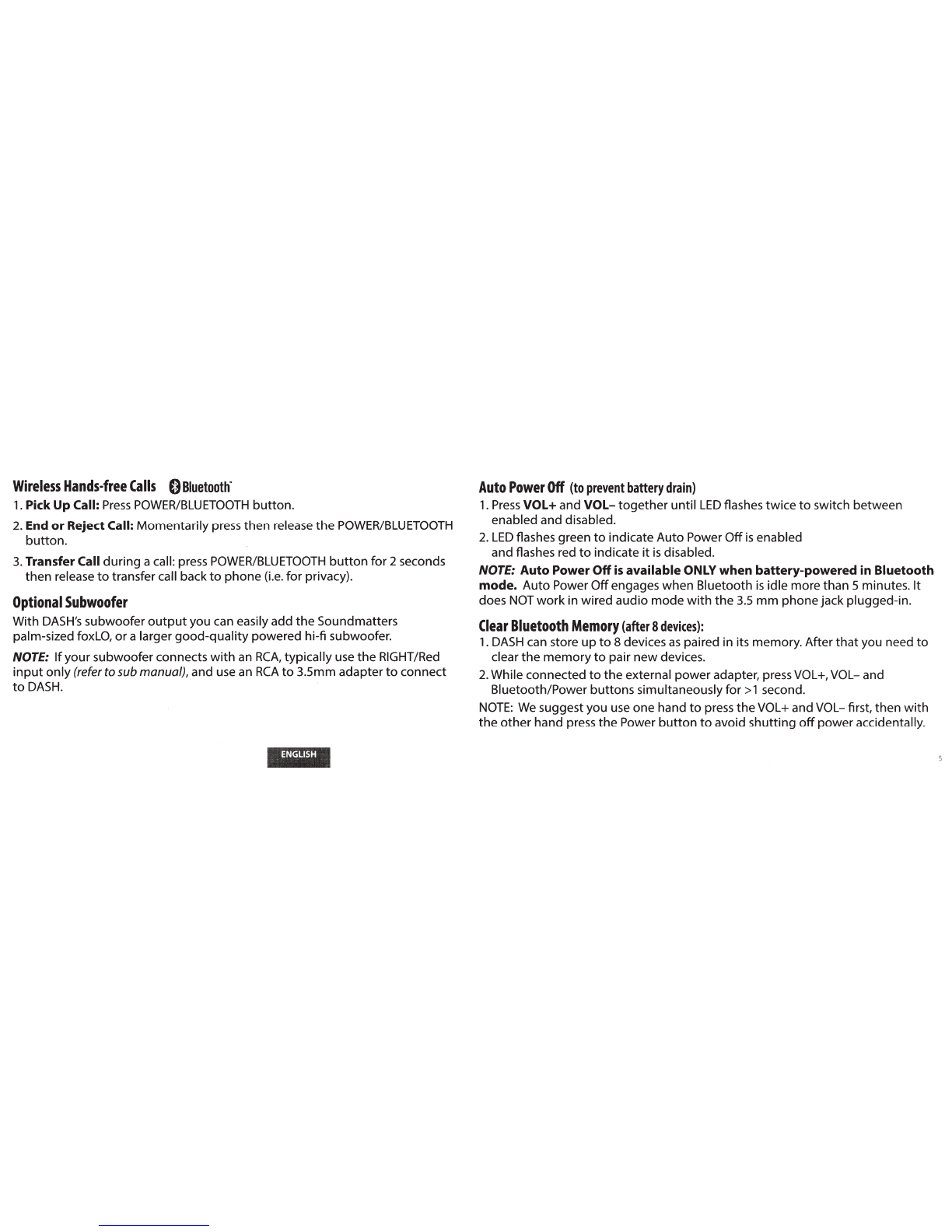
Charging
&
Power
Use
The
DASH
can be operated
either
via its internal rechargeable
battery
or
externally via
AC
power.
Use
our
included universal
AC
adapter
or
any
other
high
-quality
5Volt 2
to
3
Amp
USB-A
charger (such
as
the
Apple®iPad®
charger)
with
our
included
SV
mini-barrel cable
for
best performance (your
po
wer
output
doubles). Alternately you may charge using
our
micro-USB
cable, however
power
will
not
double, and
the
charging time, especially
if
connected
to
a
computer
USB
port, may be significantly slower.
Bluetooth
Operation
0
Bluetooth
.
Before you begin be sure
your
phone/tablet
or
other
device
is
able
to
stream
A2DP Bluetooth music.
1.
Pair/Make
DASH
Discoverable-
From
power
OFF
position, press and
hold
POWER/BLUETOOTH
button
for
about
6 seconds.
You
will
see
the
power
turn-
on
and
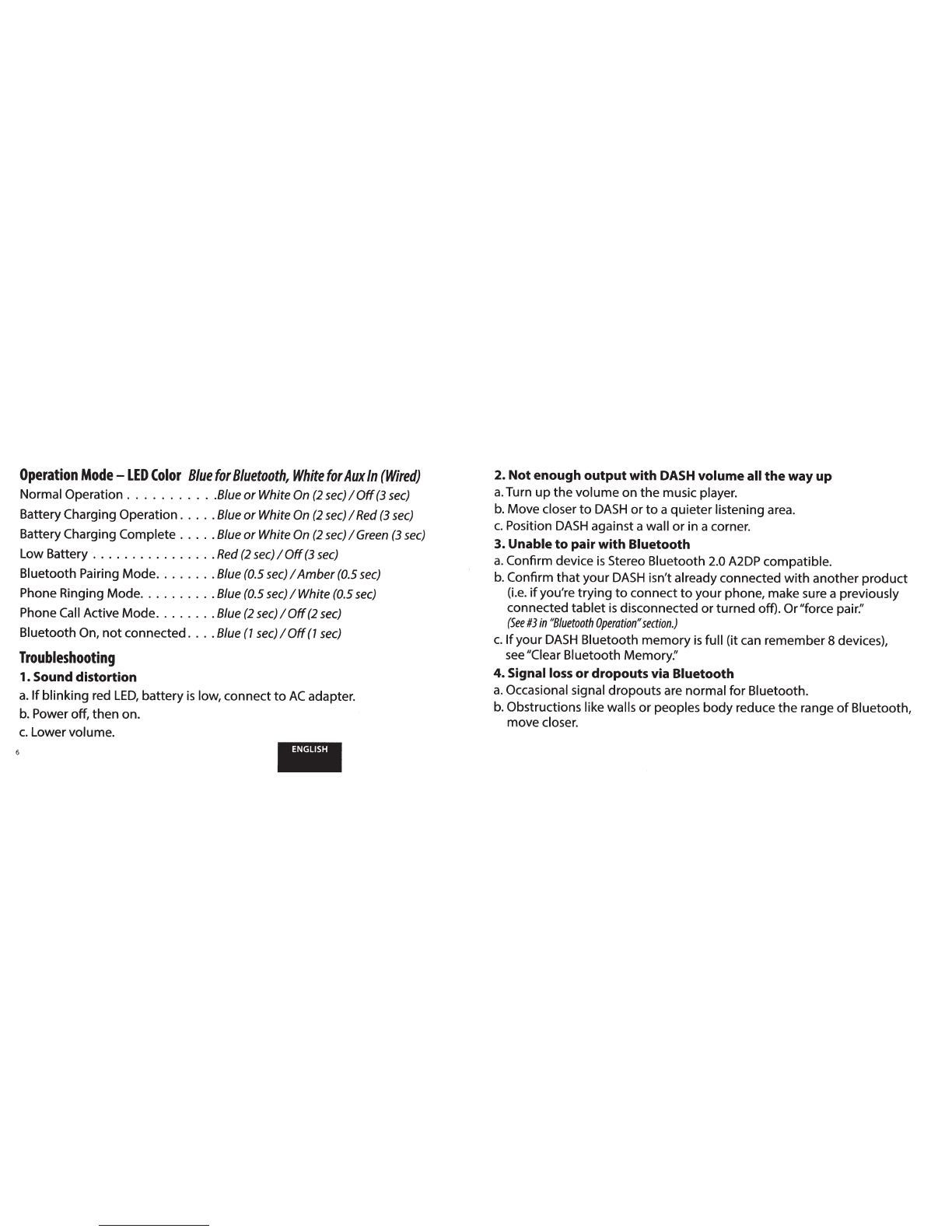
LED
flashing Blue/Amber.This means
the
DASH
is
discoverable,
in pairing mode, and
waiting
to
be paired and
then
connected.
2.
Once paired,
next
time
you
power
up
DASH,
it'll
auto
search and connect
to
your
last paired device, blue
LED
flashes
(2
sees
on/3
sees
off).
3.
Forced
Pairing-
If
you
want
to
pair
to
a different device
from
the
one currently
paired,
see
step 1 above.
NOTE
1:
Your
DASH
can
connect to 1device at time.
To
connect to anew device, turn the
original device
off
and move itfully out-of-range.
Or
Force
Pair
per above
#3.
NOTE
2:
Your
DASH
can
store up to 8 Bluetooth
devices.
See
"Clear Bluetooth Memory:'