SoundBrick550N 11/2007
2
TABLE OF CONTENTS
What is the SoundBrick 550N?..........................................................................3
System Overview...............................................................................................5
Front Panel...............................................................................................5
Connections Panel....................................................................................7
Tape Preparation Instructions............................................................................8
Both MOH and Night Answer Tape...........................................................8
MOH Only Tape........................................................................................8
Night Only Tape........................................................................................8
Message Length Table.......................................................................................9
Installation........................................................................................................10
Step 1 – Set the option switches.............................................................10
Night Message Size, Switch 1.......................................................11
Bandwidth, Switch 2 ......................................................................11
Password Select, Switches 3-4 .....................................................11
Night Answer Rings, Switches 5-6.................................................11
Night Answer On/Off, Switch 9......................................................11
Speaker On/Off, Switch 10............................................................11
Step 2 – Connections .............................................................................12
Step 3 – Load Messages........................................................................13
Tape Load .....................................................................................13
Phone Load/Remote Access.........................................................14
Step 4 – Adjust Volume ..........................................................................15
Message Play Operation..................................................................................16
MOH Message Play................................................................................16
Night Answer .........................................................................................16
Wall Mounting Instructions...............................................................................17
Troubleshooting ...............................................................................................19
Quick Install instructions ..................................................................................20
LIST OF FIGURES
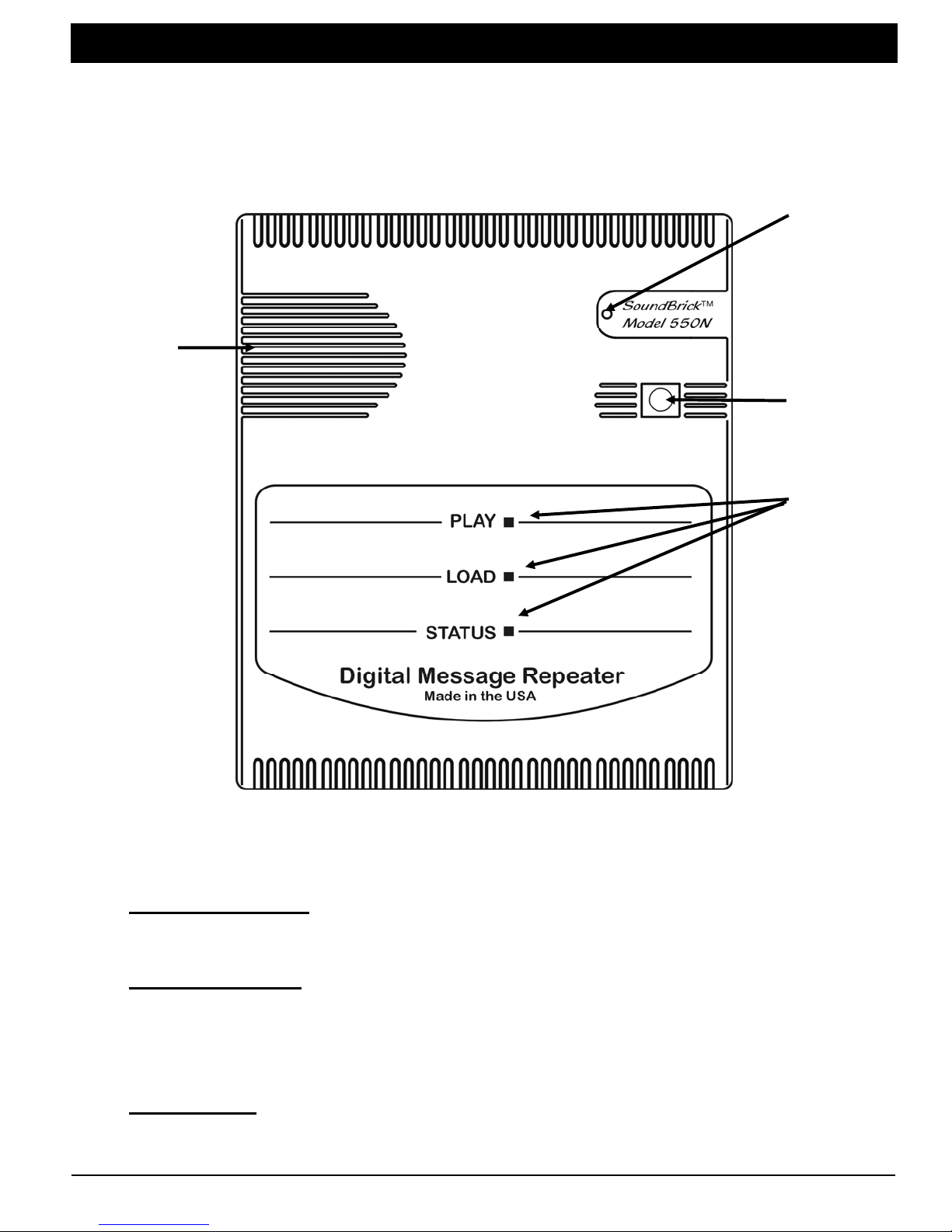
Figure 1 - Front Panel Diagram..........................................................................5
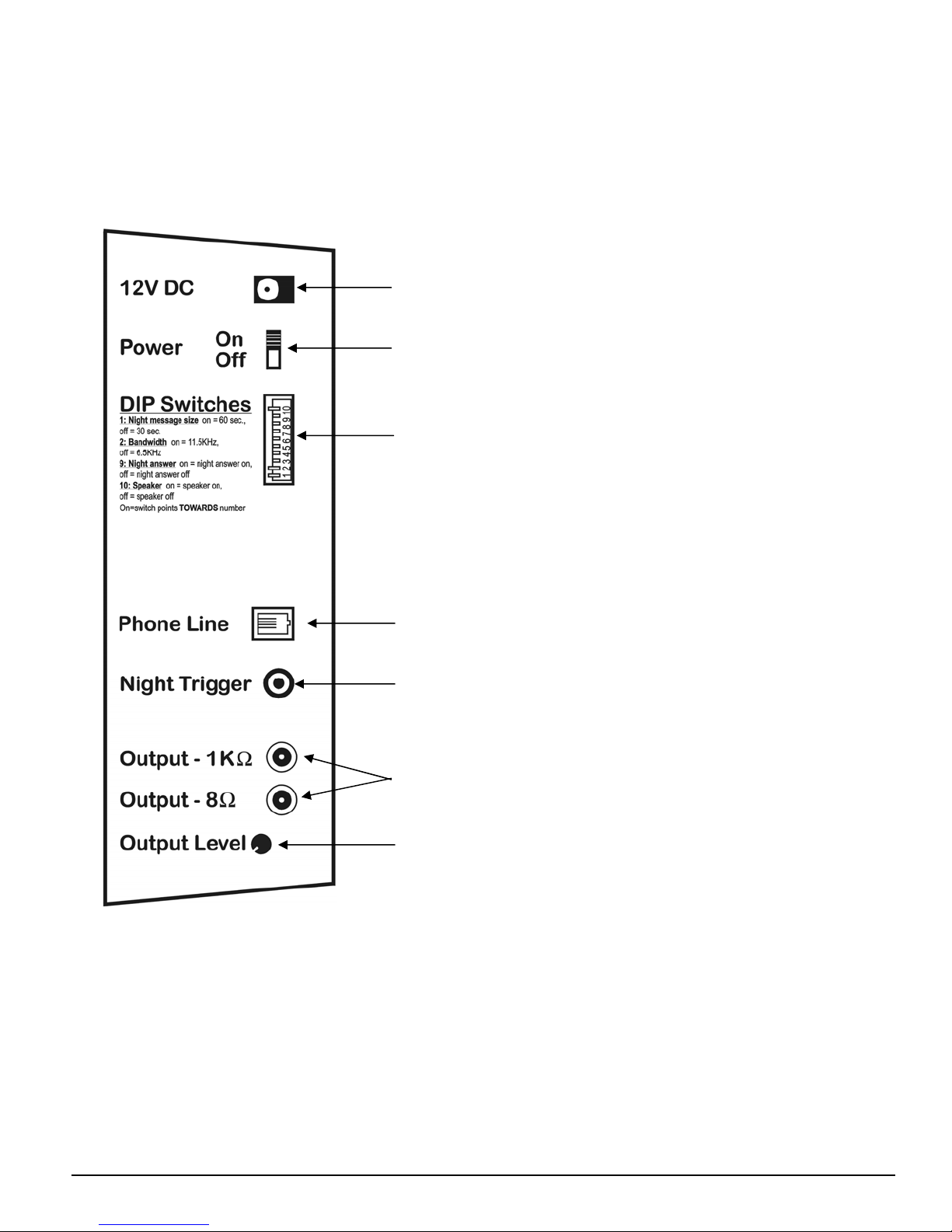
Figure 2 - Side Panel Diagram...........................................................................7
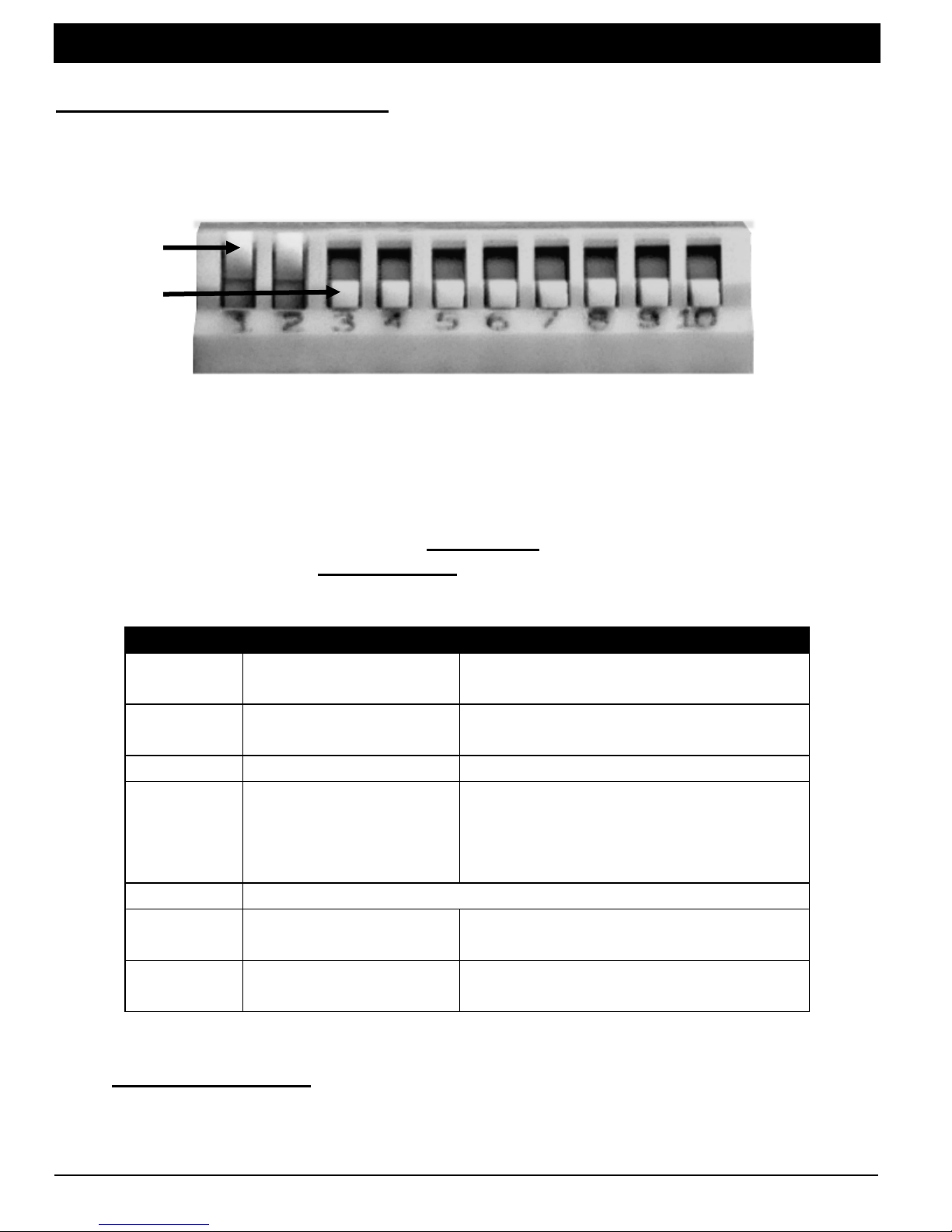
Figure 3 - Option Select Switches....................................................................10
Figure 4 - Installation Diagram.........................................................................12
LIST OF TABLES
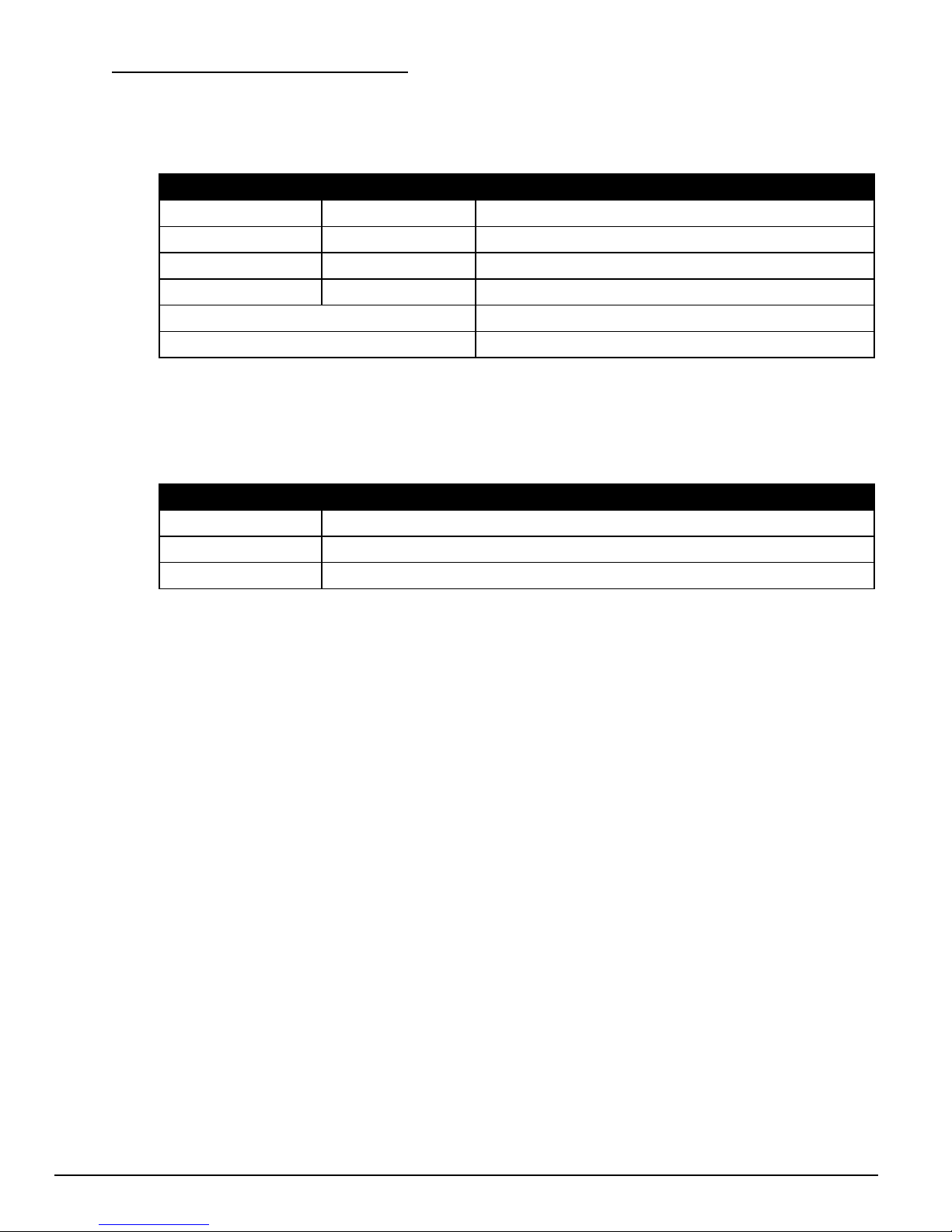
Table 1 - Play Light + Load Light Indications.....................................................6
Table 2 - Status Light (Night Answer) Indications..............................................6
Table 3 - Message Length .................................................................................9
Table 4 - Option Select (DIP) Switches............................................................10
Table 5 - Password Select...............................................................................11
Table 6 - Load Light Indications (Tape Load) ..................................................14
Table 7 - Phone-Load User Menu....................................................................15