9
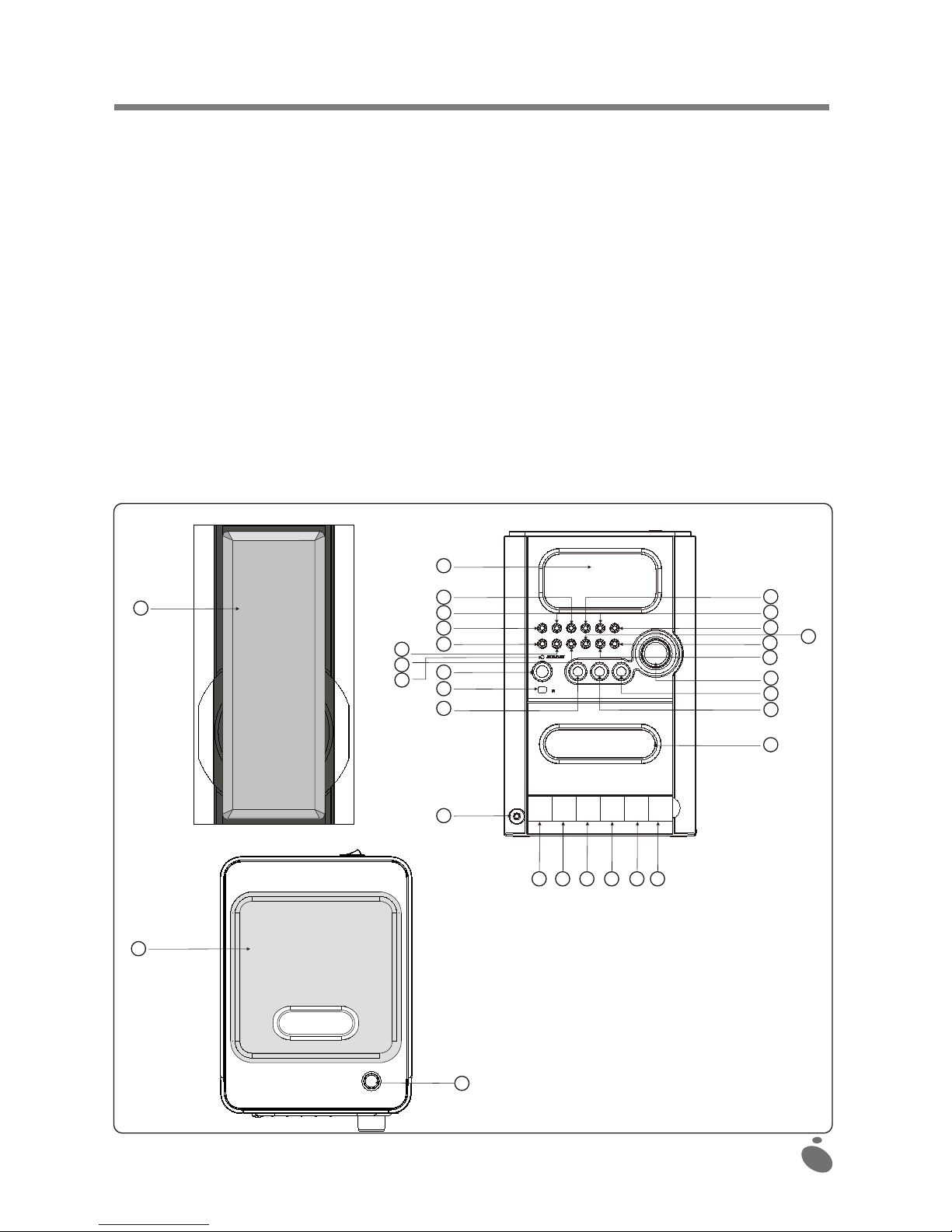
2. Tostopplayback,pressthePLAY/PAUSEbutton.Theelapsedtimedisplaystartstoblink.
3. Toresumeplayback,pressthePLAY/PAUSEbuttononceagain.
4. Todefinitivelystopplayback,presstheSTOP/BANDbutton.
Selectingadifferenttrackduringplayback
1. PresstheTUNING/SKIP/SEARCH(UPorDOWN)buttononthesystem(ortheremotecontrol),until
thedesiredtracknumberappearsonthedisplay.
2. PressthePLAY/PAUSEbuttontostartplayback.
Repeatplay
1. WhileplayingaCD,ifyouwouldliketorepeatonlyonetrack,presstheREPEAT/MEMORYUP
buttononthesystem(ortheremotecontrol)once:the"REPEAT"indicatorcomesonandblinks.
2. Ifyouwouldliketorepeatallofthetracksonthedisc,presstheREPEAT/MEMORYUPbuttontwice:
the"REPEAT"indicatorcomesonbutdoesnotblink.
3. Todisabletherepeatfunction,presstheSTOP/BANDbuttonorpresstheREPEAT/MEMORYUP
buttonuntilthe"REPEAT"indicatorisclearedfromthedisplay.
Randomplay
1. PresstheRANDOMbuttononceandthe"RANDOM"indicatorwillcomeon.
2. Thetrackswillbereadinrandomorder.
3. PresstheSTOP/BANDbuttontodisabletherandomplaymode.
INTROPLAY(accessiblefromtheremotecontrol)
1. Duringthestopcondition,pressingtheINTRObuttontostarttheintroplaying.
Afterthatthe10secondsofeachsongwillbeplayed.
2. IftheINTRObuttonispressedagain,theCDwillchangetothenormalplayingmode.
Stopplay
1. PresstheSTOP/BANDbuttonifyouwishtostopplayback.Thenumberoftracksthatcanbeplayed
fromthediscaredisplayed.
2. OpentheCDdoortoremovetheCD.
Programming the CD player
By programming the CD player, you can play up to 20 tracks in the order of your choice (this is only
possible when the CD player is stopped).
1. Place the disc into the compartment prior to programming. Press the MEMORY/CLK. ADJ button.
2. The display shows MEMORY TRACK and P-01.
3. Press the TUNING/SKIP/SEARCH (UP or DOWN) button to select the first track to be
programmed.
4. Once the desired track appears on the display, press the MEMORY/CLK. ADJ button once again.
5. The display will show MEMORY TRACK and P-02.
6. Repeat this procedure to select other tracks on the disc to be programmed in memory.
7. In radio MODE, when the frequency is displayed, this button is used to activate the memory save
mode for five seconds.
Clearing a program
To clear a program:Press the MEMORY/CLK.ADJ button and then the STOP/BAND button in stop
mode or power down the system or open the CD door.
Note: If you create a new program, the current program will be deleted.MUTE (accessible from the
remote control)
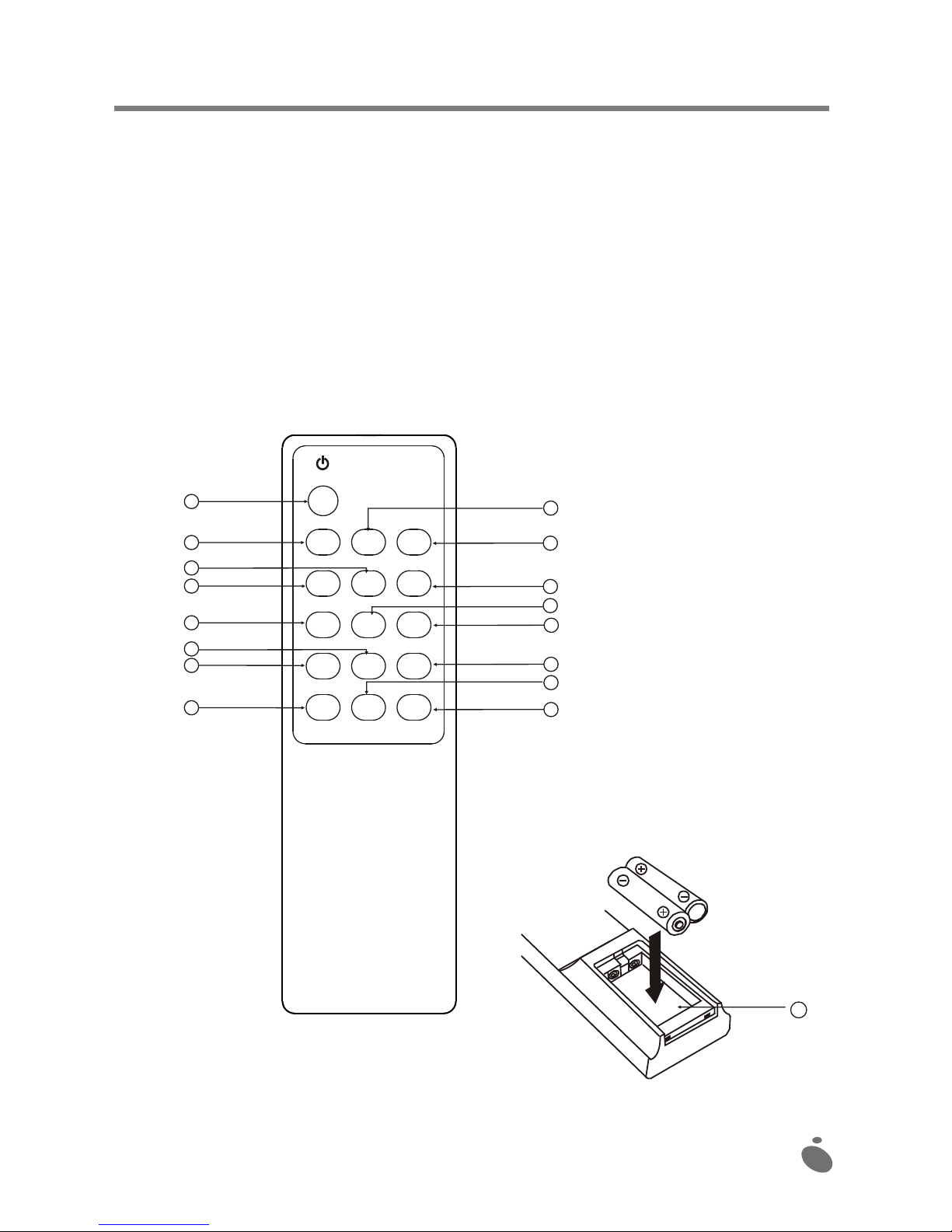
1. If you press the MUTE button on the remote control, the corresponding indicator will come on
and the audio output will be temporarily cut.
2. Press the MUTE button again: the indicator goes off and the audio output resumes normally.