SwitchLinc V2 Relay User’s Guide
TABLE OF CONTENTS
ABOUT SWITCHLINC RELAY.....................................................................................................................4
What is INSTEON?....................................................................................................................................4
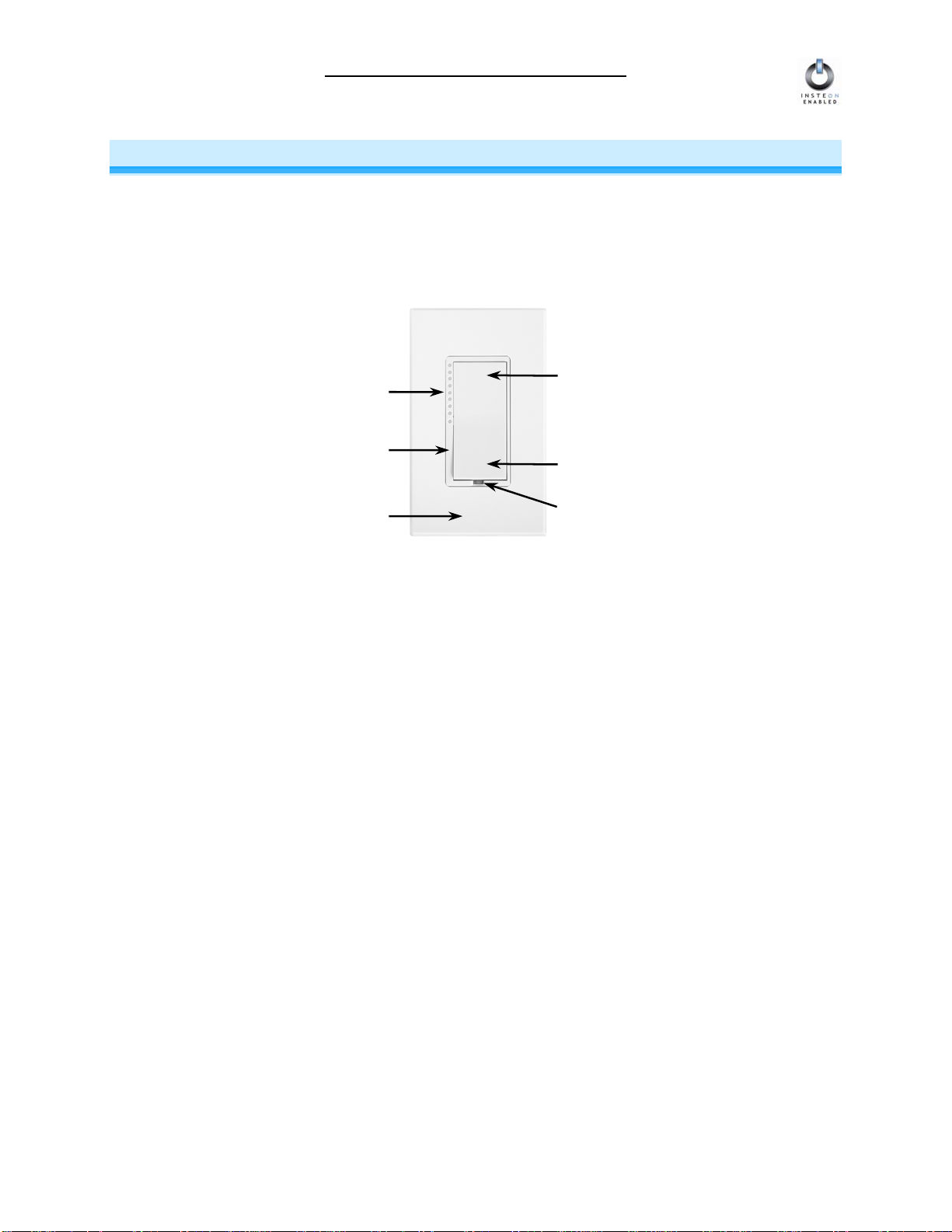
Key SwitchLinc Relay Features.................................................................................................................4
HOW TO INSTALL SWITCHLINC RELAY..................................................................................................5
Tools You Will Need..................................................................................................................................5
Preparing to Install SwitchLinc Relay........................................................................................................6
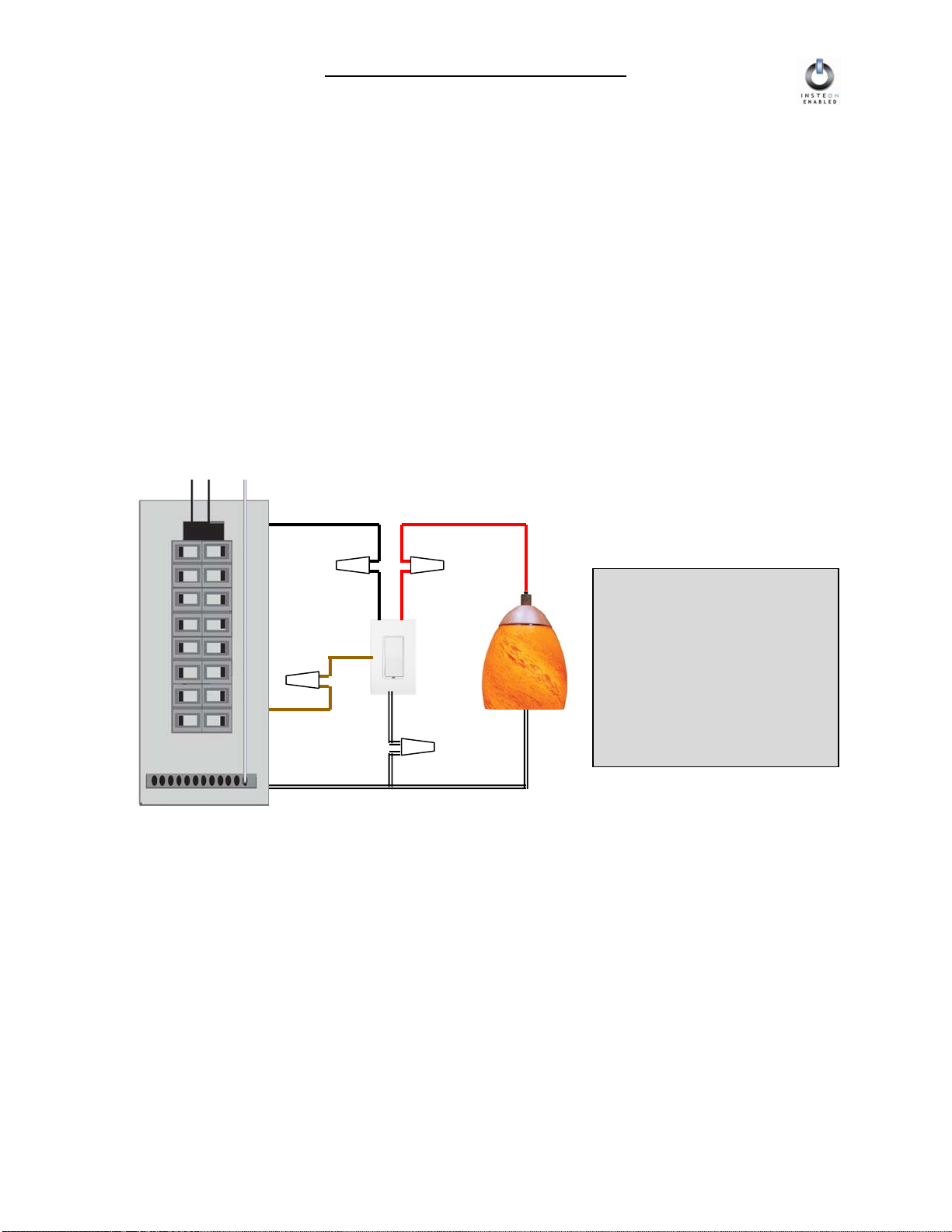
Installing SwitchLinc Relay........................................................................................................................7
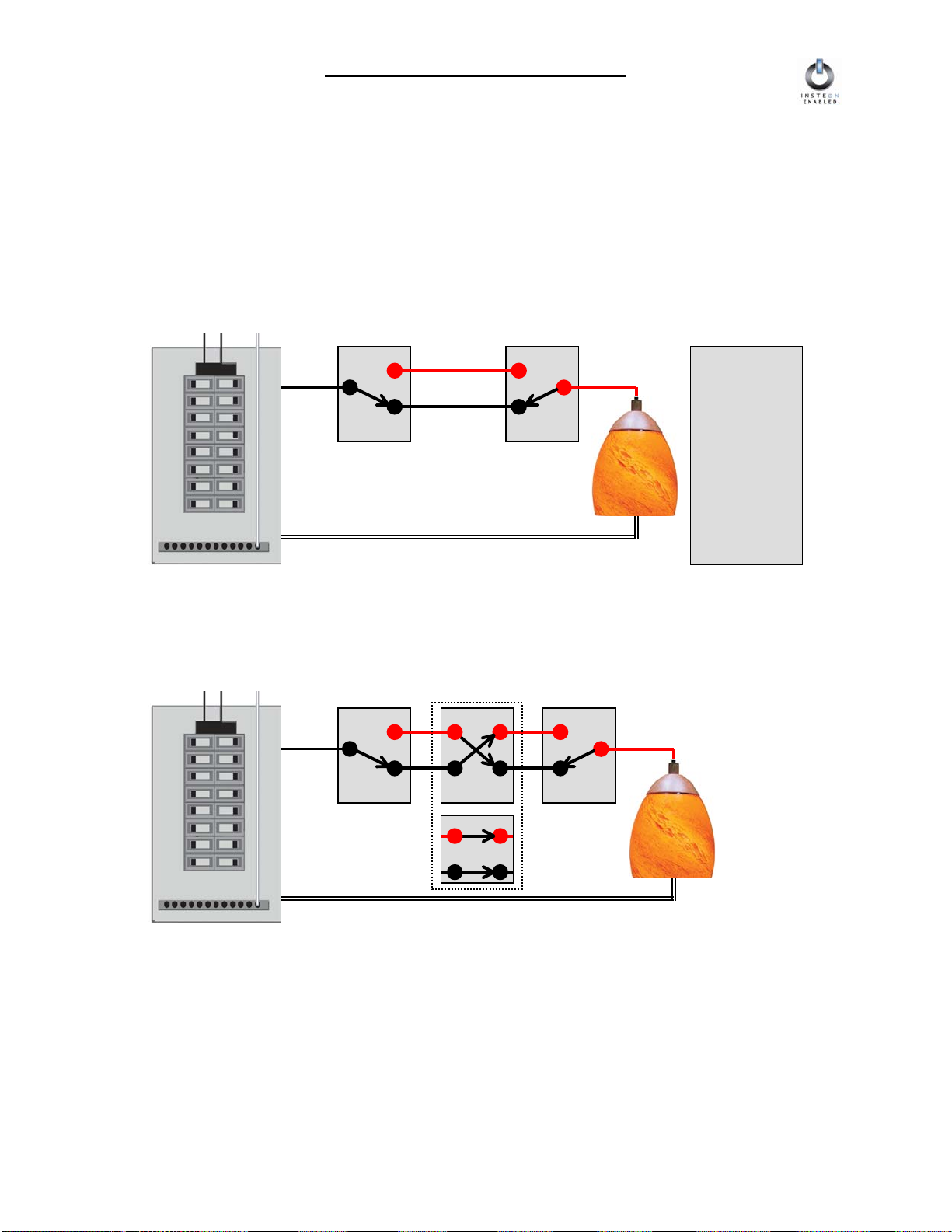
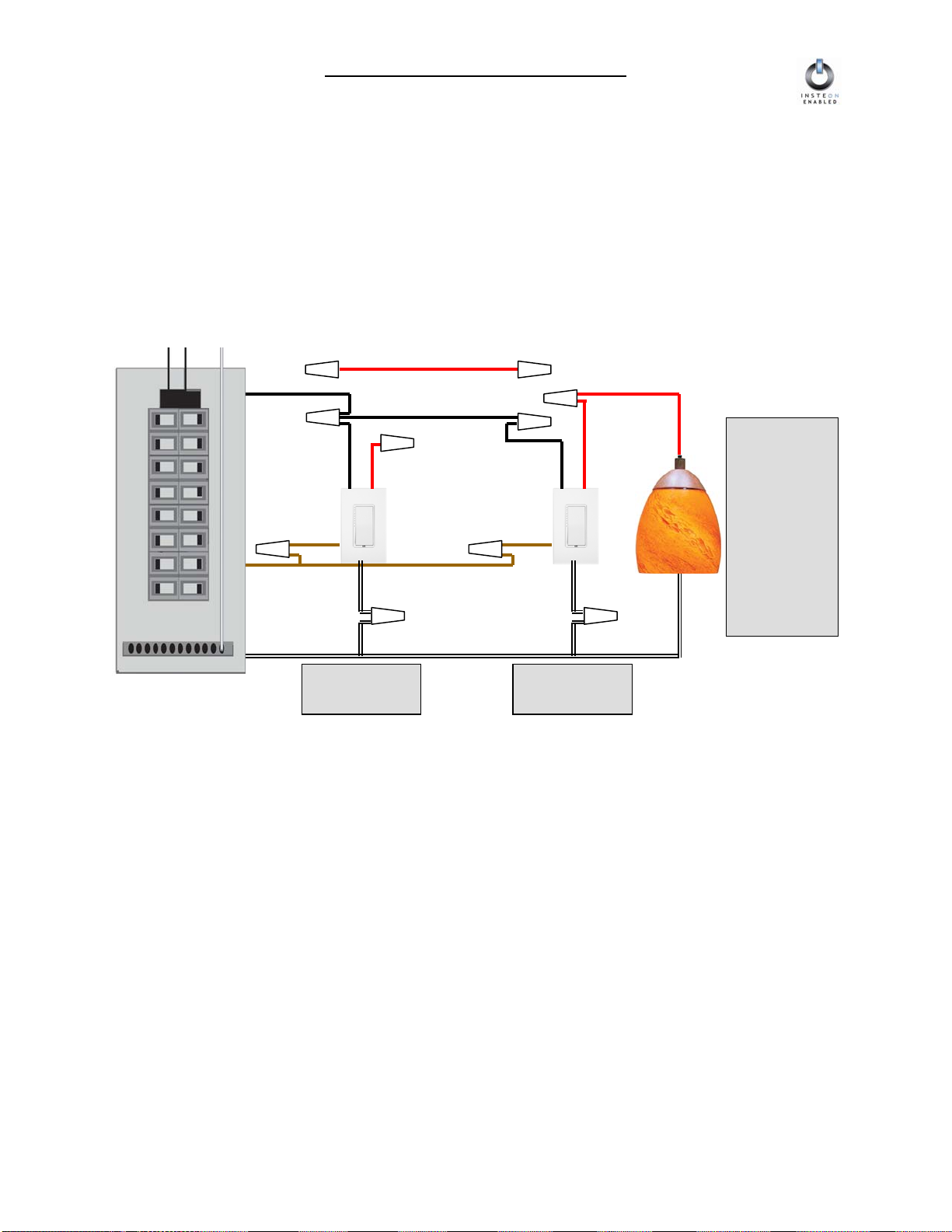
Installing SwitchLinc Relay in a Multi-Way Circuit.....................................................................................8
HOW TO SET UP SWITCHLINC RELAY TO REMOTELY CONTROL AN INSTEON DEVICE ..............14
Linking SwitchLinc Relay to a Controlled INSTEON Device...................................................................14
Unlinking a Controlled INSTEON Device from SwitchLinc Relay ...........................................................15
Creating an INSTEON Scene..................................................................................................................15
HOW TO SET UP SWITCHLINC RELAY TO BE REMOTELY CONTROLLED BY AN INSTEON
CONTROLLER ...........................................................................................................................................16
Linking an INSTEON Controller to SwitchLinc Relay..............................................................................16
Unlinking SwitchLinc Relay from an INSTEON Controller......................................................................17
HOW TO CROSS-LINK MORE THAN ONE SWITCHLINC Relay............................................................18
Cross-Linking in a 3-Way Circuit.............................................................................................................18
ADVANCED FEATURES OF SWITCHLINC RELAY ................................................................................19
Restoring Power to SwitchLinc Relay .....................................................................................................19
Resetting SwitchLinc Relay to Its Factory Default Settings ....................................................................19
X10 PROGRAMMING OPTIONS ...............................................................................................................20
Setting the X10 Primary Address............................................................................................................20
Removing the X10 Primary Address.......................................................................................................20
ADVANCED X10 PROGRAMMING OPTIONS..........................................................................................21
About X10 Scene Address Programming................................................................................................21
Remotely Setting an X10 Scene Address...............................................................................................21
Remotely Removing an X10 Scene Address..........................................................................................21
Switching Between Appliance and Lamp Mode......................................................................................22
HOW TO USE SWITCHLINC RELAY........................................................................................................23
Using the Paddle.....................................................................................................................................23
COLOR OPTIONS FOR SWITCHLINC RELAY ........................................................................................24
Paddle and LED Colors are Changeable................................................................................................24
How to Change Paddle and LED Colors.................................................................................................24
ABOUT INSTEON ......................................................................................................................................26
Understanding Why an INSTEON Network Is Reliable...........................................................................26
Further Enhancing Reliability ..................................................................................................................26
Using SmartLabs’ SignaLinc RF to Upgrade Your INSTEON Network ..................................................26
About INSTEON and X10........................................................................................................................27
TROUBLESHOOTING................................................................................................................................28
SPECIFICATIONS......................................................................................................................................30
SwitchLinc V2 Relay Specifications ........................................................................................................30