
SmartDHOME MyWatch Manuel utilisateur
MyWatch
Manuale e specifiche tecniche
1
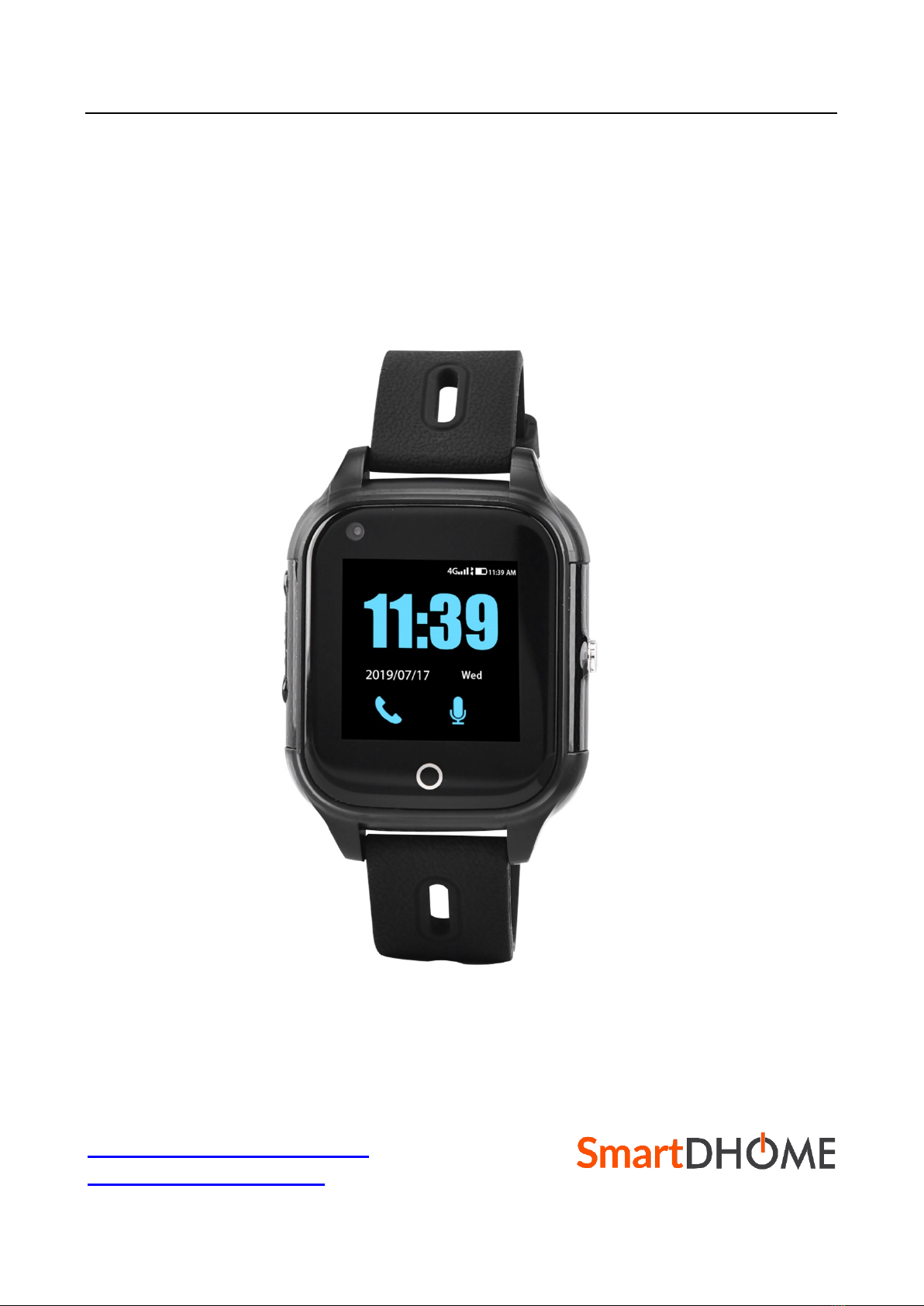
Thank you for choosing MyWatch, the smartwatch that allows you to constantly monitor the
vital parameters of the elderly, disabled and beyond. The MyWatch is compatible with the
gateways of the MyVirtuoso Home home automation system.
www.myvirtuosohome.com
www.smartdhome.com
MyWatch
Manuale e specifiche tecniche
2
Description & Technical Specifications
The MyWatch Smartwatch is an indispensable device for monitoring vital signs such as heart
rate and blood pressure. Thanks to the 4G protocol, it works even if it is very distant from
the MyVirtuoso Home gateway.
Specifiche Technical
• Dimensions: 46mm x 40mm x 15mm
• Weight: 48g
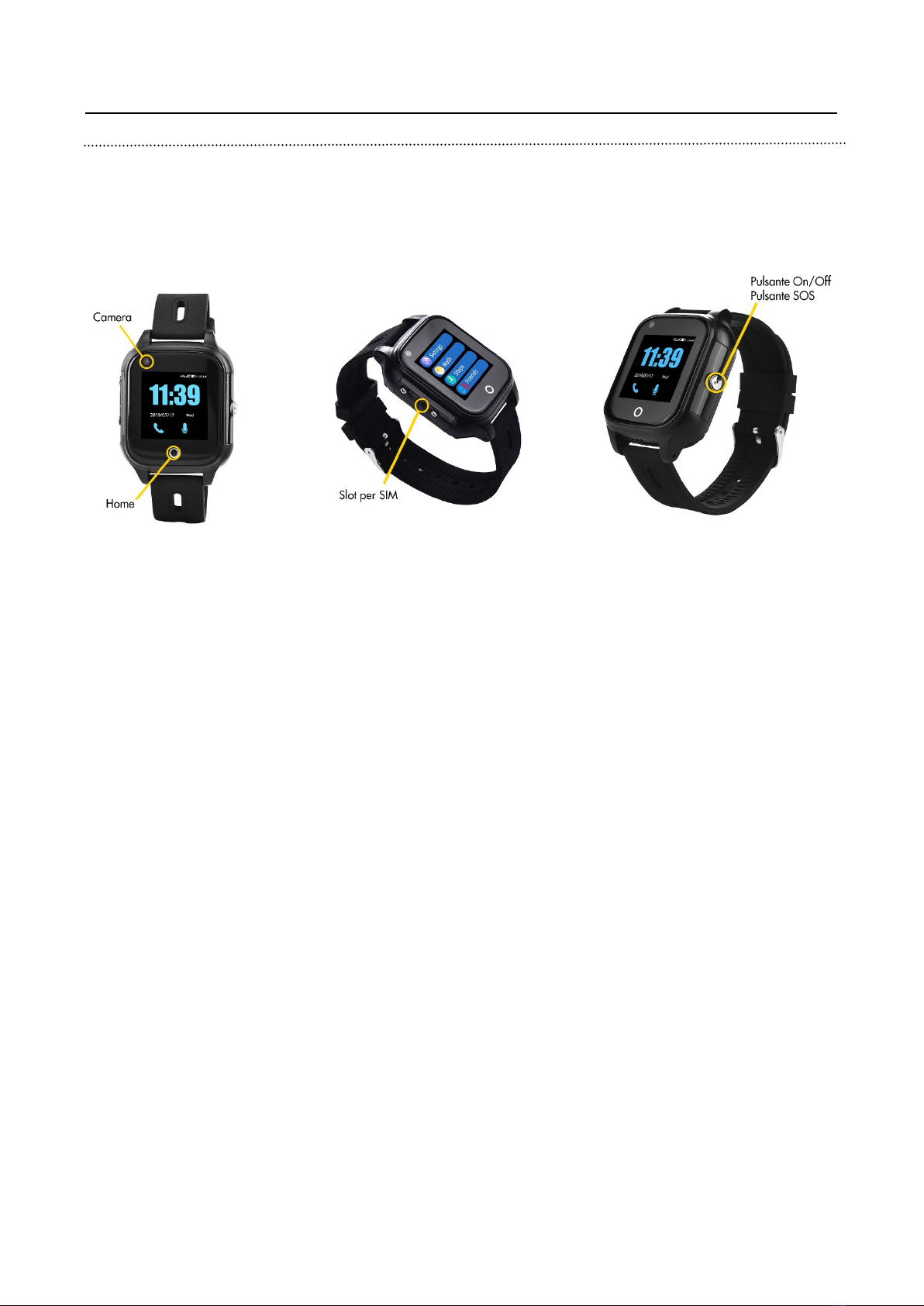
• Buttons: 1 button (power and SOS)
• Display: 1.3 "240 x 240 pixels
• Touch: G + F Single point touch
• Battery: 500 mAh
• Protocols: Wi-Fi, 4G
• GPS Antenna: highly sensitive active ceramic antenna
• GSM Antenna: 4 frequency GSM antenna
• SIM card: 1 nano SIM
• Water resistance: IP67
• Vibration: yes
• Microphone: yes
• Audio: yes
• Calls: yes
• Room: yes
• Charging: through the magnetic connector
•Operating temperature: -20 -> 70 ℃
• Operating humidity: 5% -> 95% (not freezing)
• OTA updates: yes

MyWatch
Manuale e specifiche tecniche
3
Package content
• MyWatch smartwatch.
• Instruction manual.
• Screwdriver and tweezers.
Installation
Inserting the SIM card
In order to use all the features of the MyWatch Smartwatch, a SIM card must be inserted
into the device. To do this, you need to use the special screwdriver and the special tweezers
found inside the package.
1. Using the screwdriver, remove the SIM compartment protection.
2. Then insert the nano SIM card into the appropriate slot. The 'golden' part of the SIM
must face the display, while the diagonal corner must face the lower right corner of
the display (use tweezers to help you do this).
3. Reset the protection of the SIM compartment (using the screwdriver).
Once this simple operation has been completed, the MyWatch Smartwatch can be turned
on and proceeded with the configuration phase.
Configuration
To be able to use the device effectively, it is necessary to carry out the following configuration
procedure:
1. Press the On/Off button on the device.
2. Move to the telephone section and enter the following number: *#*#80020#*#*
3. T hen a screen will appear where you will be asked to enter an IP address and a port
number.
4. In the IP section enter 81.201.126.82 while in the port section enter 8888
5. Finally press "SET".
After carrying out the above steps, the configuration procedure can be considered
completed.
ATTENTION! After completing the configuration, it is strongly recommended to also
configure the fall detection option in the settings of the Smatwatch MyWatch.

MyWatch
Manuale e specifiche tecniche
4
Fall Detection
For energy saving reasons, the detection of falls (and the sending of the corresponding
alarm) are deactivated by default. To enable it, you need to navigate the menu as follows:
More> Settings> Fall Settings
And enable the function using the appropriate switch. It is advisable to also enable the sound
warning in the event of a fall. In this way the user can easily notice and skim any false
positives. This operation is always carried out in this menu page.
You can adjust the detection sensitivity. To do this, navigate the menu as follows:
More> Settings> Settings for the sensitivity of the fall alarm
And adjust the sensitivity as you prefer (6 is the same and not very sensitive, while 1 is very
sensitive).
Inclusion
Before starting the device inclusion procedure, check that it is turned on and follow the steps
below:
1. Use the MyVirtuoso Home ES application, open the menu for adding an IP device
and then select the "Healthwatch" device. The user will be prompted for a
description for the device and the device IMEI.
2. Enter your preferred description and enter the IMEI code of the device.
NOTE: It is possible to retrieve the IMEI code directly from the device packaging or from the
settings menu.
Disposal
Do not dispose of electrical appliances in unsorted municipal waste, use separate collection
services. Contact your local council for information regarding available collection systems.
If electrical appliances are disposed of in landfills or in inappropriate places, hazardous
substances can leak into groundwater and enter the food chain, damaging health and well-
being.
When replacing old appliances with new ones, the retailer is legally obliged to take back the
old appliance for disposal free of charge.
MyWatch
Manuale e specifiche tecniche
5
Warranty and customer support
Visit our website at the link: http://www.ecodhome.com/acquista/garanzia-eriparazioni.html
If you encounter technical problems or malfunctions, visit the site:
http://helpdesk.smartdhome.com/users/register.aspx
After a short registration you can open a ticket online, also attaching images. One of our
technicians will answer you as soon as possible.
SmartDHOME Srl
V.le Longarone 35, 20058 Zibido San Giacomo (MI)
info@smartdhome.com
Rev. 09/2020
Table des matières


