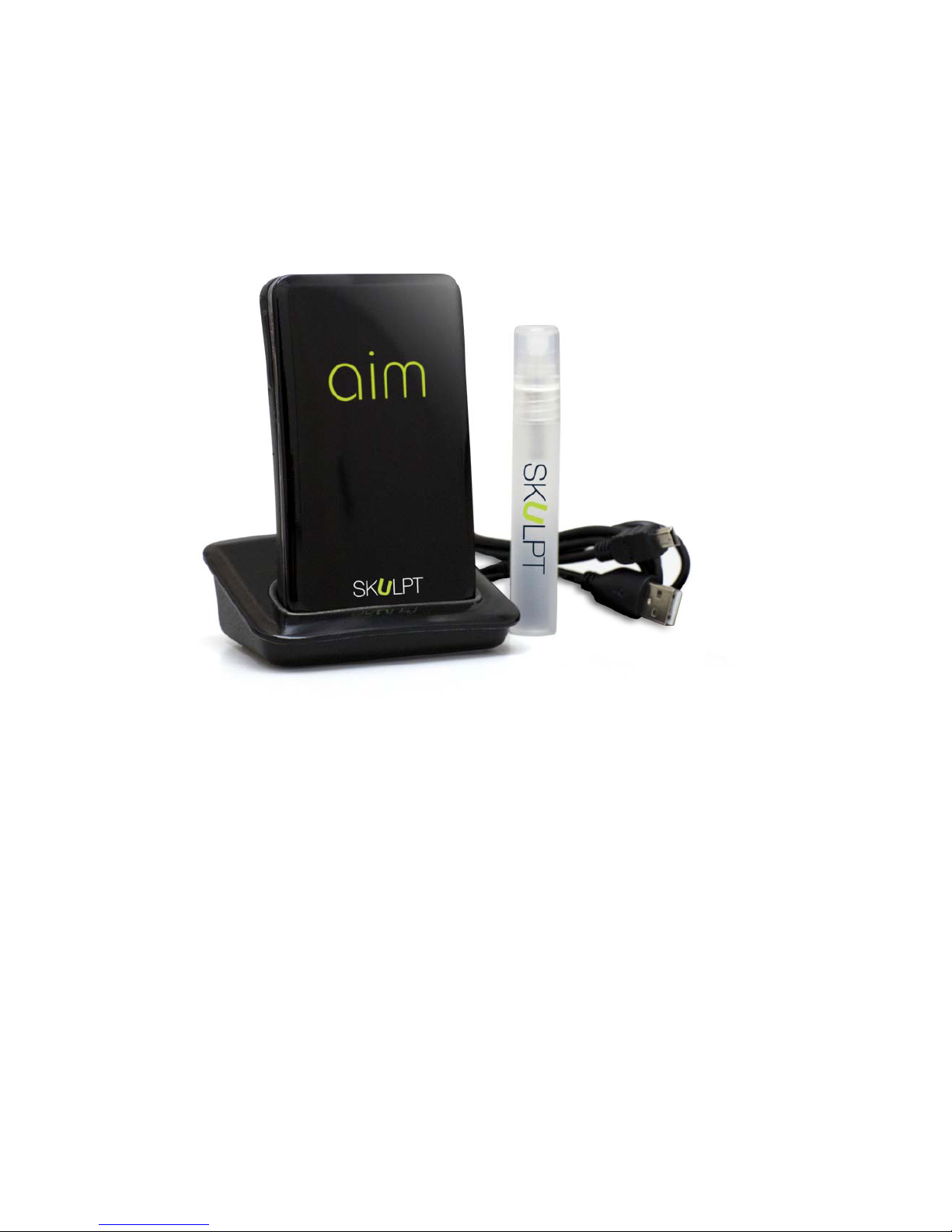
Your app will then prompt you to measure your total body fat percentage
and Muscle Quality, by taking three measurements. Follow the
instructions on the app to continue.
Using your Aim
Taking Measurements
During setup, your app will tell you which muscle to measure.
Otherwise, you’ll need to select the specific muscle you wish to
measure from your Aim or the remote control feature on your app.
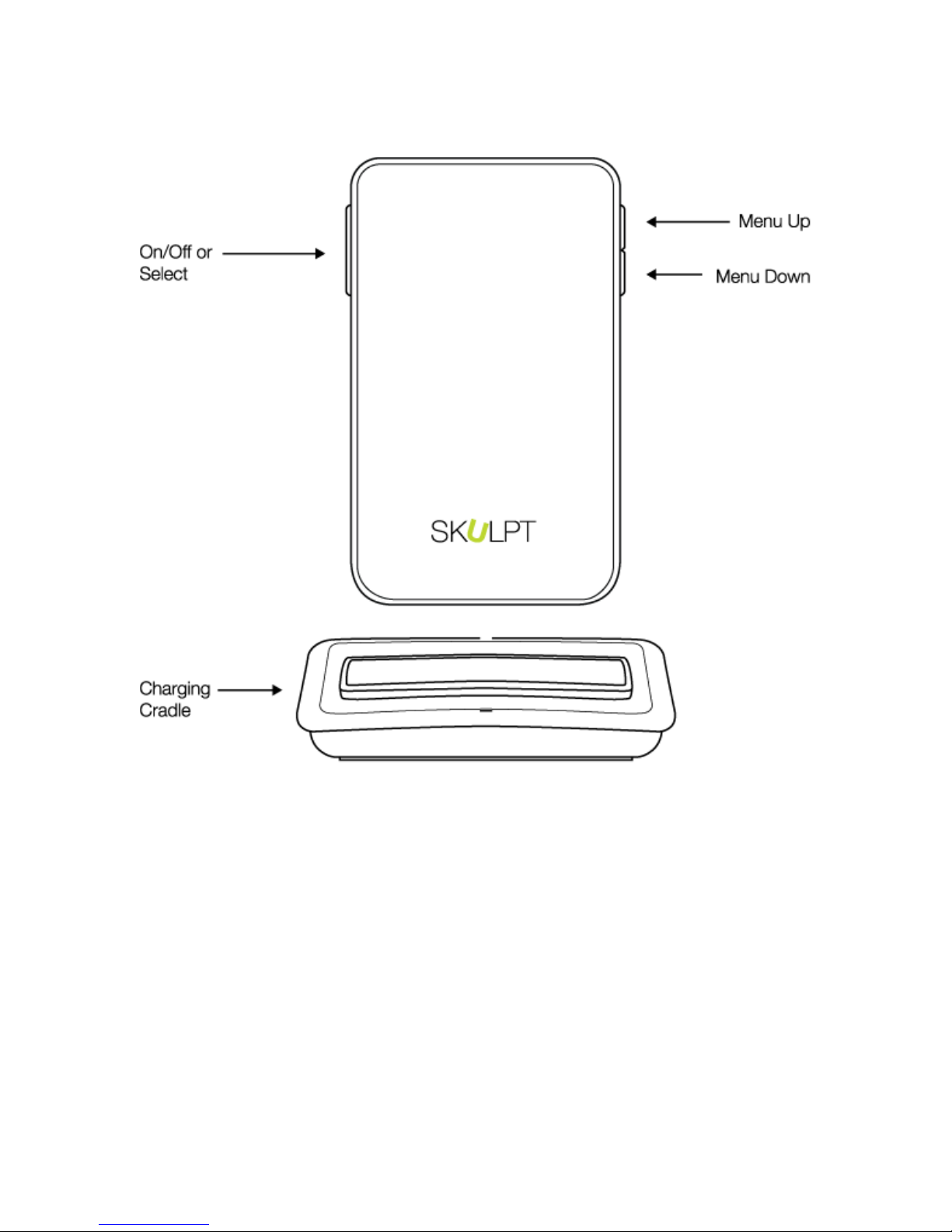
1. Select the muscle you want to measure using the menu on your
Aim device.
2. Use the spray bottle provided to spray the sensors with water. This
will help the sensors make better contact with your skin.
3. Place the device against the appropriate muscle as directed on the
app, and make sure all of the sensors are making contact with your
skin. The app will show you where to place the device.
4. When the measurement is being taken, your Aim’s light ring will turn
from red to green, and when the measurement is ready, you will see
the results on your Aim’s screen.
5. When the Aim and app are within range and Bluetooth is turned on,
your Aim will automatically sync the results with your app.
What Aim Measures
Aim measures your fat percentage and muscle quality (MQ) of up to 12
individual muscle groups, on each side of your body (left/right). The 12
muscles are: biceps, triceps, shoulders, forearms, chest, abs, upper
back, lower back, quads, hamstrings, calves, and glutes.
For a total body fat percentage, or total body MQ reading, you’ll need to
measure three muscles: triceps, abs, and quads.
Only use the Skulpt Aim as intended. This is not a medical device. It is
intended for fitness use only.