第6 页共12 页
FACTORY MODE ADJUSTMENT
FACTORY MODE adjustment is a special adjustment which is controlled by I2C BUS. The TV set has been set
at optimum mode at the factory. Except for special request, such as updating software、replacing PANEL、
MEMORY、IC etc., it is hoped not to be adjusted after produced. To conduct FACTORY MODE's adjustment,
please do it according to the following steps:
1) Press the MUTE button and the number button[2、6、6、0、7、1] on the remote controller to enter into factory
menu,adjust display,cal. ,stv2248 or other menu。You can use navigation key to access them。
2) In display menu, display the basic characteristic parameter such as panel resolution、mode table、power on
time、backlight on time、software version number etc.
3) In cal. menu, display the basic characteristic parameter such as external comb filter、video format、
colorspace、test pattern etc. Except for special need, reset nvram item and right to OK set item are hoped not
to be adjusted.
4) In stv2248 menu, select the item you want to adjust by pressing the button “ CH+” or “CH-” and use the
"VOL+" or "VOL-" button to adjust。In this menu, you can adjust the white balance、picture modes value、
SCART Audio out value and volume middle value。And the contrast value、AGC value and the important
value vcofine、vcocoa are in the sub menu 2248 adjust。
5)In OTHER menu, select the item you want to adjust by pressing the button “ CH+”or “CH-”such as
sharpness adjust、Volume Max and Volume Min value and use the "VOL+" or "VOL-" button to adjust。
6) Press "MENU" button on the remote controller to exit the FACTORY MODE。
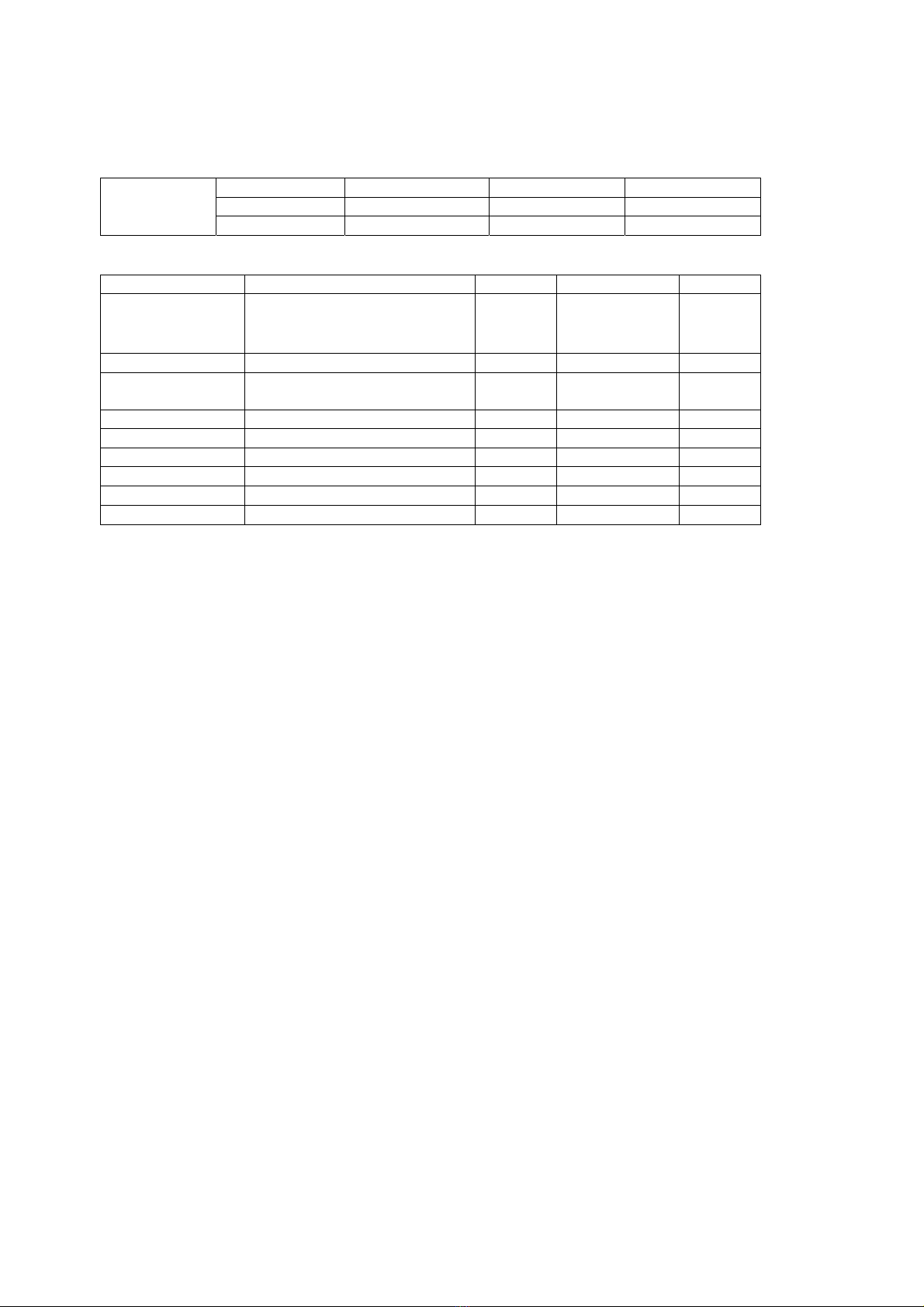
Page 1:display the different characteristic parameter according to signal source and TV set model
item name default value Note
1 Panel 640×480 only for LCD2001EU/2002EU
1280×768 only for LCD1701EU/1702EU
3 Mode table According to picture format
4 Power on time
5 Backlight on time
6 Version number
7 Set color system Auto, pal, secam Define the OK setting color system
8 Set sound system Auto, D/K, B/G, I, L, L’ Define the OK setting sound system
9 Set language 0~ Define the OK setting language
Page 2:display the basic default setting according to signal source
item name default value note
1 External combfilter on on、off
2 Video format auto Ntsc、pal、secam、
ntsc japan、auto
RGB only for tv、video、s-video、rgb
source
3 Color space
Ypbpr smpte240 Only for YPbPr/YCbCr
4 Test pattern None Color bar、black、gray、
White、red、green、
blue、red gradient、
green gradient 、blue
Used for test in factory