
Sintrones VDM-705W Manuel utilisateur
1
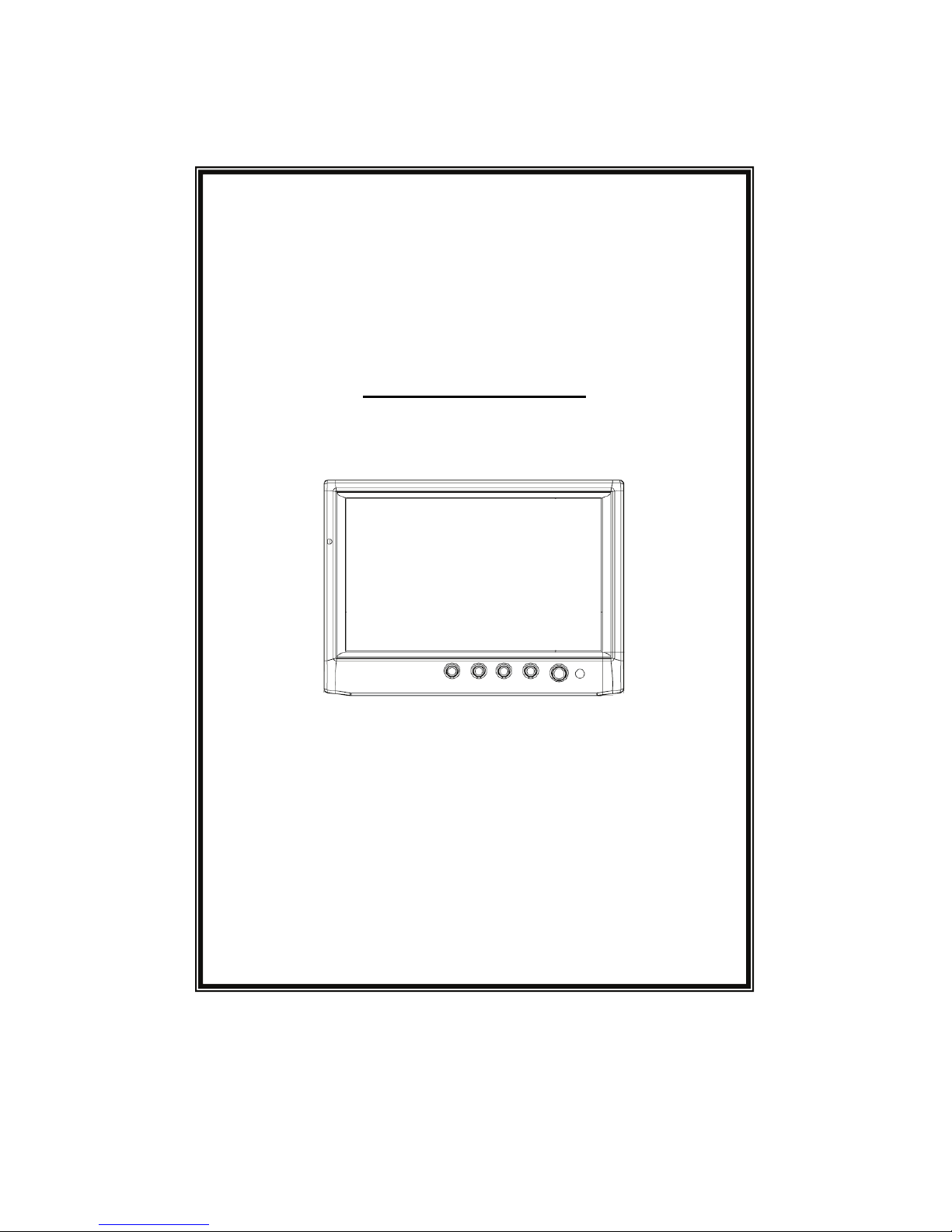
USER’S MANUAL
VL1
7-INCHES TFT LCD TOUCH CREEN
USER’S MANUAL
V.AL5.1
2
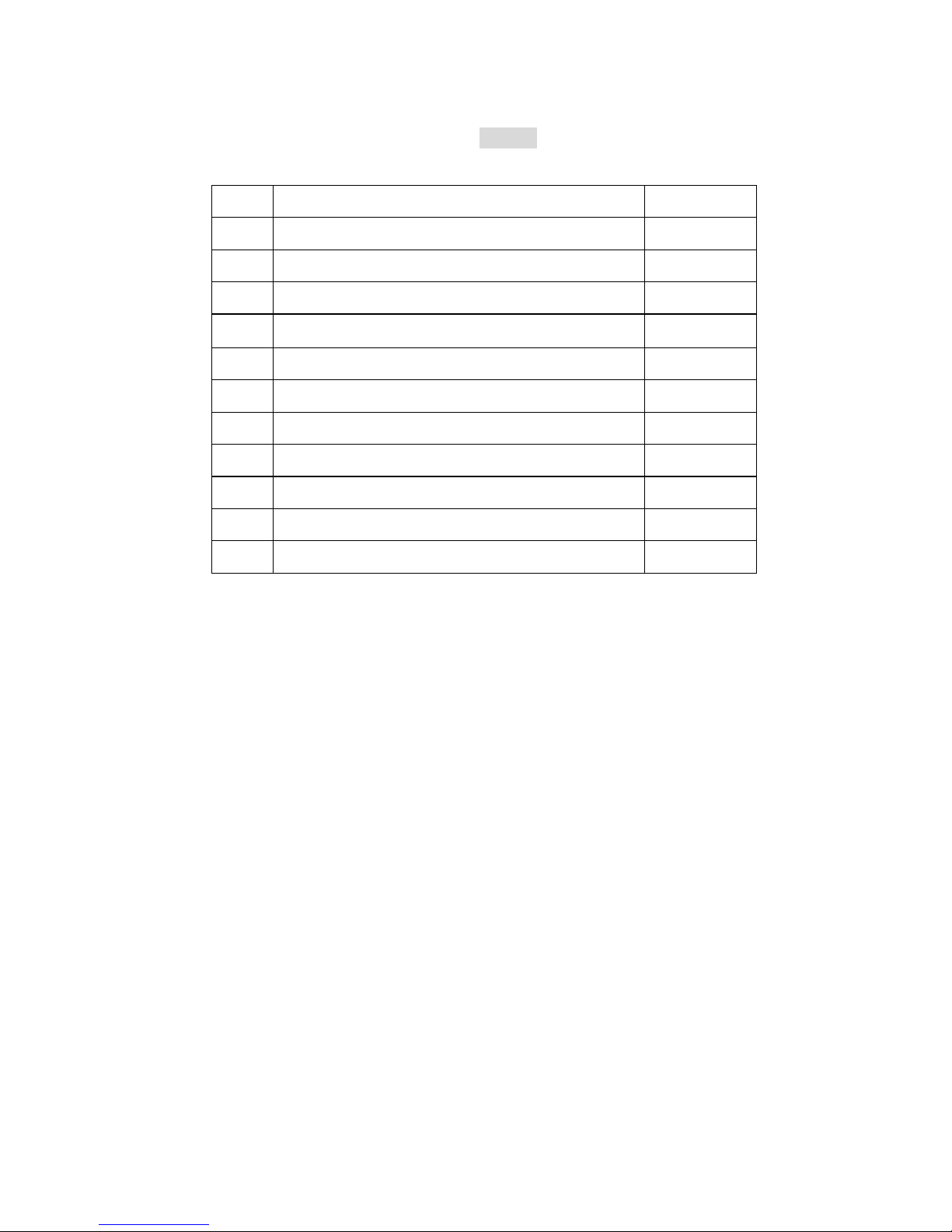
INDEX
NO CONTENT PAGE
1 Features 3
2 Specification 4
3 Installation 5~8
4 Video Control Keys 9
5 Video Remote Controller Function 10
6 Content of OSD Function 11~13
7 Content of VGA Function 14~16
8 Language Table of OSD Menu 17
9 VGA Mode Support List 18
10 Replacing Batteries Of Remote Controller 19
11 Standard Package 20

3
1. Features:
. Touch Screen, No need mouse for use
. 16:9 Wide Screen
. Slim Design
. LED Backlight With Lower Power Consumption
. High Brightness 500 nits
. Three Video Inputs
. One VGA Input
. USB Interface
. Auto Power On for VGA Signal
. Support Resolution from 640x480~1024x768 for VGA mode
. VESA Mounting 75 x 75
. NTSC/PAL Auto Switching
. Auto Reversing Function
. Mirror & Up/Side Down Function
. With Stand & Headrest Shroud
. All-In-1 Cable Design
. Auto Dimmer Function
. Optional: Sunlight Readable Function(For –S model)
4
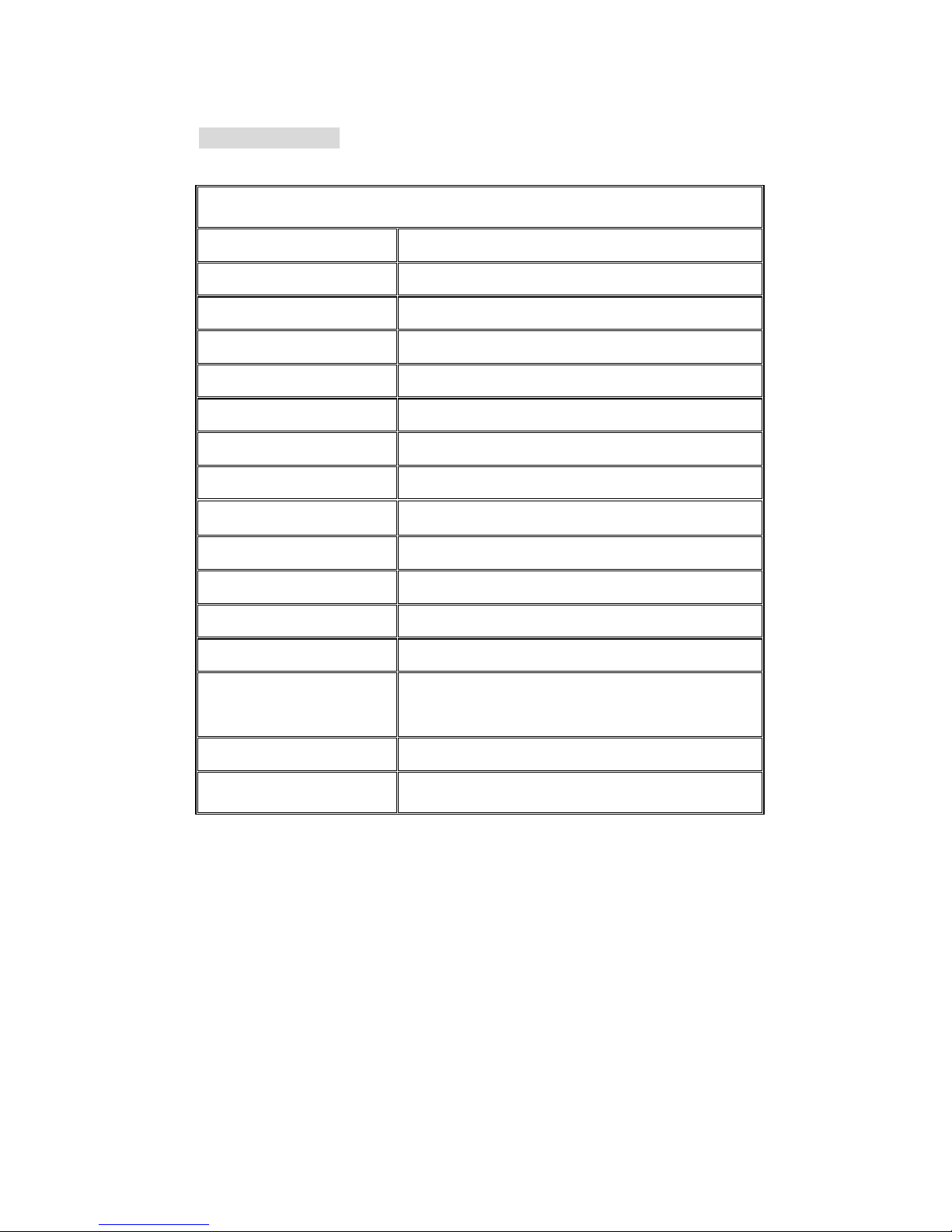
2. Specification:
7-INCH TFT LCD COLOR VIDEO MONITOR
Resolution 800 (H) x R.G.B. x 480 (V)
Display Size 7-Inch TFT (16:9 Wide Screen)
Active Area(mm) 152.4(W) x 91.44(H)
Brightness (cd/m2) 400
Contrast Ratio 350:1
Drive System Active Matrix
Back Light LED
Video Input Composite Video Signal 1 Vpp 75Ω
Video Input System NTSC/PAL/SECAM Auto Switching
Dot Pitch 0.1905(H) x 0.1905(V)
Viewing Angle L/R: 65, T: 45 B: 65 degree
Power Source DC12V-24V
Power Consumption 700mA(max)
Operation
Temperature
-20℃to +70℃
Storage Temperature -30℃to +80℃
Monitor Dimensions 179.5(L) x 129.5(H) x 29.5(D) mm
5
3. Installation
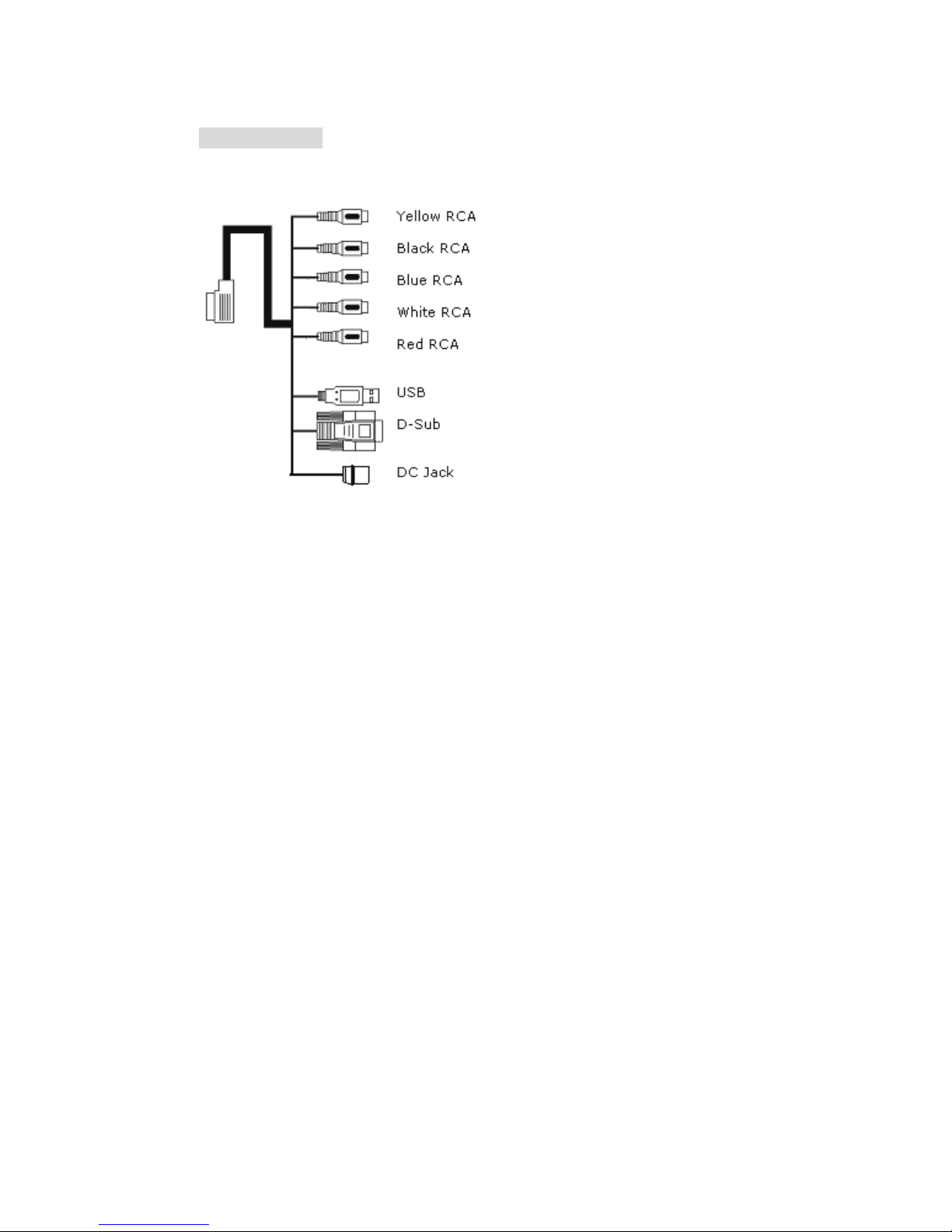
Step 1: Wire Connection
1. Yellow RCA Jack: Video 1
2. Black RCA Jack: Video 2
3. Blue RCA Jack: Video 3(For Reversing Camera, when you
shift the reverse gear, the camera image will be shown on the
screen automatically)
4. White RCA Jack: Audio L1
5. Red RCA Jack: Audio R1
6. USB: Wire to PC for installing touchkit driver
7. 15 Pin D-SUB: Wire to PC
8. DC Jack: Power DC12V or DC12-24V
6
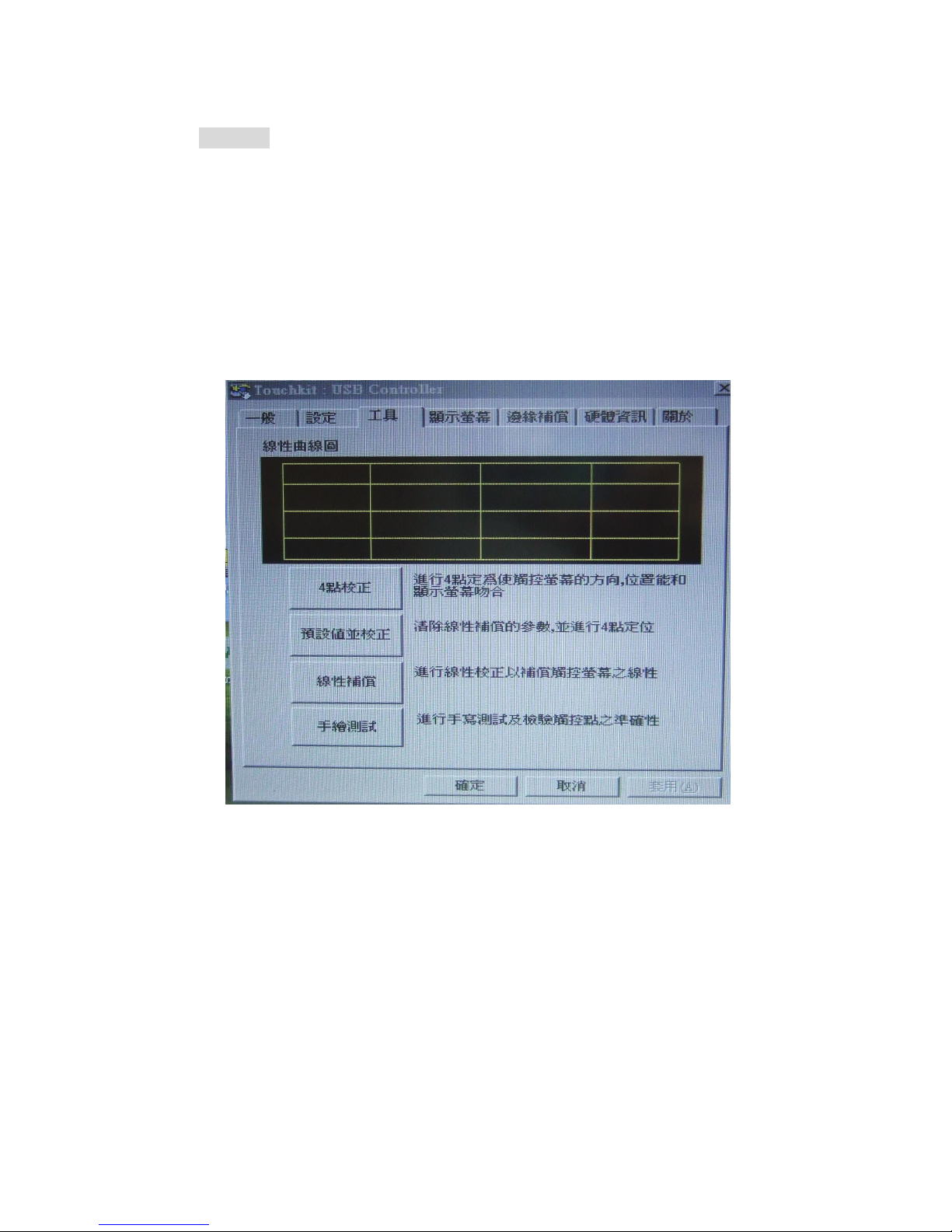
Step 2:
a) Install the CD Disk of the software into your PC first
b) Select the “TouchKit” function from your PC
c) Select the Interface to be USB mode
d) Select the Language what you want: English, Traditional
Chinese, Simplified Chinese, Japanese, Spanish, French,
German, Korean
e) Select the “4 PTS CAL” to correct the sensitivity touch panel
f) 4 Touch points are shown on the screen, please touch the
left point on the bottomÆright point on the bottomÆright
point on the topÆleft point on the top to correct touch
function.

7
g) Draw test: when you finish the 4 Pts Cal correction, you can
select the draw test and drawing on the screen for testing
that if your screen can feel you touch.
h) Advance: if you feel the 4 Pts Cal is not good enough for you,
you can select the advance function for 25 Pts Cal correction.
The step is the same as above.

8
***** NOTICE *****
1) Please calibrate the Touchscreen with the Touchkit-utility
after the Touchscreen drivers have been installed.
If you do not calibrate the Touchscreen, it might not work
properly and can be inaccurate. (Please Refer To The Step 2
Of the User Manual)
***** Hinweis *****
1) Bitte kalibrieren Sie den Touchscreen im
Touchkit-Programm nachdem die Touchscreen Treiber
installiert sind.
Wenn Sie den Touchscreen nicht kalibrieren, dann wird er
möglicherweise nicht richtig funktionieren und sehr
ungenau sein. (siehe auch Handbuch, Schritt 2)
9
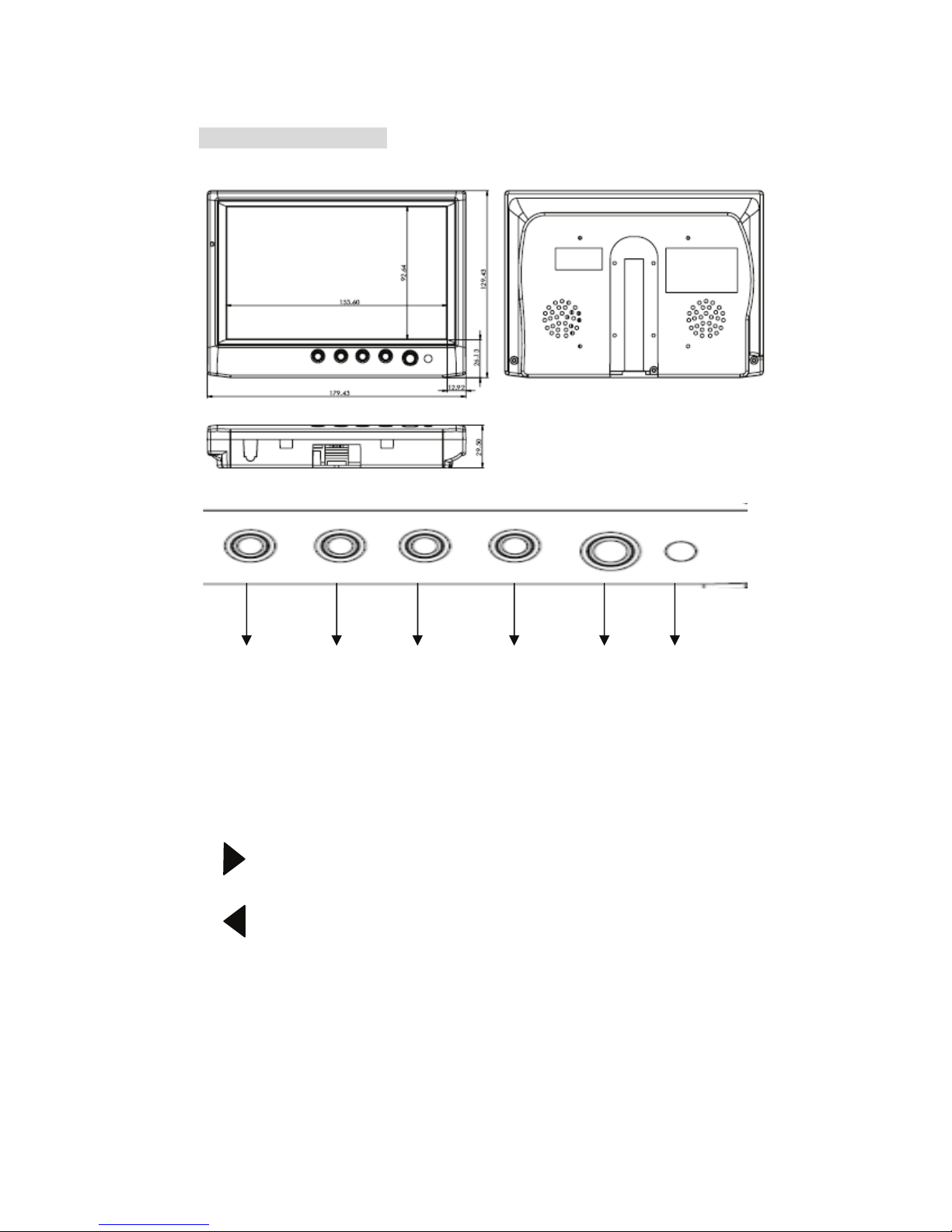
4.Video Control Keys:
6 5 4 3 2 1
1. IR Receiver: For Remote Controller Receive signal purpose.
2. POWER: power ON/OFF & Video 1, 2, VGA Mode selection.
3. Dimmer: Adjust the Dimmer Level
(Bright/Normal/Dark/Auto)
4. MENU: Mean list and Up/Down function for selecting Mean.
5. : Increase +) the rating of the function that you selected
or hot key for volume rating increase.
6. : Decrease -) the rating of the function that you selected
or
hot key for volume rating decrease.
10
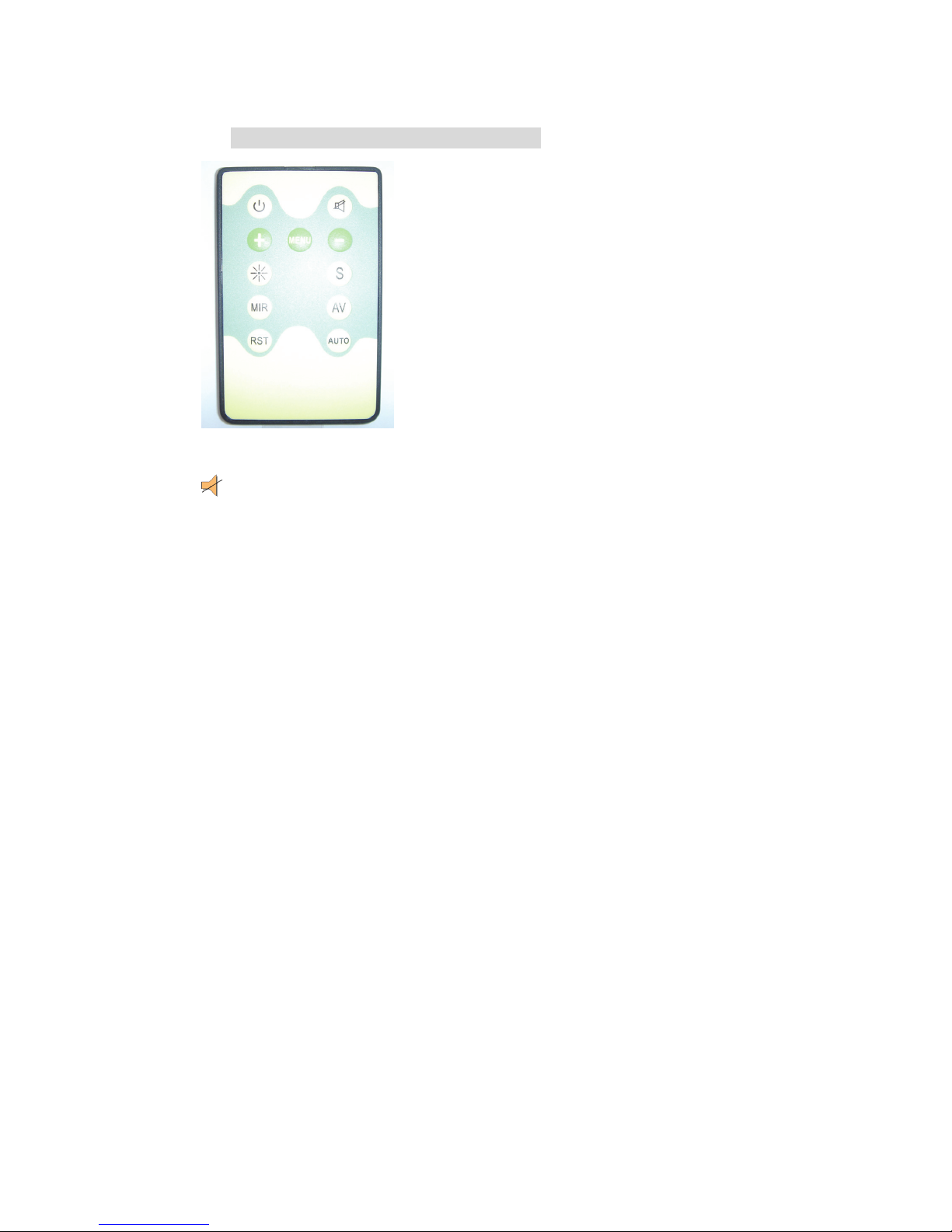
5. VIDEO Remote Controller Function:
POWER: Power On/Off Function.
MENU: Show Function Menu List and make Selection.
-: Decrease the rating of the function you selected.
+: Increase the rating of the function you selected.
S: Adjust the screen aspect ratio at 16:9 or 4:3 mode
AV: Video Selection. Select Video 1 or Video 2 & VGA Mode.
RST: Restore to the origin manufacturer setting.
AUTO: Auto adjustment.
DIMMER: Auto, Dark, Normal, Bright
MIR: Set Mirror function of screen.
: MUTE
Table des matières
Autres manuels Sintrones Moniteur


