8
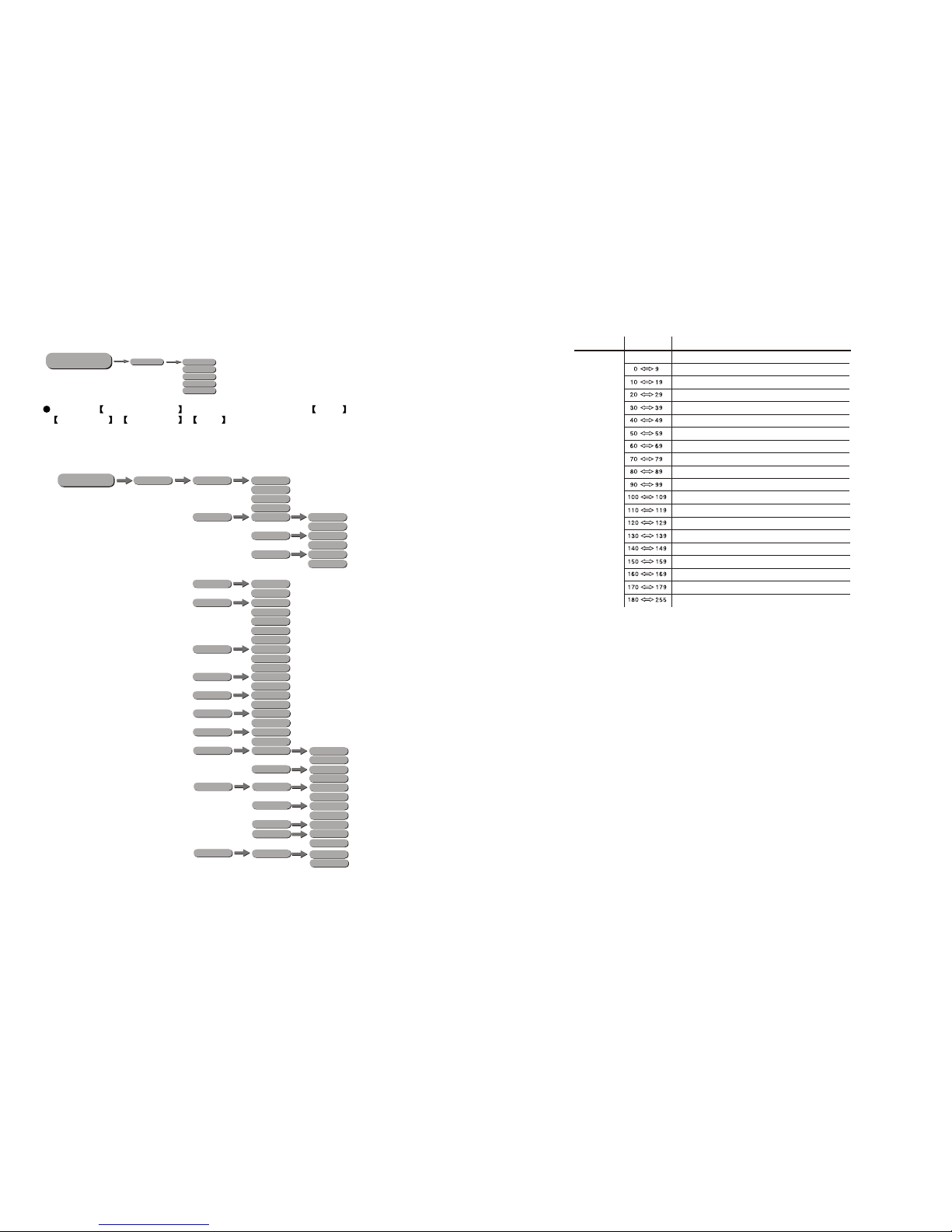
STAND ALONE
RUN
DMX512
AUTO1
AUTO2
CUSTOM
TEST
SLAVE
MENU
11
1
11
2
3
4
CCT
12
5
7
8
9
10
PAN
PAN FINE
TITL
TITL FINE
PT SPEED
INTENSIYT
HUE
HUE FINE
SATURATION
NO FUNCTION
2700K
3200K
4200K
5600K
6500K
8000K
6
CONTINUOUS PAN
13
179
STROBE
NO FUNCTION
STROBE FROM SLOD TO FAST 0-25Hz
NO FUNCTION
LIGHTNING STROBE
NO FUNCTION
RANDOM SROBE
STOP
CLOCKWISE ROTATION SLOW TO FAST
COUNTERCLOCKWISE ROTATION FAST TO SLOW
STOP
ZOOM
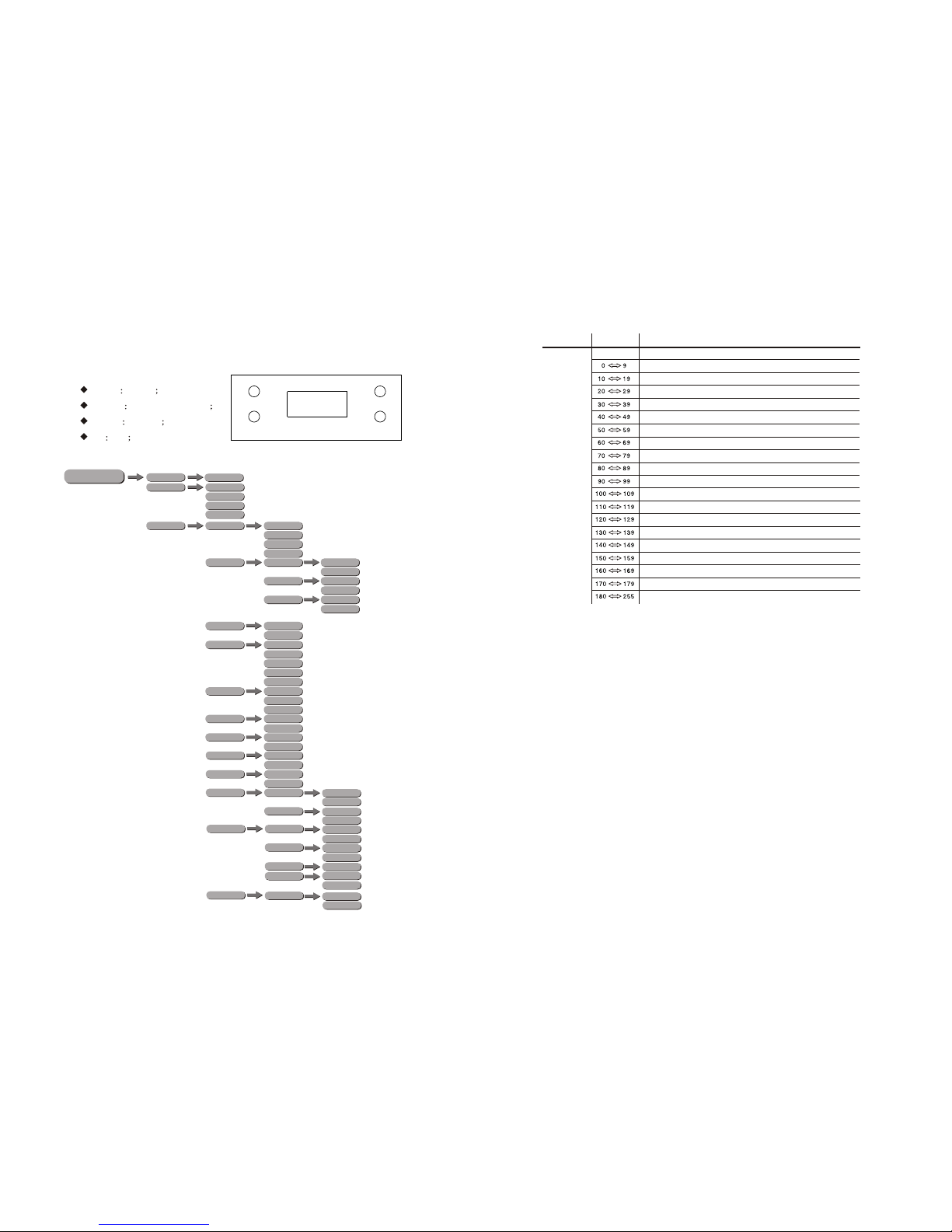
Select PERFORM from the SETTINGS menu.
FANS menu, select Slow/Norm/Fast/Auto as required fanspeed.
PAN INVERT menu, select NORM/INVERT for normal/inverted control of
the PAN function
TILT INVERT menu, select NORM/INVERT for normal/inverted control of
the TILT function
PT SPEED menu, select Slow/Fast as required PAN/TILT movement
speed.
BLACKD menu, select OFF for immediate activationof PAN/TILT
blackout when selectedusing the controlchannel or ON for 3 seconddelay
before activation.
DIMMER menu for selectionof DIM1/DIM2/DIM3/DIM4/OFF special
dimming curves
[]
[ ] [ ]
COLOR is for activate/unactivatethe color calibrationfunctions. When RGBtoW
is selected, onRGB = 255,255,255, the color is displayed as calibratedin
CAL2 -- RGBW. When COLOR is set OFF , on RGB= 255,255,255, the
RGBvalues are notadjusted and the output is most powerful.When [UC] is selected,
the RGB outputare adjusted toa standard presetuniversal color whichbalances
fixtures from different generations.
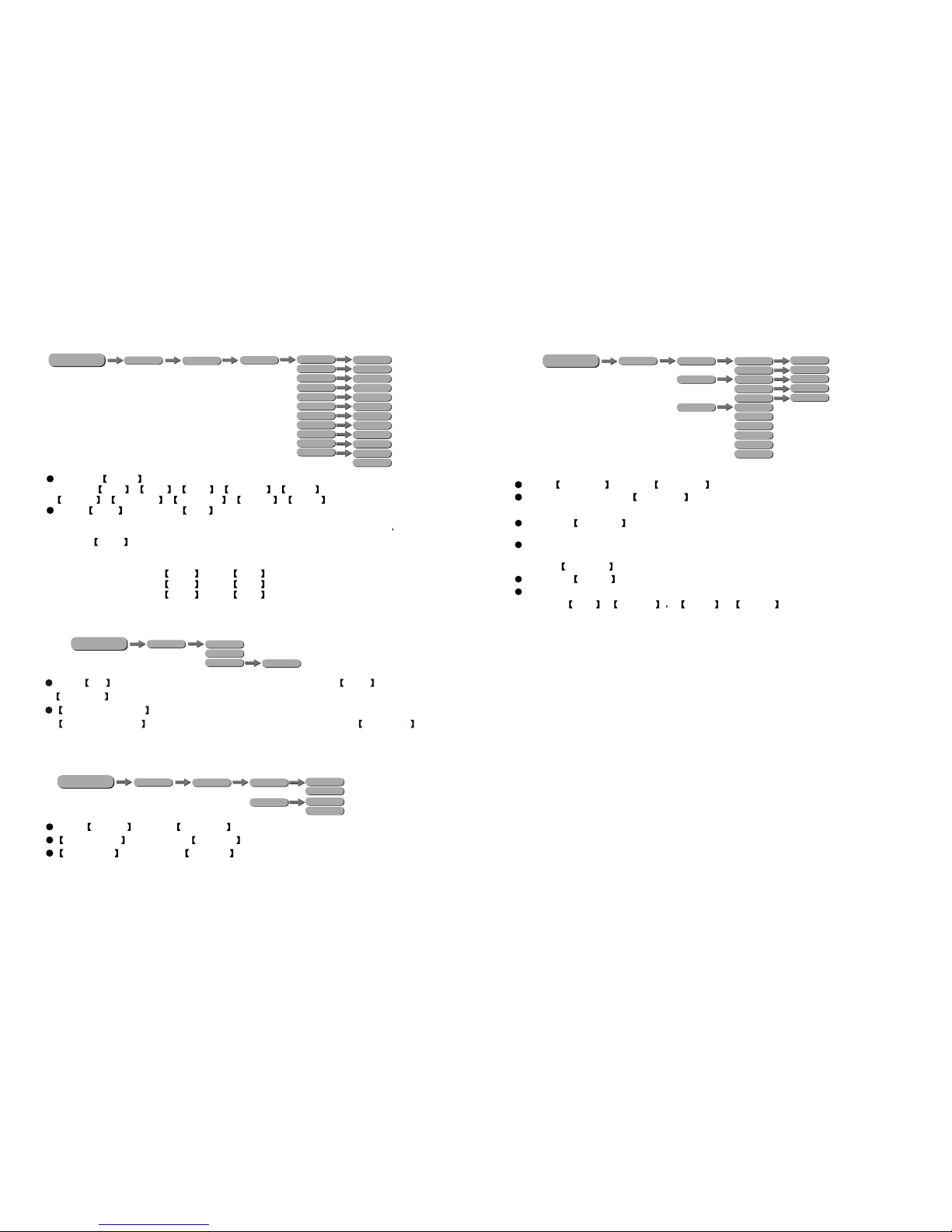
DMXERROR menu, select SAVE to maintain lastcommand in caseof DMX
error or BLACK for blackout
DMXRESET menu, select DMX to allow remotereset using DMXcontroller or
DISPLAY for reset onlyavailable at on-fixturedisplay
DISPLAY ON menu, select LONG/SHORT/ for length of time for
display backlight
DISPLAY LOCK
3.6 RUN
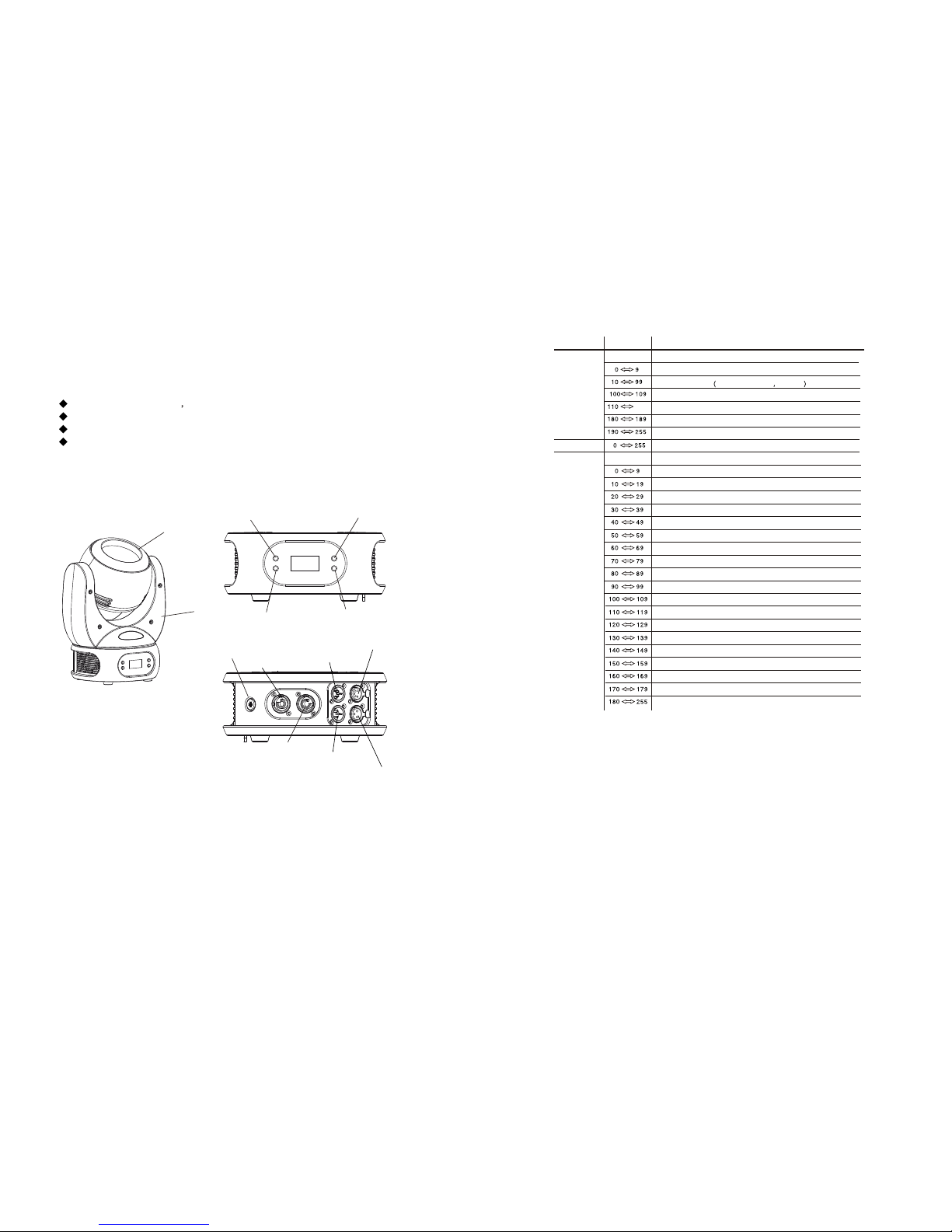
Enter the STAND ALONE menu to selectfrom
DMX512/AUTO 1/AUTO 2/CUSTOM/TEST/SLAVE run modes
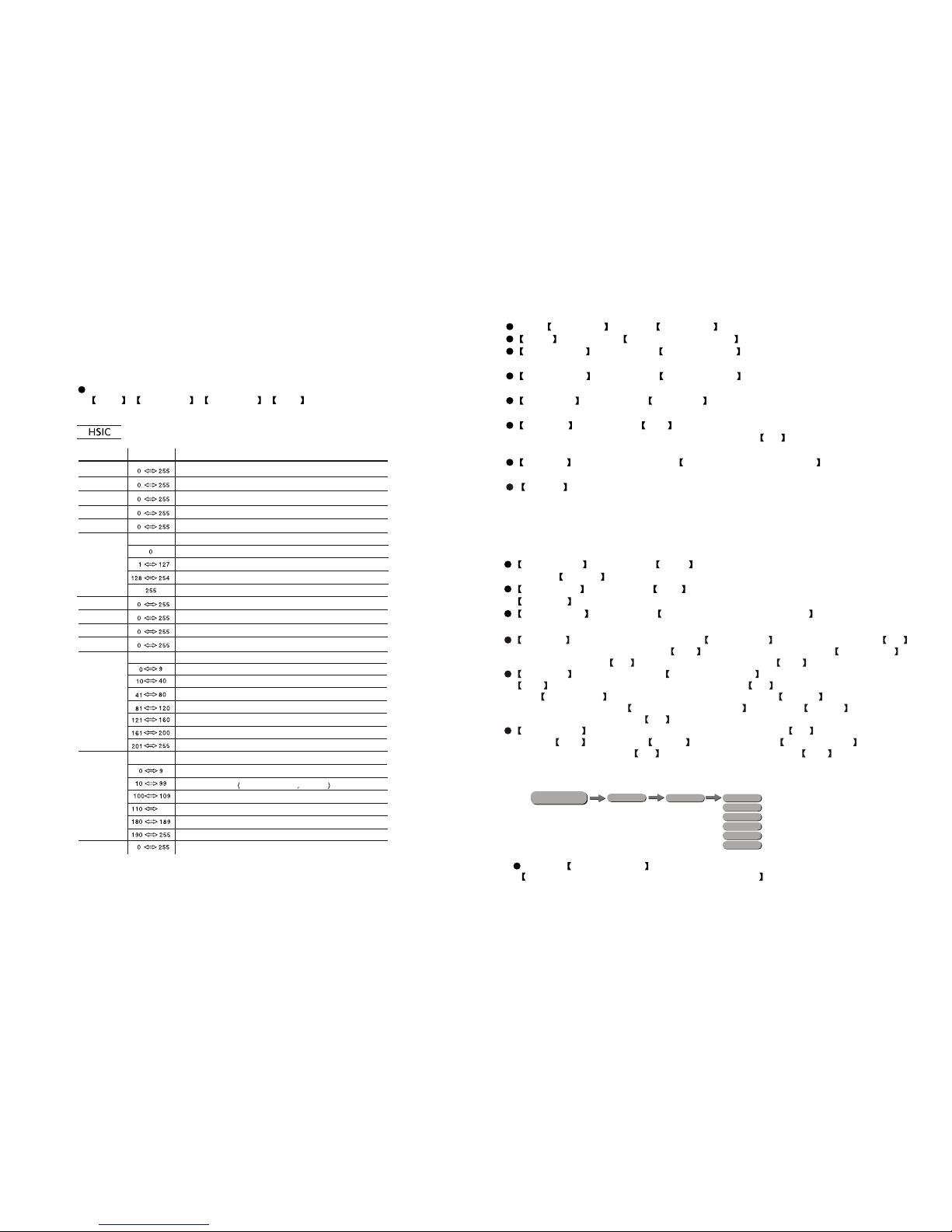
Note: This product have fourDMX512 channel configuration:
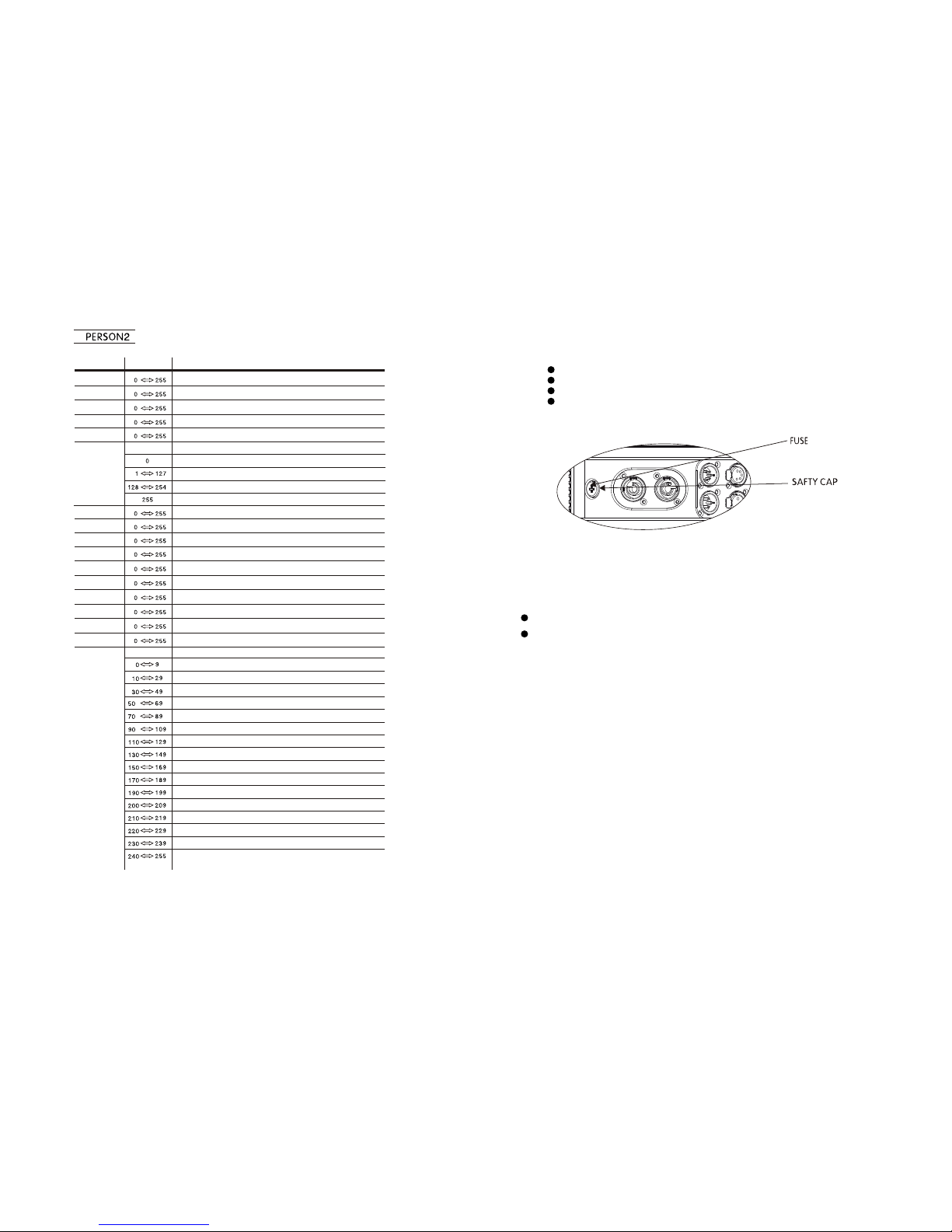
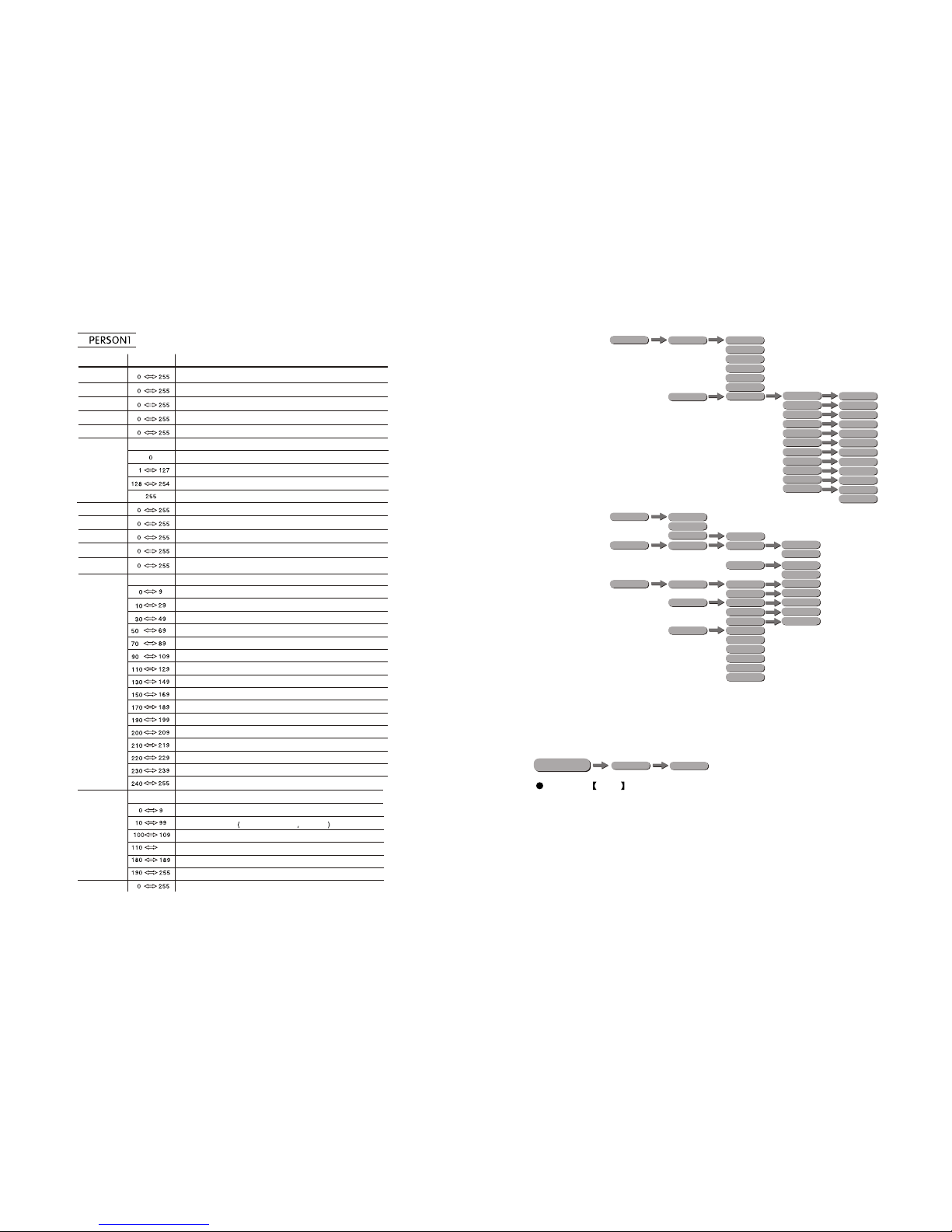
HSIC , PERSON1 , PERSON2 , CMY .
4.1 CHANNEL ASSIGNMENT
4 USING A DMX512 CONTROLLER
CHANNEL FUNCTIONVALUE
UPLOAD upload data setting, choose LOAD PARA to upload data, choose NO
means do not upload data choose YES means upload data, choose LOAD EDIT
to program, choose NO means do not upload, choose YES means upload
SERVICE is a protect bottom, SETTINGS LOCK is the menu lock bottom, choose
OFF means the menu lock bottom is off, choose ON means the menu lock bottom
is on RECOVERY is the recover to default value.Press ENTER to password setting,
press correct password UP+DOWN+UP+DOWN ,and press ENTER ,if password
is correct, display will show OK ,
WDMXHIDE is the wireless DMX hidden setting, choose NO means display,
choose YES means hide. WDMX is the data setting, WDMX RESET is the
wireless recover, choose NO means do not recover, choose YES means recover.