USER GUIDE
www.SierraTeck.com
SMARTSOUND - MOTION ACTIVATED AUDIO PLAYER
info@SierraTeck.com
9
Powering the Unit
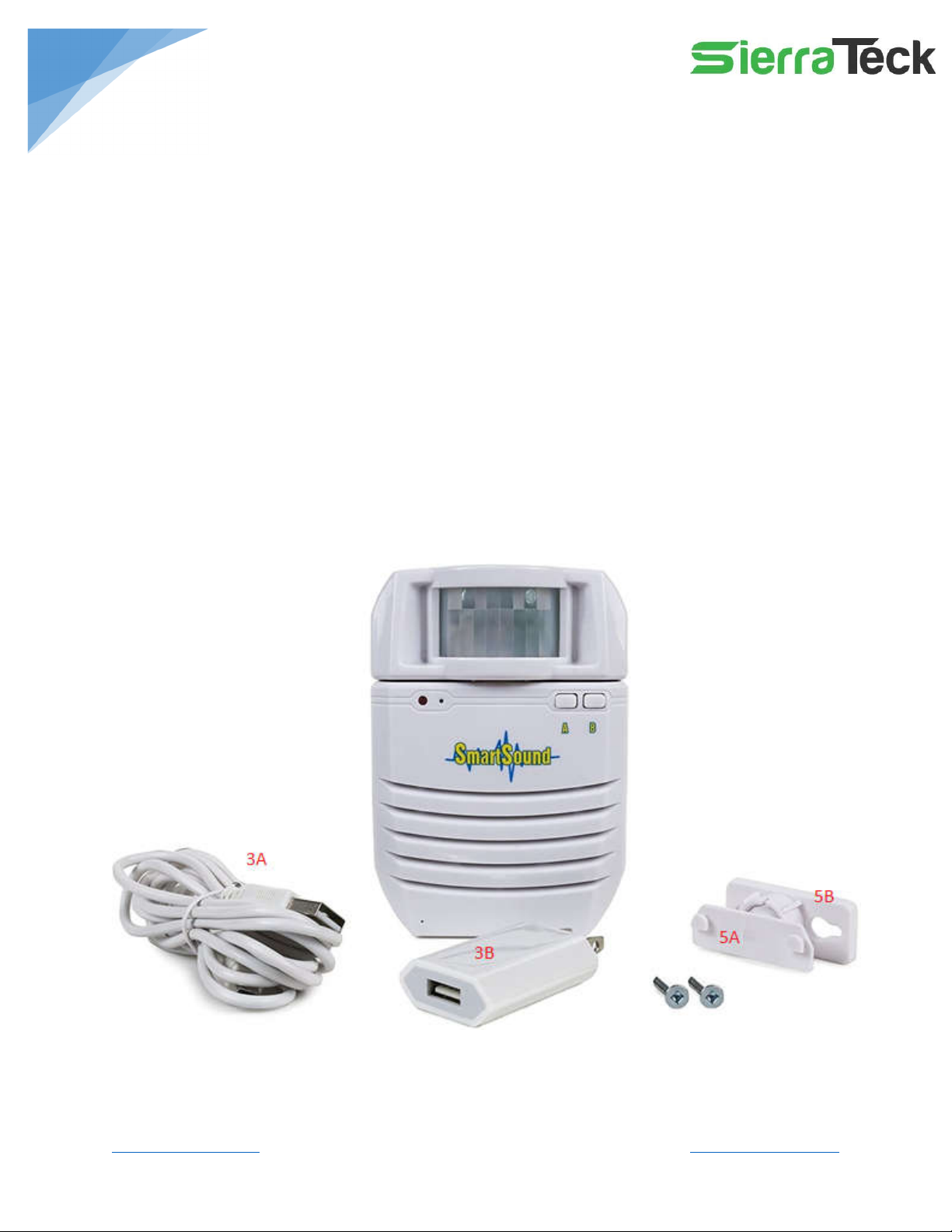
The unit can be powered directly from an AC outlet using the supplied USB power adapter, or it
can be powered using the internal rechargeable battery. To recharge battery, simply connect
the USB power supply to the unit. Once fully charged, the built-in protection circuit will
automatically disconnect charging. When the unit is turned on, it goes through an initialization
process where it may take 10-30 seconds after power up for it to start detecting motion. During
this time, the green and red indictors will be flashing.
If you notice the performance of the unit degrading, such as lower sound volume or it is not
detecting motion, this indicates the battery is low and needs recharging. The factors dictating
how long the unit lasts on a single charge are:
o Activity in the room (how often unit triggers)
o Duration of audio files
o Volume setting selected
When using battery power, the unit will go into low power mode when no motion is detected
to save power. It will automatically wake up when motion is detected.
Example Applications
Promotes Independent Living:
o “Check that you have your keys, wallet, and cell phone before leaving”
o “Turn off oven before leaving”
Door Greeter/Notifier for entrances and storefronts
o Senses people coming in and plays greeting, uses at shops, events, parties
Point of Sale Advertising:
o Place near products, automatically plays advertising material when customers
pass by
Safety Reminder
o Plays a reminder as soon as personnel enter a restricted area
o Use to instruct pets to avoid certain areas when you are away
Exhibits /Trade Shows
o Pre-record material and have it played automatically to visitors at your booth
Security System
o Play audio of your choice as soon as motion is detected
Escape Rooms
o Automatically play audio when contestants enter the room