10 MC100 User’s Manual
This mode allows to display and change the programming parameters.
Each parameter is associated to a numeric code made of 4 digits (e.g. P.1101), which identifies the
variables independently by the language used.
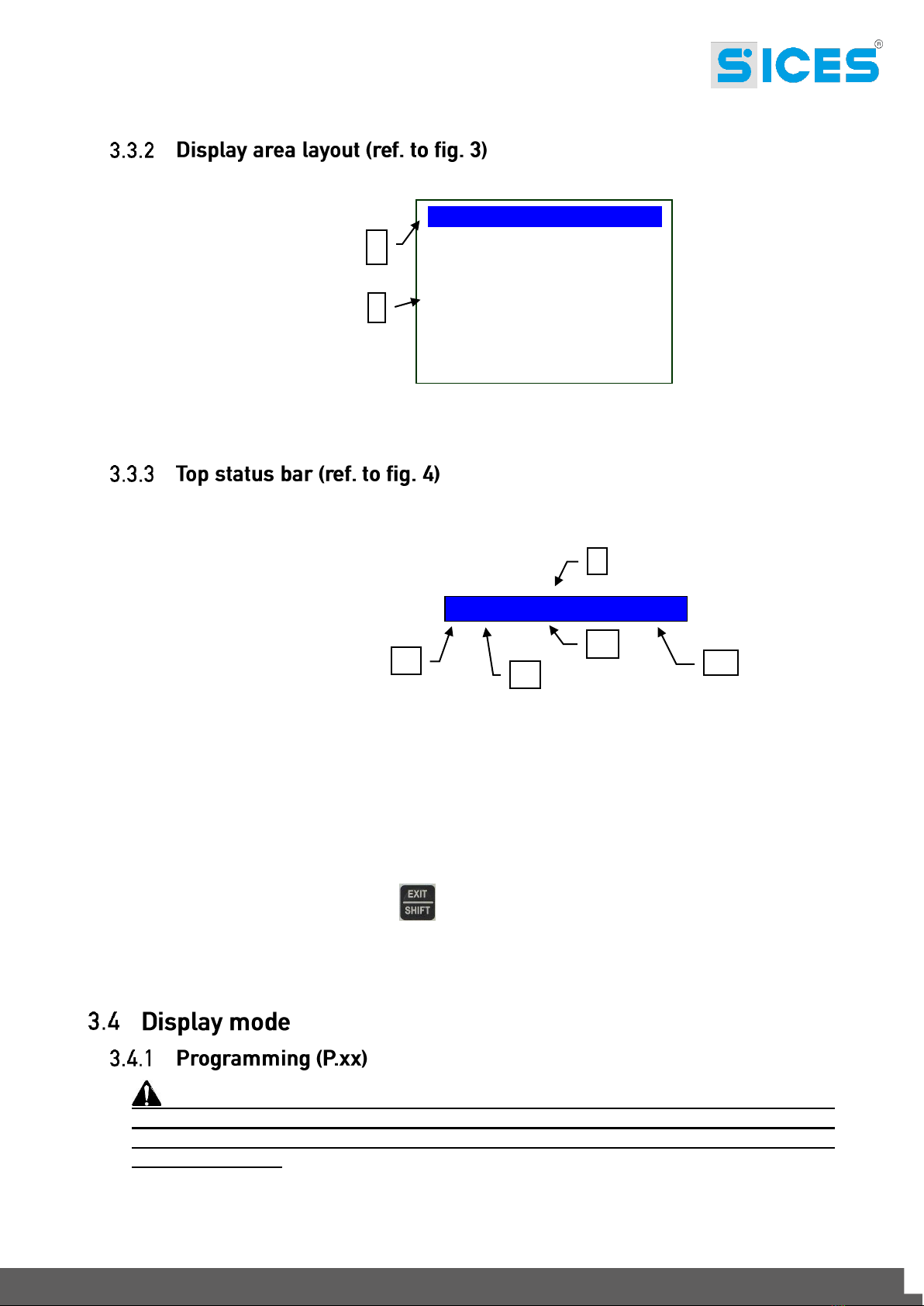
The first line under the top status bar allows to identify the present menu by means of the identification
number of the menu and by the associated text.
In this line it is displayed a couple of numbers on the right. The first indicates which entry of the menu is
selected or which page is displayed, the second indicates how many entries or pages can be displayed
in the present menu/submenu.
The programming access can be conditioned by 4 different levels of PASSWORD listed in a priority
order.
1. SICES Password
2. Manufacturer Password
3. Installer Password
4. User Password
Warning: In case of loss, it is possible to reconfigure the password by accessing
with an higher-level password. In case of loss of the “MANUFACTURER” password, turn
to the support service.
The first page (0000-Access Code) of the menu SYSTEM requires the configuration of the access code
if one or more passwords have been assigned.
No password is assigned if equal to 0.
As USER, it is possible to display and change the User password only.
As INSTALLER, it is possible to display and change the User and the Installer password.
As MANUFACTURER, it is possible to display and change all three passwords.
As SICES, it is possible to display and change some parameters of plant configuration, related to the
parallel functions.
Warning: The critical parameters cannot be changed by the User.
The pages related to the Password configuration are displayed in the menu SYSTEM if in possession
of the change rights.
If once inserted the password in the programming, the Password configuration is not displayed, press
EXIT/SHIFT to go back to the previous menu and access again.
The access code configured is valid for a period of about 10 minutes since the end of programming.
After this period of time, the access code has be set again in order to access the programming again.
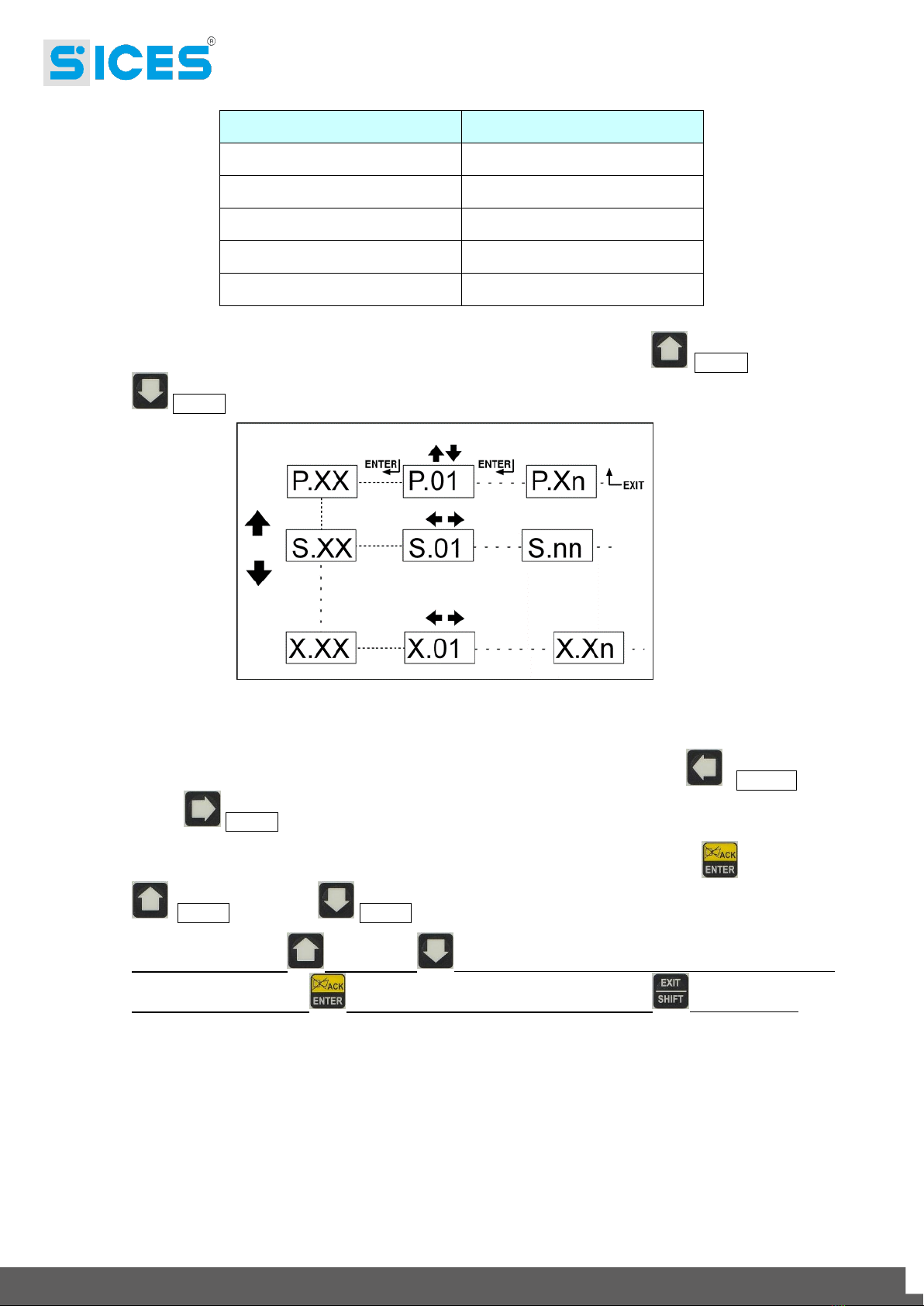
Activate the mode by pressing ACK/ENTER .
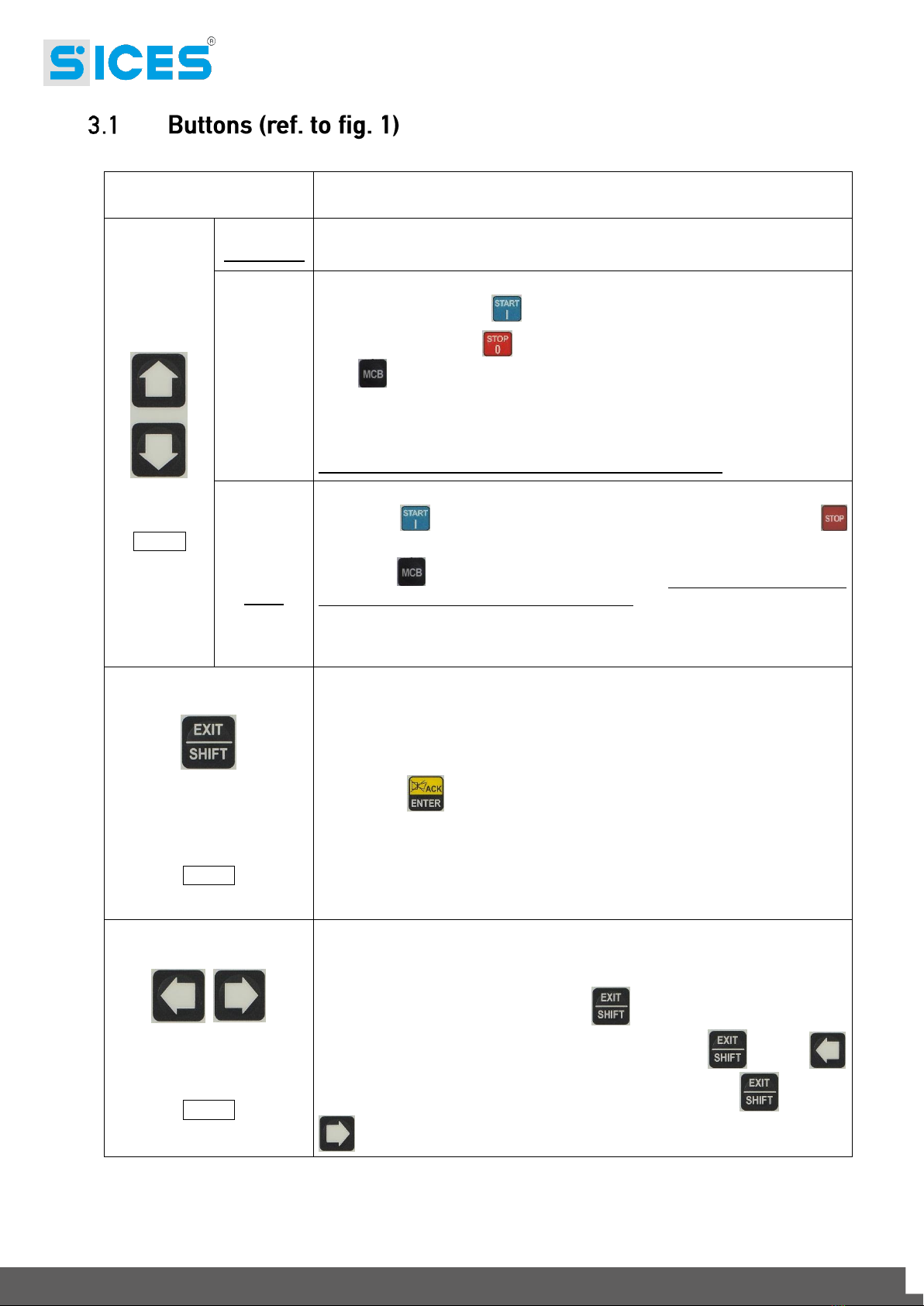
Use the scrolling buttons UP Ref. 1a and DOWN Ref. 1a to select a menu and ACK/ENTER
to access. Select the variable or the submenu with the scrolling buttons UP Ref. 1a and
DOWN Ref. 1a. Pressing ACK/ENTER , if there are no submenus, they are displayed the
pages of the variables of that menu entry.
The value of the variable is displayed in square brackets, for example: [400].