INTRODUCTION
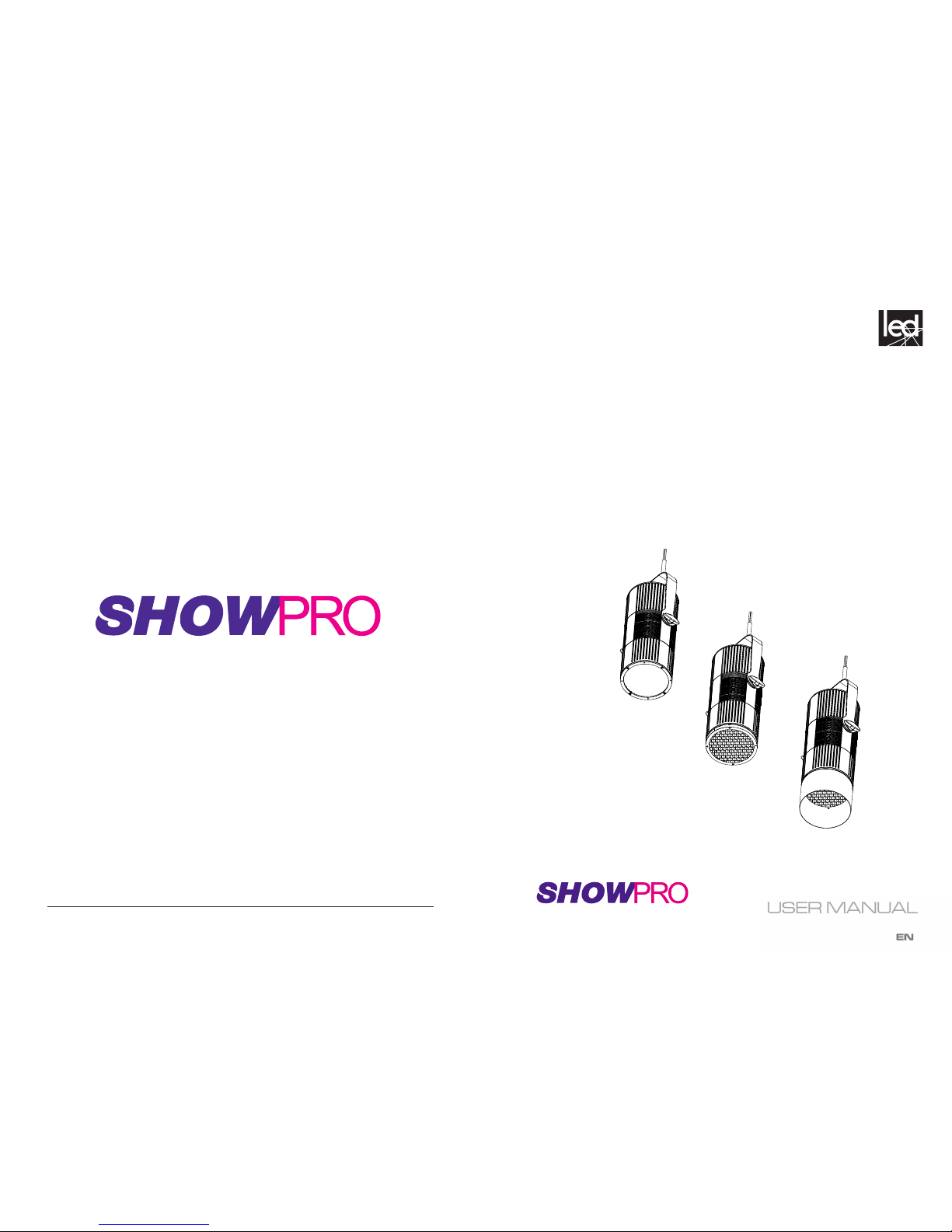
This LED House Light produces a consistent warm white output from a state-of-the-art COB LED
source suitable for live and broadcast applications.
FEATURES
- Silent operation due to advanced convection cooled design
- Adjustable PWM frequency ensures icker-free, camera-safe performance
- Removable yoke and permanent cable anchor for pendant suspension mounting
- Three Interchangeable lenses to match beam angle to mounted height
- Optional Egg crate diuser and Top hat accessories
- Ultra-smooth dimming
- DMX, RDM control
SPECIFICATIONS
Light Source: 230W COB LED
White Color Temperature: 3160K
CRI: 93
Lens options: 15°, 30°, 42°
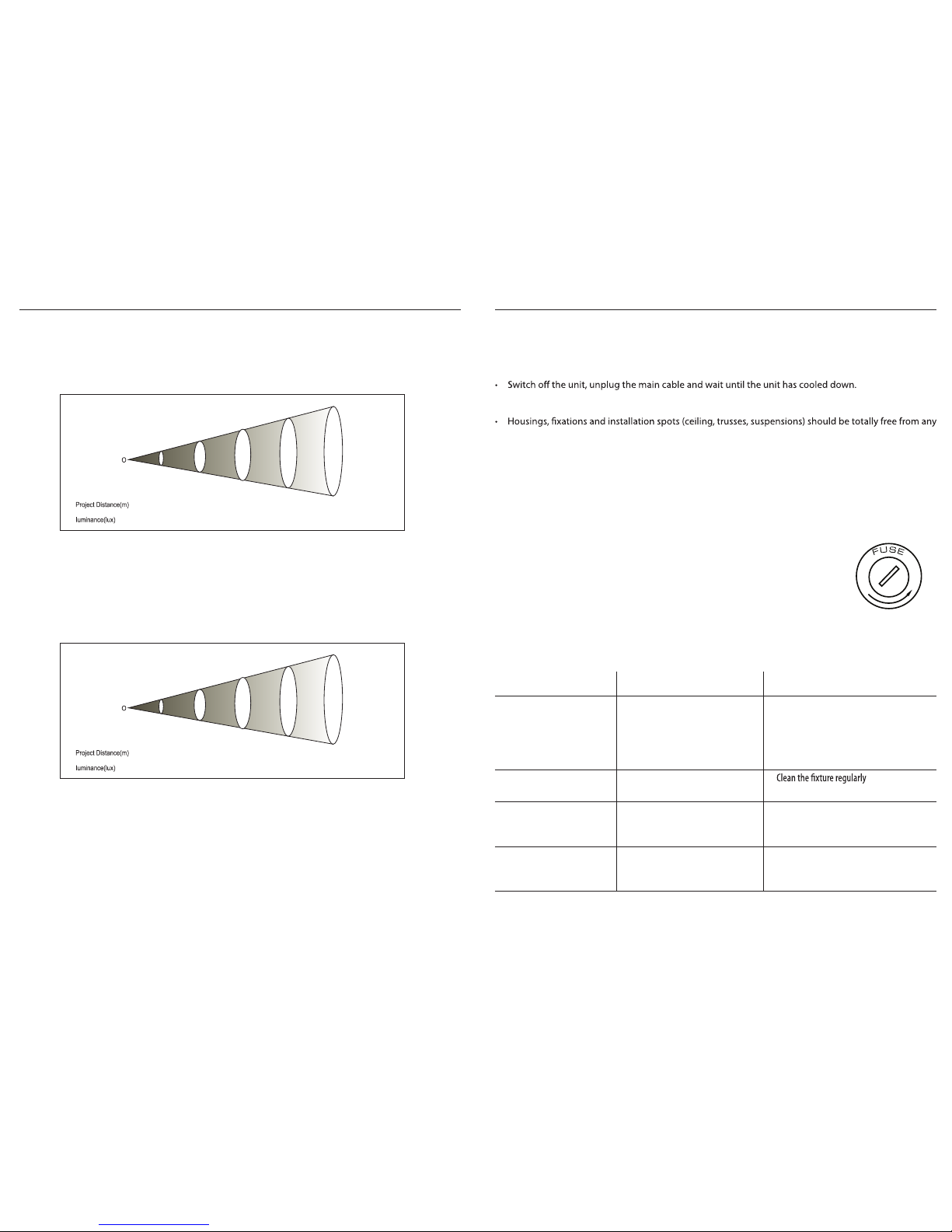
Photometrics: See photometrics chart
Strobe: 0-25Hz and strobe FX macros
Dimming: 4 dimming curve modes
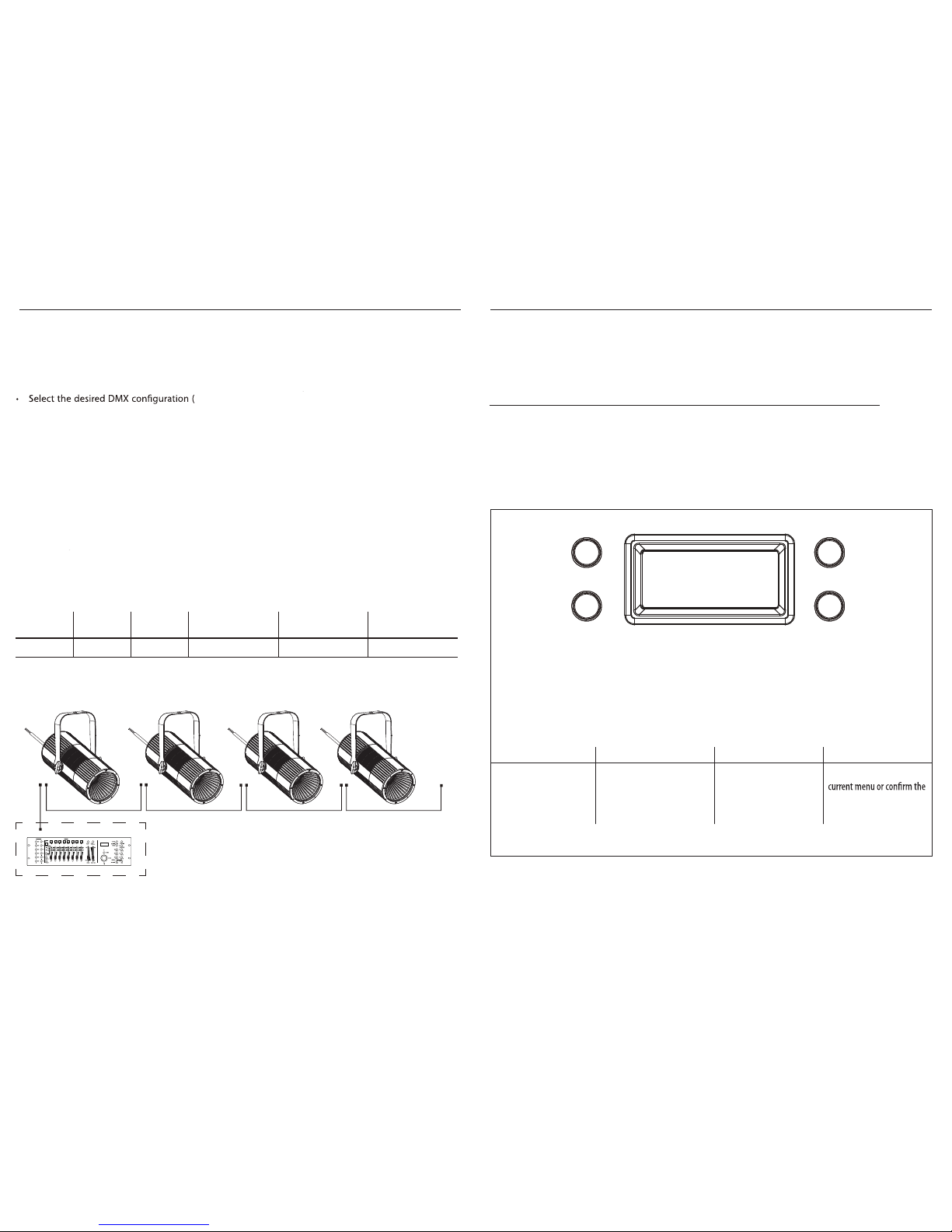
Control: DMX
DMX Channels: 2 / 3 / 5
Display: OLED menu display
Mains: 100 - 240 VAC, 50/60 Hz
Consumption: 120W
Power connections: Hard-wired
Data connections: 5-pin XLR and terminal blocks for DMX
Housing: White or Black
IP rating: IP20
Cooling: Convection (fanless)
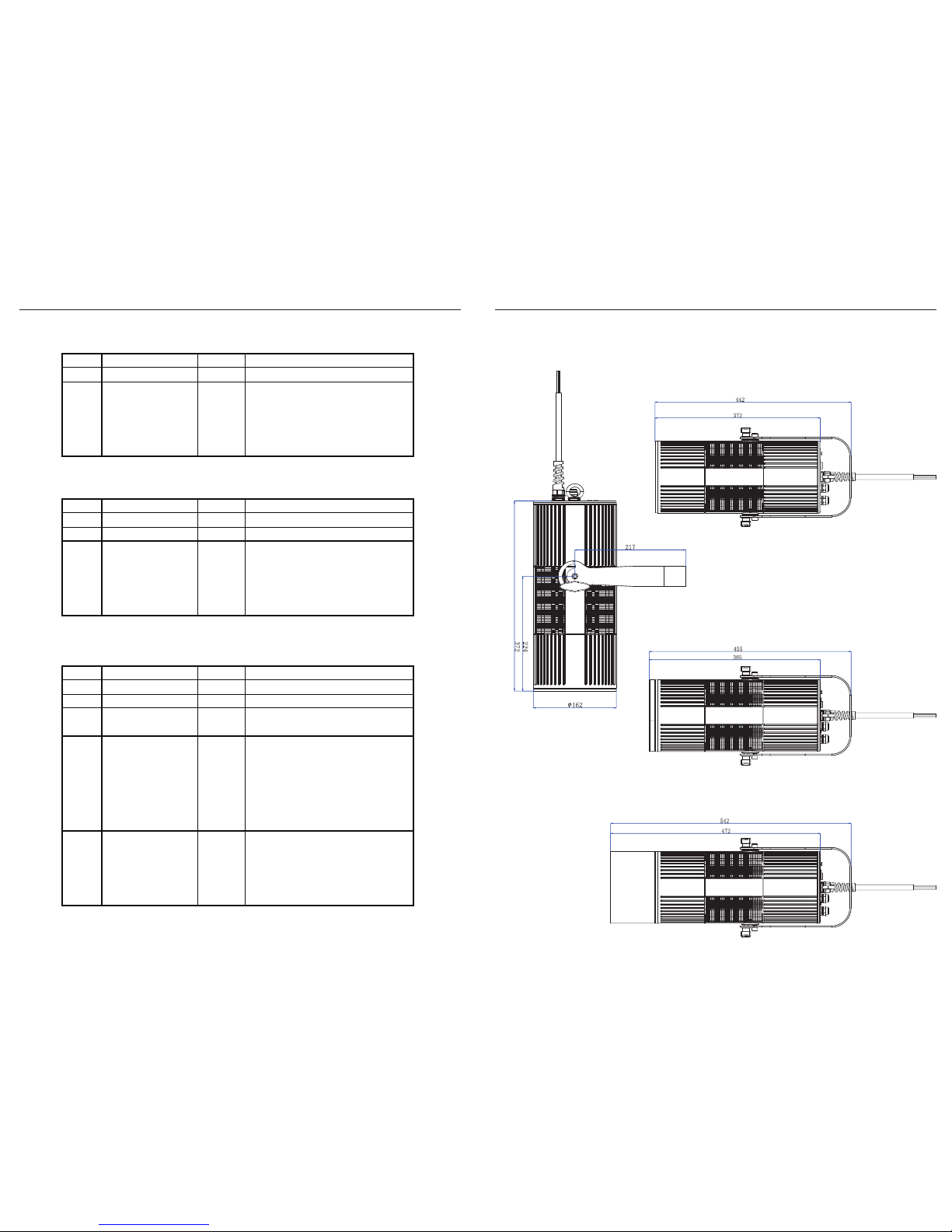
Dimensions (diameter): 162mm
Length: 442mm
Length with Egg crate: 455mm
Length with Egg crate + Top hat: 542mm
Weight: 6.3 KG
ORDER CODES
LEDPAR330 LED House Light White WW
LEDPAR331 LED House Light Black WW
Optional accessories:
LEDPAR335 LED House Light Crate Black
LEDPAR336 LED House Light Top Hat White
LEDPAR337 LED House Light Top Hat Black
17
LED House Light
3.15 FIXTURE INFORMATION
Fixture Hours
• Press the button MENU so many times until shows Information.
• Using the button UP/DOWN to select Fixture Hours,
• Then the display will show the working hours.
Version
• Press the button MENU so many times until shows Information
• Select through the button UP/DOWN the Version menu voice.
Temperature
• To read the value of the internal temperature of the device, press the MENU button repeatedly until
the display shows Temperature, and then press the ENTER button to read the value.
• Press the MENU button to go back or wait a few seconds to exit the setup menu.
Press MENU to return to main menu
Press MENU to return to main menu
Auto / Test
• To initiate the Auto Test function, press the MENU button repeatedly until Auto is displayed,
then press ENTER to until Test is displayed, then press ENTER to run the Auto Test program.
• Press the MENU button to go back or wait a few seconds to exit the setup menu.
Emergency Mode
• When Emergency Mode is ON, no action is taken if the DMX signal is lost.
• When Emergency Mode is OFF, the xture will turn on when DMX signal is lost.
3.14 FIXTURE SETTINGS
It is possible to change the following parameters:
Dimmer Mode
Press the MENU button until Dimmer Mode is displayed, then press ENTER.
• Press UP/DOWN buttons to select
• Press ENTER button to store, then press MENU to return to main menu.
BackLite
• To adjust the settings of the backlit menu display, press MENU until Back Light is shown.
• Press ENTER and then use UP/DOWN to select On or auto display o delay On - 10S - 20S - 30S
LED Frequency
• To adjust the frequency of the LEDs, press the MENU button repeatedly until the display shows LED
Frequency, and then press the ENTER button.
• Select the frequency (600 Hz - 25 kHz) using the UP/DOWN buttons.
, then press MENU to return to main menu.
, then press MENU to return to main menu