9
How to register the Showersave
QB1-21 Installation
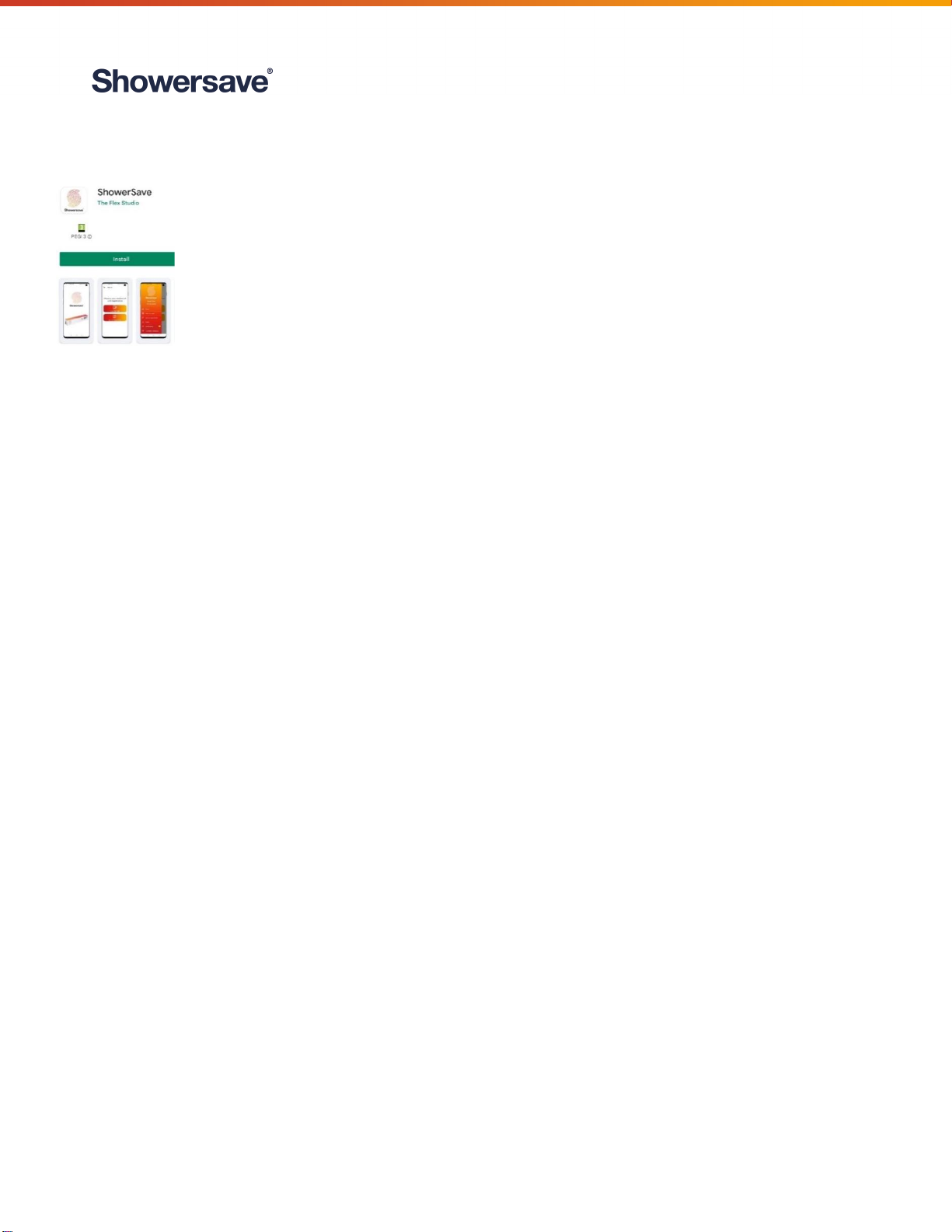
The Showersave App allows installers to register installations onsite and should take less
than one minute per registration. It is a requirement of the Building Regs Part L (2021)
that the installation of the Showersave QB1-21 must be registered. Failure to comply
may result in financial loss.
Please follow the guidelines below:
1. Open Play store / App store
2. Search for “Showersave”
3. Install & Open App
4. Select “Register” and complete user details.
5. Choose “Manual Registration” option (QR code scan will soon be available).
6. Complete fields as requested:
a. Unit Model: Select relevant model from dropdown menu
b. Serial number: Available from label affixed to Showersave unit
c. Date & time: Automatically populated
d. Name of development: Enter development name
e. Name of developer: Select from dropdown menu, if not listed contact Showersave
f. Plot / House number: Enter relevant house number
g. Name of main installation Company: Enter name of Installation company
h. Latitude/ Longitude: Select pointer icon, which will automatically populate latitude/longitude
fields. Once this information is complete, select “Done”
7. Uploading photographs
a. Select “Take photographs” and follow on-screen guidance to ensure that correct photos are
taken. Note: Two photographs must be uploaded (serial number and full length photo of
installation)
8. Select “Back to unit details”
9. Complete registration by selecting “Register unit”