3
on top of each other as this may cause malfunctions or failures due to insufficient
heat dissipation.
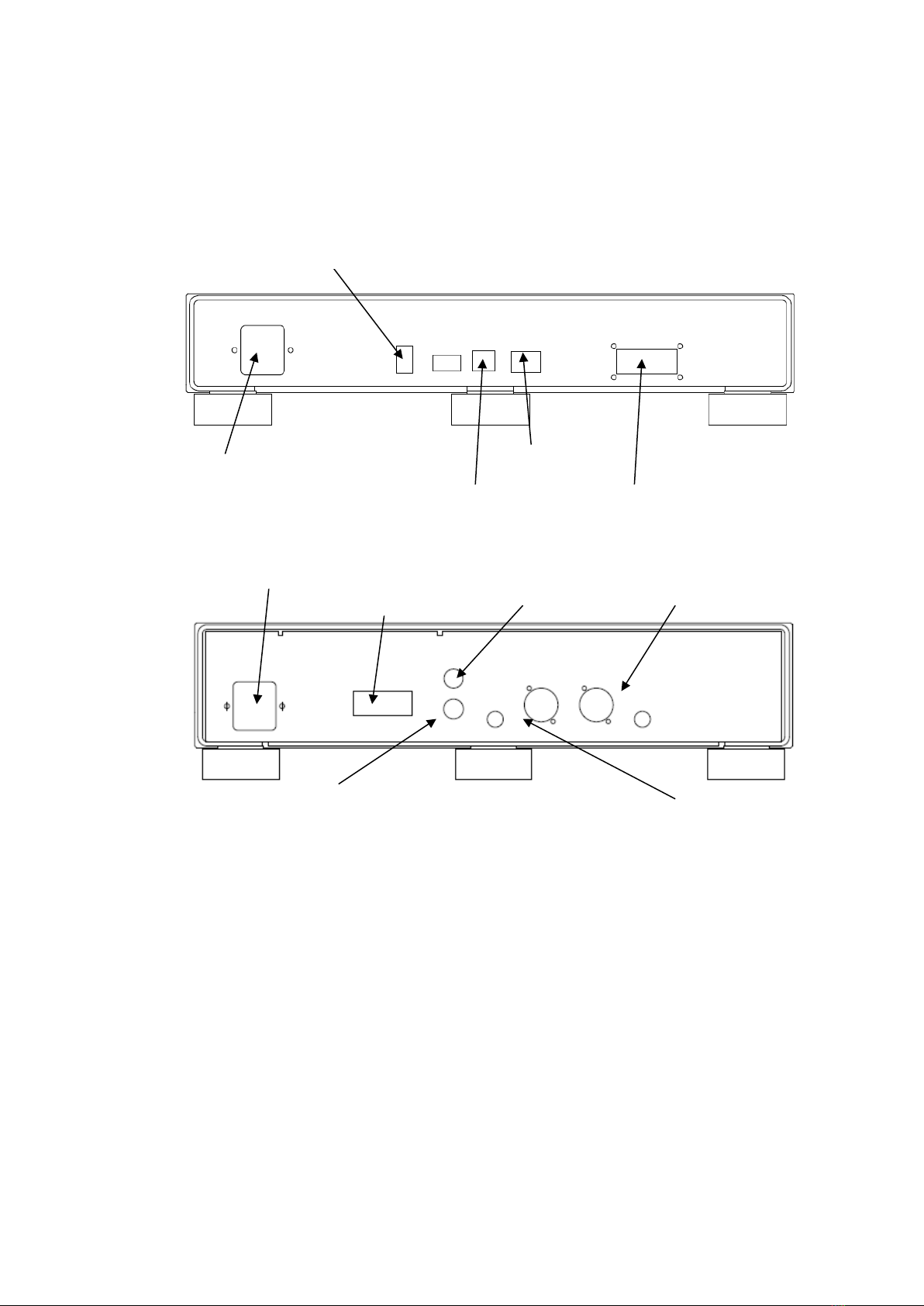
②First, make sure that the power cables for the DSP-05EXTranport and DAC are
unplugged. Also, make sure that the power switches are turned off. The power
switch is located at the center of the front panel on the bottom of the main unit.
③Connect the external clock supplied with the DSP-05EX DAC. Connect the L-
type DC plug of the supplied clock to the clock power supply terminal marked
CLOCK POWER on the rear panel of the DAC. Connect the BNC connector of
the supplied clock to the clock input BNC connector labeled 10MHz on the rear
panel of the DAC. Refer to the clock manual when connecting other external
clocks. Please use SFORZATO products for the external clock. Other clocks are
not guaranteed to work.
④Connect the DSP-05EX's Transport and DAC with the ZERO LINK cable (DVI
cable). Insert the cable firmly all the way to the root and fix it firmly with the
cable screw. Disconnection of the cable may cause malfunction or failure of the
product. Be careful not to touch the pins of the DVI cable directly during
connection. Not only will this cause the pins to corrode, but also static electricity
may cause a malfunction, or worse, damage the equipment.
⑤Connection using a DVI cable other than the supplied one is not guaranteed to
work. Adapters and cables to convert to optical are available on the market, but
they not only do not work, but also lead to serious failure in the worst case. Do
not use them.
⑥Insert the SFP transceiver module into the LAN connection terminal (SFP
terminal) on the back of the Transport and connect the DSP-05EX to your home
LAN network. Connect according to the module you are using. The module will
always have a locking mechanism. When unplugging the module, be sure to
release the lock before pulling it out slowly. If you pull it out forcibly, it will break.
If you are using a Melco or fidata NAS, you can connect directly to the NAS.
Please refer to the NAS manual for details.
⑦Connect the analog output of the DAC to the amplifier using RCA or XLR cables.
The RCA outputs are connected directly to the XLR hot. If both RCA and XLR
outputs are connected, only the hot side of the XLR will have two loads connected
to it, resulting in a significant degradation of sound quality.
⑧Connect a power cord to each of the DSP-05EX Transport and DAC, and plug
them into a power outlet.
⑨When turning on the power switch, turn off the amplifier power supply or switch