Used symbols and signals
7
General safety instructions
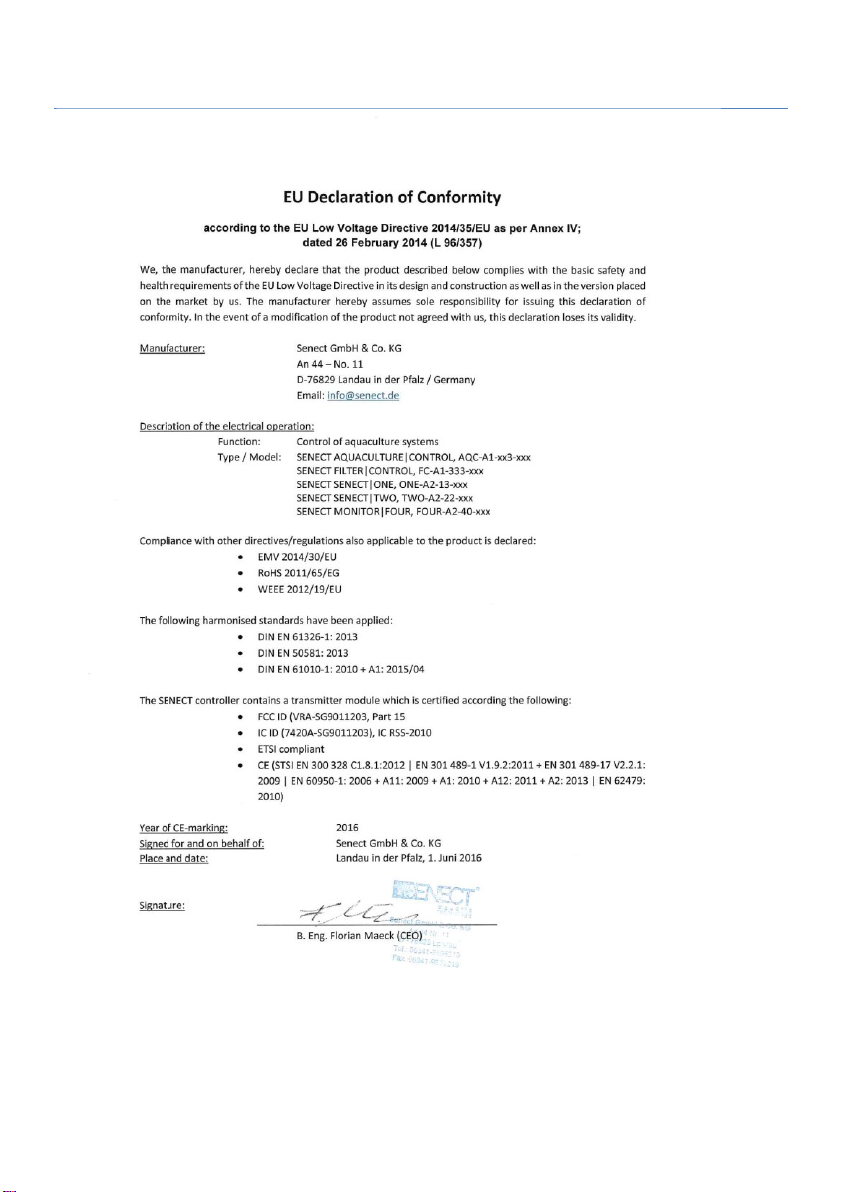
SENECT® AQUACULTURE|CONTROL, FILTER|CONTROL, MONITOR|4, ONE, TWO
(hereinafter referred to as SENECT® Control) are electronic measuring and control units to
which sensors and actuators can be connected.
Since this is an electronic product with 230 V mains voltage, the requirements
must be met, as is usual for all electrical appliances. The device may only be
operated with 230 V AC (50 Hz) supply voltage. The device and all connected
cables must be installed and operated protected from moisture and humidity.
When laying all cables and lines, care must be taken to ensure that they do not cause
safety-relevant impairments such as tripping hazards. For many applications, protection
by a residual current circuit breaker with a trigger current < 30 mA is mandatory. Please
inform yourself about this.
The device must be installed protected from overheating by direct sunlight and may only
be operated at an ambient temperature between 0°C and 40°C. Only the intended
connecting devices (e.g. sensors or actuators) may be connected. The SENECT® Control
unit may not be modified, except for extensions or software updates of SENECT®. It is
forbidden to open the device or in any way to penetrate into the interior of the housing,
as there is mains voltage present. Use only original SENECT® or SENECT® supplied or
approved expansion, replacement or accessory parts.
If the mains connection cable of the device is damaged, it must be replaced by the
manufacturer, his customer service or a similarly qualified person in order to avoid
hazards. This device can be used by children aged 8 years and older and persons with
reduced physical, sensory or mental abilities or lack of experience, if they have been
supervised or instructed in the safe use of the device and understand the resulting dangers.
Children must not play with the device. Cleaning and user maintenance must not be
performed by children without supervision.
Please keep this manual as a reference book. Subject to technical and optical changes and
printing errors
CAUTION: Before carrying out maintenance work, switch off all
devices in the water or pull the power plug.