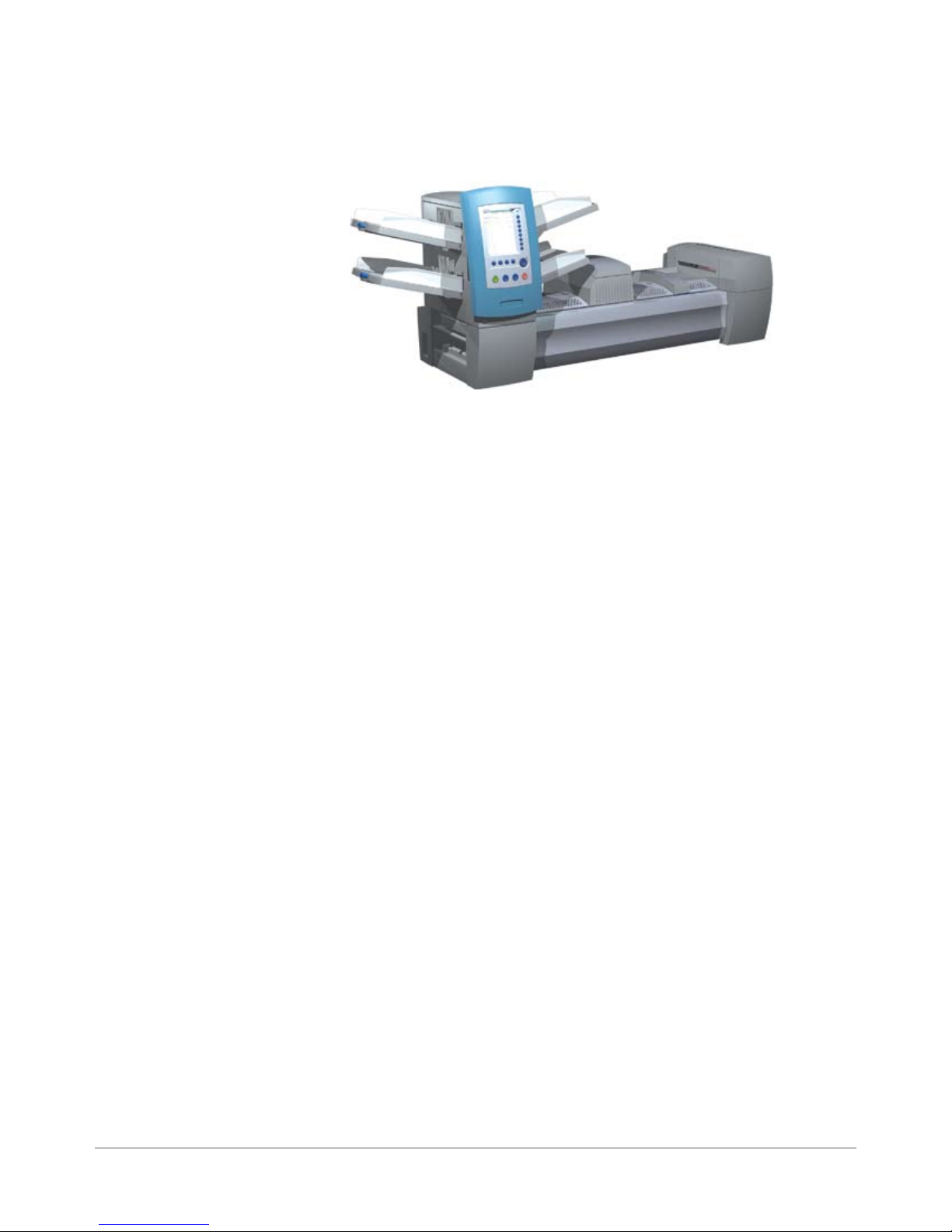
Secap SI5400 Manuel

Operator Guide
US/Canada English Version
Document Inserting System
SI5200, SI5400
TM

Statement of FCC Compliance
This equipment has been tested and found to comply with the limits for a Class A digital device, pursuant to
part 15 of the FCC rules. These limits are designed to provide reasonable protection against interference when
the equipment is operated in a commercial environment. This equipment generates, uses, and can radiate
radio frequency energy and, if not installed and used in accordance with the instruction manual, may cause
interference to radio communications. Operation of this equipment in a residential area is likely to cause inter-
ference, in which case the user will be required to correct the interference at his own expense.
CAUTION: Changes or modifications to this equipment not expressly approved by the party responsible for compliance
(Pitney Bowes) could void the user’s authority to operate the equipment.
SV61611 Rev. B ©2006 SECAP™
All rights reserved. This book may not be reproduced in whole or in part in any fashion or stored in a retrieval
system of any type or transmitted by any means, electronically or mechanically, without the express, written
permission of SECAP™. We have made every reasonable effort to ensure the accuracy and usefulness of this
manual; however, we cannot assume responsibility for errors or omissions or liability for the misuse or misap-
plication of our products.
Due to our continuing program of product improvement, equipment and material specifications as well as
performance features are subject to change without notice. DP800i, DP1000, SwiftStart, SureTrac, IntelliLink
and E-Z Seal are trademarks or registered trademarks of Pitney Bowes. Tyvek is a registered trademark of
Dupont.
Canada
This class A digital apparatus complies with Canadian ICES-003.
Cet appareil numérique de la classe A est conforme á la norme NMB-003 du Canada.

iSV61611 Rev. B
Table of Contents
Contact Information List
USA Contacts .................................................................................v
Canada Contacts............................................................................v
1 • Introduction
A Note to the Operator................................................................ 1-2
Viewing this Guide as a PDF File ............................................... 1-2
About Your System ..................................................................... 1-3
Standard Systems ................................................................ 1-4
System Options* ................................................................... 1-5
Safety Information....................................................................... 1-6
Warning Labels........................................................................... 1-7
Book Contents ............................................................................ 1-8
2 • Meet the Inserting System
System Components .................................................................. 2-2
Feeder Tower.............................................................................. 2-4
Feeder Trays............................................................................... 2-5
Sheet Trays........................................................................... 2-5
Insert Trays ........................................................................... 2-6
Manual Feeder............................................................................ 2-7
Transport Deck ........................................................................... 2-8
Mail Piece Path..................................................................... 2-8
Pre-fold Accumulator ............................................................ 2-8
Folder.................................................................................... 2-9
Post-fold Accumulator .......................................................... 2-9
Insertion Area........................................................................ 2-9
Folder Bypass Path .............................................................. 2-9
Moistener, Closer, Sealer...................................................... 2-9
About the Control Panel............................................................ 2-10
Screen Option Keys............................................................ 2-10
Fixed Function Keys ........................................................... 2-11
Machine Action Keys .......................................................... 2-13
Screen Navigation Keys ..................................................... 2-13
Display Screen.......................................................................... 2-14
Header Area........................................................................ 2-14
Status Area ......................................................................... 2-15
Access Rights ........................................................................... 2-20

ii SV61611 Rev. B
Table of Contents
Logging In ........................................................................... 2-21
Logging Out ........................................................................ 2-21
About System Covers............................................................... 2-22
Opening the Covers............................................................ 2-23
Closing the Covers ............................................................. 2-23
About the Paper Release Knobs/Levers................................... 2-24
About Add-On Modules............................................................. 2-24
3 • Basic Operation
Connecting to Power .................................................................. 3-2
Powering Up ............................................................................... 3-2
Home Screen.............................................................................. 3-3
Job Overview .............................................................................. 3-4
Selecting the Job ........................................................................ 3-5
Setting Up Feeders and Loading Materials ................................ 3-6
Attaching Trays to the Feeder Tower .................................... 3-6
Removing Trays from the Feeder Tower............................... 3-7
Loading Material into the Trays............................................. 3-8
Loading the SI5400 High Capacity Envelope Feeder
(HCEF)................................................................................ 3-13
Making Pre-Run Adjustments .................................................. 3-18
Adjusting the Envelope Openers ........................................ 3-18
Running a Trial Piece................................................................ 3-22
Reviewing the Job Settings ................................................ 3-24
Starting the Job......................................................................... 3-25
SwiftStart™ Jobs ........................................................................ 3-25
Using SwiftStart™............................................................... 3-26
Creating a Job .......................................................................... 3-26
Job Options............................................................................... 3-30
Envelope Options ............................................................... 3-30
Fold Options ....................................................................... 3-32
Sheet Options ..................................................................... 3-33
Insert Options ..................................................................... 3-36
Editing a Job............................................................................. 3-39
Modifying Job Settings........................................................ 3-40
Editing an Item.................................................................... 3-40
Adding an Item.................................................................... 3-41
Moving an Item ................................................................... 3-43
Deleting an Item.................................................................. 3-44

SV61611 Rev. B iii
Table of Contents
4 • Advanced Operation
Overview..................................................................................... 4-2
Using the Alphanumeric Matrix ................................................... 4-2
Saving a Job .............................................................................. 4-3
Deleting a Job............................................................................. 4-4
Assigning User IDs and Passwords............................................ 4-5
Enabling and Disabling the High Capacity Sheet Feeder
(HCSF)........................................................................................ 4-5
5 • Troubleshooting and Maintenance
Adjusting Screen Brightness and Contrast................................. 5-2
Setting the Time and/or Date...................................................... 5-3
Changing the Language ............................................................. 5-4
Refilling the Sealing Solution...................................................... 5-5
Handling Material Stoppages...................................................... 5-5
Clearing a Stoppage ............................................................. 5-5
Resuming the Job................................................................. 5-6
Handling Outsorted Material ................................................. 5-6
Troubleshooting Tables............................................................... 5-7
Routine Maintenance................................................................ 5-16
Daily Tasks.......................................................................... 5-16
Replacing the Moistener Wick ............................................ 5-16
Replacing the Moistener Brushes....................................... 5-18
6 • Reference
Overview..................................................................................... 6-2
System Specifications................................................................. 6-2
Component Specifications .......................................................... 6-4
Feeder Tower and Base Material Specifications......................... 6-7
General Information .............................................................. 6-7
Outer Envelopes ................................................................... 6-7
Inserts ................................................................................. 6-10
Sheets................................................................................. 6-11
High Capacity Sheet Feeder (HCSF) Material Specifications .. 6-12
General Information ............................................................ 6-12
Sheets................................................................................. 6-12
Materials Not Certied for Use............................................ 6-13

iv SV61611 Rev. B
Table of Contents
7 • Add-On Modules
About the Add-On Modules......................................................... 7-2
High Capacity Sheet Feeder (HCSF) ......................................... 7-2
Loading the HCSF ................................................................ 7-3
Adjusting the HCSF Guides.................................................. 7-5
Flats Sealer................................................................................. 7-7
Replacing the Envelope Edge Marker Roller........................ 7-8
Attached Printer .......................................................................... 7-9
Loading the Attached Printer .............................................. 7-10
Adjusting the Printer Interface Guides ................................ 7-11
Printing a Cover Sheet to the Top of the Attached Printer .. 7-13
SureTrac™Process Verification System ................................... 7-13
Exit Options .............................................................................. 7-15
Mailing System Interface
(DP800i or DP1000 only).................................................... 7-15
Envelope Stacker ............................................................... 7-18
Belt Stacker ........................................................................ 7-18
Exit Transport...................................................................... 7-18
8 • Scanning
Scanning Overview..................................................................... 8-2
OMR ..................................................................................... 8-2
BCR ...................................................................................... 8-2
Scanning Features................................................................ 8-4
Setting Up a New Scan Configuration ........................................ 8-6
Setting Up an OMR Scan Conguration ............................... 8-6
Setting Up a BCR Scan Conguration.................................. 8-9
Editing a Scan Configuration .................................................... 8-13
Editing an OMR Scan Conguration................................... 8-13
Editing a BCR Scan Conguration...................................... 8-14
Copying a Scan Configuration.................................................. 8-15
Deleting a Scan Configuration.................................................. 8-15
Reviewing a Scan Configuration............................................... 8-16
Viewing the Job List.................................................................. 8-16
Assigning a Scan Configuration to an Existing Job ................. 8-17
Adjusting the Scan Heads ........................................................ 8-19
Adjusting the Scan Heads for Ladder Orientation Marks.... 8-19
Adjusting the Scan Heads for Picket Orientation Marks ..... 8-22
OMR Specifications .................................................................. 8-24
Barcode Specifications ............................................................ 8-26
Setting the OMR Scanning Area............................................... 8-29

SV61611 Rev. B v
Table of Contents
Defining the First Mark Position and Code Length ................... 8-29
Defining the Clear Zone............................................................ 8-30
Additional Information ............................................................... 8-31
BCR and OMR Mark Levels ..................................................... 8-31
Basic Level ......................................................................... 8-32
Enhanced Integrity Level .................................................... 8-34
Selective Operations Level ................................................. 8-35
Appendix A • Glossary
Basic Terms ...............................................................................A-2
Material References..............................................................A-2
Machine Functions................................................................A-3
Icon Glossary..............................................................................A-4
Envelope Icons .....................................................................A-4
Fold Icons .............................................................................A-5
Sheet Icons...........................................................................A-5
Insert Icons ...........................................................................A-6
Feeder Assignment Icons .....................................................A-7
Other Icons ...........................................................................A-7
Index
Index............................................................................................ I-1

vi SV61611 Rev. B
Table of Contents
This page is intentionally blank.

v
SV61611 Rev. B
USA Contacts
Product Name - SI5200 or SI5400
For direct questions, or to order SECAP™approved supplies and accessories,
contact your local dealer.
Other Country Contacts
Contact information is given in a separate publication supplied with the prod-
uct.
Contact Information List

vi SV61611 Rev. B
Contact Information List
This page is intentionally blank.
Ce manuel convient aux modèles suivants
1
Table des matières
Manuels Matériel de bureau populaires d'autres marques

silen
silen Space 2 Manuel utilisateur

Middle Atlantic Products
Middle Atlantic Products LD Series Manuel utilisateur

SHFL
SHFL DECK MATE BLACKJACK Manuel utilisateur

DROMEAS
DROMEAS LINE Manuel utilisateur

Siemens
Siemens HIPATH 2000 Manuel utilisateur

VITRA
VITRA Stefan Hürlemann Dancing Wall Manuel utilisateur