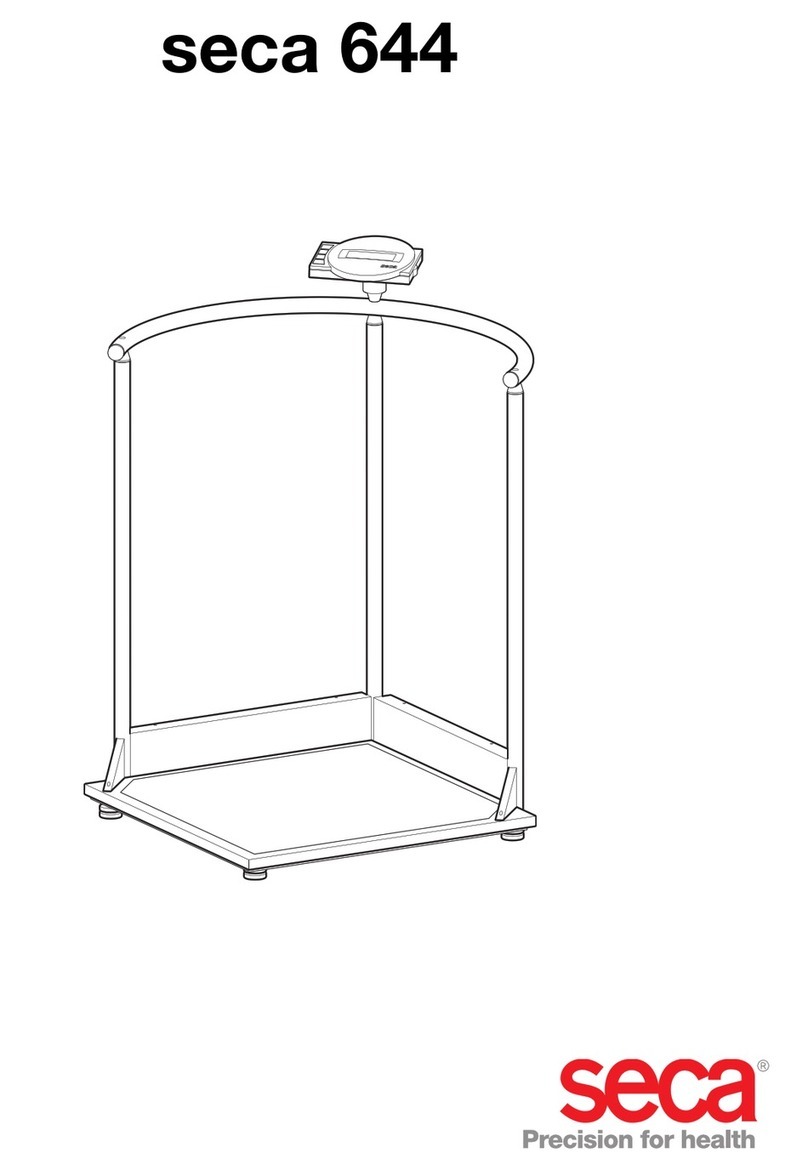
Seca 378 Manuel utilisateur

for seca 674, 675 NEC2
Service Manual
6741321108
6741321378
6757021008
6757021198
6757021228
6757021248
6757021288
Electronic platform scales with high load-bearing capacity and castors for transport
Valid as of: 01.02.2013
Variants:
Contents:
Description:
Service Manual Number
17-05-01-374-
When servicing or repairing seca devices according to this service manual, always take note of the
instruction manual of the product. To download the latest version of the instruction manual and EMC
Recommendation go to www.seca.com.
Service description electronic 30-34-00-812 c
Cableplan 08-02-06-058 a
Replacement 30-34-00-859
Spare parts 674 1321108
Spare parts 674 1321378
Spare parts 675 7021008
Spare parts 675 7021198
Spare parts 675 7021228
Spare parts 675 7021248
Spare parts 675 7021288
Spare parts drawing Frame 30-34-00-840
Spare parts drawing display 30-34-00-846
EMC Recommendation 30-34-00-519
Instruction manual 656
Instruction manual 657
17-10-06-383
17-10-07-608
Manual number: 17-05-01-374-

General information seca
14.11.12/RLEU/ARI/MRE 1/40 30-34-00-812c
Electronics (NEC2) Service
Instructions
MODEL
[374|376|378|703|704|264|274|284|285|634|635|644|645|
656|657|664|665|675|676|677|684|685|954|955|957|959|
963]

General information seca
14.11.12/RLEU/ARI/MRE 2/40 30-34-00-812c
Contents
1 General Information
[374|376|378|634|635|644|645|656|657|664|665|674|675|676|677|684|685|70
3|704|264|274|284|285|954|957|959|963]...................................................... 5
1.1 Type Plates
[374|376|378|634|635|644|645|656|657|664|665|674|675|676|677|684|685|70
3|704|264|274|284|285|954|957|959|963]....................................................... 5
1.2 Design and Function of the Scale Part
[374|376|378|703|704|634|635|644|645|656|657|664|665|674|675|
676|677|684|685|264|274|284|285|954|957|959|963].....................................6
1.2.1 Design
[374|376|378|703|704634|635|644|645|656|657|664|665|674|675|676|677|6
84|685|284|285] ..........................................................................................6
1.2.2 Function
[374|376|378|703|704634|635|644|645|656|657|664|665|674|675|
676|677|684|685|284|285]...........................................................................6
1.3 Design and Function of the Head Slider [264|274|284|285].................7
2 Maintenance
[374|376|378|703|704|634|635|644|645|656|657|664|665|674|675|676|677|68
4|685|264|274|284|285|954|957|959|963]...................................................... 8
2.1 Adjustment of Scales
[374|376|378|703|704|634|635|644|645|656|657|664|665|674|675|
676|677|684|685|264|274|284|285|954|957|959|963]................................... 10
2.1.1
General[374|376|378|703|704|634|635|644|645|656|657|664|665|
674|675|676|677|684|685|264|274|284|285|954|957|959|963].................. 10
2.1.2 Calibration Counter / Number of Adjustments
[374|376|378|703|704|634|635|644|645|656|657|664|665|674|675|676|677|
684|685||264|274|284|285|954|957|959|963]............................................ 11
2.1.3 Adjustment Mode and Displaying the Calibration Counter
Contents
[374|376|378|703|704|634|635|644|645|656|657|664|665|674|675|676|677|
684|685|954|957|959|963]......................................................................... 11
2.1.4 Adjustment Mode and Displaying the Calibration Counter
Contents [284|285].................................................................................... 12
2.1.5 Placing Adjustment Weights on the Scale .................................. 12

General information seca
14.11.12/RLEU/ARI/MRE 3/40 30-34-00-812c
2.1.6 Example: Adjusting a Scale with 100g Graduations
[703|704|284|285|634|635|644|645|656|657|664|665|675|676|677 |684|685]
13
2.1.7 Example: Adjusting a Baby Scale with 10g Graduations [374|376]
13
2.1.8 Overview of Adjusting a Scale with 100g Graduations [703|704] 14
2.1.9 Overview of Adjusting a Baby Scale with 10g Graduations
[374|376|378] ............................................................................................ 16
2.2 Adjusting the Head Slider [284|285]................................................... 17
2.2.1 Displaying the Gravity Factor
[374|376|378|703|704|634|635|644|645|656|657|664|665|674|675|676|677|
684|685|954|957|959|963]......................................................................... 17
2.3 Setting the Gravity Factor
[374|703|634|644|656|664|674|676|684|284|954]:........................................ 18
2.3.1 Example for Gravity Factor Setting
[374|703|634|644|656|664|674|676|684|284|954] ..................................... 19
2.3.2 Summary of a Typical Gravity Factor Setting Sequence [374|703].
19
3 Errors
[374|376|378|703|704|634|635|644|645|656|657|664|665|674|675|676|677|68
4|685|954|957|959|963]................................................................................ 21
3.1 Error Symptoms for Scale
[374|376|378|703|704|634|635|644|645|656|657|664|665|674|675|
676|677|684|685|954|957|959|963] .............................................................. 21
3.2 Error Symptoms for Head Slider [264|274|284|285]........................... 22
3.3 Radio Error Symptoms
[374|376|378|703|704|284|285|634|635|644|645|656|657|664|665|
674|675|676|677|684|685|954|957|959|963]................................................. 23
3.4 Scale Error Messages
[374|376|378|703|704|284|285|634|635|644|645|656|657|664|665|
674|675|676|677|684|685|954|957|959|963]................................................. 24
3.5 Head Slider Error Messages [264|274|284|285] ................................ 25
3.6 Radio Error Message
[374|376|378|703|704|284|285|634|635|644|645|656|657|664|665|
674|675|676|677|684|685|954|957|959|963]................................................. 26

General information seca
14.11.12/RLEU/ARI/MRE 4/40 30-34-00-812c
4 Measurements
[374|376|378|703|704|284|285|634|635|644|645|656|657|664|665|674|675|67
6|677|684|685|954|957|959|963].................................................................. 27
4.1 Supply Voltage
[374|376|378|703|704|284|285|634|635|644|645|656|657|664|665|674|675|67
6|677|684|685|954|957|959|963] .................................................................. 27
4.2 Load Cell
[374|376|378|703|704|284|285|634|635|644|645|656|657|664|665|674|675|67
6|677|684|685|954|957|959|963] .................................................................. 27
4.2.1 Measurement Using a Multimeter
[374|376|378|703|704|284|285|634|635|644|645|656|657|664|665|674|675|
676|677|684|685|954|957|959|963]........................................................... 27
5 Software intended Purpose.......................................................................... 30
5.1 Installation and Start .......................................................................... 30
5.2 Updating the Radio Module Software................................................. 31
5.3 Set-up Process .................................................................................. 32
5.4 Updating the Radio Module Software................................................. 33
5.5 Technical Requirements for Updating................................................ 34
5.6 Updating the Wireless Printer Software ............................................. 34
5.7 Updating Old Printers......................................................................... 35
5.8 Problems with Updating..................................................................... 35
Appendixes....................................................................................................... 36

General information seca
14.11.12/RLEU/ARI/MRE 5/40 30-34-00-812c
1 General Information
[374|376|378|634|635|644|645|656|657|664|665|674|675|676|677
|684|685|703|704|264|274|284|285|954|957|959|963]
These service instructions are intended for specialist staff responsible for
maintenance and repair of the devices. These persons must be familiar with all
the relevant electro-technical regulations and must adhere to them any time.
These instructions are not suitable for users without specialist knowledge.
These instructions describe how to service the devices
[374|376|378|634|635|644|645|656|657|664|665|674|675|676|677|684|685|703|
704|264|274|284|285|954|957|959|963]equipped with NEC2 electronic modules.
The device types for which these instructions apply are listed in the section
headings. There are some identical models with NEC1 electronic modules.
These instructions are not valid for those types.
What is the structure of this document and how should you read it? Section 1
provides a short overview of the most important points for service. We
recommend you should read it completely. Section 2 deals with the
maintenance of the devices, i.e. work that may have to be carried out more
frequently. This section can be read as and when required. Troubleshooting is
covered in section 4, where you find detailed descriptions of various
measurements intended to identify specific errors. Starting point for
troubleshooting is section 3, which includes an overview of error descriptions
and the inspection steps required to identify them.
1.1 Type Plates
[374|376|378|634|635|644|645|656|657|664|665|674|675|676|677|684|685|703|
704|264|274|284|285|954|957|959|963]
To enable you to identify the device, information about the model and serial
number is found on the underside or on the frame of the device (see Note down
this information so that you have it on hand in case you need to contact us for
queries or spare parts orders.
Figgure 1: Typeplate (left approved, right non approved)

General information seca
14.11.12/RLEU/ARI/MRE 6/40 30-34-00-812c
1.2 Design and Function of the Scale Part
[374|376|378|703|704|634|635|644|645|656|657|664|665|674|675|
676|677|684|685|264|274|284|285|954|957|959|963]
1.2.1 Design
[374|376|378|703|704634|635|644|645|656|657|664|665|674|675|6
76|677|684|685|284|285]
The scale consists of the following main parts: the frame with up to four load
cells, a display unit, a key panel and a power supply unit.
1.2.2 Function
[374|376|378|703|704634|635|644|645|656|657|664|665|674|675|
676|677|684|685|284|285]
The action of a force causes elastic deformation of the load cell. A
corresponding analog signal is supplied, which changes linearly with the force
applied. This signal is measured and evaluated by the scale electronics and
displayed as a weight value. shows the functional diagram for scales with
separated modules for determining and displaying the weight.
Figure 1: Functional diagram [704|284|285|634|635|644|645|656|657|664|665|675|677|684|685]
ISIS BUS (Modular cable)
NEC2 DMS Module (Weight measurement)
08-06-18-156
Load
cell Load
cell Load
cell Load
cell
NEC2 Display module
08-06-18-170 oder -195
Radio module
08-06-18-172
Keyboard
DC Supply

General information seca
14.11.12/RLEU/ARI/MRE 7/40 30-34-00-812c
Figure 3: Functional diagram [374|376|378|703|954|957|959|963]
1.3 Design and Function of the Head Slider [264|274|284|285]
The head slider uses the measuring method of visual reading off from the insert
scale. Absolute and relative graduation marks are scanned to determine
lengths. Once the slider has moved more than two absolute marks, the absolute
position can be determined and a length is output.
Figure 4: Absolute (left) and relative graduation marks (right) [264|274|284|285]
NEC2 Compact module
(Weight measurement and display)
08-06-18-167 oder -163
Load
cell Load
cell Load
cell Load
cell
Radio module
08-06-18-172
Keyboard
DC Supply

Maintenance seca
14.11.12/RLEU/ARI/MRE 8/40 30-34-00-812c
2 Maintenance
[374|376|378|703|704|634|635|644|645|656|657|664|665|674|675
|676|677|684|685|264|274|284|285|954|957|959|963]
The following section provides an overview of all maintenance jobs which can
be carried out.
To call up the Service Menu, start the scale while pressing another key at the
same time. This causes the content of the calibration counter (i.e. the number of
adjustment operations carried out so far) to be displayed for 24 seconds
(flashing). While the calibration count is displayed, a key must be kept pressed
(for more than 1.5 seconds); the scale then automatically displays the software
identification number and the check digit.
Keypress (any key) and START key simultaneously
- Calibration counter [see 2.1.2]
- Long keypress (any key)
Automatic display for 6 seconds
- XX.YY (software identification)
Then automatic display for 6 seconds
- XXXX (check digit)
Then automatic display
- CAL [see 2.1.5]
Long keypress (any key)
oDEC
Long keypress (any key)
oINC
Short keypress (any key)
- GAL [see1.3]
Long keypress (any key)
oXXXXX (gravity factor)
Short keypress (any key)
- INFO

Maintenance seca
14.11.12/RLEU/ARI/MRE 9/40 30-34-00-812c
Long keypress (any key)
oNo: X (module number)
Long keypress (any key)
oXXX.XX (firmware version, e.g. 290.07)
- End
Software identification and check digit:
The existing seca firmware version number is retained and can be called up.
Firmware software identification
Each and every firmware is given its own software identification number.
This software identification number is composed of a version number for the
program part that is subject to verification and a version number for the program
part that is not subject to verification.
Example: 01.08 01 - subject to verification
08 - not subject to verification
Whenever the firmware is changed, the version number for the program part
that is not subject to verification is increased. This is done by analogy with the
firmware index.
When a program part is changed that is subject to verification, the version
number for the program part that is subject to verification is also increased.
Software identification of the device
The overall version number of the program parts which are subject to
verification is the total of the version numbers (subject to verification) of the
individual hardware modules.
The overall version number of the program parts which are not subject to
verification is the total of the version numbers (not subject to verification) of the
individual hardware modules.
Ce manuel convient aux modèles suivants
26
Table des matières
Autres manuels Seca Échelle

Seca
Seca 675 Mode d’emploi

Seca
Seca 606 Manuel utilisateur

Seca
Seca Robusta 813 bt Manuel utilisateur

Seca
Seca medica 761 Dimensions

Seca
Seca 334 Manuel utilisateur

Seca
Seca 875 Manuel utilisateur

Seca
Seca 374 Manuel utilisateur

Seca
Seca 657 Manuel utilisateur

Seca
Seca 651 Manuel utilisateur

Seca
Seca 769 LC Manuel utilisateur