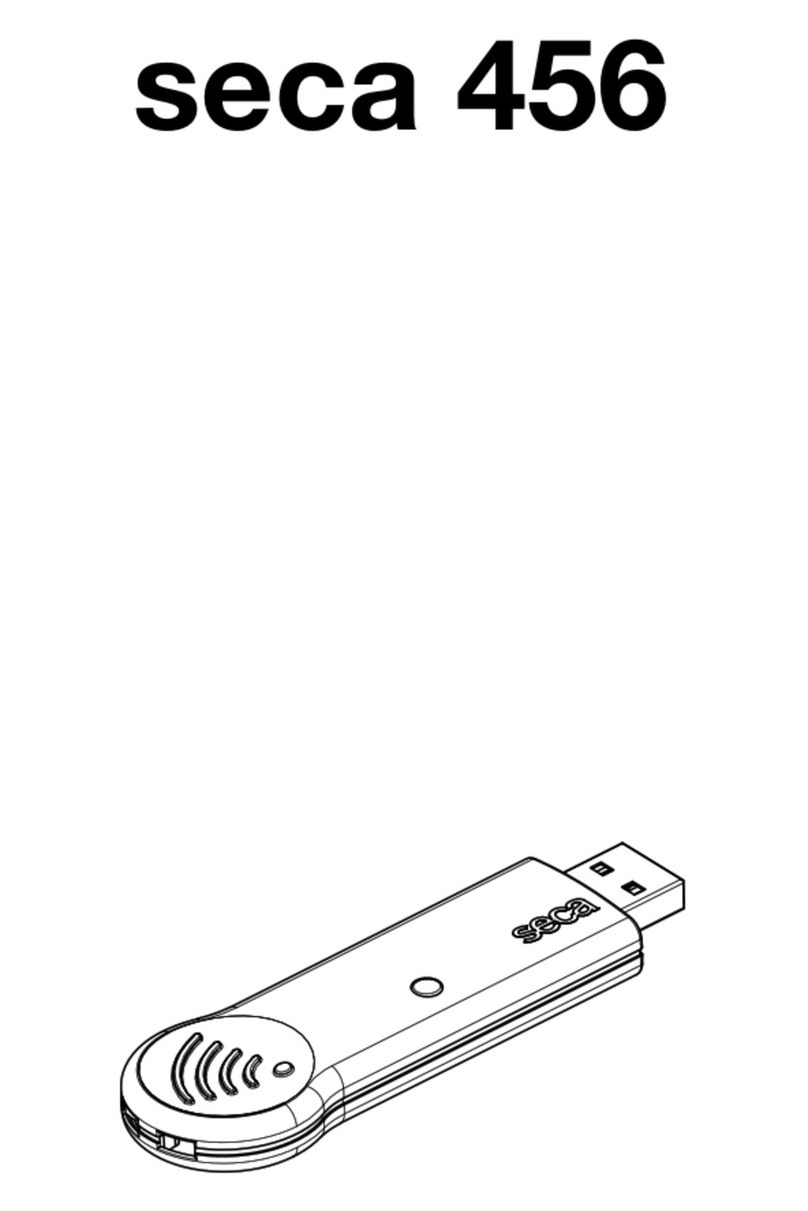
Seca 456 Manuel utilisateur

seca 456

Bedienungsanleitung und Garantieerklärung . . . . . . 4
Instruction manual and guarantee . . . . . . . . . . . . . . . 6
Mode d’emploi et garantie. . . . . . . . . . . . . . . . . . . . . . 8
Manuale di istruzioni e garanzia . . . . . . . . . . . . . . . . 10
Manual de instrucciones y garantia . . . . . . . . . . . . . 12
Betjeningsvejledning og garantibevis. . . . . . . . . . . . 14
Bruksanvisning och garanti . . . . . . . . . . . . . . . . . . . . 16
Bruksanvisning og garantierklæring. . . . . . . . . . . . . 18
Käyttöohje ja takuu. . . . . . . . . . . . . . . . . . . . . . . . . . . 20
Bedieningshandleiding en garantieverklaring . . . . . 22
Instruções de utilização e declaração de garantia . . . . . 24
Οδηγίες χειρισμού και εγγύηση . . . . . . . . . . . . . . . . 26
Instrukcja obsługi i gwarancja . . . . . . . . . . . . . . . . . 28
Инструкция по эксплуатации и
гарантийное свидетельство . . . . . . . . . . . . . . . . . . 30
使用説明書および保証 . . . . . . . . . . . . . . . . . . . . . . . . . 32
说明书和保证 . . . . . . . . . . . . . . . . . . . . . . . . . . . . . . . . 34
D
GB
F
I
E
DK
S
N
FIN
NL
P
GR
PL
RU
J
CN


4 •
Deutsch
Deutsch
1. VERWENDUNGSZWECK
Der seca seca 360° wireless USB Adapter 456 ist
ein Zubehörteil für den Betrieb eines PCs in einem
seca 360° wireless Funknetzwerk. Der USB-Adapter
ermöglicht die drahtlose Datenübertragung zwischen
dem PC und anderen seca 360° wireless Geräten.
Der USB-Adapter funktioniert ausschließlich an PCs,
auf denen seca PC-Software installiert ist.
2. SICHERHEITSINFORMATIONEN
• Beachten Sie die Hinweise in dieser Gebrauchsan-
weisung.
• Bewahren Sie die Gebrauchsanweisung sorgfältig
auf.
• Beachten Sie die Gebrauchsanweisung Ihres PCs
sowie die Gebrauchsanweisugnen der verwendeten
seca 360° wireless Geräte.
• Um Fehlfunktionen zu vermeiden, betreiben oder
lagern Sie das Gerät nicht in einer Umbebung in der
es hoher Feuchtikgeit, Vibrationen, Staub, Hitze
oder direkter Sonneneinstrahlung ausgesetzt ist.
• Nehmen Sie das Gerät nicht unmittelbar nach dem
Transport in Betrieb. Starke Temperaturschwank-
ungen und Änderungen der Luftfeuchtigkeit können
dazu führen, dass sich Feuchtigkeit am Gerät bildet.
Diese kann sowohl das Gerät selbst, als auch den
PC beschädigen, an den es angeschlossen wird.
• Sichern Sie das Gerät gegen versehentliches Ent-
fernen vom PC, um Fehlfunktionen und nicht-
bestimmungsgemäßen Gebrauch zu vermeiden.
• Halten Sie mit HF-Geräten wie z.B. Mobiltelefonen
und Fernsehern einen Mindestabstand von ca. 1
Meter ein, um Fehlmessungen oder Störungen bei
der Funkübertragung zu vermeiden.
• Öffnen Sie nicht das Gehäuse des Gerätes. Dies
kann zu Schäden am Gerät führen. In solchen Fällen
gewährt seca keinerlei Garantie.

• 5
3. ÜBERSICHT
4. BEDIENUNG
Der USB-Adapter wird betriebsbereit geliefert.
1. Stecken Sie den USB-Adapter in einen freien USB-
Anschluss Ihres PCs.
2. Sichern Sie den USB-Adapter gegen versehent-
liches Abziehen vom USB-Anschluss.
3. Richten Sie ein Funknetzwerk ein, wie im Administ-
ratorhandbuch der seca PC Software beschrieben.
5. REINIGUNG
Bei normalem Betrieb ist keine Reinigung erforderlich.
Reinigen Sie das Gehäuse bei Bedarf mit einem
feuchten Tuch.
ACHTUNG!
Gerätechäden und Fehlfunktionen durch
ungeeignete Reinigungsmittel
– Verwenden Sie keine Lösungsmittel, ätzende
Flüssigkeiten oder Sprühreiniger.
1
2
6
534
Nr. Element/Symbol Funktion/Bedeutung
1USB-Stecker Wird in einen freien USB-Anschluss des PCs gesteckt
2LED • Rot: USB-Adapter wurde vom PC korrekt erkannt
• Blau: Daten werden übertragen
3Gebrauchsanweisung beachten
4Gerät ist konform mit Normen und Richtlinien der EG
5Sicherungsöse
Dient zur Befestigung z.B. eines Schlüsselbandes:
Sicherung gegen versehentliches Entfernen des USB-
Adapters vom PC
6Gerät ist mit einem Funkmodul ausgerüstet, Daten wer-
den drahtlos empfangen und gesendet

6 •
English
English
1. INTENDED USE
The seca seca 360° wireless USB adapter 456 is an
accessory for operating a PC in a seca 360° wireless
network. The USB adapter allows wireless data
transmission between the PC and other
seca 360° wireless devices. The USB adapter only
works on PCs with seca PC software installed.
2. SAFETY INFORMATION
• Follow the instructions in this user manual.
• Keep the user manual in a safe place.
• Follow the instructions in your PC manual and those
for the seca 360° wireless devices used.
• To prevent malfunctions, do not operate or store the
device in an environment in which it is exposed to
high humidity, vibrations, dust, heat or direct
sunlight.
• Do not start up the device immediately after
transporting it. Severe temperature fluctuations and
changes in humidity may lead to moisture forming
on the device. This may damage both the device
itself and the PC to which it is connected.
• Make sure the device cannot be inadvertently
disconnected from the PC to prevent malfunctions
and to avoid improper usage.
• Make sure HF devices, such as mobile phones and
televisions, are kept at a minimum distance of
approx. 1 metre to prevent incorrect measurements
or interference with wireless transmission.
• Do not open the device housing. This may lead to
damage to the device. No warranty will be provided
by seca in such cases.

• 7
3. OVERVIEW
4. OPERATION
The USB adapter is supplied ready to use.
1. Plug the USB adapter into a free USB port on your
PC.
2. Make sure the USB adapter cannot be inadvertent-
ly disconnected from the USB port.
3. Set up a wireless network as described in the
Administrator's Manual for the seca PC software.
5. CLEANING
No cleaning is required in normal use.
If required, clean the housing with a damp cloth.
ATTENTION!
Damage to device and malfunctions may be
caused by unsuitable cleaning agents
– Do not use solvents, corrosive liquids or
spray cleaners.
1
2
6
534
No. Element/symbol Function/meaning
1USB stick Plugged into a free USB port on the PC
2LED • Red: USB adapter correctly detected by PC
• Blue: data being transmitted
3Refer to user manual
4Device complies with EC standards and directives
5Security loop
For attaching a lanyard, for example: make sure the USB
adapter cannot be inadvertently disconnected from the
PC
6Device is equipped with a radio module, data are
received and transmitted wirelessly

8 •
Français
Français
1. UTILISATION
Le seca 360° wireless USB Adapter 456 de seca
est un accessoire permettant d'utiliser un ordinateur
dans un réseau sans fil seca 360° wireless.
L'adaptateur USB permet d'établir une transmission de
données sans fil entre l'ordinateur et d'autres appareils
seca 360° wireless. L'adaptateur USB fonctionne
exclusivement sur les ordinateurs sur lesquels le logiciel
seca est installé.
2. INFORMATIONS RELATIVES À LA SÉCURITÉ
• Respectez les consignes de ce mode d'emploi.
• Conservez précieusement le mode d'emploi.
• Respectez les consignes du mode d'emploi de
votre ordinateur et des modes d'emploi des
appareils seca 360° wireless utilisés.
• Pour éviter tout dysfonctionnement, veillez à ne pas
utiliser ou conserver l'appareil dans un
environnement soumis à une forte humidité, à des
vibrations, à la poussière, à la chaleur ou aux rayons
du soleil.
• Ne mettez pas l'appareil en service immédiatement
après le transport. De fortes variations de
température et des changements de l'humidité de
l'air peuvent engendrer la formation d'humidité sur
l'appareil. Cela peut endommager l'appareil, ainsi
que l'ordinateur auquel il est raccordé.
• Fixez l’appareil pour empêcher toute déconnexion
non intentionnelle et éviter ainsi tout
dysfonctionnement et toute utilisation non
conforme.
• Avec les appareils HF, comme par ex. les
téléphones mobiles et les téléviseurs, maintenez une
distance minimum d'env. 1 mètre pour éviter des
mesures erronées ou des perturbations lors de la
transmission sans fil.
• N'ouvrez pas le boîtier de l'appareil. Cela peut
endommager l'appareil. Dans ce cas, seca n'offre
aucune garantie.

• 9
3. APERÇU
4. UTILISATION
L'adaptateur USB livré est prêt à fonctionner.
1. Insérez l'adaptateur USB dans un port USB libre de
votre ordinateur.
2. Fixez l’adaptateur USB pour éviter toute décon-
nexion non intentionnelle.
3. Configurez un réseau radio tel que décrit dans le
Manuel Administrateur du logiciel seca.
5. NETTOYAGE
Aucun nettoyage n'est requis dans des conditions
normales de fonctionnement.
Nettoyez le boîtier si nécessaire avec un chiffon
humide.
ATTENTION!
Dommages matériels et dysfonctionnements
dus à un nettoyage inapproprié
– N'utilisez aucun solvant, liquide corrosif ou
produit de nettoyage par pulvérisation.
1
2
6
534
N° Élément/Symbole Fonction/Signification
1Connecteur USB S'insère dans un port USB libre de l'ordinateur
2DEL • Rouge :
L'adaptateur USB a été reconnu correctement par
l'ordinateur
• Bleu : Les données sont transférées
3Observer les consignes du mode d'emploi
4L'appareil est conforme aux normes et directives CE
5Boucle de fixation Sert à fixer, par ex., un cordon porte-clés : pour éviter
toute déconnexion non intentionnelle de l’adaptateur USB
6L'appareil est équipé d'un module sans fil, les données
sont reçues et envoyées via une transmission sans fil

10 •
Italiano
Italiano
1. DESTINAZIONE D'USO
Adattatore seca 360° Wireless USB 456 è un
accessorio che consente il funzionamento di un PC
all'interno di una rete senza fili seca 360° wireless.
L'adattatore USB permette il trasferimento dati wireless
tra un PC e altri dispositivi seca 360° wireless.
L'adattatore USB funziona esclusivamente con i PC sui
quali è installato il software per PC seca.
2. INFORMAZIONI SULLA SICUREZZA
• Rispettare le indicazioni contenute in queste
istruzioni per l'uso.
• Conservare con cura queste istruzioni per l'uso.
• Rispettare le istruzioni per l'uso del proprio PC,
nonché le istruzioni per l'uso dei dispositivi
seca 360° wireless utilizzati.
• Per evitare guasti non far funzionare, né conservare
il dispositivo in un ambiente particolarmente umido,
esposto a vibrazioni, polvere, calore o irraggiamento
solare diretto.
• Non far funzionare il dispositivo subito dopo il
trasporto. Variazioni estreme di temperatura e
dell'umidità dell'aria possono provocare la
formazione di condensa sul dispositivo, che può
danneggiare il dispositivo stesso, ma anche il PC al
quale è collegato.
• Assicurarsi che il dispositivo non venga scollegato in
modo accidentale dal PC, per evitare guasti di
funzionamento e un utilizzo non corretto.
• Con apparecchi ad alta frequenza, come ad es.
cellulari e televisori, tenersi ad una distanza minima
di circa 1 metro, al fine di evitare errori di
misurazione o anomalie durante la trasmissione
radio.
• Non aprire l'alloggiamento del dispositivo per non
provocare danni. Tali evenienze non sono coperte
da seca garanzia.
Autres manuels pour 456
1
Table des matières
Langues :
Autres manuels Seca Adaptateur