GETTING STARTED
Insert Battery
1. Locate the SureLock Battery Compartment at the 5 o’clock position of the Entry
Pad. See Fig3
2. Release the latch of the battery compartment, by pulling the lever downward.
See Fig 4.
3. Pull out the battery compartment from the bottom of the EntryPad. See Fig 5.
4. Install the 9V alkaline battery provided into the compartment. The battery com
partment will only receive the battery when the positive and negative terminals
are oriented correctly. See Fig. 6
5. Put the battery compartment back into the EntryPad. Push the latch of the battery
compartment up until it snaps closed. See Fig. 3
Note: When replacing the Battery use good quality Alkaline 9V Batteries
Low Battery Alert
The display will alert low battery when battery voltage reaches 5.4±0.2V.
PLEASE REPLACE THE BATTERY IMMEDIATELY.
● When the display alerts low battery, the Digital EntryPad can only be operated to
lock or unlock your safe. Operations, such as enrolling and deleting users or setting
time-delay, are not permitted.
The ProLogic comes with (2) default codes:
• ID00 or the Super Code is set to 111111
• ID01 or the Manager Code is set to 123456
Enter the default Super Code 111111
The lock will open.
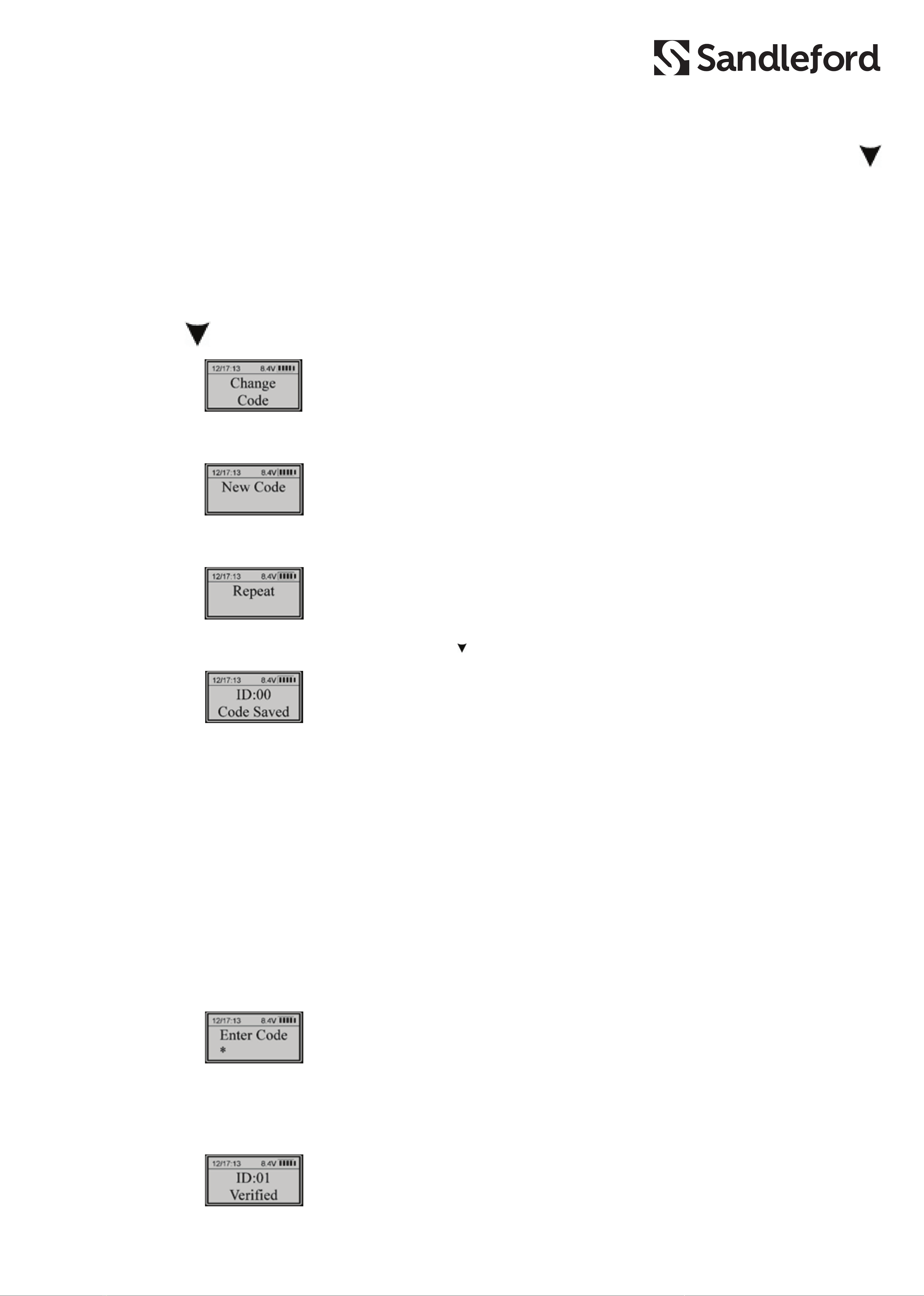
For security, it is recommended you change both codes to unique codes
immediately.
IMPORTANT - Keep these new codes secure. Do not forget or mislay them.
The Super Code & Management Code are used for ALL Functions. The Super
Code & Management Codes should only be disclosed to the Business
Owner/Administrator or trusted employees.