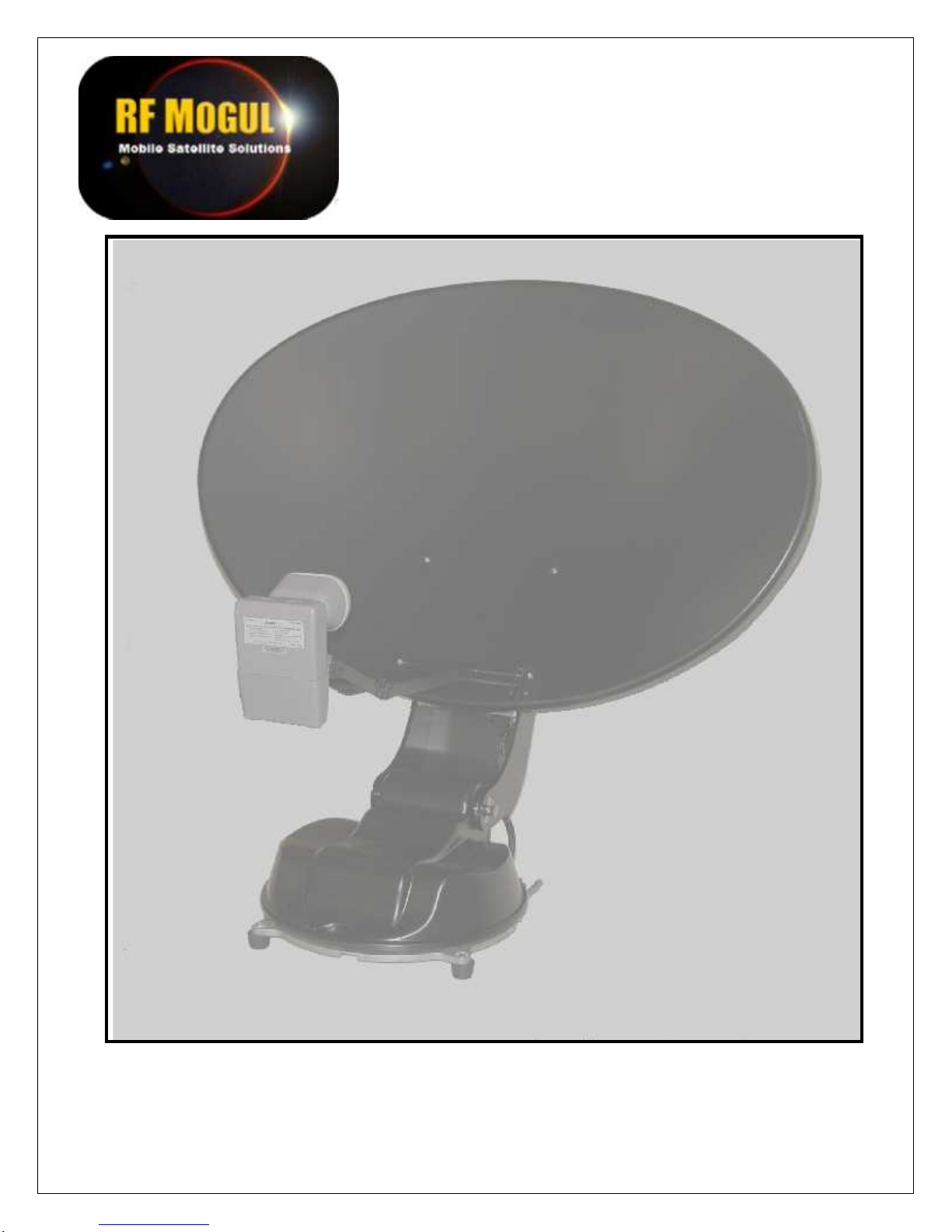
RF Mogul Mount Manuel utilisateur

MOUNT
INSTALLATION
GUIDE
13 Nov '12

Mount Installation Guide
2

Mount Installation Guide
3
WARNING
Make all electrical and coax connections from the controller to the
mount and LNB's BEFORE applying power to, or connecting the
satellite receiver to the controller.
Note: When the controller is turned OFF it will still pass voltage from the receiver to the
LNB if the receiver is plugged in to 110 AC. Shorting of the coax at any time during
installation may cause damage to either the Controller or the DiSEqC Switch. Failure to
follow this procedure can result in voiding of warranty replacement, not to mention time
spent trying to troubleshoot a system that does not perform.
90% of all problems are a result of CONNECTIVITY or CONFIGURATION.
Tools and Hardware Requirements
This is a list of tools and hardware that you might use in the installation of the system.
TOOLS
#2 Philip screwdriver
3/32 Flat blade screwdriver for use on the 12 Pin green control cable connector
1/2" drill bit
Appropriate size drill bit for pre-drilling of mounting holes in fiberglass roofs
Cordless battery for raising the dish from its shipped position
Cable cutters for shortening the control cable
Wire strippers for preparing the control cable
HARDWARE and SUPPLIES
Dicor or a lap sealant approved for the type of roof you are installing the mount on
Dielectric grease or jell for moisture protection of all outdoor coax connections
16-20 ea. #12 Stainless Steel screws for securing the mount to the roof
6-8 ea. #8 Stainless Steel screws for securing the Clam Shell over cable entry hole
4" wire ties for securing and tidying up the cables inside the RV
Cordless vacuum for interior cleanup
TOOLS REQUIRED BUT NOT SUPPLIED
Common Sense

Mount Installation Guide
4
TABLE OF CONTENTS
DEFINITIONS ................................................ 5
Mount Rotation Definitions ...................... 6
Function of Antenna Movement................ 7
MOUNT COMPONENTS
Front........................................................... 8
Rear............................................................ 9
INSTALLATION MOUNTING PADS ......... 10
INSTALLATION OF vGPS ............................11
vGPS for DirecTV.............................................12
vGPS for SHAW Direct ...................................13
FEATURES AND OPERATION.................... 14
MOUNT ROTATIONAL CLEARANCES.... 15
BILL OF MATERIALS................................... 16
MOUNTING HINTS....................................... 17
WIRING DIAGRAMS......................................18
ROOF CONNECTOR HOUSINGS ............... 21
FIELD SERVICE RELATED PARTS.......... 22
SUPPORT ......................................................... 23
Parts return procedure
Support contact information

Mount Installation Guide
5
DEFINITIONS
The mount consists of several components that make it up.
DISH, REFLECTOR, PARABOLA
Receives signal from the satellite and reflects it into the LNB.
LNBF Receives the focused signal from the dish and blocks the noise from the signal and sends it to the satellite
receiver by way of the coax, hence, it is called a Low Noise Blocker (Feed).
vGPS Virtual Ground Positioning System is used to calculate Elevation and Skew when required by the system.
LNB ARM
Holds the LNB in the proper focal point of the Dish.
DISH SUPPORT ARMS
Attaches the dish and skew assembly to the Base Unit.
SUPPORT ARM ATTACHMENT BOLTS
Securing bolts that secure the Dish Support Arms to the Base Unit.
BASE UNIT
Performs the rotating functions in both Azimuth and Elevation. It is attached to the roof of the RV by screws
or bolts.
Dish, Reflector, Parabola
LNBF
LNB Arm
Dish/Skew Support Arms
Base Unit
Dish Support Arms
Attachment Bolts
LNB size will vary in
configuration depending
upon service requirements.
vGPS will be mounted here

Mount Installation Guide
6
MOUNT ROTATIONS
The mount will use the rotation of three (3) axis to achieve acquisition. Terminology is helpful when
conversing with your installing dealer or a factory support technicians. Earlier in this manual you were
given instruction concerning the components of the mount. We will now discuss the rotation of the mount
and what is accomplished with each movement.
Rotation of the base in a clock
wise/counter clockwise is call
AZIMUTH
Tilting of the antenna from side
to side is called SKEW
The antenna in the travel
position is called STOWED
To FRONT of vehicle
Antenna in the upright position
and not moving is called
DEPLOYED
Movement of the antenna from the STOWED position
to the DEPLOYED position is called ELEVATION

Mount Installation Guide
7
FUNCTION OF ANTENNA MOVEMENT
AZIMUTH
Once the antenna is deployed, the Controller (Indoor Unit) will instruct the mount to rotate clockwise
and then counter clockwise to sweep the sky for satellites. If the system does not see a satellite that it can
identify once it rotates to its clockwise or counter clockwise, as it stops against an azimuth limit it will go up
2 degrees and reverse directions. If it does not see a satellite that it can identify on this pass when it hits the
opposing limit it will go down 4 degrees in elevation. If nothing seen, it will go up 6 degrees, ever widening
its search pattern until it has swept a "box" in the sky. If nothing is found in this search pattern the system
will display an error as to what it thinks is wrong.
SKEWOnce the controller has identified two satellites or has input from a vGPS, it will calculate the arc in
which the satellites reside and tilt the antenna (and LNB's) to align each LNB at the end of the LNB Arm
with their appropriate satellites. If you travel from Southern Florida to Southern California the skew angle
will change dramatically. It will tilt or skew the antenna an opposite or more extreme direction. It will
change somewhere in the middle of the country depending upon the satellites that you are looking for.
DEPLOYED
If the mount has quit moving it has probability acquired, identified and maintained a high signal lock
and you are probably watching TV.
STOWED
When the mount is given a command to stow, it will elevate fully to clear any object on your roof,
bring skew into a neutral position and then rotate in azimuth until it hits an azimuth limit. At that time it will
move down in elevation until it comes to rest in a travel position. This is an important step. This will
prevent the automatic stow feature that an overpass provides. (just checking to see if you were reading the
manual).
ELEVATION
The controller remembers its last elevation that it saw when it last identified a satellite. It will rise to
that specific elevation to shorten your search time. If the system has a vGPS then that device will provide
the controller with the proper required information for proper satellite acquisition.

Mount Installation Guide
8
MOUNT COMPONENT (Front View)
Control cable and Coax
cables enter the mount
here.
Azimuth Limit Bar
Azimuth Limit Sensor
Elevation Motor/Gearbox
Assembly
Azimuth Motor/Gearbox
Assembly

Mount Installation Guide
9
MOUNT COMPONENT (Rear)
SKEW ASSEMBLY
This assembly tilts the dish from side to side (skew) to align for polarity and satellite positioning or
both.
DISH ARM COVER
Covers and protects the Skew Motor mechanism from the elements. Provides protection from tree
limbs etc. that it may encounter in the stowed position when the RV is moving.
Skew Assembly
Dish Arm Cover
Skew Motor/Gearbox
Assembly
Skew Chain
Dish Backing or Skew
Mounting Plate
Azimuth Base Cover

Mount Installation Guide
10
INSTALLATION MOUNTING FEET (PADS)
The Mount will be shipped
with the Mounting Pads
rotated into the "shipping"
position. They will be
rotated and secured prior to
installation. For roofs that
have a stable platform they
may be installed in this
position.
The Mount will be shipped
with the Mounting Pads
rotated into the "shipping"
position. They will be
rotated and secured prior to
installation. For roofs that
have an unstable platform
they may be installed in the
"open" position.
INSTALLATION MOUNTING PADS
Width = 36"
Length 34"
Stowed
mount
dimensions
Autres manuels pour Mount
1
Table des matières
Autres manuels RF Mogul Antenne
Manuels Antenne populaires d'autres marques

Alfa Network
Alfa Network APA-L01 Manuel utilisateur

Naval
Naval PR-422CA Manuel utilisateur

Feig Electronic
Feig Electronic ID ISC.ANTH200/200 Series Manuel utilisateur

TERK Technologies
TERK Technologies TV44 Manuel utilisateur

Directive Systems & Engineering
Directive Systems & Engineering DSE2324LYRMK Manuel utilisateur

HP
HP J8999A Manuel utilisateur

CommScope
CommScope CMAX-OMFX-43M-I53 Manuel utilisateur

Ramsey Electronics
Ramsey Electronics DAP25 Manuel utilisateur

COBHAM
COBHAM SAILOR 800 VSAT Manuel d'utilisation et d'entretien

Trango Systems
Trango Systems AD900-9 Manuel utilisateur

Steren
Steren ANT-100 Manuel utilisateur

Proxim
Proxim 5054-PA-23 Manuel utilisateur