
Relong 3804D Manuel utilisateur
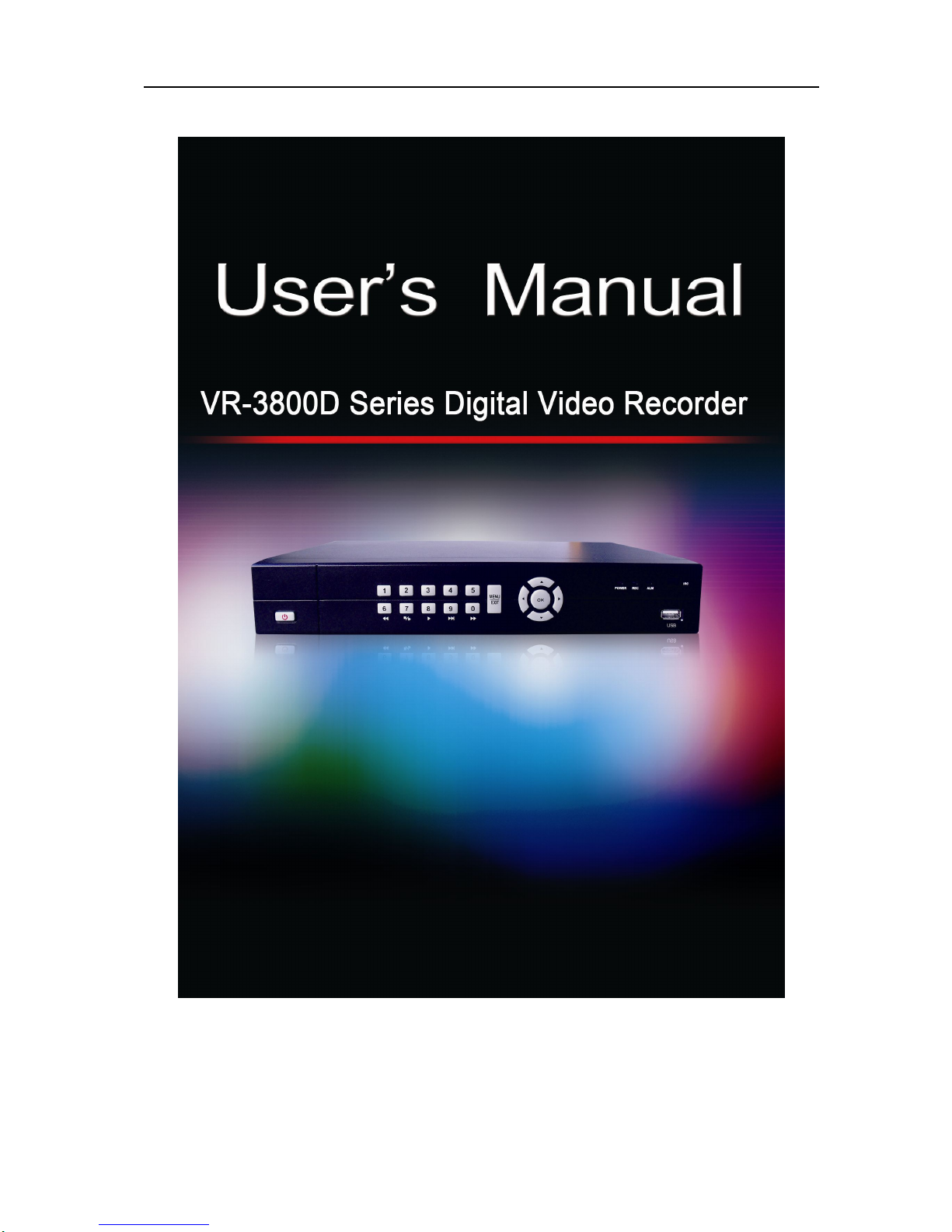
VR-3800D Series Digital Video Recorder
1
Specification:148*210MM(width*height)
UnRegistered

VR-3800D Series Digital Video Recorder
2
Welcome
Thank you for purchasing Relong products. Please feel free to contact us if you have any
questions or concern s.
This manual applies to RL-VR-3800D digital video recorder.
The manual may not agree with the real functions or operation of the product and there
may be some inaccuracies and misprints. Relong reserves the right to change specifications or
functions described in this manual without notice and without obligation.
Safety Precaution
Do abide by the following precautions when using this product:
1. Containers with liquid should not be put on DVR.
2. DVR should be put at well-ventilated places.
3. DVR should work under the allowable limit of temperature and humidity.
4. Short-circuit will be caused when circuit board inside the DVR is damp, so please dusting
the circuit board ,connector ,case and case fan with banister brush.
UnRegistered

VR-3800D Series Digital Video Recorder
3
Product Features
lDual streams supported. Main stream (D1/CIF),second stream(MAX 1CIF).
lParameters of resolution, frame rate(25/PAL,30/NTSC),code rate and image quality are
independently adjustable.
lSupports, VGA (max1280*1024), CVBS video output.
l4/8/16 channel BNC video input and 4/8/16 channel RCA audio input.
l1/4/9/16 screen preview.
lSupports manual preview and auto cruise preview. Auto preview cycle adjustable.
lSupports electronic amplification preview.
lSmart video detection: video loss, camera blank, motion detection, video occlusion
detection.
lSupports privacy masking.
lSupports multiple PTZ protocols, PTZ preset, patrol and pattern.
lSupports one SATA HDD, hard disks(>2TB).
lVideo recording and playback.
lBoth cycle recording and non- cycle recording are supported.
lRecording mode: manual recording, scheduled recording, alarm recording, motion
detection recording.
l8 recording periods can be set each day and recording mode can be set independently for
each period.
lSupports prerecording and post recording of motion detection and alarm.
lSupports fast play, slow play, pause, playback, fast forward, rewind and mouse operation
of pointing and dragging. in playback.
lMulti- channel simultaneous playback.
lBackup by USB HDD,U disk.
lMultiple backups according to file and time.
l4 channel alarm input/one channel alarm output available.
UnRegistered

VR-3800D Series Digital Video Recorder
4
lAlarm: video loss, hard disk failure, video tampering, motion detection.
lAlarm output: Audible beep, sending email.
lSupports operations through front panel buttons, mouse and remote.
lAdministrator can create several users and set up permissions .Permissions can be detailed
down to each channel.
lComplete recording and search of event log.
lSupports manual alarm triggering and alarm-off.
lConfiguration information import and export.
lSupports reset after system crashes.
l10M/100M adaptive network interface.
lNetwork protocols: TCP/IP, PPPoE, DHCP, DNS, DDNS, NTP etc.
lRemote search, playback, download and HTTP.
lRemote obtaining, setting, importing and exporting of device parameters.
lRemote obtaining of running status, system log and alarm status.
lRemote system maintenance operation: HD Format, upgrade, reboot, shut down.
lRemote manual alarm triggering and alarm-off.
lRemote PTZ control.
lRemote picture snapping.
UnRegistered

VR-3800D Series Digital Video Recorder
5
Main Parameters.
Item 3804D 3808D 3816D
Video
compression H246 H264 H264
Video in 4channelBNC 8channelBNC 16channelBNC
Video out 1 channel BNC 1 channel BNC 1 channel BNC
Audio in 4chanelRCA 8channelRCA 16channelRCA
Audio out 1channelRCA 1channelRCA 1channelRCA
Alarm 4channel
in/1channel out 4channel in /1channel
out 4channel in/1channle
out
Playback NTSC: D1@48fps
PAL: D1@40fps NTSC: CIF@240fps
PAL: CIF@200fps NTSC: CIF@480fps
PAL: CIF@400fps
RS485 One RS485 One RS485 One RS485
Power supply DC 12V/3A DC 12V/3A DC 12V/3A
UnRegistered

VR-3800D Series Digital Video Recorder
6
Table of Contents
1. Introductions................................................................................................................................................8
1.1 Panel Instructions ..........................................................................................................................8
1.2 Mouse Operating Instruction.........................................................................................................9
1.3 Input Method ...............................................................................................................................10
1.4 Using Remote Control.................................................................................................................10
1.5 Starting and Shutting Down Your DVR ......................................................................................11
2. Preview .14
2.1 Preview Screen............................................................................................................................14
2.2 Preview Operations......................................................................................................................14
2.3 Preview Parameters Setup ...........................................................................................................15
2.4 System Locking...........................................................................................................................16
3.Recording setup............................................................................................................................................17
3.1 Coding Parameters Setup.............................................................................................................17
3.2 Scheduling a Recording...............................................................................................................18
3.3 Setting up Motion Detection........................................................................................................20
3.4 Setting upAlarm Recording........................................................................................................22
3.5 Manual Recording .......................................................................................................................24
3.6 Other recording mode setup.........................................................................................................25
4. Playback .....................................................................................................................................................26
4.1 PlayingBack.................................................................................................................................26
4.2 Synchronous Playback.................................................................................................................27
5. Backup .....................................................................................................................................................29
6. Alarm........................................................................................................................................................31
6.1 Motion Detection Alarm..............................................................................................................31
6.2 Setting up Sensor Alarms.............................................................................................................32
6.3 Detecting Video Loss...................................................................................................................35
6.4 Detecting Video Tampering.........................................................................................................36
6.5 Setting up Exception....................................................................................................................37
UnRegistered

VR-3800D Series Digital Video Recorder
7
6.6 Alarm processing.........................................................................................................................38
7. Network Settings.........................................................................................................................................41
7.1 Configuring Basic Settings..........................................................................................................41
7.2 ConfiguringAdvanced Settings...................................................................................................43
7.2.1 DDNS ..............................................................................................................................43
7.2.2 NTP..................................................................................................................................45
7.2.3 Email Settings..................................................................................................................46
8. PTZ controls................................................................................................................................................48
8.1 Configuring PTZ Settings............................................................................................................48
8.2 Setting up and Calling PTZ Presets, Patrols&Paterns.................................................................48
8.3 Understanding PTZ Controls.......................................................................................................51
9. Camera Management...................................................................................................................................53
9.1 Configuring OSD Settings...........................................................................................................53
9.2 Setting up Privacy Mask..............................................................................................................53
9.3 Adjusting Display Settings..........................................................................................................54
10. HDD Management.....................................................................................................................................55
10.1 Initializing a HDD.......................................................................................................................55
10.2 Checking HDD Status..................................................................................................................56
10.3 Configuring HDD Alarms............................................................................................................56
11. User Management and System Maintenance.............................................................................................57
11.1 Manaring User Account...............................................................................................................57
11.2 Viewing System Log ...................................................................................................................59
11.3 Importing& Exporting Configuration..........................................................................................59
11.4 Updating System Firmware.........................................................................................................60
11.5 Other Settings..............................................................................................................................61
12.Other settings..............................................................................................................................................62
12.1 Configuring Video Standard, VGA/HDMI Resolution Settings..................................................62
12.2 Device ID and Device Name settings..........................................................................................62
12.3 TriggeringAlarm Manually.........................................................................................................63
12.4 Locking, Shutting Down and Rebooting Your DVR ...................................................................63
UnRegistered

VR-3800D Series Digital Video Recorder
8
1. Instructions
1.1 Panel instruction:
No. Item Description
1 Infrared receiver
Controlling the remote control
2
POWER Red constant light after being energized.
REC Flashes green when recording.
ALAM Red constant light when a switch value alarm is detected.
3
Direction Buttons
(1)Menu mode: move the cursor for menu setup
(2)Change preview channel
(3)PTZ control
Enter
(1)Menu mode: confirm menu setup
(2)Selecting ON/OFF in checkbox. Selecting list box, calendar, edit
box.
4 Menu/Exit Enter main menu or return to previous menu.
5 Alphanumeric
Buttons
(1)Switching to the corresponding channel in Preview or PTZ
Control mode.
(2)Inputting numbers and characters in Edit mode.
(3)6,7,8,9,0 are used for playing video under playback mode.
6 USB Connecting USB devices.
UnRegistered

VR-3800D Series Digital Video Recorder
9
7 Power button Powers DVR on/off.
8 Power Input
interface DC 12V/3A
9 RS485 PTZ interface, supporting multiple PTZ protocols.
10 USB Upgrading DVR via USB devices.
11 VGA VGA display, max resolution 1280*1024.
12 Audio output
interface Audio output.
13 Audio Input
interface Connecting to monitors, a maximum of 4 channel audio input.
14 BNC video output Connecting to monitors.
15 Video input section
1,2,3,4 channel from the top down.
16 Control section Alarm in(1,2,3,4),Alarm out(ON,C), Earthing(NG),power 12V from
left to right.
17 Network interface Supports 10M/100M adaptive network interface.
18 power switch 12V control power.
1.2.Mouse operating instruction.
Name Operation Description
Left mouse
button
click Select ,confirm
Double click Switching between single screen and multiscreen in
playback and preview mode.
Hold down
the left button
and drag the
mouse
1.Set the area for privacy masking, motion detection
and video occlusion alarm.
2.Drag to set the electronic amplification area.
3.Drag scroll bars.
Right button
click Pop-up menu
Mouse
wheel
Scroll up Scroll up select boxes, options,scroll bars and pages.
Scroll down Scroll down select boxes, options,scroll bars and
pages.
UnRegistered

VR-3800D Series Digital Video Recorder
10
1.3. Input method.
1.4. Using Remote Control.
Remote is the minor input device of system browsing interface.
Function keys instruction:
1.STARTUP/ STANDBY:Three-second long press to enter start
up/standby
2.LOGIN/LOCK:Obtain operation authority while entering the
system. If you have enabled “SAFETY” in setup menu, you can
enter user password login interface.
3.Number key/channel button:Input 0~9 in setupinterface/Under
preview mode, press channel button to select the
corresponding channel picture to be displayed.
4.Multi-Screen:Change the view mode to four channel picture
display or multi-channel picture display.
5.MENU:Press [MENU] to display main menu under preview
mode.
6.PTZ:Call PTZ control interface.
7.EXIT:Close the menu window or return to previous menu.
8. Browsing or confirming:
Icon Description
Icon Description
Lowercase Uppercase
Chinese input
method Backspace
Space Enter
Exit
UnRegistered
Ce manuel convient aux modèles suivants
2
Table des matières


