
rayence 1417WGC Mode d’emploi

1
R
-
USM
-
020
1417WGC
User / Installation Manual
Version 1
Date: 2014-03-24

2
R
-
USM
-
020
© Copyright 2014, Rayence Co. Ltd.
All pages of this document contain proprietary and confidential
information of Rayence Corporation and are intended for exclusive use
by Rayence Corporation personnel or customers. Copying, disclosure to
others or other use is prohibited without the express written
authorization from Rayence Corporation. Please report any violations of
requirement to Rayence Corporation.
3
R
-
USM
-
020
Attention
For improvement of product performance, supplementation, or follow-up of information; the
contents of this manual are subject to change without separate prior notice.
Please note that our company has neither responsibility for any accidents nor obligation to
do free repair service for any damage of the equipment due to user's mistake, which resulted
from failure to follow the contents in this manual. Make sure to be familiar with the safety
precautions and usage procedures. Also note that the product may slightly differ from the
contents of this manual depending on specification.
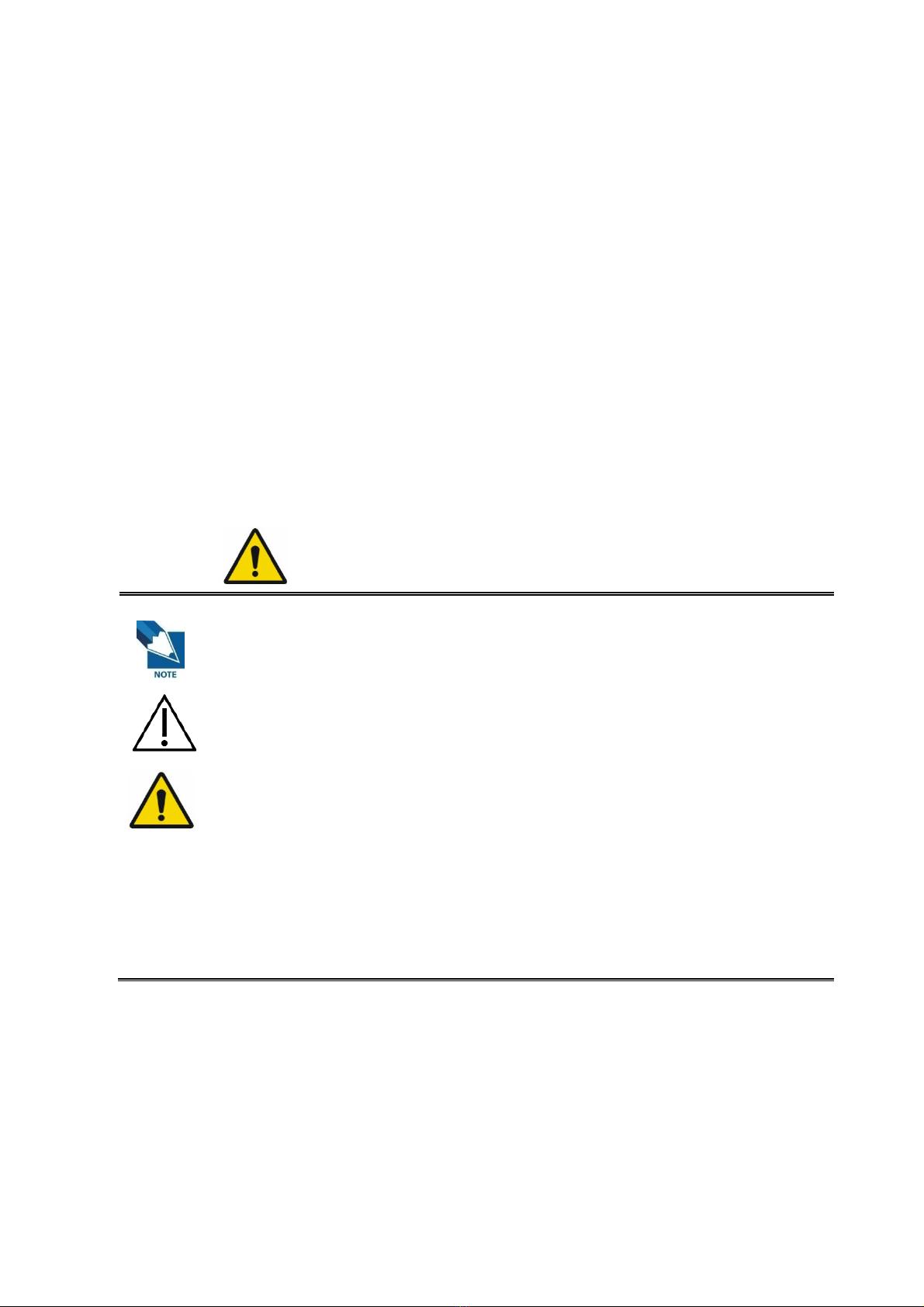
The following marks are used for the effective use of the product in this manual.
Attention, consult accompanying documents.
This is used to emphasize essential information. Be sure to read this
information to avoid incorrect operation.
This indicates hazardous situation which, if not heeded, may result in
minor or moderate injury to you or others, or may result in machine
damage.
This indicates a potentially hazardous situation which, if not heeded, could
result in death or serious injury to you or others.
Federal Law restricts this device to sale by or the order of a radiologist or
any other practitioners licensed by the law of the state in which that
person practices to use or order the use of the device.

4
R
-
USM
-
020
Contents
1. Introduction ................................................................................. 6
(1) Overview .................................................................................... 6
(2) Intended use .............................................................................. 6
(3) Product features ........................................................................ 7
(4) Product components ................................................................. 8
(5) Components Description ........................................................ 11
(6) Warning .................................................................................... 14
(7) Caution ................................................................................... 16
2. Notes for Using the Detector ..................................................... 19
(1) Preparing ................................................................................. 19
(2) Handling................................................................................... 21
(3) Before Exposure ...................................................................... 22
(4) During Exposure ..................................................................... 22
(5) Limit of Load ............................................................................ 23
(6) Disinfection and Cleaning ....................................................... 24
(7) Others ...................................................................................... 24
3. Technical Features .................................................................... 25
(1) Mechanical Features ............................................................... 25
(2) Electrical Features .................................................................. 25
(3) Environmental requirement .................................................... 29
(4) PC Requirements .................................................................... 29
4. Installation ................................................................................. 30
(1) Program setup ......................................................................... 30
(2) Connection (Manual Trigger) .................................................. 31
(3) Connection (Auto Trigger) ...................................................... 39
(5) IP set up ................................................................................... 44
(6) Using FPD_Manager (IP, SSID Change / Upgrade FW) .......... 45
5. Calibration ................................................................................. 51
(1) General Principle ..................................................................... 51
(2) Calibration ............................................................................... 53
6. Image Acquisition Test .............................................................. 58
(1) Get Image ................................................................................. 58
(2) View Images ............................................................................. 59
(3) Get Recent Frame .................................................................... 64
7. Operation ................................................................................... 65
(1) Recommend............................................................................. 65
(2) Switching power on / off ......................................................... 65
(3) Storage .................................................................................... 65
8. Safety Information ..................................................................... 66
(1) Safety standard ....................................................................... 66
(2) Electromagnetic Compatibility Information ........................... 68
9. Radio Frequency compliance .................................................... 73
(1) FCC Notice (U.S.A) .................................................................. 73
(2) IC Notice (CANADA) ................................................................ 75
(3) R&TTE Notice (European Union) ............................................ 76
10. Maintenance .............................................................................. 77

5
R
-
USM
-
020
(1) Maintenance ............................................................................ 77
(2) Cleaning ................................................................................... 77
(3) Inspection ................................................................................ 78
(4) Disposal or Recycling ............................................................. 79
(5) Marking and labeling symbols ................................................ 80
Appendix ........................................................................................... 82

6
R
-
USM
-
020
1. Introduction
(1) Overview
The 1417WGC is a wireless digital X-ray flat panel detector that
can generate images of any part of the body. The wireless
LAN((IEEE 802.11a/g/n) communication feature improves the
operability, and high-speed processing. This X-ray imaging
system consists of a scintillator directly coupled to an a-Si TFT
sensor. It makes high-resolution, high-sensitive digital images.
(2) Intended use
Digital Flat Panel X-Ray Detector is indicated for digital imaging
solution designed for general radiographic system for human
anatomy. It is intended to replace film or screen based
radiographic systems in all general purpose diagnostic
procedures. Not to be used for mammography.

7
R
-
USM
-
020
(3) Product features
Wi-Fi (802.11a/g/n)
Based on a-Si TFT active matrix
Compact (15.4mm thickness) and light weight (Typ. 3kg)
Limiting Resolution : 3.9 lp/mm
14/16-bit digital output
Easy integration

8
R
-
USM
-
020
(4) Product components
Medical Image Processing Unit
Photo
Item
Part Name
Quantity
Detector RD1417WGC 1
Battery pack RB37WHA 2
Battery charger
RC120WA 1
Charger
adapter PMP120-13-3 1
AGI RA001A 1
Power supply
box RP003A 1

9
R
-
USM
-
020
Cables
Item
Part Name
Length
Quantity
Link cable
7m 1
P-
Interface
cable
VRH017A 8m 1
USB
cable(A to
B)
VRH078A 1.8m 1
LAN
cable VRH027A 10m 1
AC Power
cord VRH018A/019A 1.8m 2
Installation CD
o Manual
o Detector Library

10
R
-
USM
-
020
Option
o Additional Battery
o Trigger cable
Table des matières
Autres manuels rayence Capteur de sécurité


