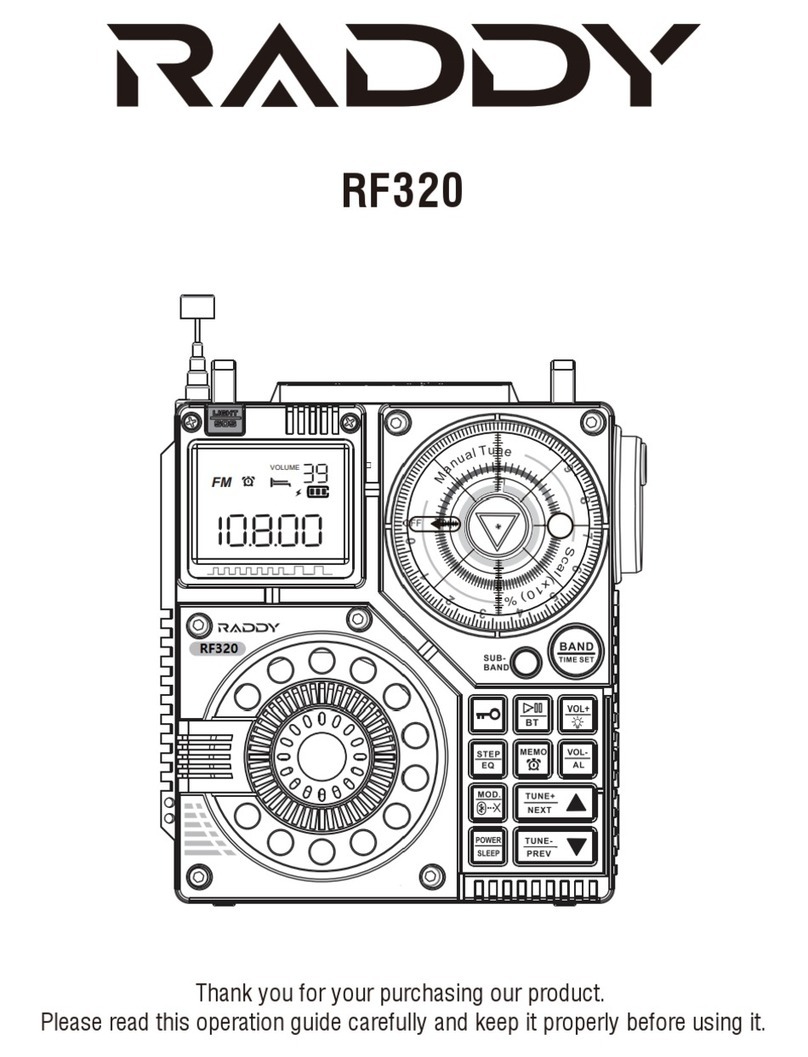
Raddy RF760 Mode d’emploi

FM/MW/SW/SSB/LSB/AIR/CB/VHF/UHF/UBD/WX/
HAM WIDE FREQUENCY SCANNER RADIO
Operation Guidelines for Full-Band Radio
RF760
Thank you for purchasing the Digital Reconciliation Full-band Radio (Model:
RF760) from Raddy. It is the entry-level device of radio lovers and the auxiliary
product for cross-country activity lovers (VHF/UHF channel reception). It can
provide flight information for those who often take planes.
Please read this manual before you use it and keep it well for future reference.

Packing List
Overview of RF760 Wide Frequence Radio
Indicator Panel
Description of Display Symbols on the Display Screen
Operation Cautions
Instructions for Button Functions and Operations
About the Orange Backlight
Use of Antennas
Main Technical Parameters
Cautions
01
01
03
05
07
08
24
24
25
27
Contents
RF760 Full-Band Radio

RF760 Full-Band Radio
Packing List
01
The product is compact and easy to carry.
Modern DSP digital demodulation technology is used to the full band,
which improves the receiving sensitivity, selectivity and anti-IMAGE
interference ability.
FM receiving range is between 64MHz and 108MHz. It is suitable for FM
broadcast reception and radio analog reception in the world.
The upper sideband USB and the lower sideband LSB of the shortwave
band can be independently chosen in this band.
This is a Wide BAND, MULTI-FREQUENCY radio with digital tuning: It can
receive FM (frequency modulation)/MW (medium wave)/SW(short wave)
(short-wave single-side with MULTI-MODE)/SSB (Upper Sideband)/LSB
(lower sideband)/AIR (Aviation band)/CB (CITIZENS band) /VHF(very-high
frequency band)/UHF (Ultra high frequency band)/UBD(user-defined
band)/WX(North American National Weather Band)
Overview of RF760 Wide Frequence Radio
Name
RF760 radio
IN-EAR headset
BL5C lithium battery 1000MAH 3.7V
USB TYPE-C USB cable
User guide
Arm hanging rope
Storage bag
Quantity
1
1
1
1
1
1
1
1.
2.
3.
4.

RF760 Full-Band Radio
02
5.
6.
7.
Some of the advanced features of the radio include automatic search,
manual search, and instant recall by channel.
It can display the radio address number; automatically browse radio
station frequency and automatically browse the frequency of pre-stored
radio stations; high speed scanning; shuttle tuning, shuttle stepping
setting (support 10Hz), adjustable design of shuttle stepping digit (for
quick selection of frequency)
SET menu has the following advanced settings:
8.
9.
10.
11.
12.
13.
14.
15.
16.
MULTIPLE VALUES OF FREQUENCY STEPS PER BAND
Celsius temperature/Fahrenheit can be displayed
Automatic sleep time and automatic start time can be set; the locking
state and the mute state can be set.
Noise limit ratio and sensitivity reference value of reception can be set.
The radio has a large memory and can store up to 1000 radio
frequencies. The product supports manual deletion of memory stations.
External antenna 3.5mm input can be supported.
External speaker and 3.5mm headphone output can be used.
The product is provided with a charging PORT of USB-C.
Removable BL5C lithium battery of 1000 mAh and long battery life is
utilized.
A. Adjustable antenna input attenuation ATT
B. Adjustable bandwidth BW
C. 10 adjustable squelch levels in the following bands:
SW, VHF, UHF, AIR, CB SQ
D. Audio conditioning selection in FM band mode
PRE-EMPHASIS / DE-EMPHASIS
E. Set BANDS OF FREQUENCIES IN THE BROADCAST MODES OF
FM and MW bands in VARIOUS countries
F. External antenna port for added range and coverage

Indicator Panel
RF760 Full-Band Radio
03
17.
Front view of the product:
The backlight of the product is a warm orange light which can be used
in the night/dark areas.
Seven-section
Pull Roll Antenna
Digit LED Station Storing/
Select Button
Set the Step Value/
Delete Pre-stored
Station
Vol+
Vol-
Loudspeaker
Set station+/time+
Set station-/time-
Mode Selection
Enable Alarm Clock
Band Switch
Automatic Station
Search and Storage
Set the Lock/
Mute Button
Enter Menu/Clock/
Alarm Settings

RF760 Full-Band Radio
04
At the top of the product:
Right view and back view of the product:
Pull Roll Antenna
Shuttle Pulley Selector
Type-C Charging Jack
Battery
Cover
Back
Button
Tips for Pushing the Battery Cover Downward
External 3.5mm Antenna External 3.5mm Earphone
Hanging Rope

MODUL: Selection of the demodulation mode
NFM: Narrow band FM mode
WFM: Wideband FM mode
AM: AM mode
LSB: Lower sideband mode
SSB: Upper sideband mode
STEREO: Stereo FM mode
MONO: Mono FM mode
2MIX: Secondary frequency conversion display (Shortwave means off by
default; MW band in EXT ANT mode)
BW: Bandwidth selection for each band
ATT: Attenuation circuit selection: LOCAL/DX remote /NORMAL (default)
VOL: Sound level adjustment (from 00 to 40)
Description of Display Symbols on the Display Screen
RF760 Full-Band Radio
05

SQ ON: Squelch level 1 through 9
SQ OFF: Under the SQ off state SQ 0
SNR: Signal-to-noise ratio; labeling
PRESET: Pre-stored stations
STEP: Frequency step value in kHz
: Flying-shuttle step mark
dB: SNR and reception sensitivity unit
˫ Temperature Celsius
˭ Temperature Fahrenheit
:Thermometer
:Charging indication symbol
:Battery power display symbol
:Alarm setting display symbol
:Symbol to set sleep and shutoff time
:Locked state
FM: Frequency modulation receiving mode
CB: Citizens band receiving mode
MW: Medium wave receiving mode
SW: Short wave receiving mode
AIR: Air band receiving mode
WX: Weather band receiving mode
VHF: VHF mode
UHF: Ultra-high frequency mode
UBD: Customized input frequency point mode (only inland frequency and
demodulation mode of VHF/UHF band can be defined)
ALERT: Display WX mode alarms
De-emphasis: 50uS/De-emphasis: 75 uS: De-emphasis display
EXT-ANT: External antenna indicator
RF760 Full-Band Radio
06

RF760 Full-Band Radio
07
Read and understand all safety guidelines and usage information.
The original lithium battery is recommended.
It is recommended to use the output voltage of DC5V/ 500mA or 1000
mA to charge the device so as not to damage the lithium battery or
equipment.
When the lithium battery is not used for a long time, please take it out
and keep it separately. Charge it once a month.
Do not expose the product to rain, moisture, drips or splashes of any
liquid.
Do not keep the product near high temperature and heat source.
Do not expose the product to direct sunlight for a long time.
Do not allow the product to fall or be hit. Do not apply heavy pressure on
it.
Note:TV sets, computers, generators, electric motors and other
electrical equipment as well as other signal generators may also interfere
with signals received by the radio. Please keep a certain distance from
the above equipment when you use them.
The antenna of the product is a seven-section telescopic antenna (the
exposed part is 56CM). It is relatively long. Please do not bend it and
break it.
Before using this radio, please ensure that you can follow the following
basic safety tips so that the products can be used safely and reliably.
Operation Cautions

RF760 Full-Band Radio
08
1. Install the battery:
Open the battery cover and insert BL5C lithium battery correctly according
to its positive and negative polarity and then cover the battery cover.
After installing the battery, press any key to start the backlight and display
the time.
2. [POWER] Power-on/off/sleep time setting:
2.1 Power on/off function:
After the battery is well installed,
If the backlight is off, press the POWER button twice to turn the radio on.
If the backlight is on, gently switch on the POWER key once and the
radio will be turned on.
Note:In order to reduce the power consumption of the radio, the
backlight of the machine is set to be on for 10 seconds each time any
button or key is pressed. In the power-on state, long press [POWER] to
turn off the radio.
2.2 Sleep time setting:
Time state: long press [POWER] for 2 seconds to display “90” minutes
and start the sleep function; then short press [POWER] to set sleep for
90-80-70-60-50-40-30-20-10 minutes.
After the sleep time is set, LCD display will show .
Note:The radio will be automatically turned off after it works to the set
sleeping time. The clock status will also be displayed.
2.3 Enable SNR & RSSI function and time switch display
Radio working state: short press [POWER] to start SNR & RSSI
function and time switch display.
This is a reference value for SNR and receiving sensitivity:
Time status:
Instructions for Button Functions and Operations
Table des matières
Langues :
Autres manuels Raddy Radio