
Pro2 MD 42072 Manuel utilisateur
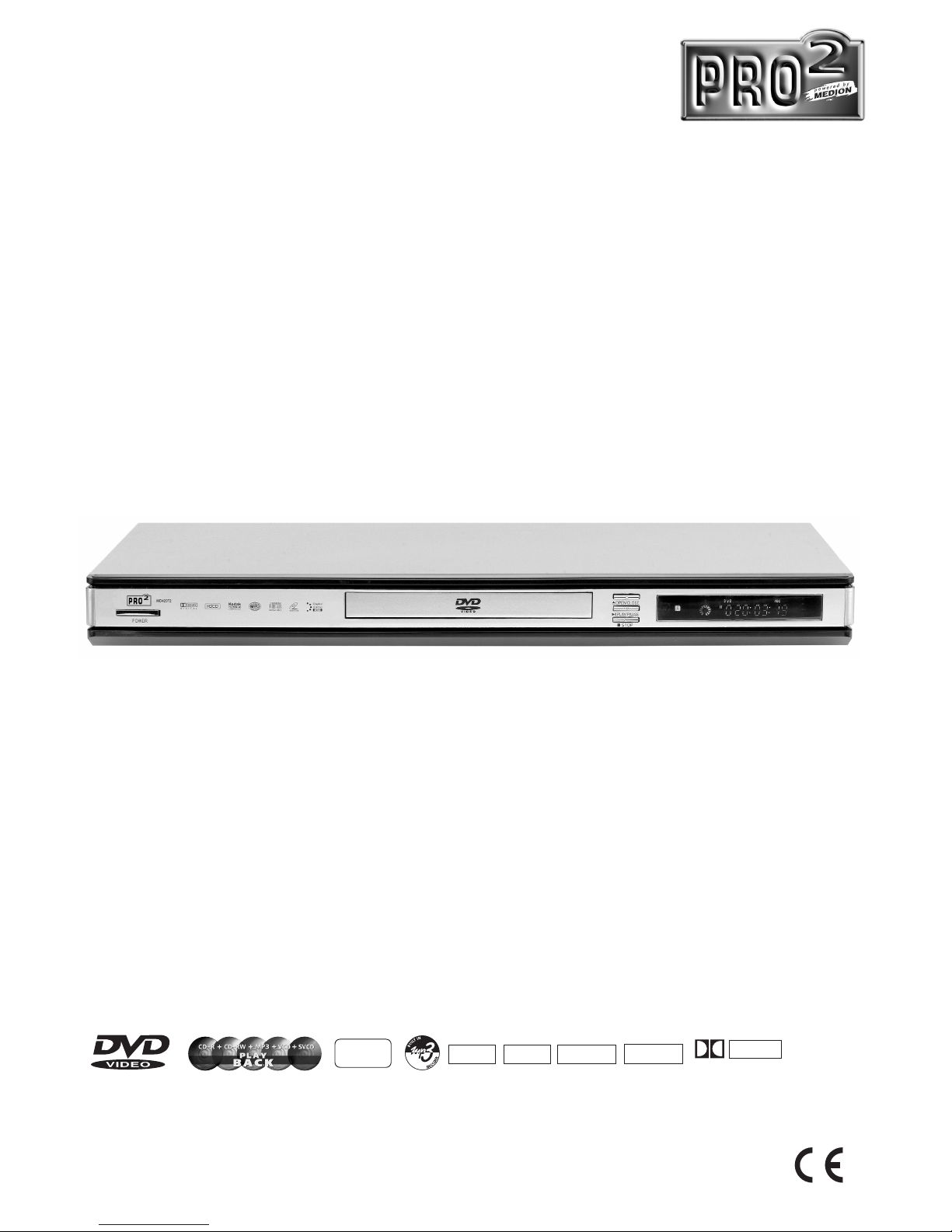
Instruction manual
MD 42072
MSN 5001 4410
DVD Player MD 42072
Kodak
PHOTO
DOLBY
DIGITAL
DVD
+
RW DVD
–
RW
DVD
+
RDVD
–
R

1
Content
Introduction
• Safety Precautions..........................................................................................2
• Important Safety Instructions ..........................................................................3
• Features..........................................................................................................5
• Front Panel and Rear Panel Illustration..........................................................6
• Remote Control...............................................................................................7
Connections
• Connecting to a TV set ...................................................................................8
• Connecting to an AV Receiver with 2 Channel Analog Audio Input ................9
• Connecting to an AV Receiver with Digital Audio Input.................................10
Basic Playback
• Basic Operation.............................................................................................11
Advanced Features
• Modes and Features Setup...........................................................................12
• Remote Control Operation............................................................................17
• MP3 Playback...............................................................................................26
• KODAK Picture CD playback........................................................................27
Others
• Troubleshooting ............................................................................................28
• Insert batteries ..............................................................................................29
• Specifications................................................................................................30
Please read this User Manual carefully to ensure proper use of this product and
keep this manual for further reference.

2
Safety Precautions Introduction
CAUTION
RISK OF ELECTRIC SHOCK
DO NOT OPEN
THE LIGHTNING FLASH WITH
ARRO-WHEAD SYMBOL WITHIN
AN EQUIL-ATERAL TRIANGLE IS
INTENDED TO ALERT THE USER
TO THE PRESEN-CE OF
UNINSULATED "DANGEROUS
VOLTAGE" WITHIN THE UNIT'S
CABI-NET THAT MAY BE OF
SUFFICIENT MAGNITUDE TO
CONSTITUTE A RISK OF
ELECTRIC SHOCK TO
PERSONS.
THE EXCLAMATION POINT
WITHIN AN EQUILATERAL
TRIANGLE IS INTENDED TO
ALERT THE USER TO THE
PRESENCE OF IMPORTANT
OPERATING AND
MAINTENANCE (SERVICING)
INSTRUCTIONS IN THE MANUAL
ACCOMPANYING THE UNIT.
WARNING:
TO PREVENT FIRE OR ELECTRIC SHOCK,
DO NOT EXPOSE THE UNIT TO RAIN OR
MOISTURE. NEVER ATTEMPT TO OPEN THE
CABINET, DANGEROUS HIGH VOLTAGES
ARE PRESENTED IN THE UNIT. REFER
SERVICING TO QUALIFIED SERVICE
PERSONNEL.
CAUTION:
TO PREVENT ELECTRIC SHOCK, MATCH
WIDE- BLADE PLUG WITH WIDE SLOT AND
FULLY INSERT. THE APPARATUS SHALL NOT
BE EXPOSED TO WATER AND NO OBJECTS
FILLED WITH LIQUID SUCH AS VASES SHALL
BE PLACED ON THE APPARATUS.
CAUTION:
THE UNIT EMPLOYS A LASER SYSTEM. TO
EN-SURE THE PROPER USE OF THE UNIT,
READ THIS MANUAL CAREFULLY AND KEEP
IT FOR FUTURE REFERENCE.
IF THE UNIT REQUIRES SERVICING,
CONTACT THE SELLER OR SEE
"TROUBLESHOOTING".
TO PREVENT DIRECT EXPOSURE TO THE
LASER RADIATION, DO NOT OPEN THE
CABINET. VISIBLE LASER MAY RADIATE
WHEN THE CABINET IS OPENED OR THE
INTERLOCKS ARE DEFEATED. DO NOT
STARE INTO THE LASER BEAMS.
CAUTION:
THE DVD VIDEO PLAYER IS A CLASS 1
LASER PRODUCT. USE OF CONTROLS OR
ADJUST-MENTS OR PERFORMANCE OF
PROCEDURES OTHER THAN THOSE
SPECIFIED HEREIN MAY RESULT IN
HAZARDOUS RADIATION EXPOSURE.
AS THE LASER BEAM USED IN THIS DVD
VIDEO PLAYER IS HARMFUL TO THE EYES,
DO NOT ATTEMPT TO DISASSEMBLE THE
CABINET.
REFER SERVICING TO QUALIFIED
PERSONNEL ONLY.
WARNING:
FCC REGULATIONS STATE THAT ANY
CHANGE OR MODIFICATION TO THE
EQUIPMENT, NOT EXPRESSLY APPROVED
BY MAKER OR ITS AUTHORIZED PARTIES,
COULD VOID USER'S AUTHORITY TO
OPERATE THIS EQUIPMENT.
CAUTION
Risk of electric shock
Do not open

3
Important Safety Instructions Introduction
1. Read Instructions
All the safety and operating instructions should
be read before the product is operated.
2. Retain Instructions
The safety and operating instructions should be
retained for future reference.
3. Heed Warnings
All warnings on the product and in the operating
instructions should be adhered to.
4. Follow Instructions
All operating instructions should be followed.
5. Cleaning
Unplug this product from the wall outlet before
cleaning. Do not use liquid cleaners or aerosol
cleaners. Use a damp cloth for cleaning.
6. Attachments
Do not use attachments not recommended by
the product manufacturer as they may cause
hazards.
7. Water and Moisture
Do not use this product near water for example,
near a bathtub, wash bowl, kitchen sink, or
laundry tub; in a wet basement; or near a
swimming pool; and the like.
8. Ventilation
Slots and openings in the cabinet are provided
for ventilation and to ensure reliable operation
of the product and to protect it from overheating,
and these openings must not be blocked or
covered. The openings should never be blocked
by placing the product on a bed, sofa, rug, or
other similar surface. This product should not
be placed in a built-in installation such as a
bookcase or rack unless proper ventilation is
provided or the manufacturer's instructions have
been adhered to.
9. Power Sources
This product should be operated only from the
type of power source indicated on the marking
label. If you are not sure of the type of power
supply to your home, consult your product dealer
or local power company. For products intended
to operate from battery power or other sources,
refer to the operating instructions.
10. Power Cord Protection
Power supply cords should be routed so that
they are not likely to be walked on or pinched
by items placed upon or against them, paying
particular attention to cords at plugs, convenience
receptacles, and the point where they exit from
the product.

4
Important Safety Instructions Introduction
11. Object and Liquid Entry
Never push objects of any kind into this product
through openings as they may touch dangerous
voltage points or short-out parts that could result
in a fire or electric shock. Never spill liquid of
any kind on the product.
12. Servicing
Do not attempt to service this product yourself
as opening or removing covers may expose you
to dangerous voltage or other hazards. Refer
all servicing to qualified service personnel.
13. Damage Requiring Service
Unplug this product from the wall outlet and refer
servicing to qualified service personnel under
the following conditions:
A) If liquid has been spilled, or objects have
fallen into the product,
B) If the product has been exposed to rain or
water,
C) If the product does not operate normally by
following the operating instructions. Adjust only
those controls that are covered by the operating
instructions as an improper adjustment of other
controls may result in damage and will often
require extensive work by a qualified technician
to restore the product to its normal operation,
D) If the product has been dropped or damaged
in any way, and
E) When the product exhibits a distinct change
in performance this indicates a need for service.
14. Heat
The product should be situated away from heat
sources such as radiators, heat registers, stoves,
or other products (including amplifiers) that
produce heat.

5
Features Introduction
Disc formats supported by this player:
CC
32
8
LB
16:9
R RESTRICTED
VIDEO
Kodak
Picture CD
COMPATIBLE
DOLBY
DIGITAL
Dolby Digital
KODAK picture CDs
MP3 files on
CD-R/CD-RW
DVD video
Parental Lock
Multi-angle
Closed Caption
Subtitle choices
Audio choices
TV Aspect Ratio
modes
This product incorporates copyright protection technology that is protected by method claims of
certain U.S. patents and other intellectual property rights owned by Macrovision Corporation and
other rights owners. Use of this copyright protection technology must be authorized by and is
intended for home and other limited viewing uses only unless otherwise authorized by Macrovision
Corporation. Reverse engineering or disassembly is prohibited.
The product complies with the KODAK Picture CD format and will display KODAK Picture CDs.
The "KODAK Picture CD Compatible" logo is a trademark of Eastman Kodak Company and is
used with permission.
Manufactured under license from Dolby Laboratories."Dolby" and the double-D symbol are
trademarks of Dolby Laboratories. Confidential Unpublished Works. c 1992-1997 Dolby
Laboratories, Inc. All rights reserved.


7
Remote control Introduction
39
A-B REPEAT
POWER
TIME
STEP
0-9 NUMBER KEY
10+ KEY
REPEAT
RETURN
MARK
ANGLE
SETUP
LEFT
ENTER
STOP
PBC
N/P
PREV
NEXT
CLEAR
OPEN/CLOSE
MUTE
PROG
AUDIO
SUBTITLE
ZOOM
OSD
RAN
VOL+
MENU
VOL-
L/R
UP
RIGHT
PLAY
DOWN
PAUSE
TITLE
SEARCH QUICKLY FORWARD
SEARCH QUICKLY BACKWARD
SLOW
1
2
3
4
5
6
7
8
9
10
11
12
13
14
15
16
17
18
19
20
21
22
23
24
25
26
27
28
29
30
31
32
33
34
35
36
37
38
39
40
Note:
1. Please note that reference numbers for the remote are described beginning on page 17 of this
manual.
2. In this manual, will be used to represent different NAVIGATION ARROWS on
the remote respectively.

8
Connecting to a TV Set Connections Connections
VIDEO IN
VIDEO
230V 50HZ
Connect either the Scart cable or the Cinch cable.

9
Connecting to an AV Amplifier with 2 Channel Analog Audio Input
Connections
BASS
ECHO
DOWN
UP
VOLUME
MIC
DVD IN
VIDEO
YELLOW
WHITERED
Amplifier
230V 50Hz
Notes:
1. Set the TV to the AVinput.
2. Set the Amplifier to the AVinput.
Table des matières


