iMSO-104 Manual
iPad | iPhone | iPod touch
Revised Oct 7, 2013
8
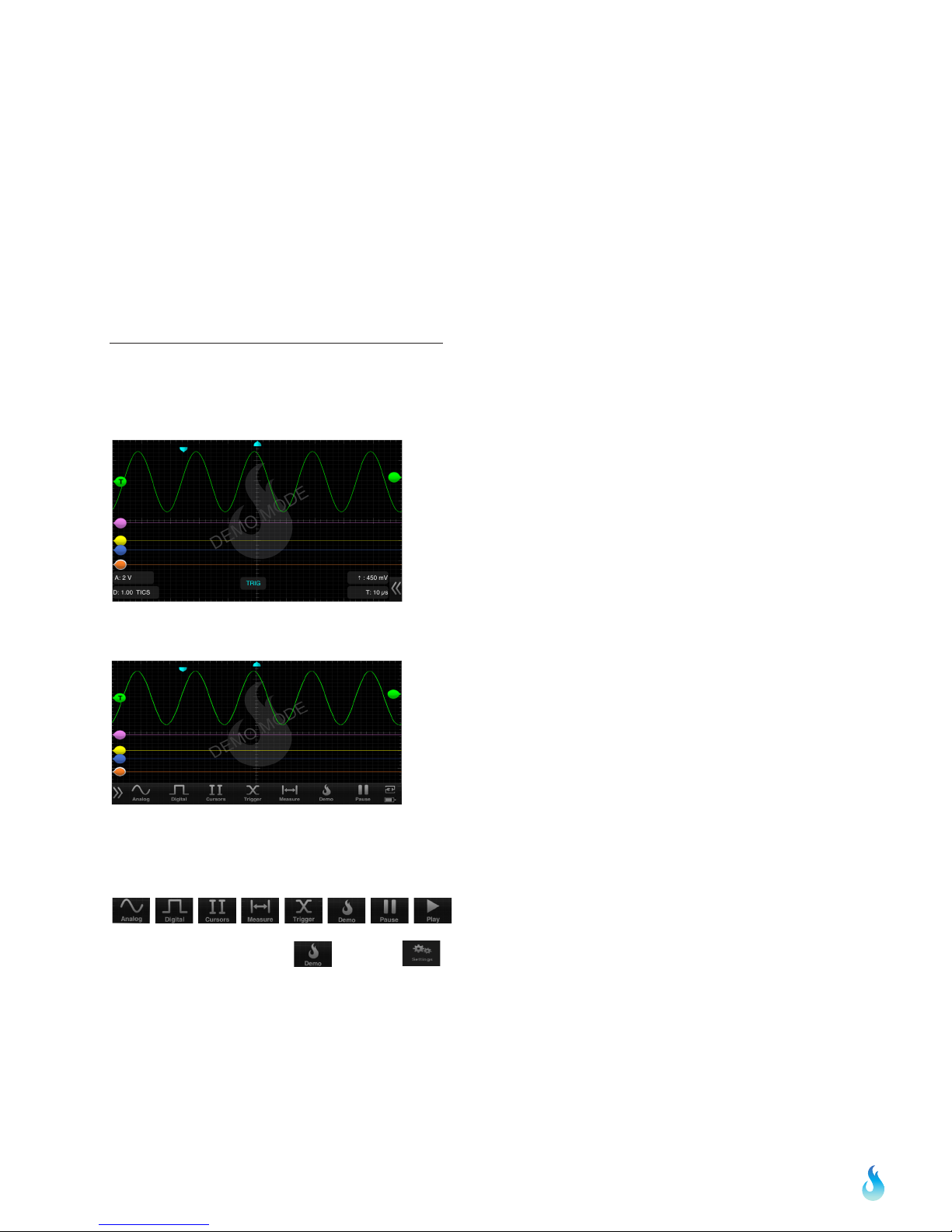
main screen, touch and swipe the desired cursor in the horizontal direction and place where desired. The selected cursor
will be displayed as a solid line and the un-selected cursor, a dashed line. The position of the selected cursor is indicated
next to @t in the summary bar. The distance between the two cursors is indicated next to ∆t in the summary bar. The
voltage level at the point where the selected cursor crosses the waveform is indicated in the summary bar next to @V and
the vertical difference between the crossing points of the two vertical cursors is indicated in the summary bar next to ∆V.
When using vertical cursors with the analog channel both @t, t and @V, V will be visible in the summary bar.
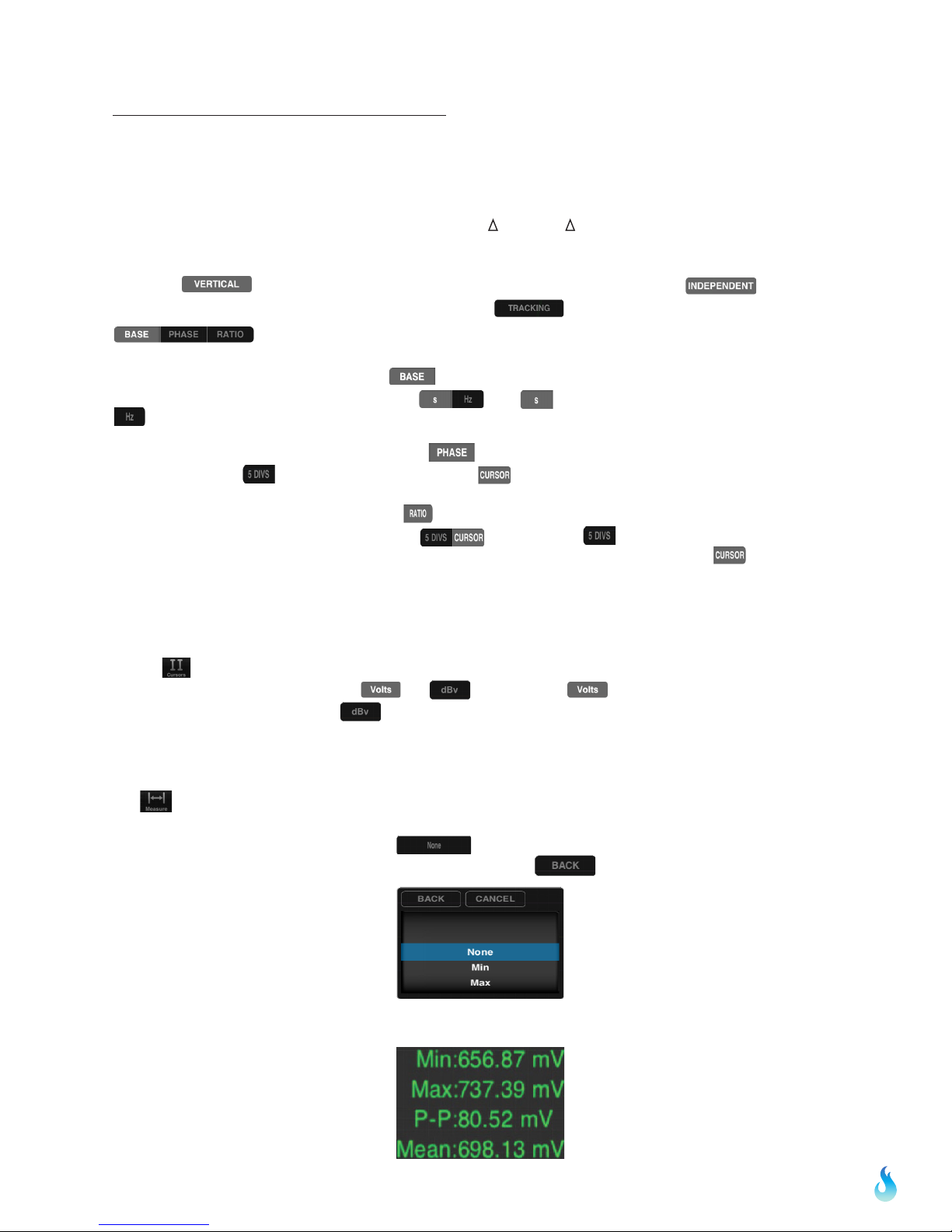
Verify that cursors are selected. To move cursors independently of one another, tap .To move
cursors as a single unit with a fixed distance between them, tap . The following options are available:
.
1.If cursor data is to be displayed in Base, tap .The options next to the word UNIT set the unit of time.
Time settings available in the Base option include: . The option sets the unit of measure in seconds. The
option sets the unit of measure in hertz.
2. If cursor metrics are to be displayed in Phase, tap . The options next to the phrase 360° WITHIN sets the
phase. The option of sets 360° within 5 divisions. The option sets 360° between the two cursors.
3. If cursor data is to be displayed as a ratio, tap . The options next to the phrase 100% WITHIN set the ratio. Ratio
settings available next to 100% WITHIN include: . The option of sets 100% within 5 divisions. Since
there are 10 divisions in the horizontal time scale, this option effectively cuts the screen in half. The option sets
100% between the two cursors.
2.46 FFT Units
Tap the icon from the menu bar. The options next to the phrase FFT Units will set the voltage units. Voltage options
available in the FFT Units option include and . By tapping the option the voltage units will display as
volts in the summary bar. Tapping the option will change the voltage units to dBv.
2.50 Measurements
Tap from the menu bar. Fifteen different measurements exist: Min, Max, Mean, Peak to Peak, RMS, Duty Cycle (+),
Duty Cycle (-), Pulse Width (+), Pulse Width (-), Cycle Mean, Cycle RMS, Frequency, Period, Rise Time, and Fall Time.
To scroll through the measurement options, tap . Then, scroll thorugh the pick wheel to choose the desired
measurements. To activate the settings tap away from the menu or tap .
Up to six measurements can be selected simultaneously. Measurements appear on the top right of the interface.