
ORPHEUS PRIVILEGE SERIES Manuel utilisateur

PRIVILEGE SERIES
PREAMPLIFIER
User manual
1/19

Table of Contents
Introduction..........................................................................................................................................2
Contact.............................................................................................................................................3
Document overview.........................................................................................................................3
FRONT PANE ...................................................................................................................................5
REAR PANE ......................................................................................................................................6
CONNECTIONS..................................................................................................................................7
DISP AY AND MENU STRUCTURE..............................................................................................8
QUICK GUIDE...............................................................................................................................8
1. START UP DISP AY.................................................................................................................9
3. STANDBY MODE....................................................................................................................10
4. INPUT SE ECTION.................................................................................................................10
5. INPUT NAME SETTING.........................................................................................................11
6. RECORD SE ECTION............................................................................................................12
7. INPUT EVE ..........................................................................................................................12
8. BA ANCE SETTING...............................................................................................................13
9. OPTIONS SETTING.................................................................................................................13
9.1 BYPASS..............................................................................................................................14
9.2 AUTOVO .........................................................................................................................14
10. TRIGGER SETTING..............................................................................................................14
11. RING EDS.............................................................................................................................15
12. DISP AY.................................................................................................................................15
13. NIGHT MODE........................................................................................................................15
14. PREFERENCES......................................................................................................................16
SPECIFICATIONS............................................................................................................................17
2/19

Introduction
Contact
ORP EUS MEDIA SARL
Avenue des Sciences 3
1400 Yverdon-les-Bains
Phone : +41 24 423 9088
Fax : +41 24 424 9089
Web: www.orpheuslab.com
Document overview
This document is the user manual for the Orpheus Media Privilege series Preamplifier.
3/19

Unpacking
First check and identify the contents of your preamplifier package, as listed below:
●Preamplifier
●CD User manual
Read this before operating your unit
●Please read this manual carefully, to assure proper operation and the possible performance.
●Switch off the unit before connecting or disconnecting any input or output cables.
●Do not touch the inner pins of rear panel connectors, electrostatic discharge may cause permanent
damage to the unit.
●Choose the installation location for the unit carefully. Avoid placing it in direct sunlight or close to a
source of heat. Avoid also locations subject to vibration and excessive dust, heat, cold or moisture.
●To reduce the risk of fire or electric shock, do not expose the unit to rain or moisture.
●Do not use force when operating switches, knobs and other controls.
●Do not open the chassis or attempt to male repairs by yourself, as this may result in damage to the
unit or electrical shock. If a foreign object should get into the unit, contact your local dealer.
●When planning not to use the unit for a long period of time, it is advisable to disconnect the power
plug from the wall outlet.
●The power switch does not disconnect the complete unit form the main line.
●To prevent lightning damage, disconnect the power plug when there is an electrical storm.
●When moving the unit, be sure to first disconnect the power plug and all wires connected from the
unit to other equipment.
●When disconnecting the power plus from the wall outlet, always pull directly on the plug, never pill
the cord itself.
●Do not attempt to clean this unit with water or chemical solvents, as this may damage the unit or the
finish. Use a clean, dry cloth.
●Keep this manual in a safe place for future reference.
4/19

FRONT PANEL
INFRARED REMOTE CONTROL SENSOR
Receives signals from the remote control transmitter.
Compatible with all Orpheus remontes controls transmitter.
DISPLAY
Displays the input selection and the main volume level, as well as the setup menus.
POWER
Lights red when the unit is in standby mode.
Lights red blink when the unit is switching on during 3 secondes and when it is in wake up.
CONTROL
Drive the main volume level control.
Also used for menu navigation, input selection and unit setup.
Turn to right and Turn to Left
Used for increasing, decreasing or choosing values, for instance, while adjusting volume levels,
Press the button to enter in setup.
5/19

REAR PANEL
UNBALANCED INPUT 1 TO 4
4 stereo inputs
➁TRIGGER OUTPUT 1 TO 4
4 Trigger output
➂ BALANCED INPUT 1 & 2
2 stereo inputs
➃ MONITORING
Monitoring section with stereo input and output
➄ BALANCED MAIN OUTPUT
Main stereo output
➅ POWER SUPPLY & POWER SWITC
Power cord connection and main power switch
➆ UNBALANCED MAIN OUTPUT
Main stereo output
Note : Red and white marked connectors are the right and left channels respectively.
6/19

CONNECTIONS
7/19
input output
Parallel main stereo
outputs
R L
RR R R R R R R
LL L L L L L L
Input for 4 sources,
e.g. CD player,
tuner or DA
converter
Input for 2
balanced sources,
e.g. CD player or
DA converter
Input and output
for monitoring or
recording
equipment, e.g.
Tape deck

DISPLAY AND MENU STRUCTURE
SETUP AND OPERATIONS
QUICK GUIDE
POWER ON
Flip the main power switch on the lefthand side of the rear panel from 0 to 1.
MAIN SCREEN
After switching on the unit, the display windows shows the start up screen shortly. It then switches to the
default screen which shows input selection for listening.
ADJUSTING MAIN VOLUME LEVEL
To adjust the main volume level turn to right the button until the desired volume level is displayed.
C OOSING AN INPUT
Press on the button, turn to right until « INPUT » is displayed and press the button to enter in the input
selection menu.
Then choose between inputs inputs turn to right or left the button until the desired input channel is displayed.
Press on the button to confirm your selection or wait 5 seconds.
GOING INTO STANDBY
Press the button twice.
LOST? RELAX...
Let the system return to the main screen automatically.
After approximately 10 seconds of control button inactivity the display returns to the previous menus, and
finally to the main screen.
8/19
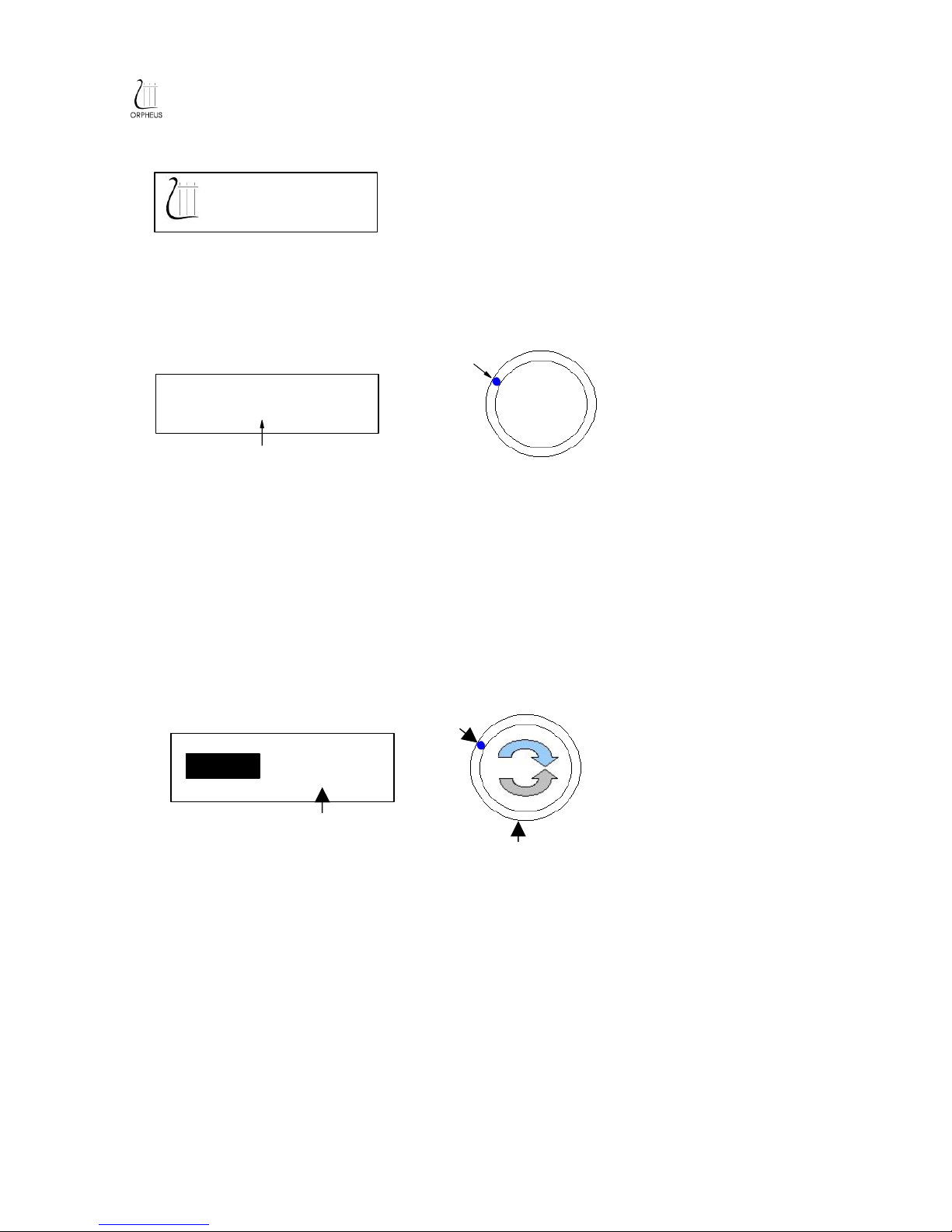
1. START UP DISPLAY
The start up display is shown approximatively 5 seconds when main power is switched on.
It is then replaced by the main screen.
2. MAIN SCREEN and MAIN VOLUME SCREEN
Main screen shows the name of the selected input format.
The main screen is the default display during normal operation.
To choose between inputs see the chapter INPUT
Lights blue shows the main volume level.
The main volume screen is accessed from the main screen by turning right or left. The volume
level is indicated by a graphbar as well as in numeric dB.
The volume ca be adjusted from +10dB to -90dB in 0.5 dB steps.
When approximately 2 seconds have elapsed since last turning right or left the main screen is
displayed again.
SETUP MENU
9/19
INPUT 1
-40dB increasing volume level
Diminue volume level
REFERENCE SERIES
Preamplifier
minimum
Main volume level
Main volume Level
Input selected

From main screen press on the button to enter setup menu.
To choose between the setup menu options turn to right or left with the button until the desired
option is displayed.
3. STANDBY MODE
Pressing on the button the unit in to standby mode.
Pressing any navigation button resumes normal operations.
4. INPUT SELECTION
To enter input selection mode press on the button.
To choose between inputs turn to right or left until the desired input channel is displayed.
Press on the button to confirm.
Options :
●INPUT 1 - 4
●BALANC D 1 - 2
●MONITOR
10/19
S TUP>
INPUT
S TUP>
STANDBY
Autres manuels pour PRIVILEGE SERIES
1
Table des matières
Autres manuels ORPHEUS Amplificateur


