Then use the provided shorter (6mm long) bolts to
secure the Cubo itself onto the Cubo mount.
Do not use any other bolts to secure the Cubo
to the mount, as longer bolts may damage it!
● Devices that may produce radio interference,
such as Smartphones, Pagers, Bluetooth
devices must be kept out of the way and placed
at a distance from the Cubo.
● The Cubo should be placed so that the display
is visible for the user and the assistant/carer as
well.
● To take advantage of the IP54 protection of the
casing, cables must face the ground to prevent
rain getting into the connector.
● We recommend placing the Cubo on the same
side on which the user wears the Vigo.
● Please make sure that the placement of the
Cubo allows for protection against mechanical
damages (e.g. falling objects) for the display.
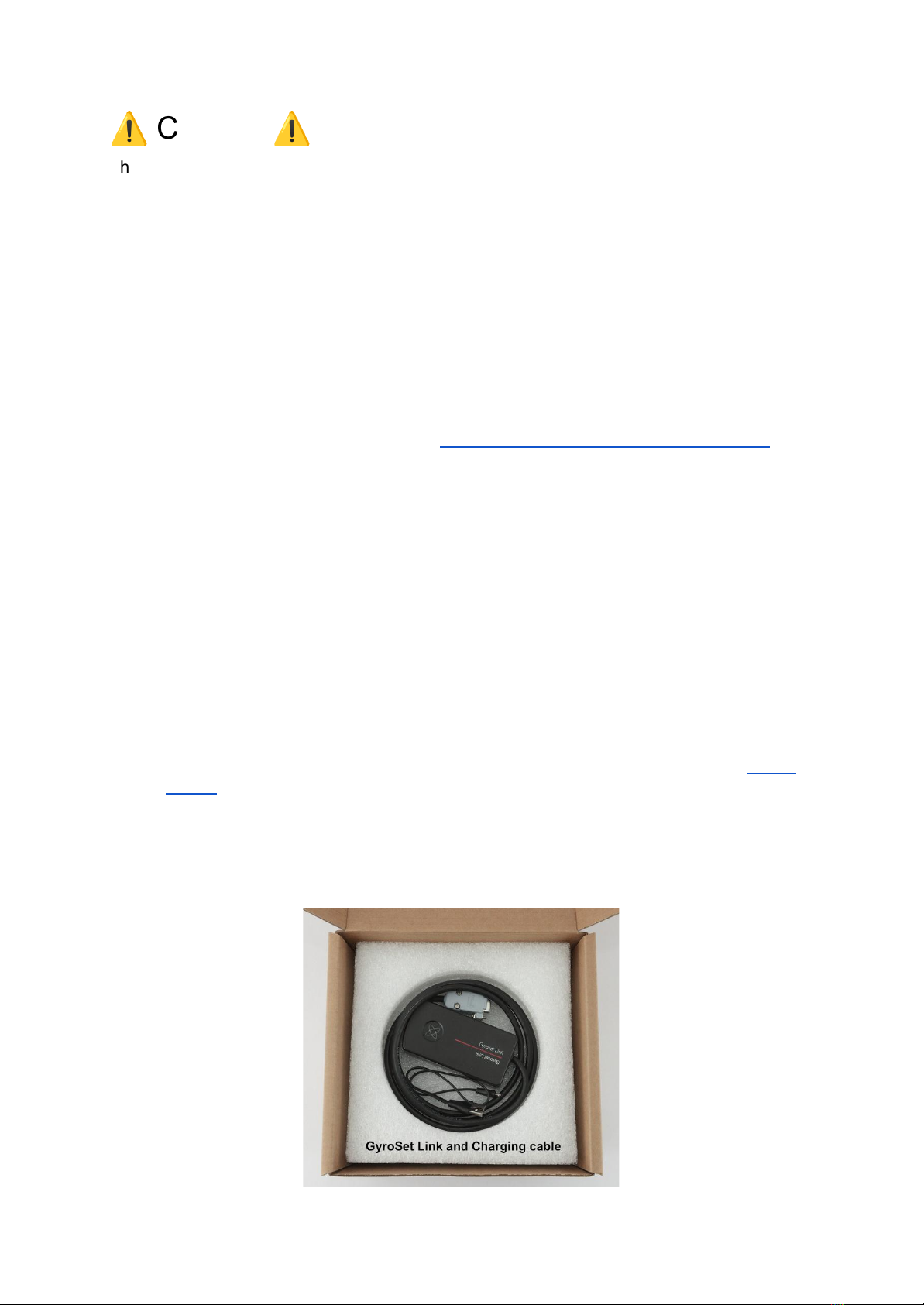
2. Secure the Link to the back of the chair
The Link enclosure has two M4 nuts at the back of the device that is designed specifically for
mounting. As every vehicle and user is unique there is no general mounting bracket
available.
Please make sure that the physical mounting meets the following criteria:
● To take advantage of the IP54 protection of the casing, cables must face the ground
to prevent rain getting into the connector.