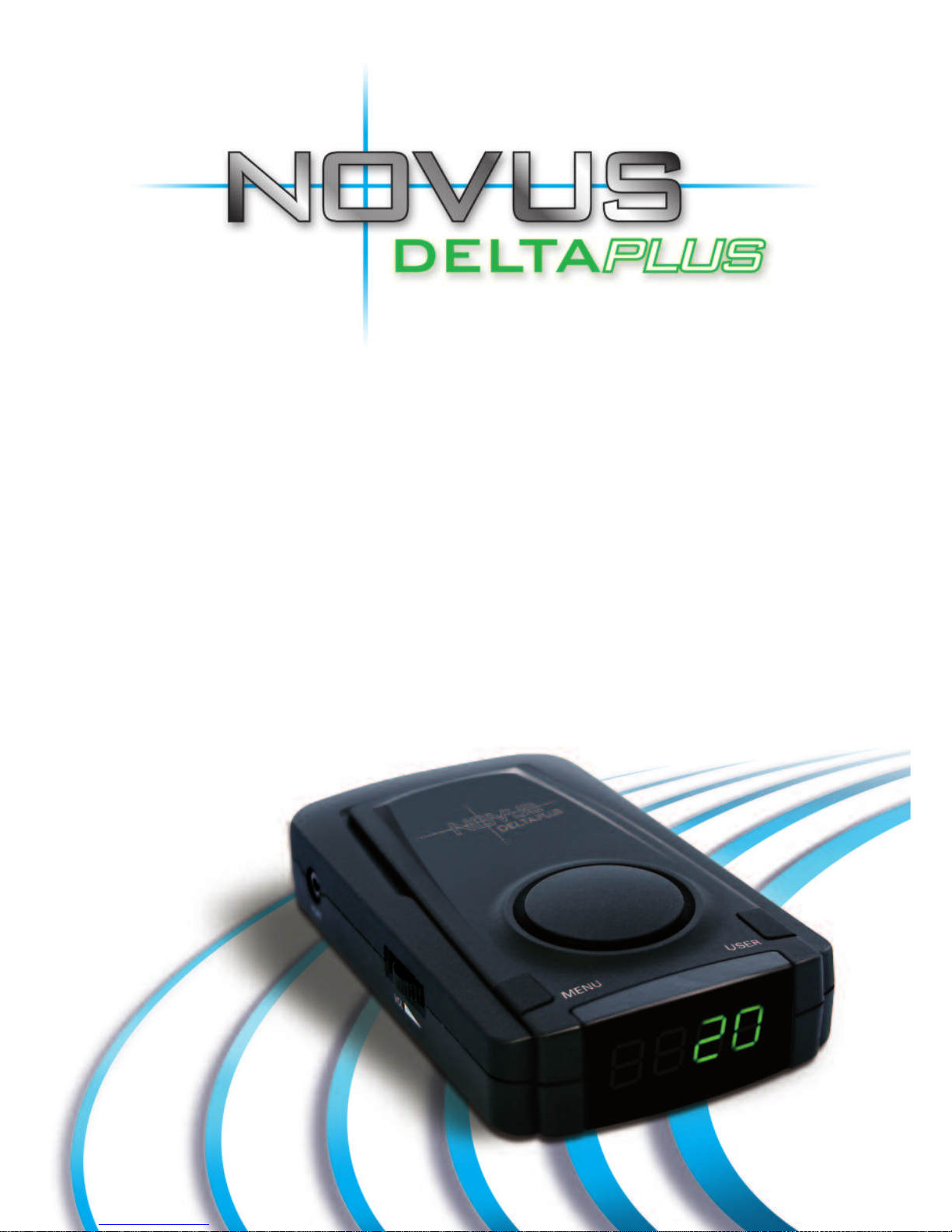
Novus Delta plus Manuel utilisateur


E11
Description Novus Delta Plus
Part Number 09-100-001-100
Helpline Number 0845 6590959
www.novusgps.com

3-4 Pac age contents
5 Specification
6 Installation
7-8 The Novus Delta Plus
9-12 Operating Instructions
13-14 Announcements & LED display
15-16 Caution
17 Troubleshooting
18 Support

Novus Delta Plus Unit Car Power Lead USB Cable
We would like to draw specifically to you attention that we will not be liable
in any way in respect of:
1 The failure by the user of the speed camera detector to drive safely and in accordance with
all road traffic laws and regulations;
2 The failure by the user of the speed camera detector to install and use the speed camera
detector in accordance without instructions; and
3 The speed camera detector failing to warm the driver of mobile speed cameras and/
or fixed speed cameras.
ALL WARRANTIES, CONDITIONS AND OT ER TERMS IMPLIED BY STATUTE OR COMMON
LAW (SAVE FOR CONDITIONS IMPLIED BY SECTION 12 OF T E SALE OF GOODS ACT
1979) ARE TO T E FULLEST EXTENT PERMITTED BY LAW EXCLUDED FROM ANY
CONTRACT BETWEEN US, PROVIDED T AT NOT ING EXCLUDES OR LIMITS OUR
LIABILITY FOR DEAT OR PERSONAL INJURY CAUSED BY OUR NEGLIGENCE OR
FRAUDULENT MISREPRESENTATION.
WE WILL FURT ER NOT BE LIABLE FOR ANY INDIRECT OR CONSEQUENTIAL LOSS OR
DAMAGE (W ET ER FOR LOSS OR BUSINESS OR OT ERWISE) COSTS, EXPENSES OR
OT ER CLAIMS FOR CONSEQUENTIAL W ATSOEVER, W IC ARISE OUT OF OR IN
CONNECTION WIT T E USE OF T E SPEED CAMERA DETECTOR.
What is the warranty covers
The Novus Delta Plus Unit has 2 years Manufacturer’s Warranty. This warrants the hardware will be free from
defects in workmanship and materials under normal use for a period of two (2) years from the date that the
hardware was purchased. During the warranty period the hardware will be repaired or replaced at the
company’s choice without charge to you or for either parts or labour.
3www.novusgps.com

Magnetic Mount User Manual
Contents
What the warranty does not cover
The warranty does not apply to normal wear and tear, will not apply if the hardware is opened or repaired by
person not authorised by us and does not cover repair or replacement of any hardware or part thereof
damaged by: misuse, liquids, proximity or exposure to excessive heat and accident, non-compliance with the
unit’s operation instructions, neglect and misapplication. The warranty does not cover physical damage to the
surface of the hardware. If the unit develops a fault due to neglect or accidental damage or the warranty period
has expired there may be a charge to repair the unit.
Damage to In-Car Power Leads is also not covered by warranty. Loss of the 2 Amp fuse, spring, or end cap of
the In-Car Power Lead is not covered. Care should be taken if checking or replacing the fuse in the In-Car
Power Lead. Magnetic Mounts removed from the dashboard may be difficult to re-attach to the dashboard or in
another vehicle and will not be covered by warranty. Additional Magnetic Mounts can be purchased as required.
How to make a warranty claim
If you suspect that a fault has developed on your unit, please read the FAQ page at www.novusgps.com for
information first. If you need additional assistance, please contact us and we will issue an RMA number
(Returns Materials Authorisation) allowing the unit to be returned to us for testing or repair.
Important: We cannot accept equipment returned without an RMA number
Global Positioning System
The Global Positioning System (GPS) provides location and timing information using a satellite-based system.
The system is operated and controlled solely by the Government of the United States of America, who are
responsible for it’s availability and accuracy. Novus Systems Ltd. cannot accept any liability for changes to GPS
accuracy and availability, or in environmental conditions, which may impact upon the operation of your Novus
Delta Plus product.
4
Helpline: 0845 6590959

5
Novus Delta Plus Unit
Input Voltage: 9V – 24 V dc.
Current Consumption: 250 mA
MAX.
Speaker Output: 0.3W.
Operating Temp: -10C - +70C
Dimensions: 102mm(W) x 67mm(D)
x 22mm( )
Weight: 90g
Cigar Lighter Charger
Input Voltage: 9V – 24V
Capacity: 250V, 2A (Fused)
GPS Engine
Sirf Star III
Frequency: L1 (1575.42M Z)
Channel: 20 Channels
Output Format GPS Data: NMEA
0183; RS232, 9600 bps
Specifications
www.novusgps.com

Step 5
Step 4
Step 3
Step 2
Step 1 Remove the tape under the magnetic
mount and attach on the dashboard of the
vehicle. Location of the magnetic mount is
important. Position it in order that Novus
Delta Plus has visibility of the sky.
Warning: Do not mount on airbags.
Place the Novus Delta Plus unit on the
magnetic mount. Select the operating mode
either CAM or NORMAL.
CAM mode: Fixed, Mobile* & Red Light
Cameras .
NORMAL mode: Fixed, Mobile** & Red
Light Cameras.
Connect the car power lead to the POWER
SOCKET on the Novus Delta Plus unit.
Connect the cigar plug into the vehicle
cigar lighter socket.
Adjust the position of the Novus Delta
Plus unit so that the display is visible to
the driver.
* NO overspeed warning in mobile sites.
** Overspeed warning in mobile sites.
Installation
6
Helpline: 0845 6590959

The Novus Delta Plus
7
Power socket
Used to provide power to the unit.
Mode selection switch
This switch allows the user to select the operating
mode of the Novus Delta Plus unit.
USER button
This button allows recording and deletion of user
defined positions.
(See pages 11&12 for details).
Power socket
Mode selection switch
USER button
LED display
www.novusgps.com

8
Data download port
Used to download the latest database information from a
PC connected to the internet. Use the enclosed USB
download cable.
LED display
When driving normally the LED diplay shows the current
speed of the vehicle. When approaching a “detection zone”, the
LED display indicates the speed limit at fixed camera sites
together with the distance to the speed camera.
olume switch
For adjusting the volume as required..
MENU button
This button displays a range of functions and
data on the LED display.
(See page 12 for details)
Data download port
Speaker
olume switch
MENU button
Helpline: 0845 6590959

Operating Instructions
9
1) Installation and power
Insert the power connector of the Car Power lead into the cigar lighter
socket and the mini jack into the Novus Delta Plus unit in the socket
marked “Power”.
2) Mode Selection
After supplying power to the Novus Delta Plus, switch to either CAM or
NORMAL mode by using the slide switch on the side of the unit.
NORMAL is the safe driving mode and provides ‘reduce speed’ warnings
when overspeed i.e over 5% mph of the speed limit within ’possible
mobile camera site’ locations. In this mode the unit also gives hourly time
checks and two hourly alerts.
CAM is the camera detection mode and will not provide ‘reduce speed’
warnings in ‘possible mobile camera’ locations.
D/L is the “Download position” and is to be used with the download cable
supplied when updating the database to the unit.
3) olume control
The volume of the voice warning and warning tones can be adjusted by
the volume control.
4) MENU button
Allows various functions to be displayed.
5) USER button
Allows the user to add or remove their own positions within the Novus
Delta Plus unit.
www.novusgps.com
Table des matières
Autres manuels Novus Détecteur de radar