
Nitek Dive Rite Manuel utilisateur
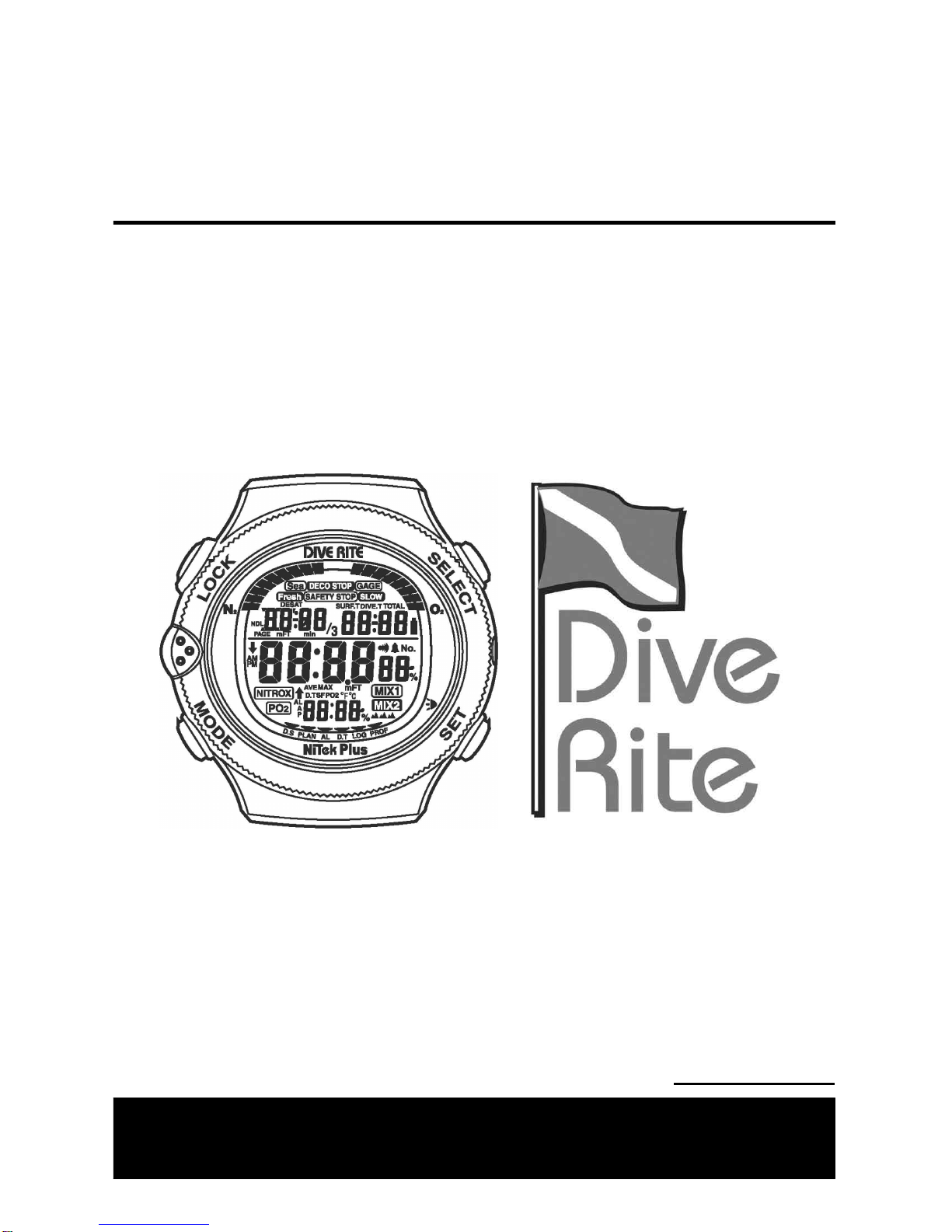
UserGuide
www.diverite.com
Dateofpurchase:
NiTekPlusDiveComputer
NiTekPlusDiveComputer


Content
NiTek Plus Dive Computer User Manual i
DEVELOPED
BY
Dive Rite
175 NW Washington Street
Lake City, FL 32055
Phone: 386.752.1087
Fax: 386.755.0613
Web: www.DiveRite.com
COPYRIGHT
NOTICE Copyright © 2003-2004 Lamartek, Inc. dba Dive Rite
This manual is copyrighted by Lamartek, Inc. dba Dive Rite.
You may not reproduce, translate, transcribe, or transmit any
part of this manual without express, written permission from
Lamartek, Inc. dba Dive Rite.
WARRANTY
INFORMATION Dive Rite will—at its sole discretion—repair or replace NiTek
Plus components proved to be damaged by faulty manufacture
or material, at no cost, for a period of up to one year (365
days) from the date of purchase.
This warranty applies only to the original retail purchaser. It
does not cover commercial or rental use, nor does it extend to
units purchased from other than an authorized Dive Rite
dealer.
This warranty specifically excludes battery depletion or other
conditions resulting from misuse, negligence, alteration,
accident, or unauthorized repair.
To make a claim under this warranty, the owner must have
registered his/her warranty using Dive Rite’s website
(www.diverite.com). He or she must then return the damaged
items to Dive Rite, along with a copy of the original purchase
invoice or receipt. No warranty service will be performed for
other than registered owners.
This warranty becomes void if NiTek Plus components are
damaged by anything other than normal recreational diving
use, or if they have been serviced or repaired by other than
authorized Dive Rite dealers.
Repairs made under this warranty will not extend the warranty
period.
All further claims, especially for damage after diving accidents,
are excluded from coverage under this warranty.
Dive Rite has no obligation to honor any extension of this
warranty.
This warranty is in lieu of all other warranties, expressed or
implied. No other person or representative is authorized to
assume for Dive Rite any other liability in connection with the
sale of this product.

Content
ii NiTek Plus Dive Computer User Manual
Table of contents
Chapter 1 Introduction •1
Overview •2
Features and functions •3
Specifications •5
Warnings •6
Chapter 2 Using the NiTek Plus •9
Getting started •10
Accessing display modes and screens •11
Time display mode •12
Dive option set and display mode •15
Plan mode •23
Alarm display and set mode •26
Dive computer mode •28
Gauge mode •37
Log mode •38
Profile mode •41
PC transfer mode •43
Surface mode (upon surfacing from a
dive) •44
Altitude operation •46
Chapter 3 Care and maintenance •48
Proper handling techniques •49
Low battery warning •51
Index •53

NiTek Plus Dive Computer User Manual 1
Chapter 1
Introduction
Summary
This chapter provides an overview of the NiTek Plus, lists the
NiTek Plus’s features and functions, and covers warning
information that should be read before using your NiTek Plus.
Content Overview •2
Features and functions •3
Specifications •5
Warnings •6
When diving… •7

Introduction
2NiTek Plus Dive Computer User Manual
Overview
Congratulations on your purchase of the NiTek Plus dive
computer. The NiTek Plus is a sophisticated and comprehensive
dive computer that was designed to offer you the latest in dive
computer technology, safety, and reliability.
The NiTek Plus dive computer is a multifunctional computer for
recreational diving, providing information on depth, dive times,
no-decompression and decompression times, and nitrogen and
O2 absorption and elimination during all dive phases, including
ascent, surface interval times, and subsequent dives.
This information is displayed on an easy-to-read display,
providing simple and direct communication between the diver
and the computer. With an easy-to-read display, the diver has no
problem following and reading the displayed information.
The NiTek Plus comes standard with a number of modes,
including a time mode, dive set mode, dive plan mode, log
mode, profile mode, PC transfer mode, and dive mode.
Note: It is extremely important that you carefully read and
understand this manual. Make sure you fully understand how the
NiTek Plus operates before diving with it.
This manual has been divided into three chapters:
•Introduction: Covers the features and functions,
specifications, and warnings for the NiTek Plus
•Using the NiTek Plus: Covers the operation of each mode
for the NiTek Plus
•Care and maintenance: Covers how to properly care for
and maintain the NiTek Plus

Introduction
NiTek Plus Dive Computer User Manual 3
Features and functions
The NiTek Plus incorporates a number of important modes and
features:
•The NiTek Plus turns on automatically upon descent
•On the surface, the NiTek Plus constantly displays a
minimum of date and time
•The NiTek Plus is capable of displaying two different times
through an alternate time display mode
•The NiTek Plus uses easily accessible and highly reliable
push buttons instead of exposed electrical contacts
•The NiTek Plus can be programmed to monitor exposure to
two different gas mixtures during a dive. Mix1 is
programmable for mixtures ranging from air (EAN21) to
EAN50. Mix2 is programmable for mixtures ranging from
air (EAN21) to EAN99. Underwater, NiTek Plus users can
switch between mixes at the push of a button.
•The NiTek Plus is capable of functioning up to a depth of
328 feet (100 meters) when in dive computer mode and 656
feet (200 meters) when in gauge mode
•The NiTek Plus automatically adjusts for altitudes up to
19,680 feet (6,000 meters)
•The NiTek Plus displays a variety of data underwater
including: date, time of day, current and maximum depths,
no-decompression dive time elapsed and remaining, and
water temperature
•The NiTek Plus displays data specifically related to the use
of Enriched Air Nitrox (EANx) including: fraction of
oxygen (FO2) setting, partial pressure of oxygen (PO2), and
an oxygen limit index (OLI) representing the cumulative
effect of a diver’s exposure to elevated PO2s (the theoretical
“CNS clock”) as a bar graph
•Through a combination of audible and visible alarms, the
NiTek Plus helps to alert the diver to a number of possibly
hazardous situations including: violation of ascent rate, no-
decompression state, and whether mandatory decompression

Introduction
4NiTek Plus Dive Computer User Manual
stops are necessary or if the diver has ascended above a
mandatory stop ceiling. Nitrox specific warnings occur when
the diver approaches or exceeds a limiting PO2 of 1.4
atmospheres for mix1 and 1.6 atmospheres for mix2, and
when cumulative exposure to elevated PO2s exceeds
recommended limits.
•The NiTek Plus can calculate decompression stop
requirements for stops as deep as 90 feet (27 meters)
•The NiTek Plus can be programmed to display data in
Imperial or metric units
•Dive depth can be displayed in fresh or salt water
equivalents
•Special mode indicators makes it easy to determine what
display mode or screen you are in at any time
•The NiTek Plus has a back light to illuminate the screen,
which can be turned on with the touch of a button in surface
and dive mode
•The NiTek Plus’s memory capability enables it to hold and
display log data on up to 30 hours of dive time or 60 dives
•Detailed dive-profile information can be stored for each dive
through user-programmable sample intervals of 15 or 30
seconds (longer intervals allow data for a greater number of
dives)
•Dive data can be uploaded and stored in a dive log format on
a desktop or laptop computer using the NiTekLogic™
software and optional PC interface

Introduction
NiTek Plus Dive Computer User Manual 5
Specifications
Algorithm: Buhlmann ZH-L16
Sample tissues: 9
Tissue half-lives: from 5 to 640 minutes
Size and weight
Diameter: 2 in (5 cm)
Height: 0.6 in (1.5 cm)
Weight: 4 ounces (115 g)
Display face
Backlight illumination
Low battery indicator
Four user buttons
Water immersion switch
Depth sensor
Sea water calibration (fresh water depths are about 3% lower)
Measuring range: 0 to 325 feet (0 to 99 m) measured every second
(Gauge mode 656 feet (200 m)
Accuracy: +/-3% + 2 feet (0.5 m)
Surface interval time: from 0 to 48 hrs
Diving time: from 0 to 599 minutes
Ascent rate warning: 26 to 59 feet per minute (8 to 18 m)
Thermometer
Measuring range: 23 °F to 104 °F (-5 to 40 °C)
Accuracy: +/-4 °F (2 °C)
Measurement interval: Every minute
Clock
Accuracy: +/-30 sec on average per month
24-hour display
Altitude
Altitude function monitoring: from 0 to 19,680 feet (6,000 m)
measured every 10 minutes
Accuracy: +/-800 feet (250 meters)
Battery
Li/MnO2 CR 2032 3V button battery
Average battery life: About 3 years (50 dives/year)
Replacement: Must be returned to manufacturer
Breathing gas
Mixes: 2 gas settings
O2 setting range: Mix1 21 to 50 percent, Mix2 21 to 99 percent
O2 setting: 1% increments
Dive log
Dive logging: Maximum of 60 dives at 30 seconds
Profile logging: Maximum of 30 hours at 30 seconds
Profile sampling rates: 15 or 30 seconds

Introduction
6NiTek Plus Dive Computer User Manual
Warnings
This information has been developed for your safety. Please read
and understand this manual completely before using your NiTek
Plus dive computer.
Important safety information:
•Before using your NiTek Plus, it is extremely important that
you read the following points—as well as similar warning
and caution notices that appear throughout this manual.
Failure to do so could result in damage to or loss of
equipment, serious personal injury, or death.
•The NiTek Plus is designed for use by certified divers who
have maintained a sufficient level of knowledge and skill
proficiency through a combination of formal training,
ongoing study, and experience. It is not intended for use by
persons who lack these qualifications and thus, may not be
able to identify, assess, and manage the risks scuba diving
entails. Use of the NiTek Plus in conjunction with Enriched
Air Nitrox (EANx) requires that divers be trained and
certified for Nitrox diving.
•The NiTek Plus is not intended for use by commercial or
military divers whose activities may take them beyond the
commonly accepted depth limits for recreational or technical
diving.
•Although the NiTek Plus is capable of calculating
decompression stop requirements, users must remember that
dives requiring mandatory stage decompression carry
substantially greater risk than dives made well within no-
decompression limits.
•The NiTek Plus is designed for use by one diver at a time.
Divers should not share a single NiTek Plus—or any other
dive computer—on the same dive. Additionally, no diver
should lend their NiTek Plus to anyone else until it
calculates that no measurable residual nitrogen remains after
previous dives and no longer displays the “desaturation
time” indicator while in time mode. Further, no diver should
use their NiTek Plus for repetitive dives—unless that same
properly functioning NiTek Plus has accompanied them on
Autres manuels pour Dive Rite
1
Table des matières
Autres manuels Nitek Instrument de plongée


