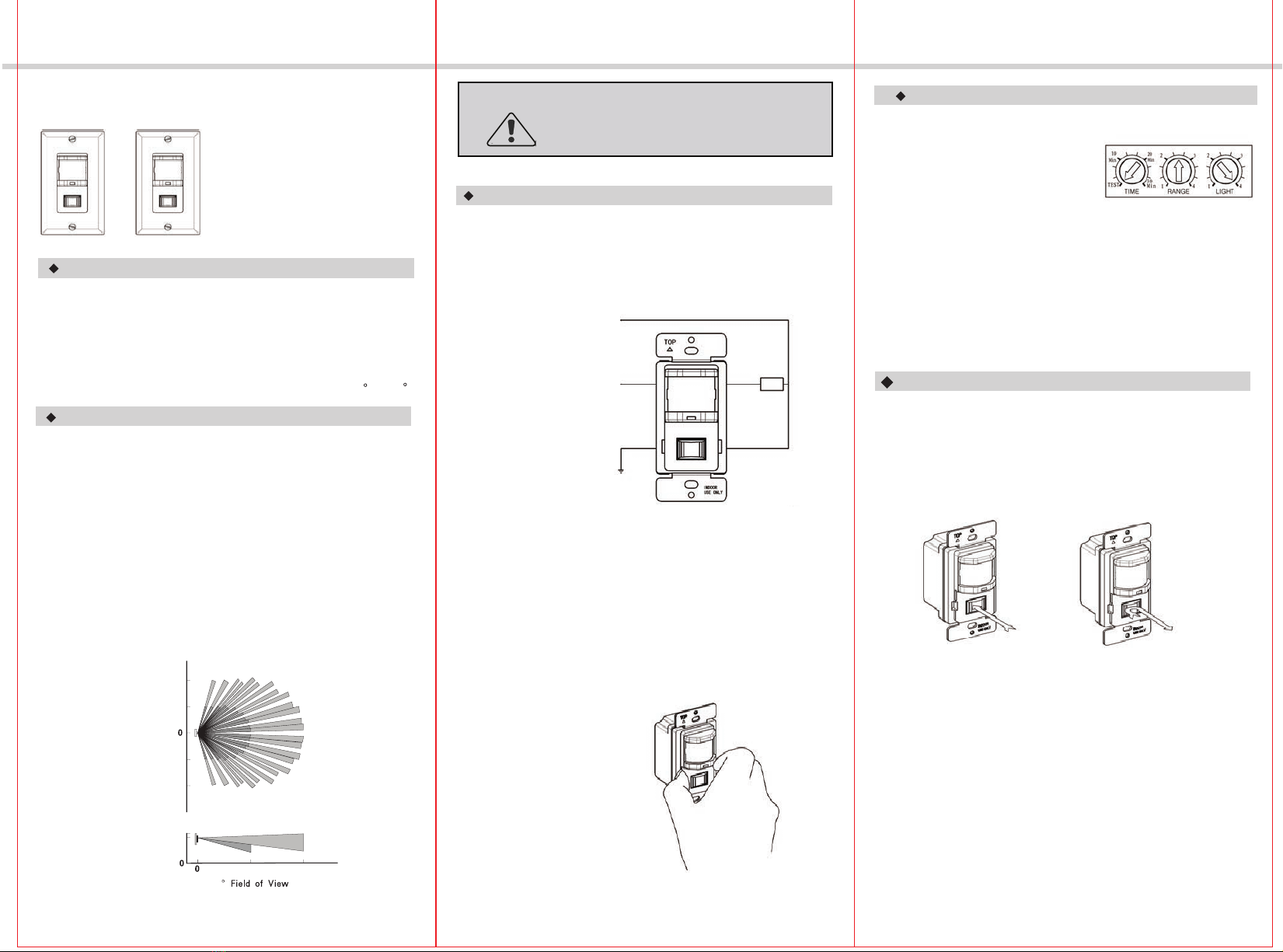
-06-
-05-
-04-
INSTALLATION INSTRUCTIONS
TROUBLESHOOTING`
The Time Delay knob is set to 15 seconds by default, do not adjust it
Initialization
The Sensor Switch needs to initialize for one minute. During initialization
the load might be turned On and Off several times.
until initialization is complete and proper operation confirmed.
TROUBLESHOOTING - OS150B TROUBLESHOOTING - VS150
(Test Mode), and make sure there is no motion (no LED flashing).
detected. To verify proper operation, turn the Time Delay Knob to 15s
The Load is out of control (frequently flashing)
1. It can take up to one minute for initialization.
The Load does not turn On without LED flashing or LED flashes
1. Push and release the button
2. Verify the Sensitivity Range is on high.
3. Check the wiring connections.
The Load does not turn On while LED flashes with motion detected
1. Check to see if Ambient Light Level is enabled by covering the lens
4. Check the wiring connections.
The Load does not turn Off
2. There can be up to a 30 minutes time delay after the last motion
regardless of motion
3. Check if there is any significant heat source mounted within six feet
(two meters) that may cause false detection such as a high wattage light
bulb, portable heater, or HAVC device.
4. Check the wiring connections.
by hand.
The Load should turn Off in 15 seconds.
1. Verify if the Mode is ON.
( for WOSS). If the load doesn't turn On, go to step 3.
2. Push and release the button. If the load doesn’t turn On, go
3. Verify the Sensitivity Range is on high.
to step 3.
For proper operation, the Sensor Switch has to consume power from
hot and Neutral, therefore,
Secured Neutral Wiring is required.
2. Check the wiring connections, especially the
Neutral Wiring.
The Load turns On when not desired
1. Mask the Sensor Switch’s lens to eliminate unwanted coverage area.
2.Turn the Sensitivity Level knob toward the left to avoid false alert in
a smaller room and when near a doorway.
MAXCOR is a Trademark (TM) of NICOR, Inc. 2012
NICOR, Inc. 2200 Midtown Place NE, Albuqueruqe, NM 87107
www.nicorlighting.com P: 800.821.6283 F: 800.892.8393
For proper operation, the Sensor Switch has to consume power from
hot and Neutral, therefore a
Secured Neutral Wiring is required.
The Load is out of control (frequently flashing)
1. It can take up to one minute for initial run.
2. Check the wiring connections, especially the
Neutral Wiring.
The Load does not turn On
1. Push Manual On/Off Button, If the Load does not turn On, go to
Step 2.
2. Check the wiring connections, especially Hot Line and Neutral wiring.
The Load does not turn Off automatically
3. Check the wiring connections, especially the Neutral wiring to the
sensor switch.
The Load turns On when not desired
1. Mask the Sensor Switch’s lens to eliminate unwanted coverage area.
2. Turn the Sensitivity Level knob toward left to avoid false alert in
a smaller room and when near a doorway.
The Time Delay knob is set to 15 seconds by default, do not adjust it
Initialization
The Sensor Switch needs to initialize for one minute. During initialization
the load might be turned On and Off several times.
until initialization is complete and proper operation confirmed.
(Test Mode), and make sure there is no motion (no LED flashing).
detected. To verify proper operation, turn the Time Delay Knob to 15s
1. There can be up to a 30 minutes time delay after the last motion
The Load should turn Off in 15 seconds.
2. Check if there is any significant heat source mounted within six feet
(two meters) that may cause false detection such as a high wattage light
bulb, portable heater, or HAVC device.