DIGITAL MONITOR INSTRUCTIONS
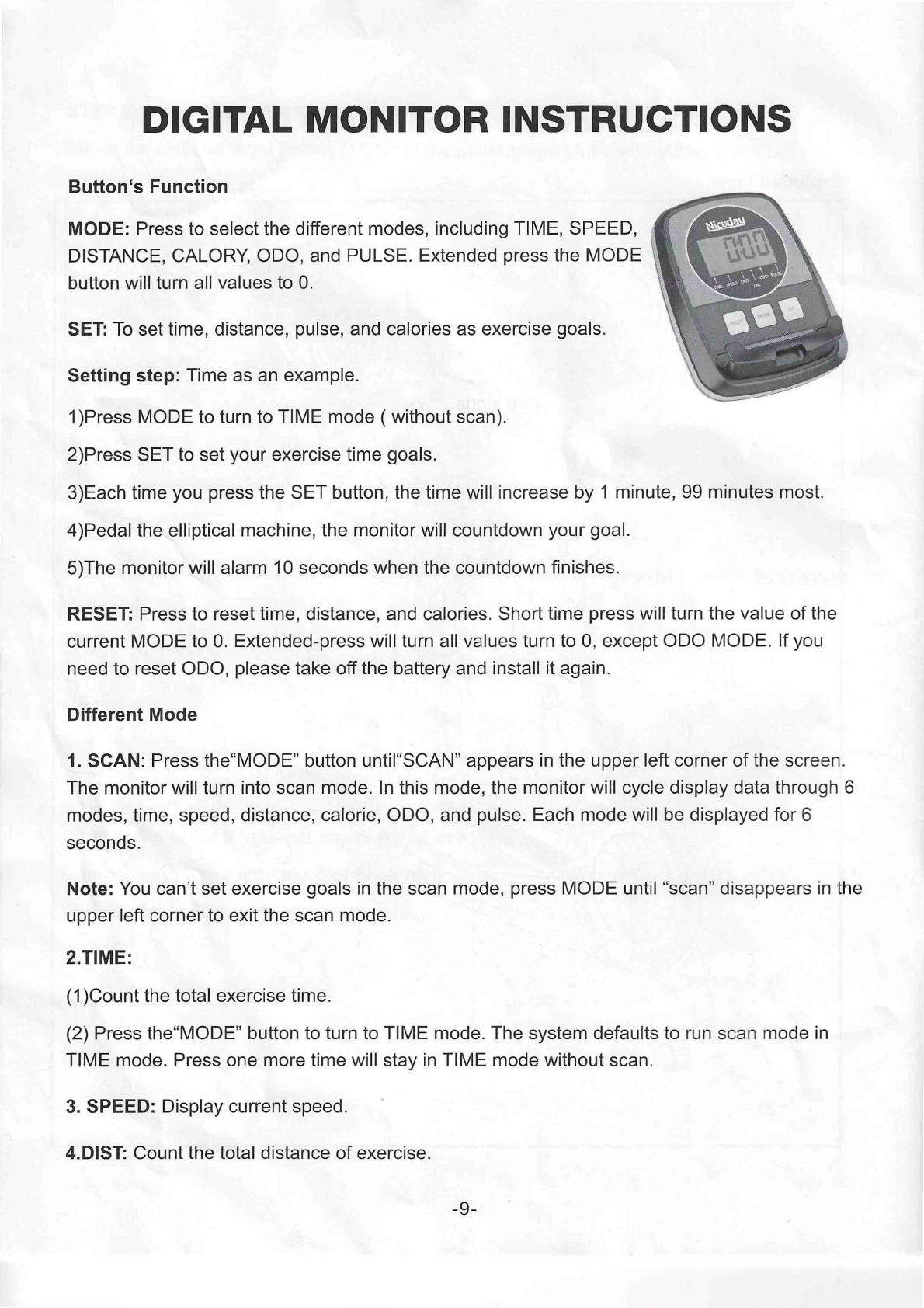
Button's Function
MODE: Press to select the different modes, including TIME, SPEED,
DISTANCE,CALORY,ODO, and PULSE. Extended press the MODE
button will turn all values to 0.
SET: To set time, distance, pulse, and calories as exercise goals.
Setting step: Time as an example.
1)Press MODEto turn to TIME mode ( without scan).
2)Press SET to set your exercise time goals.
3)Each time you press the SET button, the time will increase by 1 minute, 99 minutes most.
4)Pedal the elliptical machine, the monitor will countdown your goal.
5)The monitor will alarm 10 seconds when the countdown finishes.
RESET: Press to reset time, distance, and calories. Short time press will turn the value of the
current MODE to 0. Extended-press will turn all values turn to 0, except ODO MODE. If you
need to reset ODO, please take off the battery and install it again.
Different Mode
1. SCAN: Press the“MODE” button until“SCAN” appears in the upper left corner of the screen.
The monitor will turn into scan mode. In this mode, the monitorwill cycle display data through 6
modes, time, speed, distance, calorie, ODO, and pulse. Each mode will be displayed for 6
seconds.
Note: You can’t set exercise goals in the scan mode, press MODE until “scan” disappears in the
upper left corner to exit the scan mode.
2.TIME:
(1 )Count the total exercise time.
(2) Pressthe“MODE” button to turn to TIME mode. The system defaults to run scan mode in
TIME mode. Pressone more time will stay in TIME mode without scan.
3. SPEED: Display current speed.
4.DIST: Count the total distance of exercise
-9-