
Nexxt Solutions NHP-S610 Manuel utilisateur
WARRANTY
nexxtsolutions.com/warranty
YEAR
2
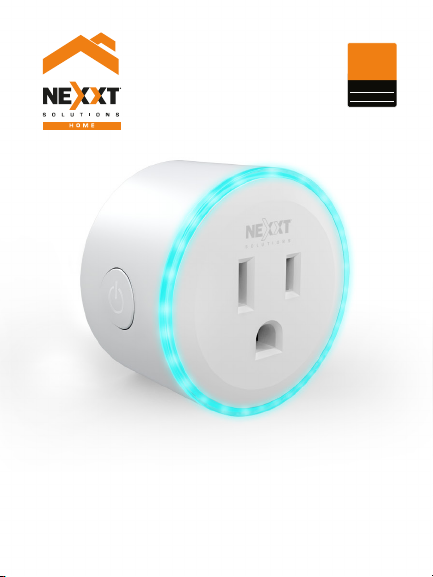
Smart Wi-Fi plug
with RGB light
NHP-S610
User’s guide
Thank you for purchasing this Nexxt Solutions Wi-Fi Smart Plug.
We are happy to help you make your life simpler, easier and
safer. Please, read this manual to get the most out of your
smart plug.
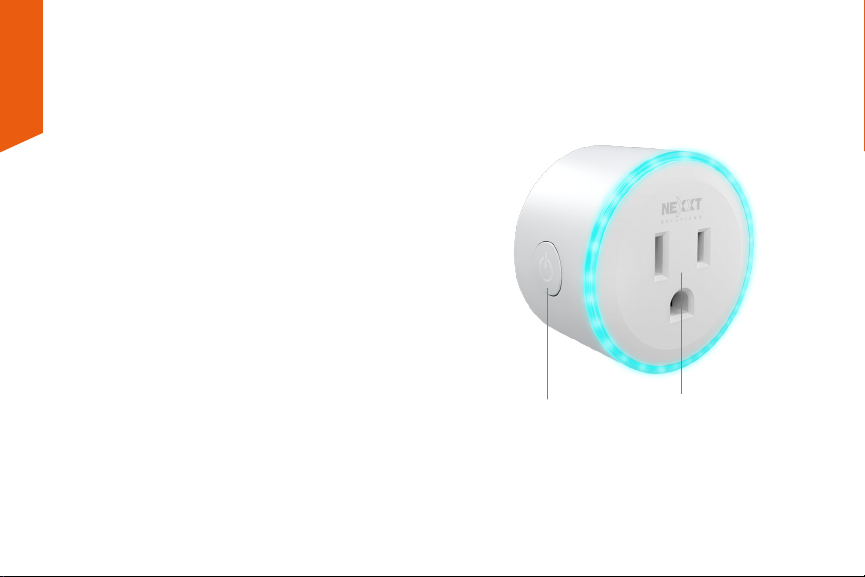
Product description
1. Power/reset button
2. Power outlet
Package content
• Smart plug
• Quick setup guide
English
12

Installing the Nexxt Home app
Download the Nexxt Home app from Google Play or the
Apple App Store.
Step 1
Registration by email. Fill in the required information.
60 %
9:41 AM
Nexxt Home
Nexxt Home App
Cancel
GET
Accvent LLC
Login with existing account
Create New Account
SOLUTIONS
Iniciarsesión con cuenta existente
Crear Cuenta Nueva
SOLUTIONS
60 %
9:41 AM
Nexxt Home
Nexxt Home App
Cancel
INSTALL
Accvent LLC
60 %
9:41 AM
Register by email
United States of America
Email
Get authentication code
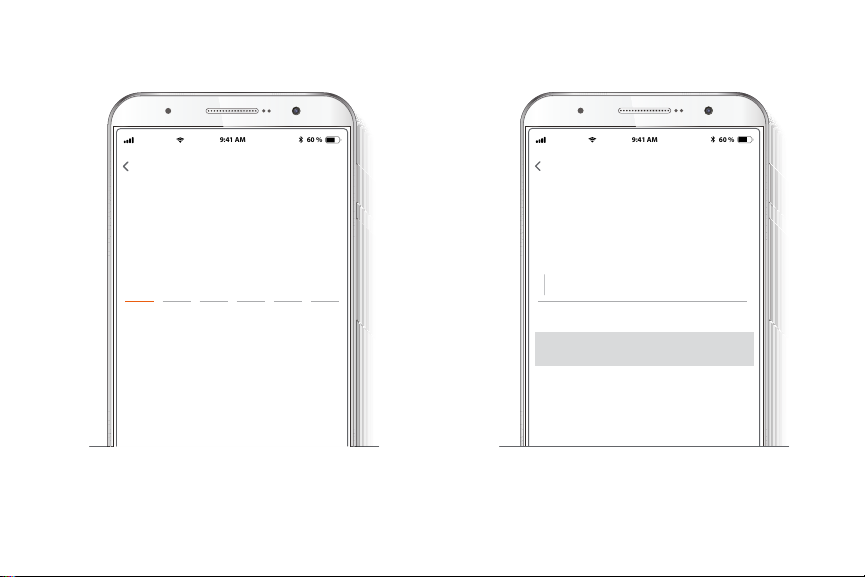
Step 3
Create a new password and select Complete below.
Step 2
Enter the verication code you received.
60 %
9:41 AM
Enter verication code
Verication code has been sent to your
60 %
9:41 AM
Set Password
Completed
6-20 characters, including letters and numbers
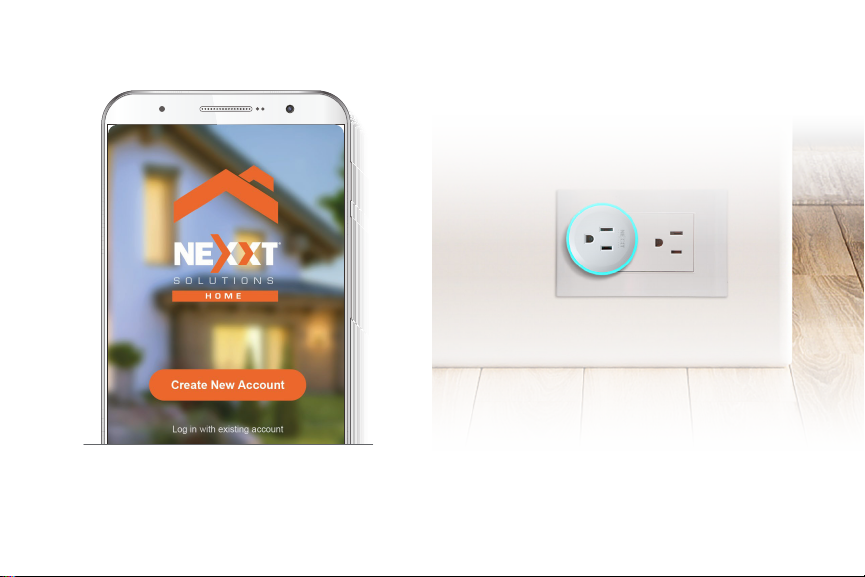
Step 4
The Nexxt Home app has been successfully congured.
Connection
Plug the Nexxt Smart Plug into an outlet.
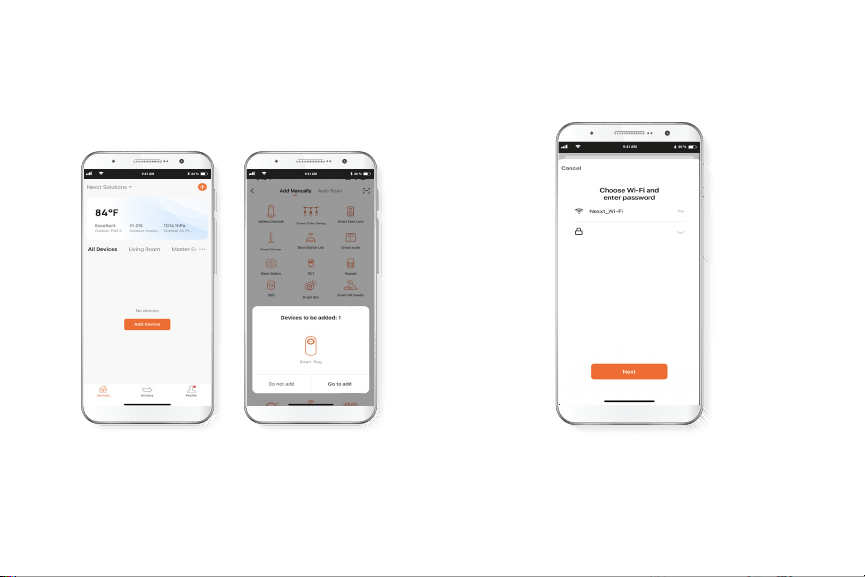
Add device
Step 1
Select Add device and wait for the app to automatically
recognize the device. If not, click the “Smart plug” icon on
the device list. Make sure the blue LED light is on and in a
ickering eect. This indicates that the pairing process has
started
60 %
9:41 AM
60 %
9:41 AM
60 %
9:41 AM
Step 2
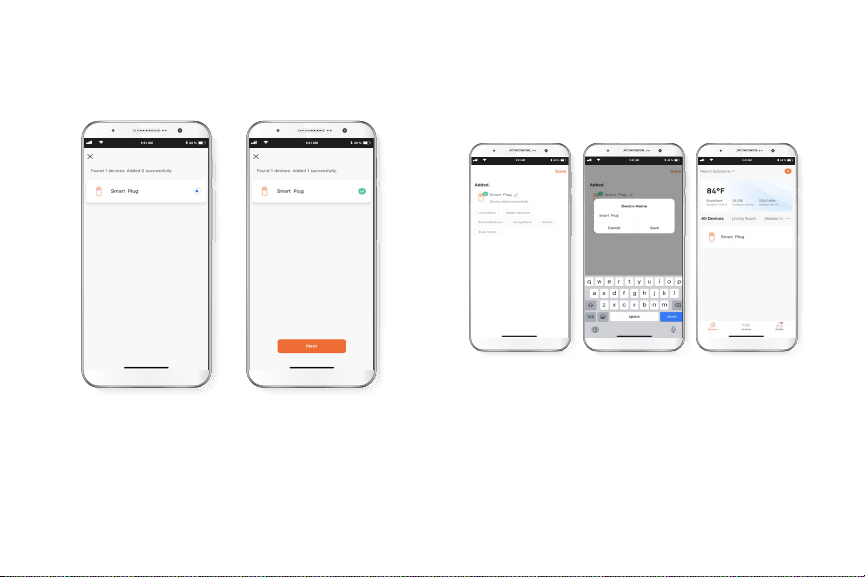
Connect to a 2.4GHz Wi-Fi network. Keep in mind this
smart plug does not work with 5GHz networks.
Step 3
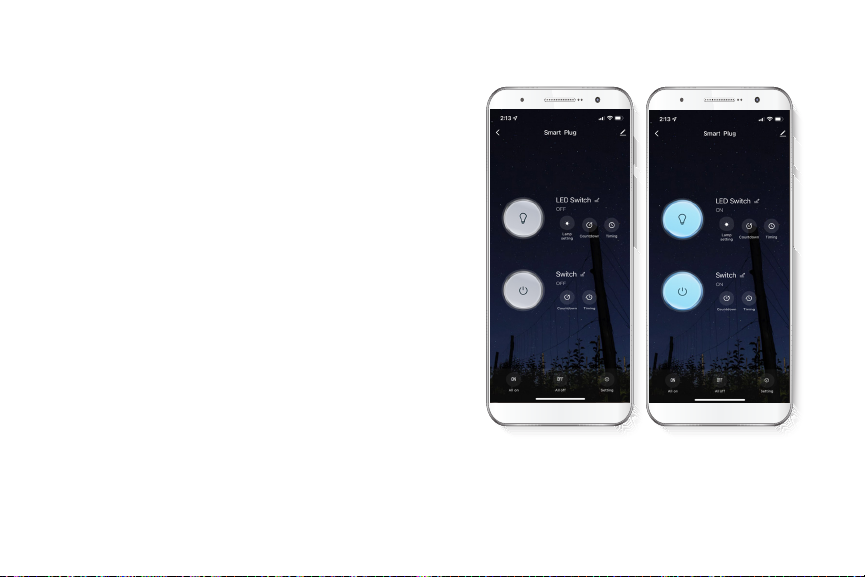
The plug will connect to the app in about 1 minute and send a
conrmation message once added. Click on the Next button.
Step 4
When you see the Device added notication on the screen,
assign it a location from the available options. If you have
several sockets at home, this option will come handy. By
clicking on the pencil next to the device name, you can give
it the name you want. After this step, the product will be
ready to be used.
60 %
9:41 AM
60 %
9:41 AM
60 %
9:41 AM
60 %
9:41 AM
60 %
9:41 AM
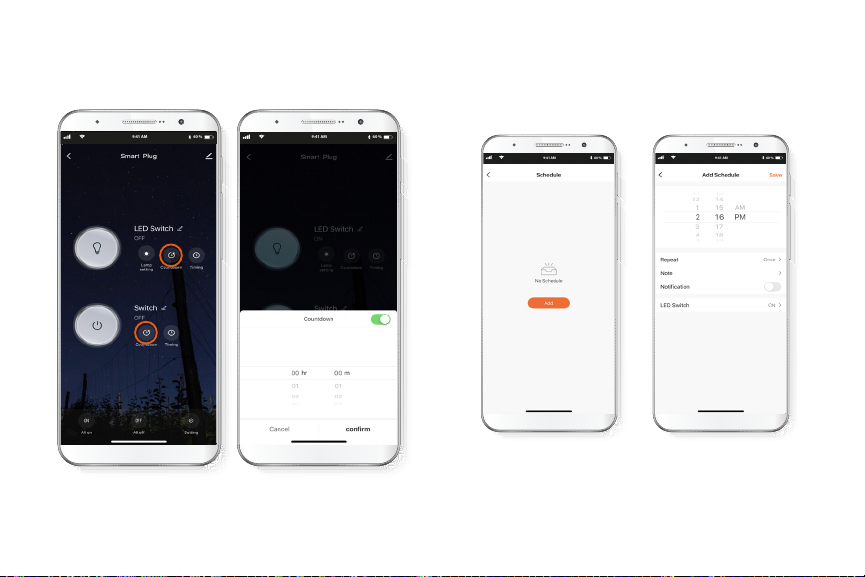
The main screen of this device will display two large buttons.
Press the one at the top to turn the light ring on and o, and
the second one to turn the power plug on and o.
Additional features
• Switch
• Countdown
• Schedule
• Choose color
• Color scenes
Switch
Click on Countdown to set how long you want the light or
plug to stay on.
Click on Timing to schedule the time you want the plug, the
light, or both to turn on or o. Keep in mind that each
schedule allows you only one task, either turn on or o. If
you want to schedule both tasks, you need to create two
schedules.
Countdown Timing
60 %
9:41 AM
60 %
9:41 AM
60 %
9:41 AM
60 %
9:41 AM
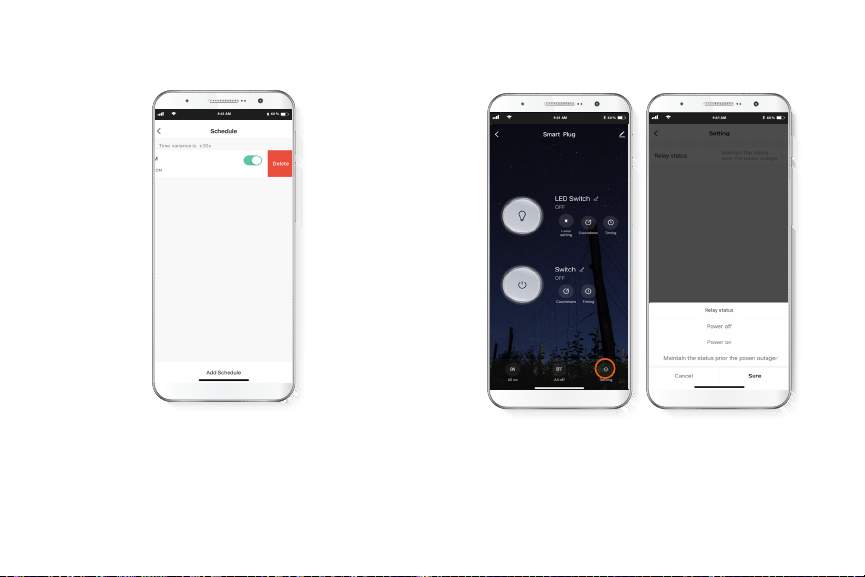
Once you have created one or more schedules, they will
appear in a list you can also access by clicking on Timing. If
you want to delete any of them, press on it and slide your
nger to the left. Immediately, a “Delete”option will appear.
Click on it, and voila: schedule deleted.
You'll nd the Settings icon in the bottom right corner of the
home screen. By clicking on it you’ll nd the Relay Status
menu, a feature to indicate how you want the switch to behave
when the power returns after an outage. The options are O,
On and Maintain the status prior to the power outage. Choose
the one you prefer.
Delete schedule
60 %
9:41 AM
Settings
60 %
9:41 AM
60 %
9:41 AM
Table des matières
Autres manuels Nexxt Solutions Accessoires


