11
10
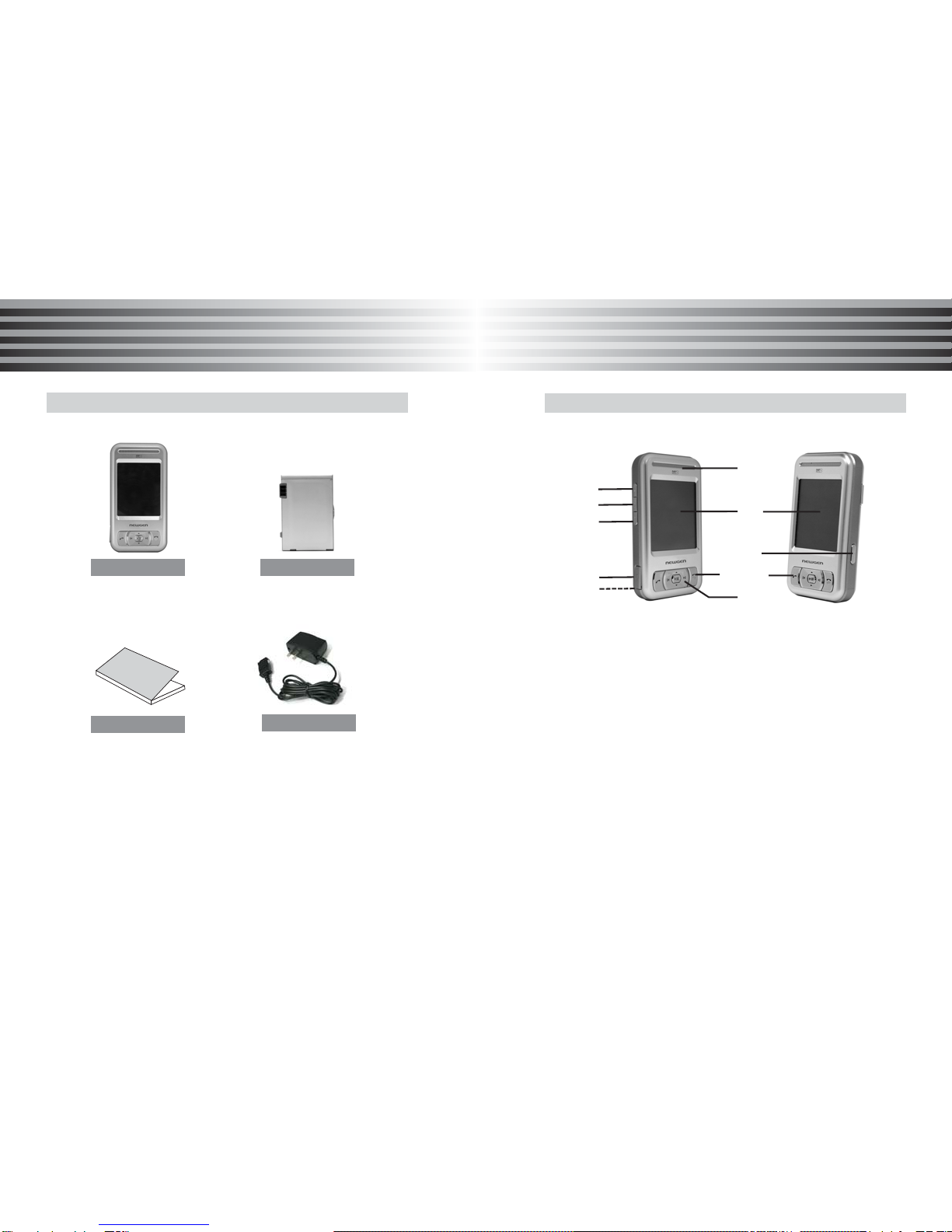
ABOUT YOUR PHONE ABOUT YOUR PHONE
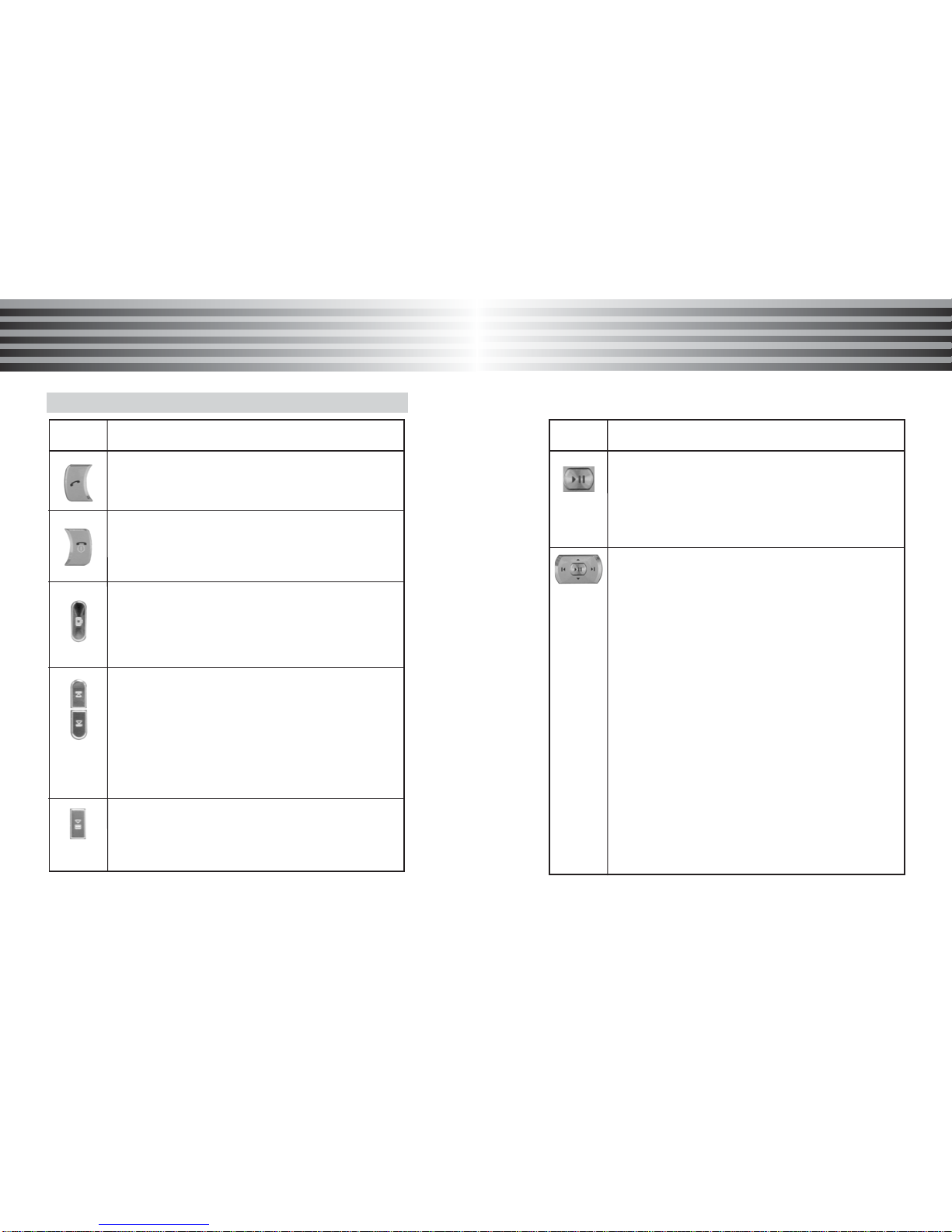
Key definition
[SEND Key]
Makes or answers a call
In idle mode: Access the Call list .
[END Key]
End an active call.
Hold the key down, switch phone On or Off.
Wh[Camera Key]
In idle mode : Hold the key down, access to the
camera preview mode .
In camera mode : Takes a photo or starts
recording a video.
[Side volume key]
During a call : Adjusts earpiece volume level.
In menu mode : Scrolls through the menu
In idle mode : Hold the key down, enables/disables
the LCD lock.
MP3 mode : Move to previous/next MP3 track.
* Tip : If you press this key when the melody/alarm rings ,
the ringer/melody is silenced .
[MP3 key]
Short/Long press : Plays the MP3 file which connected
last time.
* For the details, please refer to [Multimedia]
Key Function
[Center key]
In menu mode, selects the menu.
In idle mode,
- Short press : Opens the MP3 list directly.
- Lond press : Plays the MP3 file which connected
last time.
[Navigation key : Up]
In menu mode, scrolls the menu up.
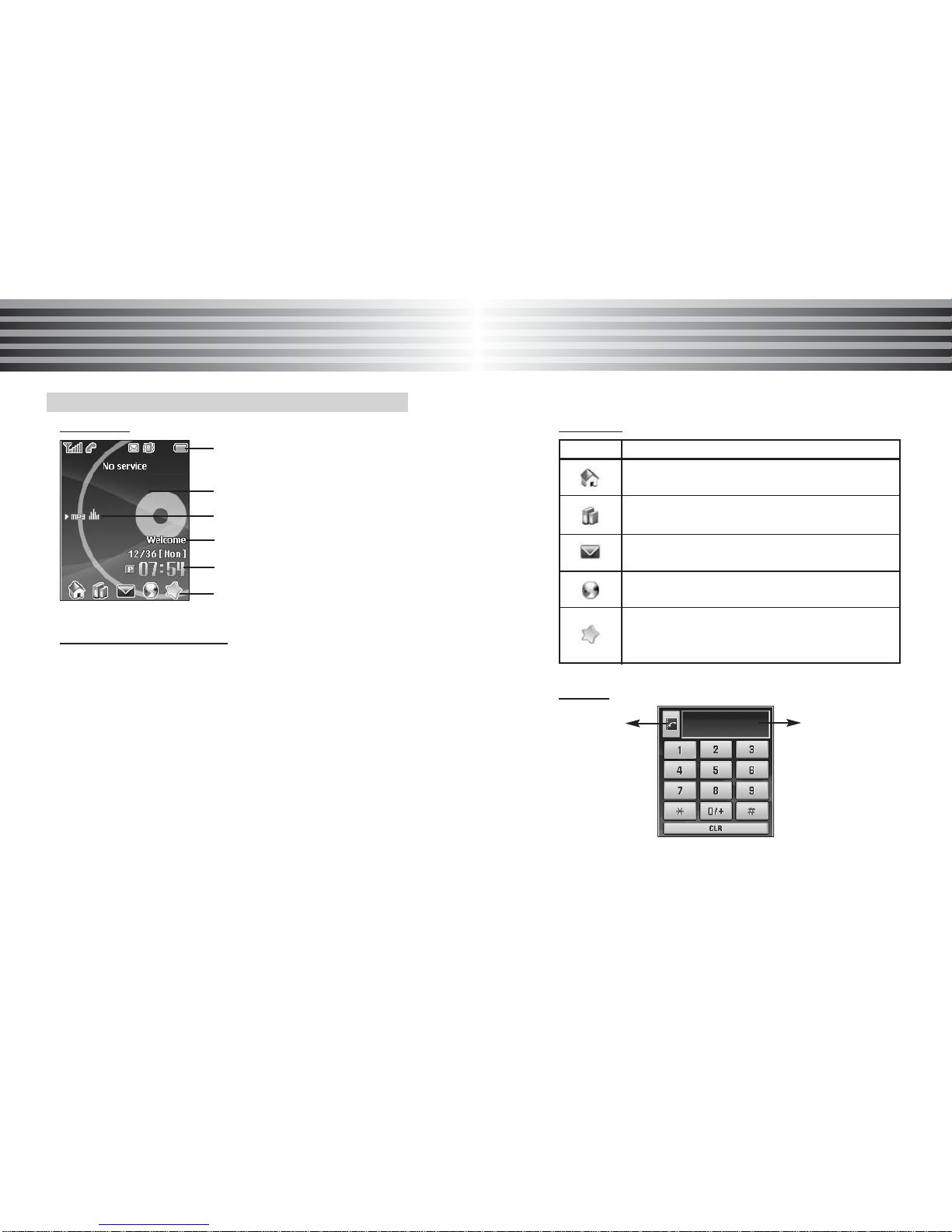
In idle mode, access to the Phone modes.
[Navigation key : Down]
In menu mode, scrolls down the menu
In idle mode, access to My favorites directly.
[Navigation key : Left]
In edit mode, the cursor moves to left side.
In menu mode, scrolls the menu up.
In idle mode, access to Message directly.
[Navigation key : Right]
In edit mode, the cursor moves to right side.
In Menu mode, scroll the menu righ
Idle mode, access to Phone book directly.
Key Function