1
QUICK START GUIDE
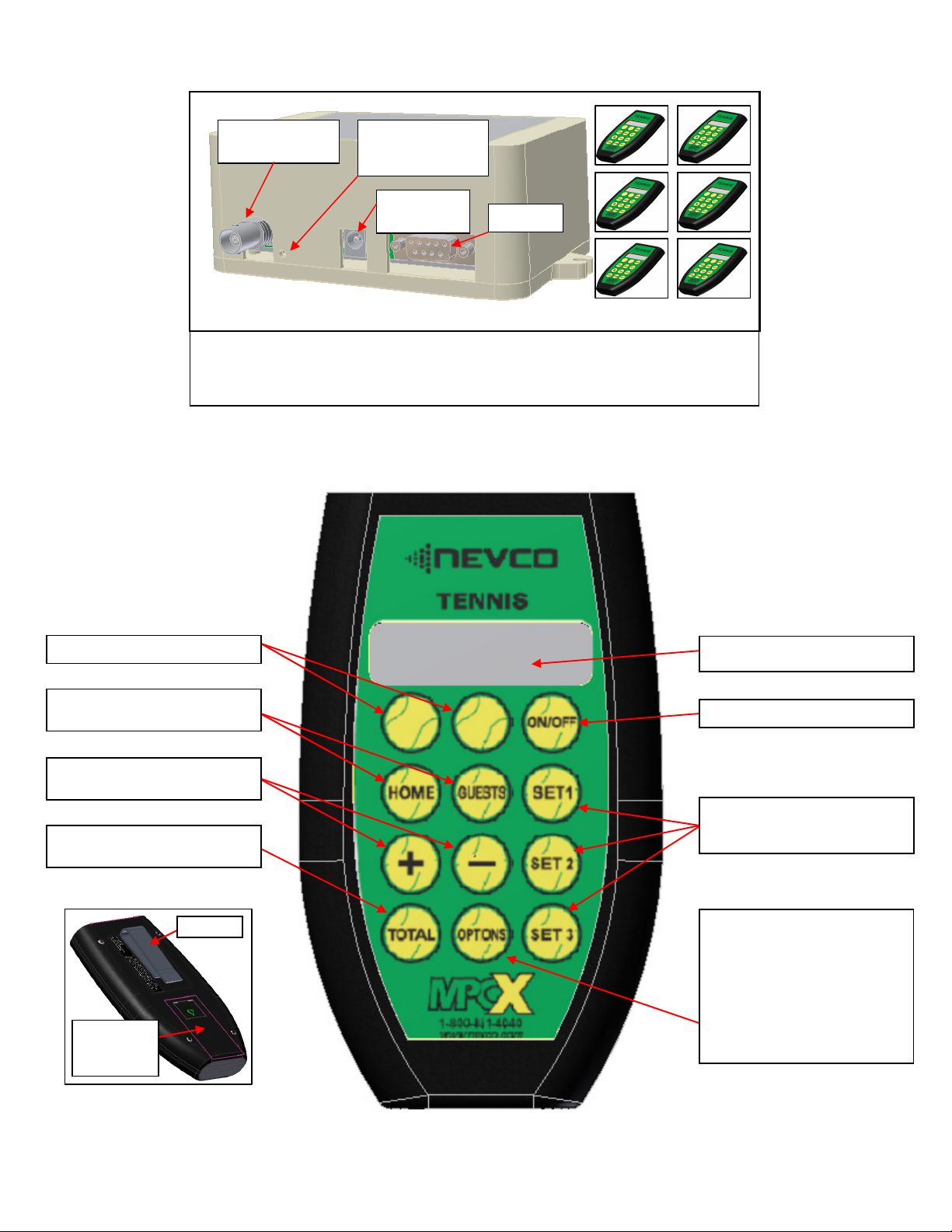
The NEVCO six court Tennis Scoreboard system consists of six wireless hand held controls (one for each
court) and one scoreboard that displays the scores for all six courts, plus the Total Score. Each control can send
information to the scoreboard for its court including the points for both teams for 3 sets of play. One of the
controls (designated as court 1 control) also controls the scoreboard features; Power ON / OFF, clearing the data
for all courts, the Brightness Level of the scoreboard, and Total Scores.
Any of the controls can be programmed to control any of the six courts, including court 1. Only the court 1
control can turn the complete scoreboard ON or OFF. When the court 1 control is turned ON the scoreboard
turns ON. When the court 1 control is turned OFF the scoreboard is blanked.
Note: It is assumed here that each control has been configured for a court and that the court 1 control has been
linked to the desired receiver(s). Both functions are explained in the setup guide that comes with a new control.
The control is set to “court 1” by default at the factory; however it can be done in the field from the OPTION
menu if needed. (See pages 8 and 9 for detailed instructions). It is assumed that the receiver is powered ON.
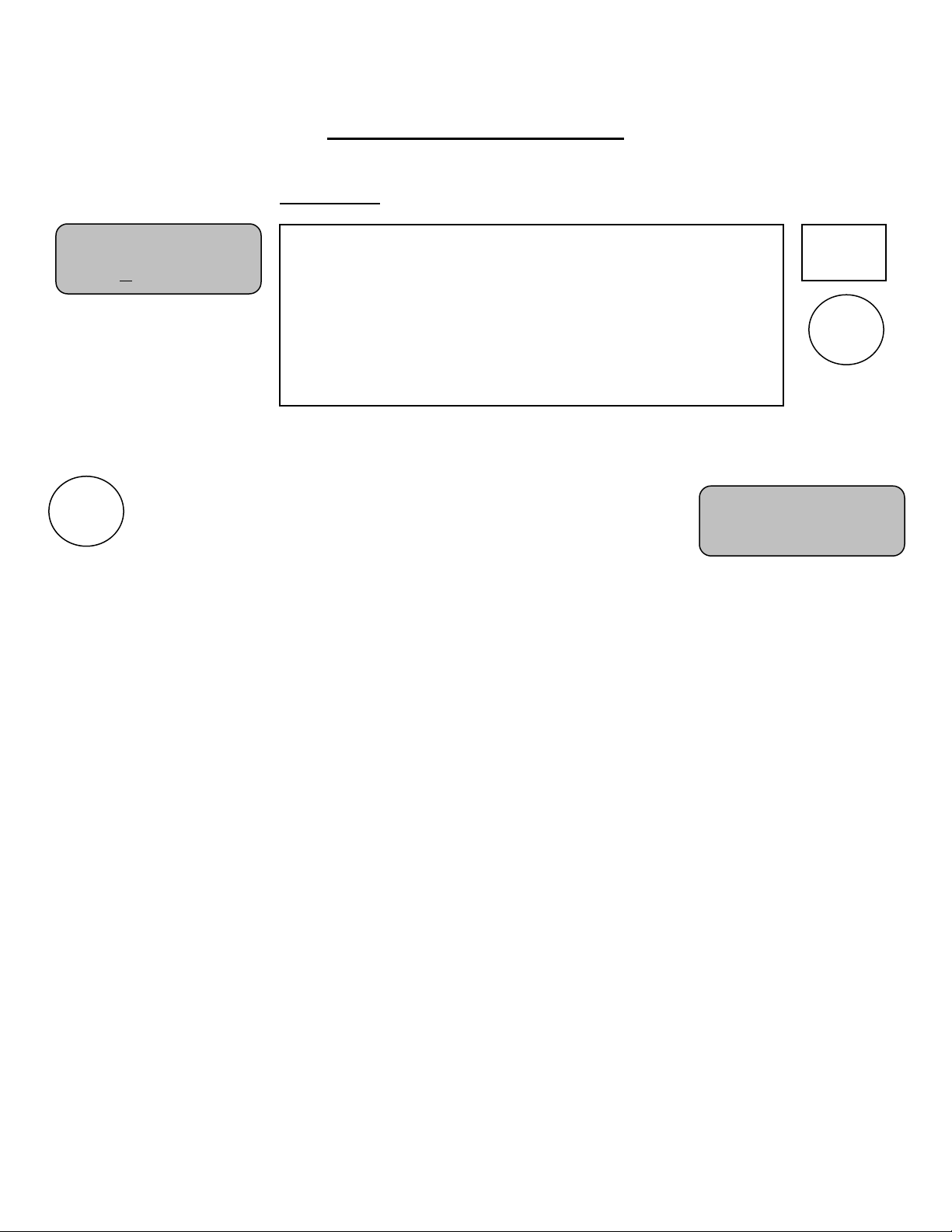
Turn the ScoreboardPower ON First
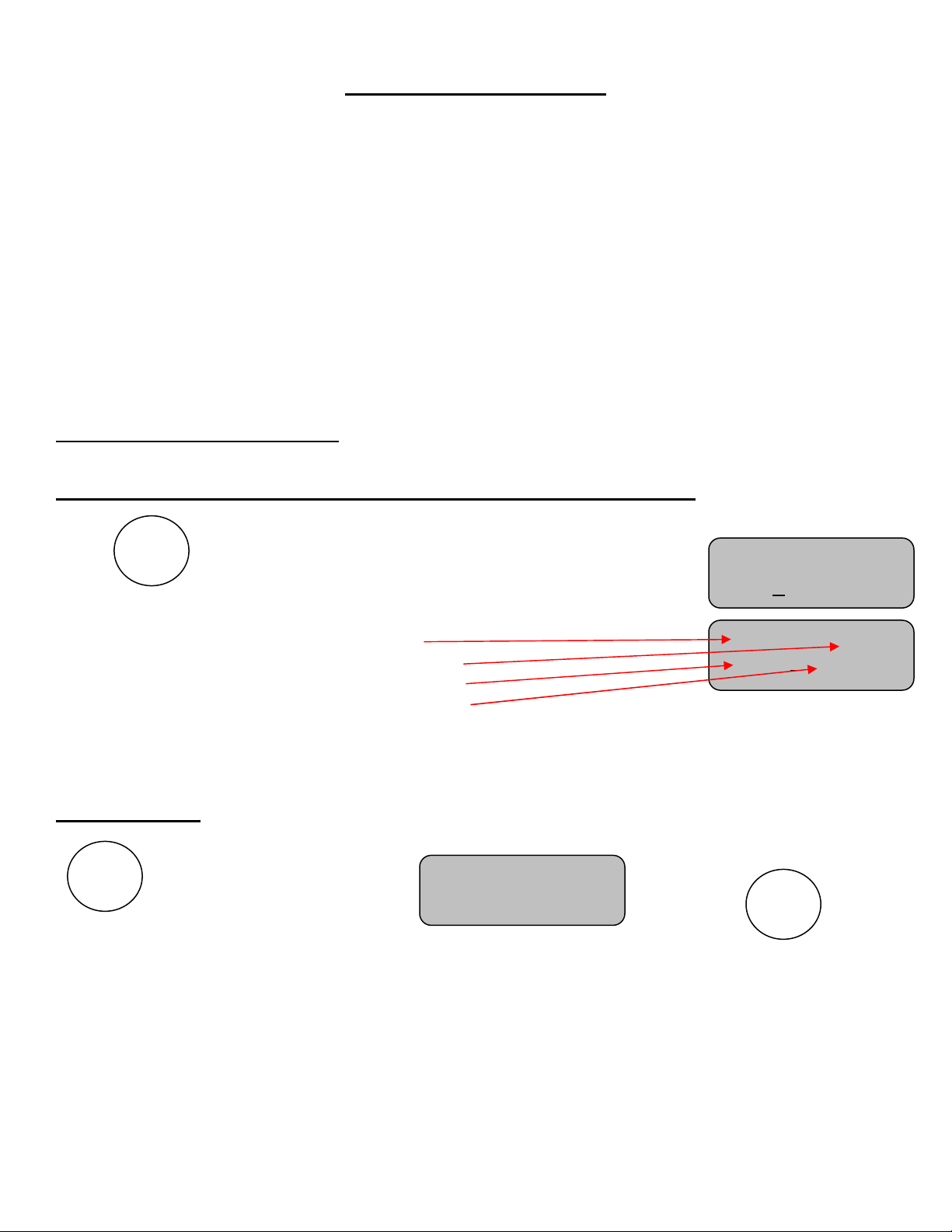
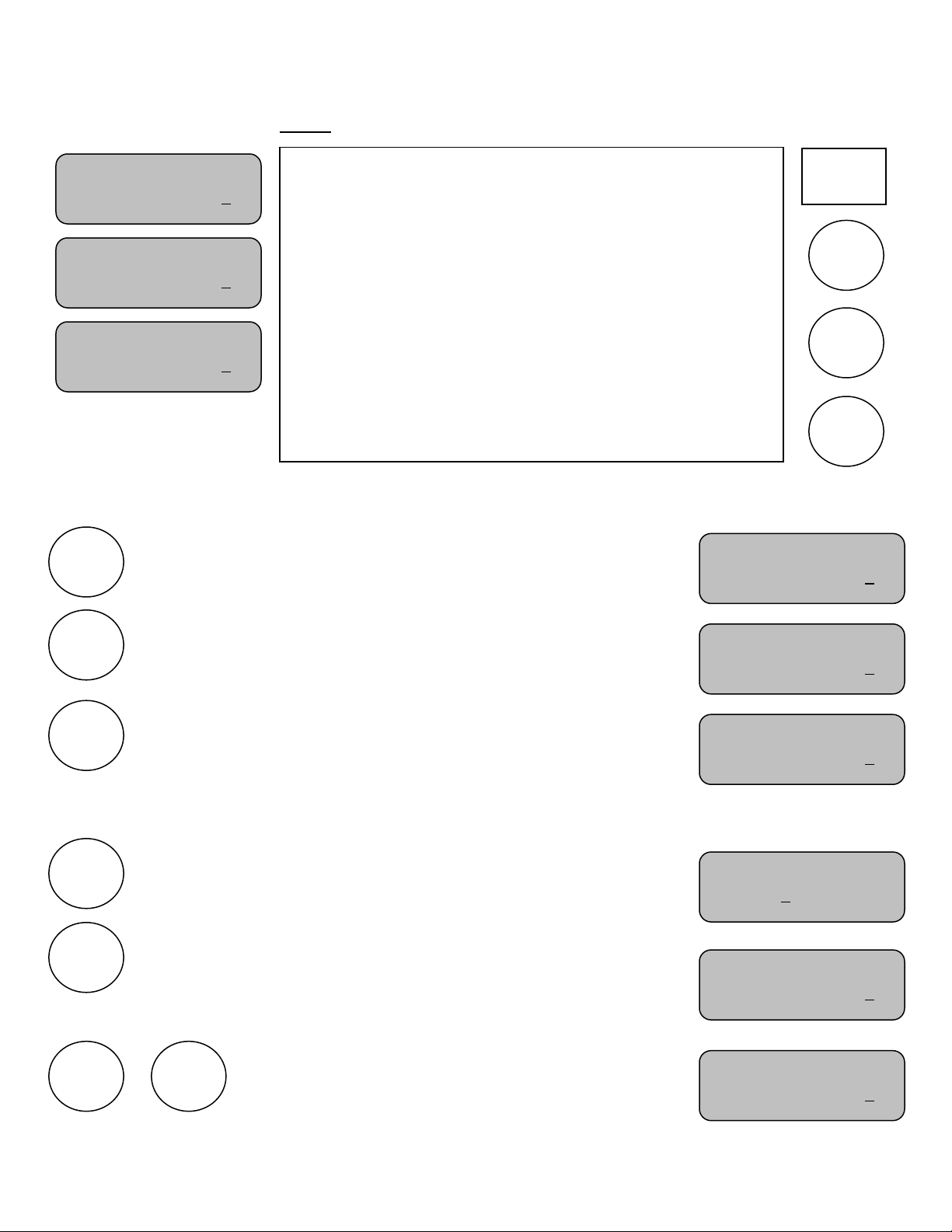
Turn all Controls on and Verify the Court each Control is Programmed to Operate
Press
The control will display the greeting for a moment.
Next the display will change to show:
oThe Court number the control is programmed
to operate
oThe Set number
oThe Home score
oThe Guest score
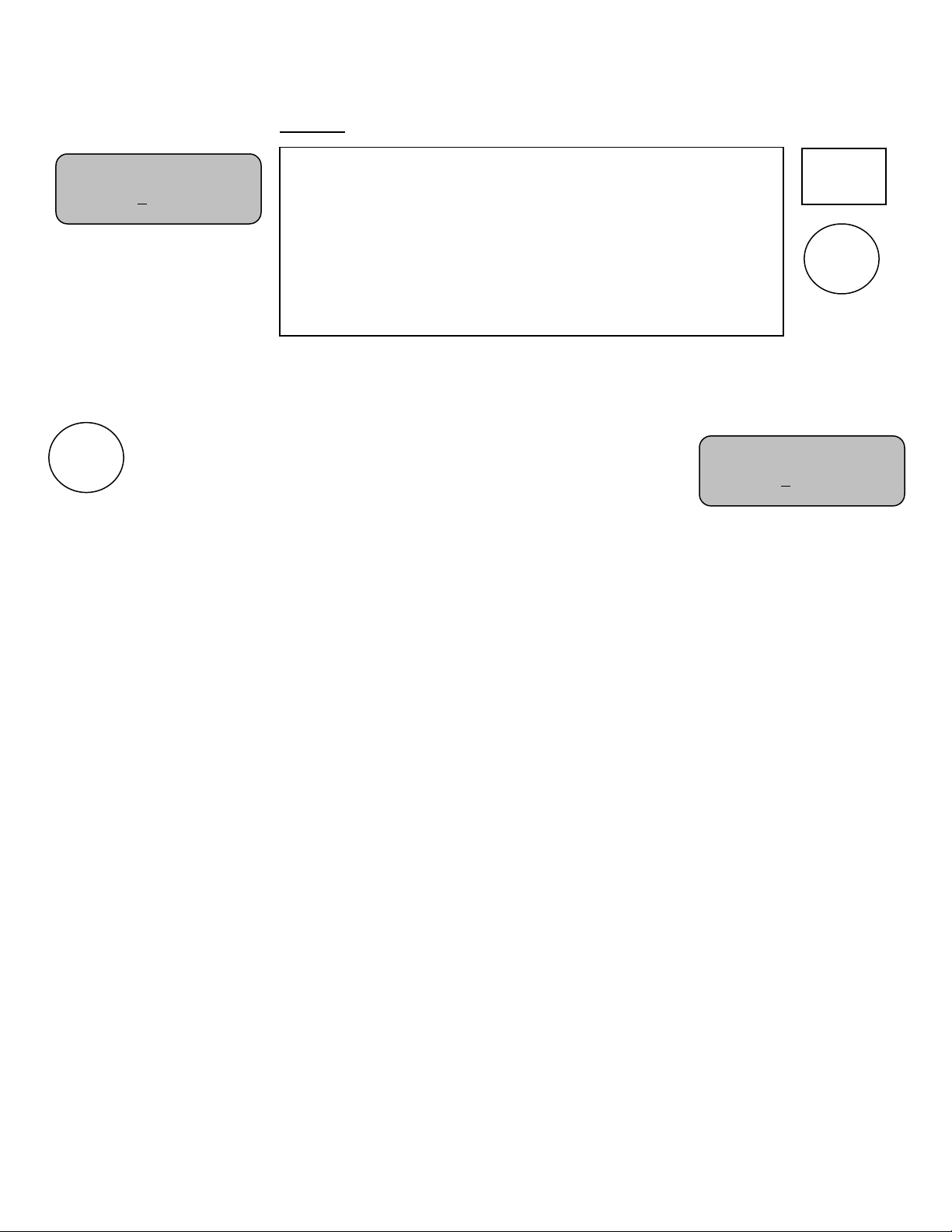
Note: When the court 1 control is powered ON, the scoreboard will turn ON.
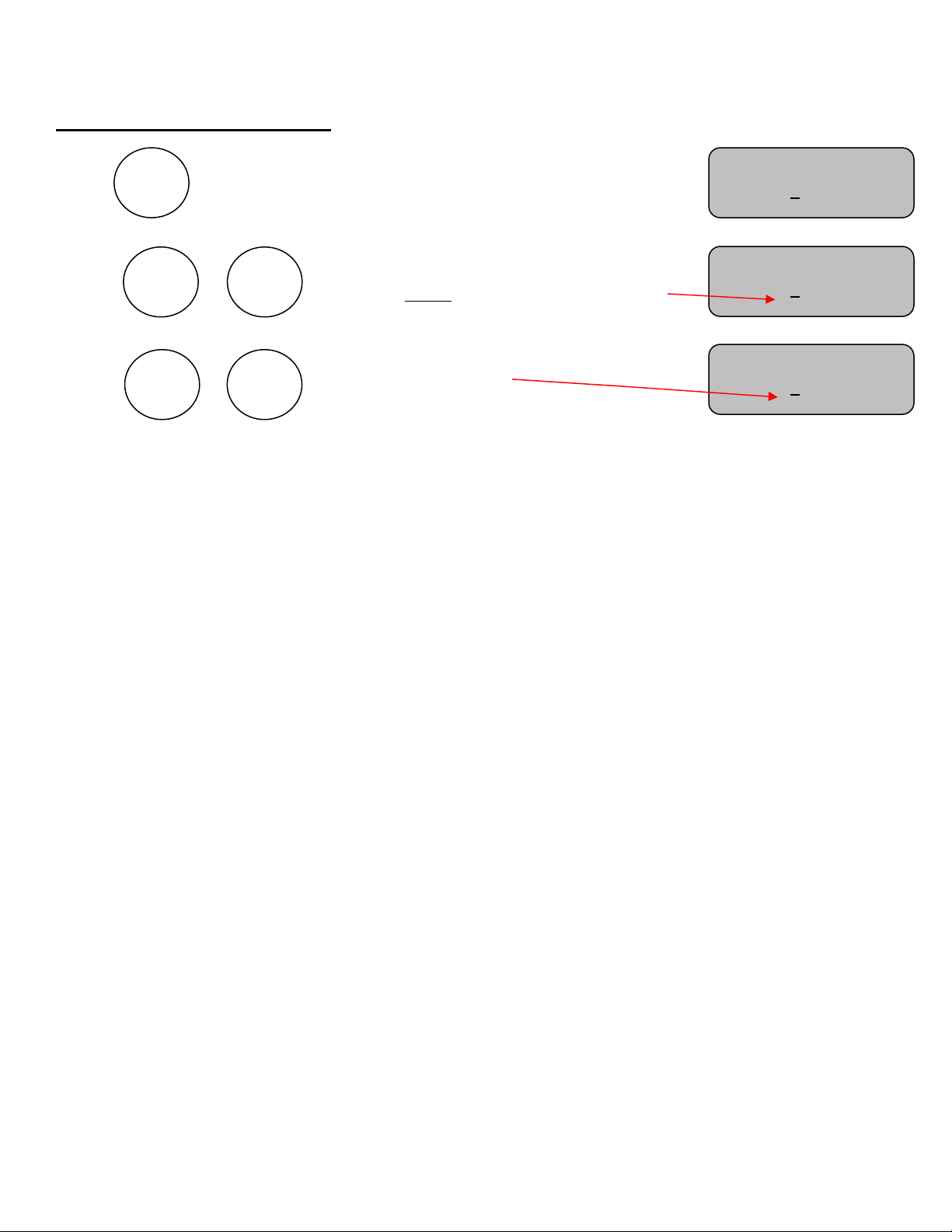
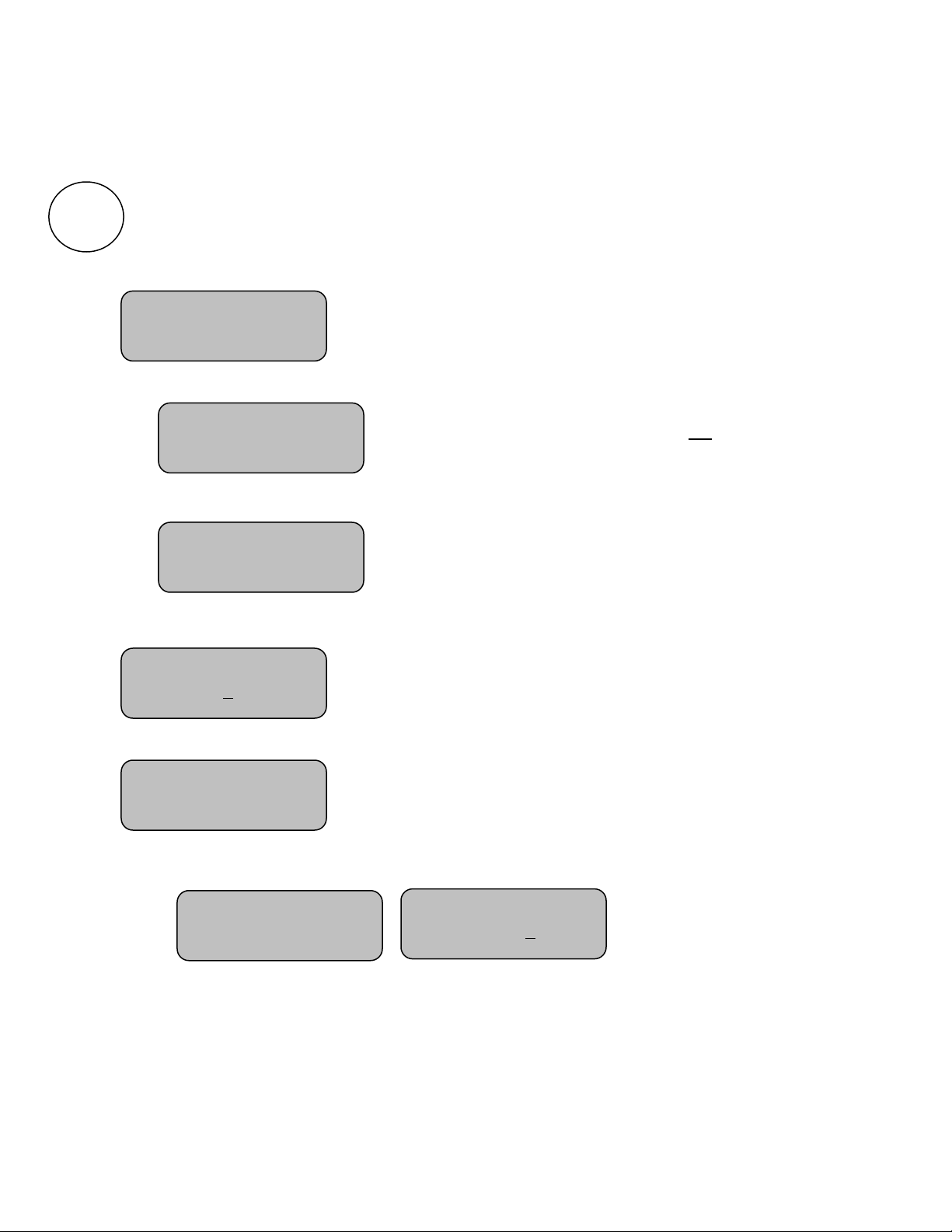
To clear the scores
From the Options Menu; select
Then press
This will clear the scores for this court and initialize the Set1 scores to zero.
Note: Please repeat this on all six controls (courts).
Court:1 Set:1
Home:0 Guests:0
ON/OFF
OPTIONS
Clear This Court
Press (+) +
MPCX Tennis
>>>>>