Netac MP3 Player C635
- 6 -
2.3 Data Transferring
1) Boot your computer, connect MP3 Player to USB port of
the computer.
2) Windows 98/98SE/Me/2000/XP/Server 2003 (Windows
2000 e.g.):Double click “My Computer”, you would find a
new icon named “Removable Disk”, representing MP3
Player. A new icon would appear at the taskbar on
Windows Me/2000/XP/Server 2003, representing MP3
Player.
Mac OS 9.x or above: A new icon named “NO_NAME”
(“Untitled” on Mac OS 9.x) would appear on the desktop of
your computer, representing MP3 Player.
Linux 2.4.2 or above: Enter the system by user ID “root” and
input the command “mount /dev/sda /mnt”.This command
is to create a directory where MP3 Player will be mounted.
Note: “sda”is an unfixed input item, please make relevant changes
according to Linux operating discipline.
3) Then you can copy, delete or edit data, just as on a traditional
hard disk.
- 5 -
Note: Please don’t unplug MP3 Player while data is transferring
between MP3 Player and the computer, otherwise the transferring
data may be lost.
2.4 Disconnecting
Please drop out safely first, and then disconnect USB cable after
copied and deleted files.
Please refer to the following steps to unplug MP3 Player after
data transferring:
1) Windows98/98SE: Unplug MP3 Player from USB port of the
computer about 3 seconds later to ensure data transferred
successfully after data transferring finished.
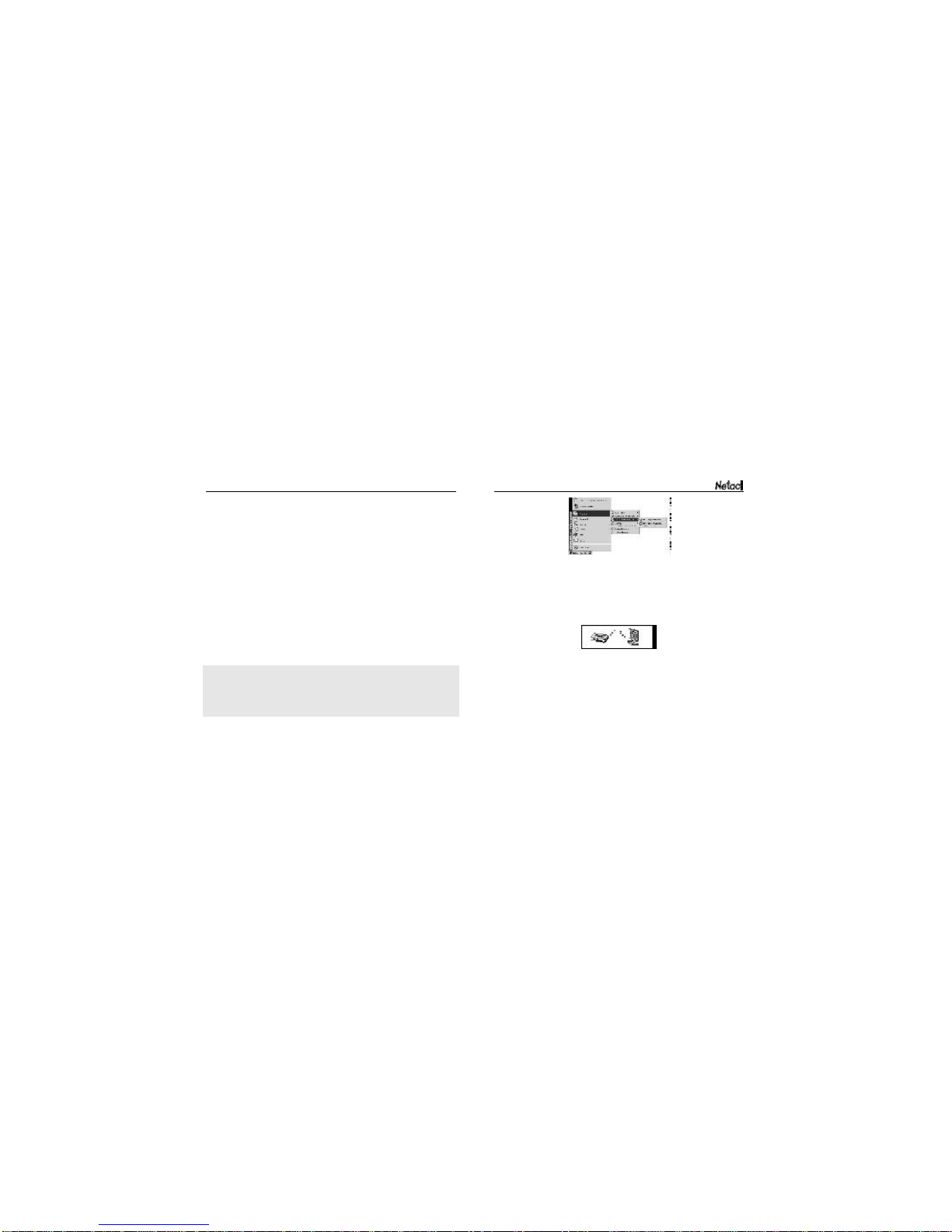
2) Windows Me/2000/XP/Server 2003 (Windows 2000 e.g.):
Click the icon at the taskbar, then click the “Stop USB Mass
StorageDevice - Driver”, and click “OK” in the pop-up windows
“The‘USB Mass Storage Device’ device can now be safely
Writing data to MP3 Player Reading data from MP3 Player