2.0 LED INDICATIONS
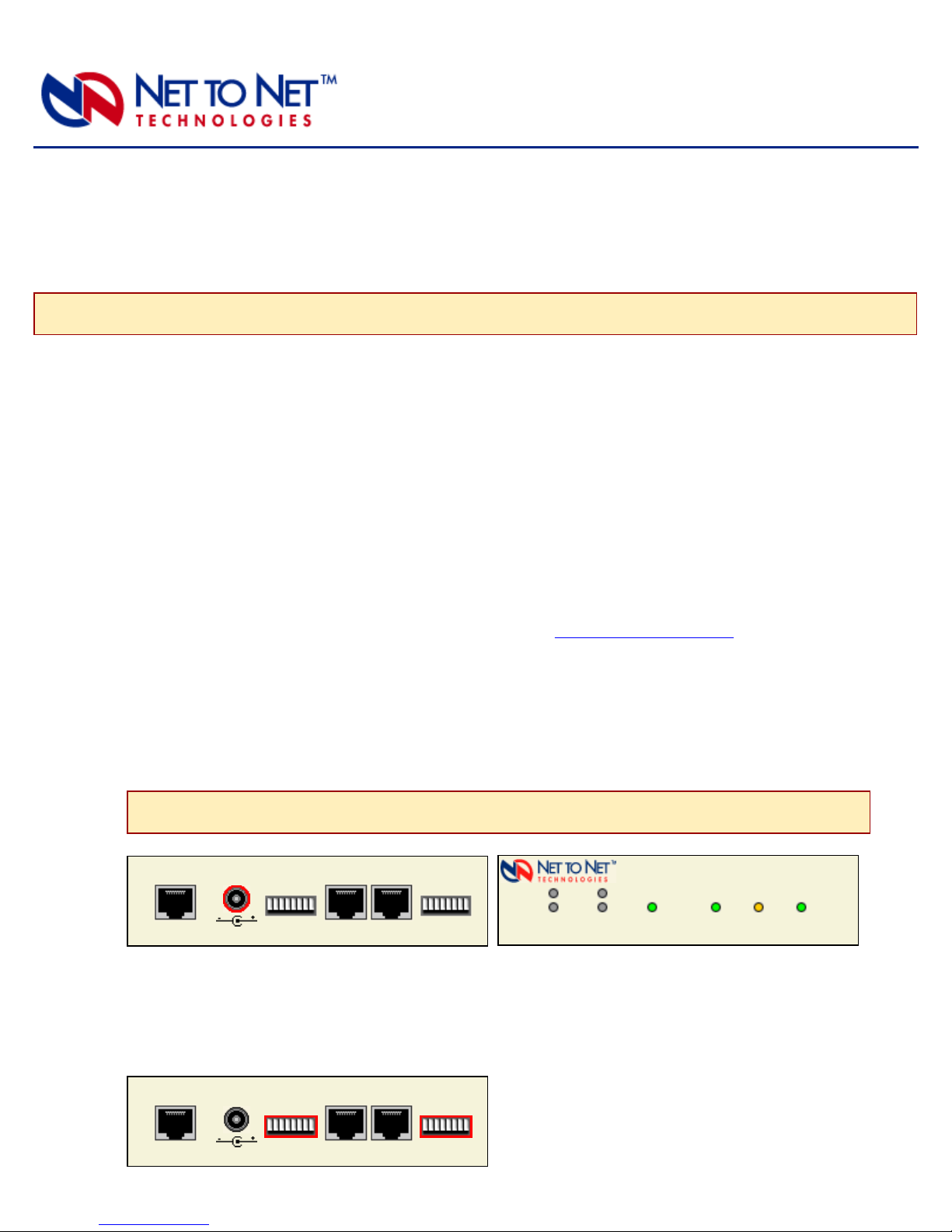
LED State Indication Additional Information
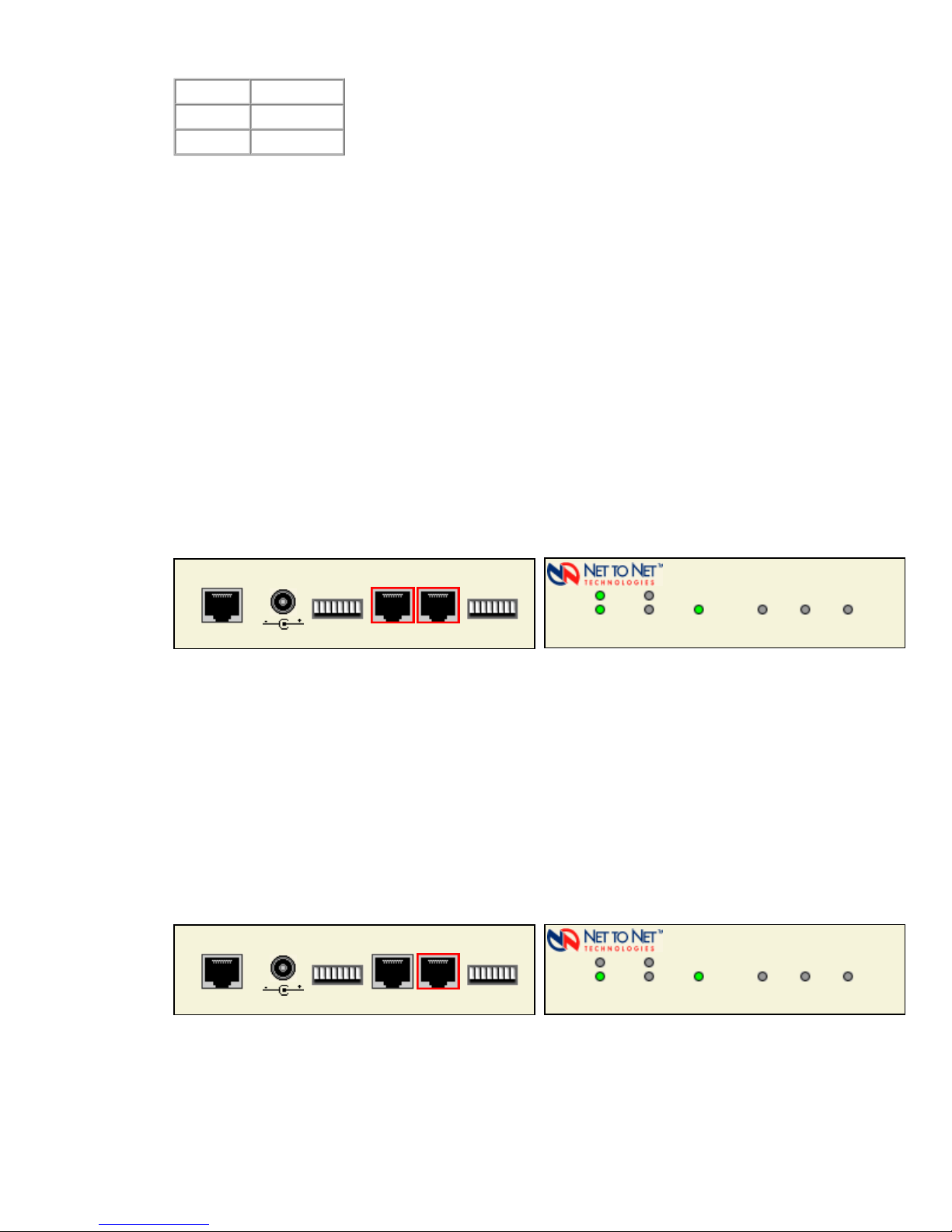
E1 Connections
Lnk (Port 1 and
Port 2)
flashing
green
E1 connection is established and
active
Traffic is flowing.
solid green problematic E1 connection A connection exists but there is indication of a
problem with the E1 line.
no
illumination
Loss of Synchronization (LOS)
The incoming connection to the
unit has been lost; no data is
being received.
If the outgoing connection from the unit has also
been lost then the unit's partner ENE2020 will
have LOS as well; see NOTE on following
page.
E1 Connections
Alm (Port 1 and
Port 2)
no
illumination
E1 is operational An established E1 link has no alarm indications
and is operational unless the E1 Lnk LED remains
unlit as well, in which case the ENE2020 has LOS.
solid amber Remote Alarm Indication
(RAI)
The outgoing connection from the
unit has been lost; no data is
being transmitted.
The unit's partner ENE2020 has lost its incoming
connection and has LOS; see NOTE on
following page.
pulsing
amber
Alarm Indication Signal (AIS)
An indirect connection has been
lost; the unit may no longer be
receiving data from its partner
ENE2020.
The unit's partner ENE2020 has lost a connection
with an intermediate device and has LOS or RAI;
see NOTE on following page.
Power solid green ENE2020 is operational If the Power LED is not illuminated, it is unlikely
that the ENE2020 is receiving power and
therefore none of the LEDs will be illuminated.
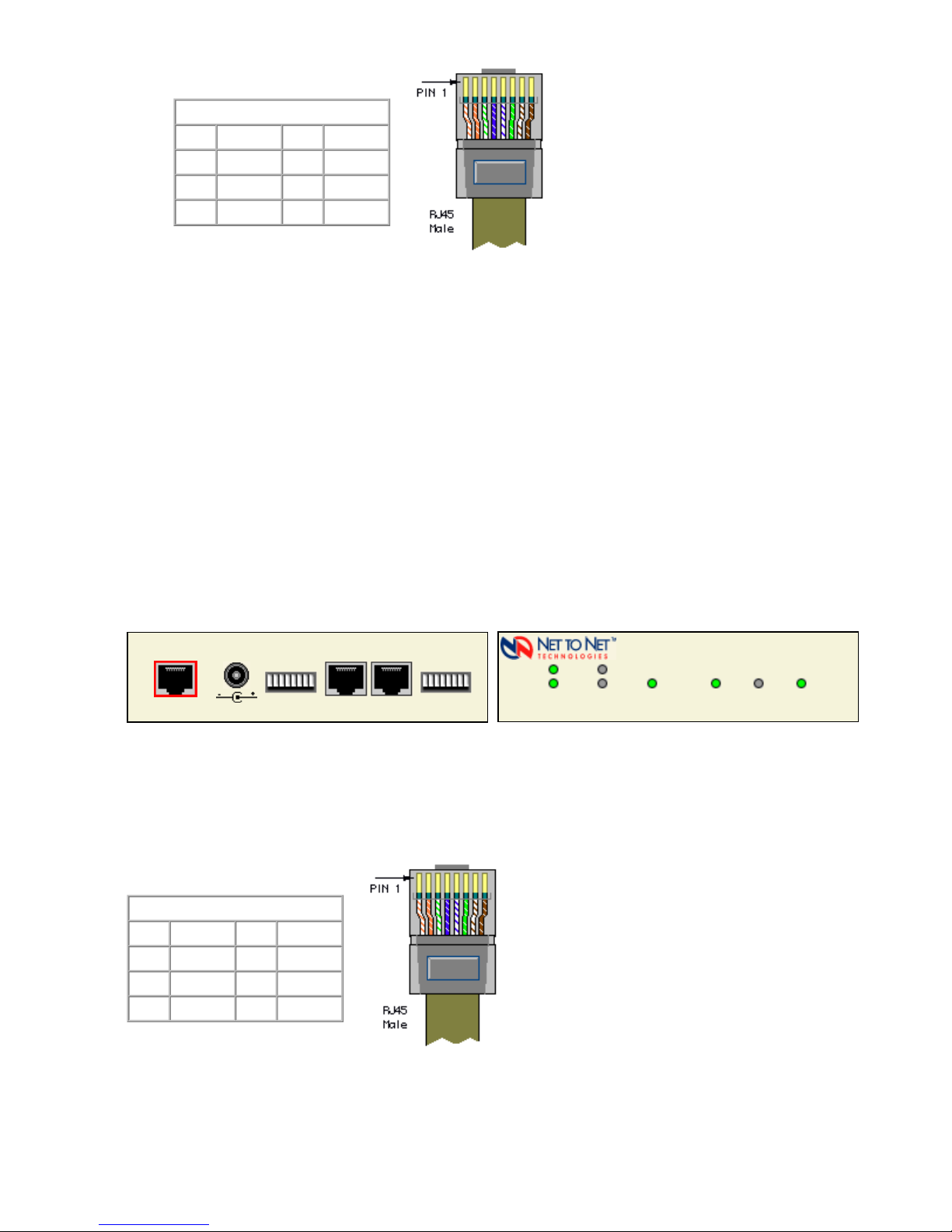
10/100 Ethernet
Connection 100
solid green 100 Mbps Ethernet connection is
established
If the Ethernet 100 LED is illuminated, the
Ethernet Lnk LED will also be illuminated.
A solid green Ethernet 100 LED can also signify
an E1 Alarm; see NOTE on following page.
no
illumination
no 100 Mbps Ethernet connection If the Ethernet 100 LED remains unlit but the
Ethernet Lnk LED is illuminated then a connection
has been established at 10 Mbps rather than 100
Mbps.
10/100 Ethernet
Connection Act
pulsing
amber
standard operation Traffic is flowing without any problems.
solid amber heavy traffic A solid amber Ethernet Act LED can also signify
an E1 Alarm; see NOTE on following page.
no
illumination
no activity Either there is no Ethernet link or a link exists but
there is no activity.
10/100 Ethernet
Connection Lnk
solid green Ethernet connection is
established
If the Ethernet Lnk LED is illuminated but not the
Ethernet 100 LED then a 10 Mbps connection has
been established. If the Ethernet 100 LED is also
illuminated, then a 100 Mbps connection has
been established.
A solid green Ethernet Lnk LED can also signify
an E1 Alarm; see NOTE on following page.
no
illumination
no Ethernet connection The Ethernet 100 and Act LEDs will remain unlit
by default.
220-0000081 rev 01