
Neon MTB830 Manuel utilisateur
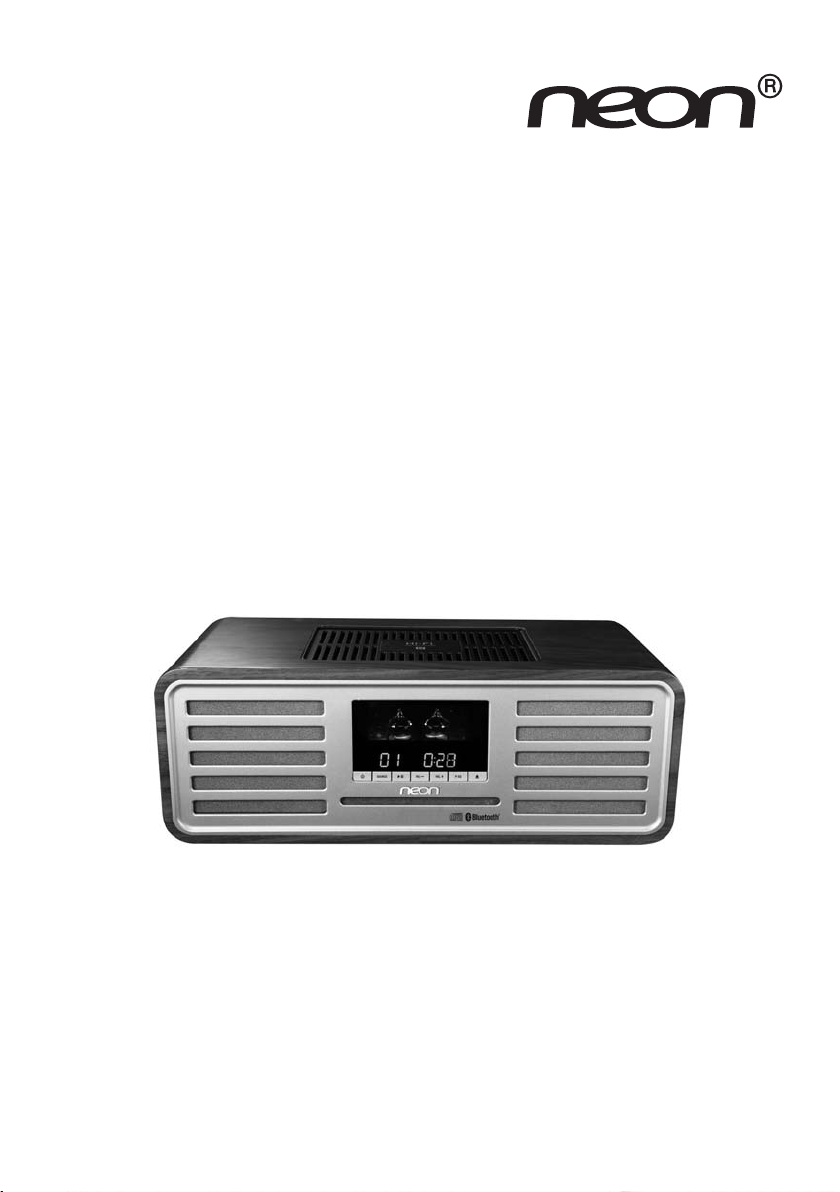
INSTRUCTION MANUAL
MTB830
VALVE HIFI SYSTEM

- 1 -
Table of Contents
Safety Warnings .................................................................................................................................................3
Battery Safety Guidelines................................................................................................................................5
Pack Contents....................................................................................................................................................6
Product Overview ............................................................................................................................................7
Remote Control Overview ............................................................................................................................8
Installation of Battery ................................................................................................................................................................. 9
Handling the Remote Control..................................................................................................................................................9
Remote Control Operation Range......................................................................................................................................... 10
Connecting the AC Power Cord................................................................................................................... 10
Switching ON / OFF.........................................................................................................................................11
Reset Feature.....................................................................................................................................................11
Setting the Clock .............................................................................................................................................11
Sound Quality .................................................................................................................................................... 12
Adjusting the Volume .................................................................................................................................................................. 12
Mute sound................................................................................................................................................................................... 12
Adjusting the Super Bass ........................................................................................................................................................... 12
Controlling the Loudness.......................................................................................................................................................... 12
Presetting Equalizer ................................................................................................................................................................... 12
Changing the Front Panel Darkness........................................................................................................................................ 12
Listen through headphone......................................................................................................................................................... 12
FM Radio Operation ........................................................................................................................................13
Tuning in to a Station.................................................................................................................................................................. 13
Program radio stations............................................................................................................................................................... 13
To change the FM Reception Mode ........................................................................................................................................ 13
Disc (audio CDs and MP3/WMA discs) Operation..................................................................................14
Disc Playing ................................................................................................................................................................................... 14
To Skip Search and Play.............................................................................................................................................................. 14
To Search and Play....................................................................................................................................................................... 14
Text Display During Playback .................................................................................................................................................. 14
Programme Play (For audio CDs and MP3/WMA discs) ................................................................................................... 14
Playing the Beginning (Intro) of each Track............................................................................................................................ 15
Random Play ................................................................................................................................................................................. 15
To Select Album (For MP3/WMA discs) ................................................................................................................................ 15
Playing Repeatedly....................................................................................................................................................................... 15

- 2 -
Use the USB ......................................................................................................................................................16
Play from USB............................................................................................................................................................................... 16
Charge your device..................................................................................................................................................................... 16
About NFC.........................................................................................................................................................16
Play from Bluetooth device............................................................................................................................. 16
Setting the Sleep Timer....................................................................................................................................17
Set the alarm timer...........................................................................................................................................17
Other features...................................................................................................................................................18
Optical ........................................................................................................................................................................................... 18
AUDIO IN .................................................................................................................................................................................... 18
Specifications......................................................................................................................................................19
Maintenance .......................................................................................................................................................20
Cleaning the Unit ........................................................................................................................................................................ 20
Handling Discs.............................................................................................................................................................................. 20
Cleaning Discs.............................................................................................................................................................................. 20
Storing Discs................................................................................................................................................................................. 20
Troubleshooting.................................................................................................................................................21

- 3 -
Safety Warnings
- Read all the instructions carefully before using the unit and keep them for future reference.
- Retain the manual. If you pass the unit onto a third party make sure to include this manual.
Dame
- Please inspect the unit for damage after unpacking.
- Do not continue to operate the unit if you are in any doubt about it working normally, or if it
is damaged in any way - switch off, withdraw the mains plug and consult your dealer.
Location of Unit
- The unit must be placed on a at stable surface and should not be subjected to vibrations.
- Do not place the unit on sloped or unstable surfaces as the unit may fall off or tip over.
- The mains socket must be located near the unit and should be easily accessible.
Temperature
- Avoid extreme degrees of temperature, either hot or cold. Place the unit well away from heat
sources such as radiators or gas/electric fires.
- Avoid exposure to direct sunlight and other sources of heat.
Naked Flames
- Never place any type of candle or naked flame on the top of or near the unit.
Moisture
- To reduce the risk of fire, electric shock or product damage, do not expose this unit to rain,
moisture, dripping or splashing. No objects filled with liquids, such as vases, should be placed
on the unit.
- If you spill any liquid into the unit, it can cause serious damages. Switch it off at the mains
immediately.Withdraw the mains plug and consult your dealer.
Ventilation
- To prevent the risk of electric shock or fire hazard due to overheating, ensure that curtains
and other materials do not obstruct the ventilation vents.
- Do not install or place this unit in a bookcase, built-in cabinet or in another confined space.
Ensure the unit is well ventilated.
Safety
- Always disconnect the unit from the mains supply before connecting/ disconnecting other
devices or moving the unit.
- Unplug the unit from the mains socket before a lightning storm.
Mains Cable
- Make sure the unit or the unit stand is not resting on top of the mains adapter cable, as the
weight of the unit may damage the cable and create a safety hazard.
- The direct plug-in adapter is used as disconnect device,the disconnect device shall remain
readily operable.
Interference
- Do not place the unit on or near appliances which may cause electromagnetic interference.
If you do, it may adversely affect the operating performance of the unit, and cause a distorted
picture or sound.

- 4 -
Batteries
- Batteries used in the remote control for this unit are easily swallowed by young children and
this is dangerous.
- Keep loose batteries away from young children and make sure that the battery holder tray is
secure in the remote control. Seek medical advice if you believe a cell has been swallowed.
- Please dispose of batteries correctly by following the guidance in this manual.
- Batteries (battery pack or batteries installed) shall not be exposed to excessive heat such as
sunshine, fire or the like.
Supervision
- Children should be supervised to ensure that they do not play with the unit and the remote
control.
- Never let anyone especially children push anything into the holes, slots or any other openings
in the case - this could result in a fatal electric shock.
Class 1 Laser Product
- This unit utilises a laser. Use of controls, adjustments or performance
of procedures other than those specified herein may result in
hazardous radiation exposure.
- Before moving the unit, ensure the disc tray is empty.
- Always remove the disc when the unit is not in use.
- Failure to do so will risk severely damaging the disc and the unit.
- Do not stack devices, heat from other devices may affect the performance of the unit.
Service
- To reduce the risk of electric shock, do not remove screws.The unit does not contain any
user-serviceable parts. Please leave all maintenance work to qualified personnel.
- Do not open any fixed covers as this may expose dangerous voltages.
Maintenance
- Ensure the unit is fully unplugged from the power supply before cleaning.
- Do not use any type of abrasive pad or abrasive cleaning solutions as these may damage the
unit’s surface.
- Do not use liquids to clean the unit.
CLASS 1
LASER PRODUCT

- 5 -
Used correctly, domestic batteries are a safe and dependable source of portable power.
Problems can occur if they are misused or abused — resulting in leakage or, in extreme
cases, fire or explosion.Here are some simple guidelines to safe battery use designed to
eliminate any such problems.
Take care to fit your batteries correctly,
observing the plus and minus marks
on the battery and appliance. Incorrect
fitting can cause leakage or, in extreme
cases, fire or even an explosion.
Replace the whole set of batteries
at one time, taking care not to mix
old and new batteries or batteries of
different types, since this can result in
leakage or, in extreme cases, fire or
even an explosion.
Store unused batteries in their
packaging and away from metal objects
which may cause a short-circuit
resulting in leakage or, in extreme cases,
fire or even an explosion.
Remove dead batteries from equipment
and all batteries from equipment you
know you are not going to use for a
long time. Otherwise the batteries may
leak and cause damage.
Never dispose of batteries in fire as
this can cause them to explode. Please
recycle dead batteries; do not put with
the normal household waste.
Never attempt to recharge ordinary
batteries, either in a charger or by
applying heat to them. They may leak,
cause fire or even explode. There are
special rechargeable batteries which
are clearly marked as such.
Supervise children if they are replacing
batteries themselves in order to ensure
these guidelines are followed.
Remember that small button cell
batteries such as used in some hearing
aids, toys, games and other appliances,
are easily swallowed by young children
and this can be dangerous.
Keep loose button cells away from
young children.
Make sure battery compartments are
secure.
Seek medical advice if you believe a cell
has been swallowed.
Battery
Safety
Guidelines

- 6 -
Pack Contents
Make sure all of the following contents are included.
Remote Control
(battery included)
The Unit MP3-LINK Cable
Quick Start Guide
Quick Start GuideOptical Cable AC Adaptor

- 7 -
Product Overview
1. Display Lens
2. Remote Sensor
3. Standby Button ( )
4. Source Knob (SOURCE)
5. Play/Pause Button (BF)
6. Disc Tray Window
7. Volume Control Buttons (VOL +/-)
8. Preset Equalizer Button (P-EQ)
9. Eject the disc Button (K)
10. DC in Socket
11. USB Socket
12. Headphone Socket
13. Optical Input Socket
14. Audio Input Socket
15. Telescopic antenna

- 8 -
Remote Control Overview
1. Standby Button ( )
2. Album Up Button ( )
Preset Up Button ( )
Adjust Time Button ( )
3. Previous Button ( )
Search Backward Button ( )
Tuning Backward Button ( )
4. Source Select Button (SOURCE)
5. Program Button (PROG)
Auto Scan Button (PROG)
Memory Button (PROG)
6. Mute Button (MUTE)
7. Play/Pause Button (BF)
Disable the Bluetooth Function Button
(PAIRING)
8. Random Button (RANDOM)
9. Repeat Button (REPEAT)
Stereo/mono Select Button (REPEAT)
10. Preset Equalizer Button (P-EQ)
11. Clock Button (CLOCK)
12. Super Bass Button (S-BASS)
13. Eject the disc Button
14. Next Button ( )
Search Forward Button ( )
Tuning Forward Button ( )
15. Album Down Button ( )
Preset Down Button ( )
Adjust Time Button ( )
16. Volume Up Button (VOL +)
Volume Down Button (VOL -)
17. Stop Button (L)
18. Intro Button (INTRO)
19. Display Information Button (INFO)
20. Loudness Button (LOUDNESS)
21. Timer Button (TIMER)
Sleep Button (SLEEP)
22. Dimmer Button (DIM)

- 9 -
Installation of Battery
For first-time use:
Remove the protective tab to activate the remote control
battery. It is located at the bottom back side of the
remote control.
To replace the remote control batteries:
1. Loosen the screw on the battery compartment
cover with a screwdriver. Pull out the battery
compartment with your fingernails.
2. Replace a new battery (size 2025) correctly and fully
insert the battery compartment back to the original
position.Tighten the screw with a screwdriver.
Handling the Remote Control
- Remove the batteries if the remote control is not going to be used for an extended period of
time.
- To avoid possible failure, read the following instructions and handle the remote control
properly.
- Do not drop or cause impact to the remote control.
- Do not spill water or any liquid on the remote control.
- Do not place the remote control on a wet object.
- Do not place the remote control under the direct sunlight or near sources of excessive heat.
- Do not use caustic cleaners ( porcelain, stainless steel, toilet, or oven cleaner etc. ) on the
remote control, as it may suffer damage.
Note:
Remove the battery from remote control handset when it is not to be used for a long period.
Otherwise it can be damaged due to leakage of battery.
Table des matières
Autres manuels Neon Système stéréo


