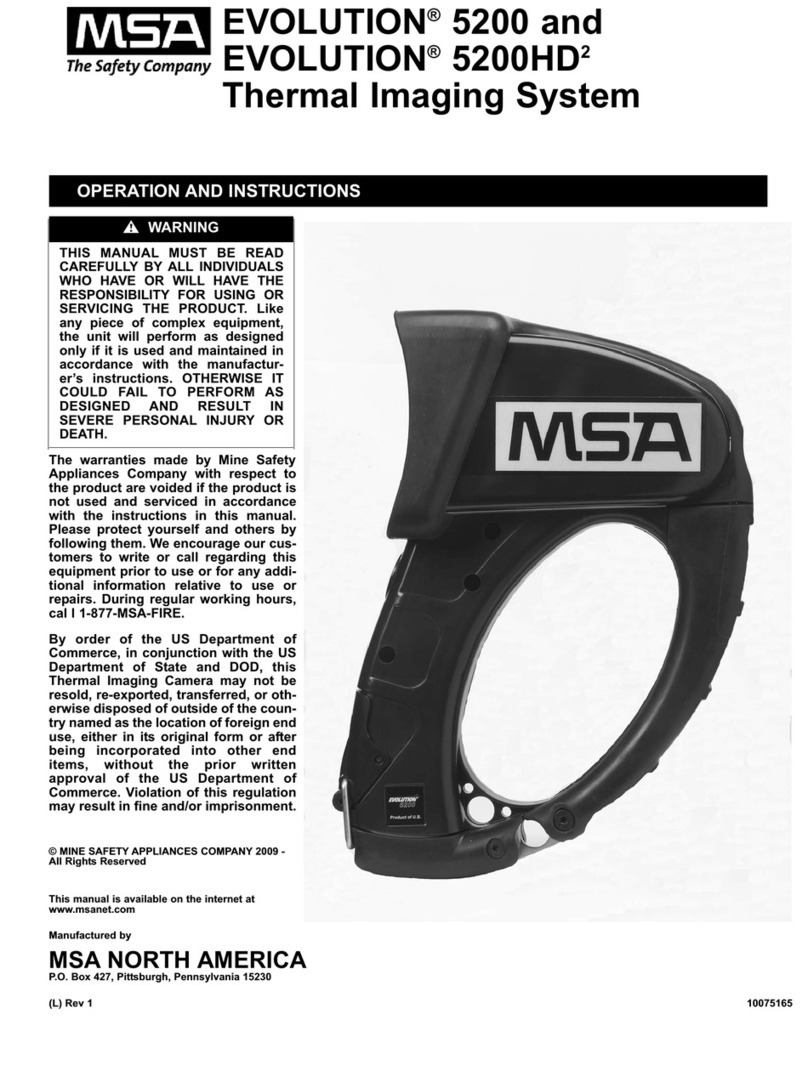
MSA EVOLUTION 6000 Series Manuel utilisateur

Operating Manual
EVOLUTION6000 series
Thermal Imaging Camera
Truck Mounted Charger
Order No.: 10147418/00

WARNING
Read this manual carefully before using the product. The product will perform as de-
signed only if it is used and maintained in accordance with the manufacturer's instruc-
tions. Otherwise, it could fail to perform as designed and persons who rely on this
product for their safety could sustain serious personal injury or death.
© MINE SAFETY APPLIANCES COMPANY 2012 - All Rights Reserved
This manual is available on the Internet at: www.MSASafety.com
Manufactured by
MSA NORTH AMERICA
1000 Cranberry Woods Drive, Cranberry Township, PA 16066

MSA AUER
MSA
Contents
EVOLUTION 6000 series Truck Mounted Charger 3
US
Contents
1 Safety Regulations .................................................................................................................... 5
1.1 Correct Use .......................................................................................................................... 5
1.2 Warranty Information ........................................................................................................... 5
2 Fitting the Truck Mounted Charger System ............................................................................ 6
3 Truck mounted charger system ............................................................................................... 9
4 Maintenance ............................................................................................................................. 11
5 Ordering Information ............................................................................................................... 15

EVOLUTION 6000 series Truck Mounted Charger
4
Contents MSA
US

MSA AUER
MSA
Safety Regulations
EVOLUTION 6000 series Truck Mounted Charger 5
US
1 Safety Regulations
1.1 Correct Use
It is imperative that this operating manual be read and observed when using the product. In par-
ticular, the safety instructions, as well as the information for the use and operation of the product,
must be carefully read and observed. Furthermore, the national regulations applicable in the us-
er's country must be taken into account for safe use.
Alternative use, or use outside this operating instructions will be considered as non-compliance.
This also applies to unauthorized alterations to the product and to repair and servicing not been
performed by MSA or authorized persons.
1.2 Warranty Information
Warranties made by MSA with respect to the product are voided, if it is not used, serviced or main-
tained in accordance with the instructions in this manual.
WARNING
Thisproductissupportinglifeandhealth.Inappropriate use, maintenance or servicingmay affect
the function of the device and thereby seriously compromise the user's life.
Verify operation before using the product. Do not use the device if the product function test is
unsuccessful, product is damaged, product was not completely serviced and maintained or if
genuine MSA replacement parts were not used.

EVOLUTION 6000 series Truck Mounted Charger
6
Fitting the Truck Mounted Charger System MSA
US
2 Fitting the Truck Mounted Charger System
The truck mounted charger system is mounted in the vehicle using the vehicle installation kit.
For installation, a sufficiently large flat surface is required which:
-guarantees comfortable access to the camera
-does not require a cable longer than 10 feet (3 meters) to the power source and
-protects the charging system from water spray and extreme temperatures.
Installation Kit
Fig. 1 Installation kit
Necessary Tools and Material
-Installation kit for truck charger system
-Power drill and metal drill bits [#7 (0.201) or 5 mm and 9/32 (0.281) or 7 mm]
-Thread tap 1/4-20 or M6
-Phillips screwdriver with long shank
-4 stainless steel 3/4-20 bolts or M 6 x 25 bolts
-5 Amp fuse
-ON / OFF circuit breaker
-Strain relief bushing for power supply cable
1 Suspension rails 3 Screws
2 Anti-vibration mounting washers 4 Spring nuts
2
1
3
4

MSA AUER
MSA
Fitting the Truck Mounted Charger System
EVOLUTION 6000 series Truck Mounted Charger 7
US
Mounting the Suspension Rails
Fig. 2 Mounting Hanging Channels
(1) Drill two holes with the 9/32 (7 mm) drill in each of the rails.
Ensure that the holes are 1.5 inches (38 mm) from the end of the rails.
(2) Hold the top rail over the mounting position provided in the vehicle and draw drill holes.
Ensure that there is a minimum free space of 4 inches (100 mm) above.
(3) Drill two holes with the 5 mm drill as drawn.
(4) Cut a thread of 1/4-20 (M6) in both drill holes using the thread tap.
(5) Hold lower rail 6.5 inches (165 mm) in the center under the top rail (measured from rail mid-
dle to rail middle).
(6) Repeat steps 3 and 4 for the bottom rail.
(7) Screw on both rails with 1/4-20 (M6) screws.
Fitting the Truck Mounted Charger System
Fig. 3 Mounting the Truck-Mounted Charger to Channels
(1) Push spring nuts in the rails (one above and two below) and turn by 90° in the rail groove.
(2) Push screws through the holes in the charger system.
(3) Place neoprene anti-vibration washers on the screws.
(4) Align screws and spring nuts to each other and screw together.
NOTICE
If the charger is to be mounted vertically, both of the remaining antivibration mounting washers
are to be placed on the bottom screws.

EVOLUTION 6000 series Truck Mounted Charger
8
Fitting the Truck Mounted Charger System MSA
US
Electrical Connection
It is recommended that the power supply be taken directly from the vehicle power source and that
no other devices be connectedtothis power line. Powersurges caused by otherelectrical devices
on the same line may cause the charger fuse to blow.
(1) Connect positive line (red) in series with fuse and circuit breaker.
(2) Connect circuit breaker with ignition power or voltage source.
(3) Connect earthing cable (black) to the vehicle chassis ground.
NOTICE
The electric connection of the truck mounted charger system may only be performed by qualified
personnel.
Otherwise the device or the vehicle could get damaged.
NOTICE
The truck charger system is supplied by the on-board vehicle power network. If the vehicle is to
be parked for more than 12 hours without additional power supply, the charger system could dis-
charge the vehicle battery. Therefore, MSA recommends installing an additional circuit breaker
in case the power supply is solely provided by the on-board battery.

MSA AUER
MSA
Truck mounted charger system
EVOLUTION 6000 series Truck Mounted Charger 9
US
3 Truck mounted charger system
Overview
Fig. 4 Truck Mounted Charger System EVOLUTION 6000 series
Inserting the Thermal Imaging Camera and/or the Spare Battery in the Truck Mounted
Charger System
The charger must not be used in an atmosphere where there are explosive or combustible gases
or vapors. Otherwise, this can cause an explosion or a fire which could cause serious personal
injury or death.
Provided that the truck mounted charger system has a power supply, battery charging begins im-
mediately after inserting the thermal imaging camera or the spare battery in the truck mounted
charger system.
NOTE: Battery must be installed in camera for charging to occur.
1 Thermal imaging camera 3 Slot for spare battery
2 Truck mounted charger system
1
23
WARNING
Strictly observe all regulations provided with the charger system. The apparatus will only operate
correctlyifproperlyinstalled,operatedandmaintained.Otherwise,malfunctionscanoccurwhich
can cause serious personal injury or death.

EVOLUTION 6000 series Truck Mounted Charger
10
Truck mounted charger system MSA
US
In order to ensure safe and error-free charging of the batteries:
do not use the battery charger system if damaged,
check that the charging contacts are clean,
do not charge damaged batteries.
(1) Place the thermal imaging camera in the charger system with the screen facing outwards.
Push the camera into the charger until it snaps into place (see Fig. 5).
Ensure that charging pins are aligned.
The charger indicator on the camera will illuminate when the camera is properly seated.
(2) Pull the camera retainer up and over the camera display to secure the camera in the charger.
(3) Pull the spare battery retainer to the side and insert the battery into the slot.
The charger indicator on the charger will illuminate when the battery is properly inserted.
Fig. 5 Inserting the Thermal Imaging Camera and the Spare Battery
WARNING
Never replace the batteries in an explosive atmosphere. Given that the batteries can pro-
duce sparks when being changed, there is an explosion risk which could cause serious
personal injury or death!
Table des matières
Langues :
Autres manuels MSA Caméra thermique