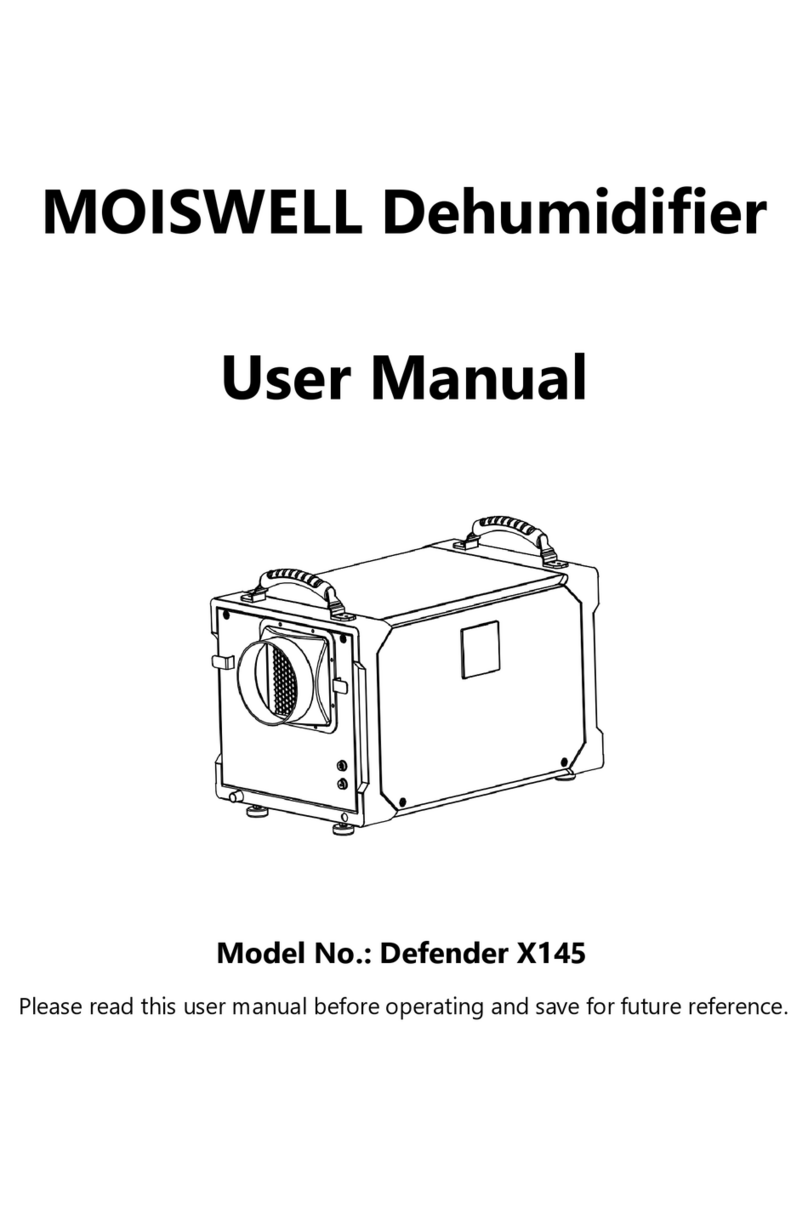
MOISWELL Explorer VP170 Manuel utilisateur

Commercial Grade Dehumidifier
User Manual
Model No.:Explorer VP170, VP240
Email: service@moiswell.com
Please read this User Manual before operating and save for future reference.

Welcome
Thanks for choosing MOISWELL dehumidifier!
MOISWELL is dedicated to keeping people healthy, comfortable and more
enjoyable by offering quality dehumidifiers range from dehumidifiers, air
purifiers, humidifiers to refrigerators, wine coolers, ice makers, and more. From
breathing easier in your office to upgrading your kitchen dehumidifiers, we
hope MOISWELL could help you every step of the way.
We do hope you’ll enjoy the dehumidifier you purchased from us.
Before plugging in your new dehumidifier, we suggest that you read this user
manual as it contains important safety information, operation instructions,
troubleshooting, maintenance tips, and warranty information to ensure the
reliability and longevity of your dehumidifier.
We also kindly ask you to take a few minutes to register your product at
www.moiswell.com for more efficient support . Although greatly appreciated,
product registration is not required to activate any warranty.
It is our goal that you are always happy with what you bought from us, so
please let us know if your buying experience was anything short of excellent.
We’re always just an email away
To access customer support, please email to service@moiswell.com with your
purchase order ID to help us address the problem faster and serve you better.
Thank you again!

BEFORE FIRST USE:
Please leave the dehumidifier standing upright and outside the box for
24 HOURS before plugging it in.
The dehumidifiers may have been tilted or placed upside down during shipping. Leave the
dehumidifier to stand upright for 24 hours so the oil in the compressor can settle from the
move, not doing so can affect the performance or lifespan of the dehumidifier.

CONTENTS
SAFETY INFORMATION .......................................................................................................1
PARTS IDENTIFICATION ......................................................................................................3
OPERATION INSTRUACTIONS.............................................................................................4
1. Install the Handle ....................................................................................................................................4
2. Position Your Dehumidifier .................................................................................................................5
3. Set up the Drainage ...............................................................................................................................5
4. Plug in Electrical Cord............................................................................................................................5
5. Understand the Control Panel............................................................................................................6
6. Turn the Dehumidifier on.....................................................................................................................7
7. Check the Room Humidity...................................................................................................................7
8. Set a Desired Humidity Percentage Value .....................................................................................8
9. Timer Setting.............................................................................................................................................8
10. Drain the Condensation ...................................................................................................................9
11. Turn the Dehumidifier off..................................................................................................................9
Smart Functions ................................................................................................................ 11
(1) 3 Minutes Compressor Delay Mechanism..................................................................................11
(2) Auto Defrost..........................................................................................................................................11
(3) Auto Drainage ......................................................................................................................................11
(4) Auto-Restart..........................................................................................................................................11
(5) Temperature Protection Function .................................................................................................11
TECHNICAL SPECIFICATIONS ........................................................................................... 12
MAINTENANCE ................................................................................................................. 13
(1) Cleaning the Dehumidifier ...............................................................................................................13
(2) Cleaning the Air Filter ........................................................................................................................13
(3) When Not Using Dehumidifier for Long Periods of Time ....................................................14
TROUBLE SHOOTING GUIDE ............................................................................................ 15
ERROR CODES ................................................................................................................... 16
WARRANTY ....................................................................................................................... 17

1
SAFETY INFORMATION
To prevent injury and property damage, the following instructions
must be followed when using the dehumidifier.
•Install the dehumidifier on flat surface to minimize vibration and or noise.
•Inspect the power cord before use. Never operate the dehumidifier when the power cord
or plug is damaged.
•Insert the three-prong plug on the power cord into a matching electrically grounded outlet
(120V/ 60 Hz, 13A at least).
•Never cut off the third prong. Do not modify power cord length.
•Do not operate the dehumidifier in standing water. Keep motor and wiring dry.
•Never immerse the dehumidifier into water or other liquids.
•Do not put the dehumidifier close to heat-generating devices, including flammable or
dangerous materials.
•Unplug the power supply before cleaning or storing the dehumidifier. Always grasp the
plug (not the cord) to unplug.
•Do not put fingers or other items into air inlet or air outlet.
•Never insert any other objects into the dehumidifier body.
•Do not sit, stand or put heavy objects on the dehumidifier.
•Make sure to turn off and unplug the dehumidifier before cleaning.
•Disconnect the power if strange sounds, odors, or smoke come from the dehumidifier.
•Do not operate or turn off the dehumidifier by plugging in or unplugging the dehumidifier.
Use the control panel instead.
•When the dehumidifier is used as a clothes dryer, please keep your clothes at least 18 inch
away from the air outlet to prevent the water from dripping into the dehumidifier to cause
damages.
•This dehumidifier should only be used by adults who have read the manual and understand
the operating procedure of the dehumidifier.
•The dehumidifier is not to be used by persons (including children) with reduced physical,
sensory or mental capabilities, or lack of experience and knowledge, unless they have been
given supervision or instruction by an adult.
•This dehumidifier is not intended for use by persons (including children) with reduced
physical,sensory or mental capabilities, or lack of experience and knowledge, unless they

2
have been given supervision or instruction concerning use of the dehumidifier by a person
responsible for their safety.
•Children should be supervised to ensure that they do not play with the dehumidifier.
•The minimum distance between the dehumidifier and surrounding objects when using the
dehumidifier at least 40 inch.
•When the dehumidifier is running, do not tilt the dehumidifier to avoid the water in the
pump from overflowing.

3
PARTS IDENTIFICATION
NOTE: DO NOT OBSTRUCT THE AIR INLET OR OUTLET.
NOTE: The technical parameters of this product are subject to the nameplate of the product.
1. Handle
2. Air Inlet
3. Power Cord
4. Pump Drain Outlet
5. Control Panel
6. Air Outlet
7. Wheel
8. Gravity Drain Outlet

4
OPERATION INSTRUACTIONS
1. Install the Handle
1) Unscrew the pre-installed hand screws on both sides of the handle to take the handle off.
2) Install the handle as illustrated below, please NOTE to align the holes on the handle with
the holes on the dehumidifier.
3) Tighten the 4 hand screws securely until the handles secure tightly against the
dehumidifier.

5
2. Position Your Dehumidifier
For best results, operate your dehumidifiers in an enclosed area. Close all doors and
windows. Place your dehumidifier away from obstructions, and keep it away from anything
that could block airflow into and out of the dehumidifier.
3. Set up the Drainage
This dehumidifier has an internal pump that will automatically drain the condensate out via
the long drain hose. Before turning on the dehumidifier, make sure the hose has been
connected to the drain outlet properly.
①Uncoil the entire hose;
②Attach the hose to the drain outlet directly;
③Place the unattached end in a sink, drain, bucket or outdoors – anywhere that water can
drain out safely. ( Ensure there are no kinks or other obstructions that will stop the water to
flow.)
NOTE:
•Ensure that water which runs to outdoors does NOT create a slip hazard.
•If you use a bucket or other container for water collection, check it regularly to prevent overflows.
•The drain hose for the water pump can drain up to 15ft vertically. More than 15ft may cause water
back up to the pump resulting in leakage.
•When turning off the dehumidifier, please take the hose out from the water collection container to
avoid the water back-flow causes water leakage.
•The dehumidifier won’t drain without connecting the drain hose.
4. Plug in Electrical Cord
The dehumidifier needs to be plugged into a properly grounded 120 volt outlet rated for at
least 13 amps. Uncoil the power cord and plug it firmly into a suitable outlet.
NOTE: When the dehumidifier has been plugged in, the icon on the control panel display will
IMPORTANT
Please let the dehumidifier stand upright for 24 hours before initial plugging in.

6
light up.
5. Understand the Control Panel
Power Button: Press this button to turn on/ off the dehumidifier.
OK Button: Press this button to confirm that the operation of setting humidity and/or timer
is completed.
Up Button: Press this button to increase the humidity and/or timer.
Down Button: Press this button to decrease the humidity and/or timer.
Timer Button: Press this button to set a timer and check timer status.
Purge Button: Press this button to enable the pump.
Understand the LCD Display
This icon lights up when the dehumidifier has been turned on, and lights off
when the dehumidifier has been turned off.
This icon lights up when the dehumidifier has been plugged in but not turned on yet.
%RH is humidity percentage value. If no operations on the control panel, this number is
the humidity readout of the inlet air the dehumidifier detects which is similar to the room
Ce manuel convient aux modèles suivants
1
Table des matières
Autres manuels MOISWELL Déshumidificateur